ChatGPT
 Claude
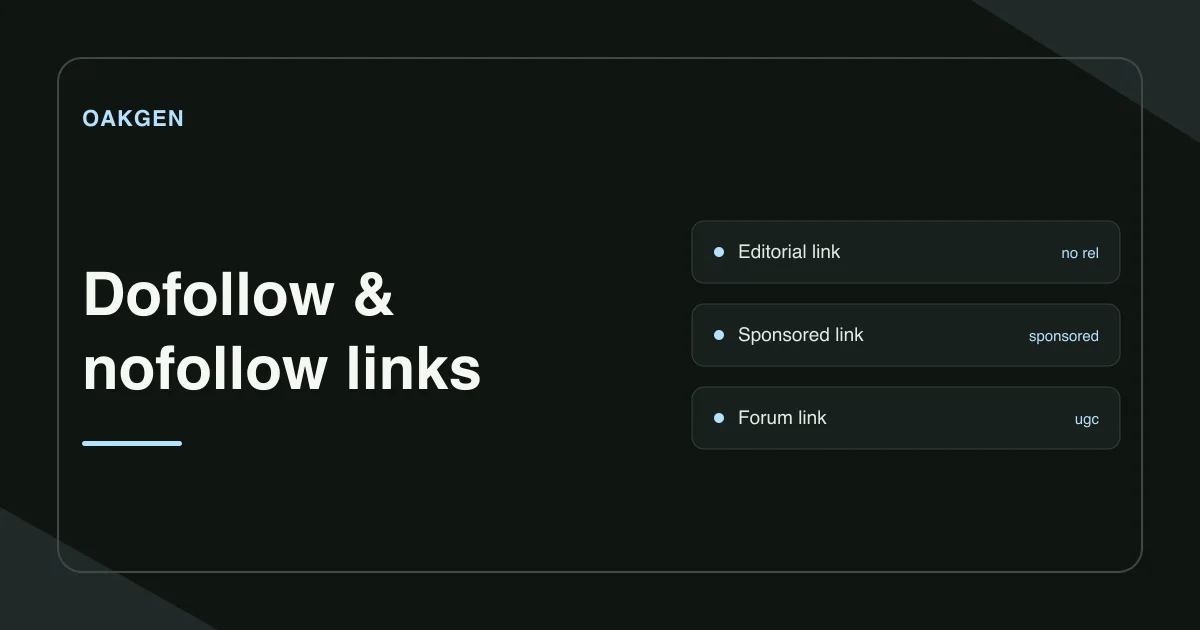
A dofollow link is an ordinary web link without a nofollow, sponsored, or ugc qualifier. Check the page that contains the link to see which of those three values, if any, the publisher added. The label describes the HTML. Google treats those qualifiers as hints about how to consider a link, so reading the markup cannot tell you exactly how Google used it.
Where should you look for the link?
Start with the page that links to your site, such as the publisher's review or a forum thread. Your own landing page usually tells you nothing about the markup on that source page.
Open the source in Oakgen's Dofollow Link Checker. Sign in for a public HTTPS URL check, or choose Paste HTML to inspect source on your device. Select Qualified to find links carrying a qualifier, or Unqualified to find links without one. Add the original URL when pasting HTML if you want the checker to distinguish same-hostname and external links.
Find the destination in the result and read its link text. A page can link to you more than once with different markup. The checker shows up to 200 matches per filter. On a long page, you can also locate the relevant anchor in your browser and paste that block of source.
What does each rel value mean?
| Example placement | What you may see in the source | What it tells you |
|---|---|---|
| An editor links to a guide as a reference | An anchor with an href and no qualifying rel value | The link has no qualifier. |
| A paid placement links to a product | rel="sponsored" | The publisher marked the commercial relationship. |
| A community member adds a resource in a comment | rel="ugc" | The publisher marked user-generated content. |
| A publisher links without asking Google to associate the sites | rel="nofollow" | The publisher qualified the link without using a more specific category. |
Other values such as noopener serve a different purpose. The checker groups links by the presence of the search-related qualifiers above. A page-level robots directive can also affect how crawlers treat links across the page.
What changes when the same page links twice?
Imagine a publisher adds your launch checklist to a tutorial and to a paid placement on the same page. The source contains two anchors with the same address.
<a href="https://example.com/launch-checklist">Launch checklist</a>
<a href="https://example.com/launch-checklist" rel="sponsored nofollow">Sponsored resource</a>
The checker's unqualified filter shows the editorial anchor. Its qualified filter shows the paid anchor with both values. If you report only that the domain has a nofollow link, you lose the distinction. Record the source page, destination, anchor text, and relation values together.
Where can you find backlinks before checking them?
Use a backlink discovery report when you have only the destination domain. For your own site, the Links report in Google Search Console shows a sample of top linked pages and linking sites. It can include links found in the past, so open the source page to verify that the placement still exists. Oakgen's link checker inspects a page you supply. It does not discover every page linking to a domain.
For URLs the checker cannot fetch, view the anchor in the browser and copy the relevant source into Paste HTML. If a script adds the link after load, inspect the rendered anchor directly.
How we checked this
We reviewed Oakgen's link checks and Google's link documentation on November 21, 2026. The publisher example uses illustrative markup. We did not crawl a backlink profile or test a ranking change.
Frequently asked questions
Is rel=dofollow a real requirement?
An ordinary editorial link needs no dofollow attribute. People often call a link dofollow when it carries none of the nofollow, sponsored, or ugc qualifications.
Can a single link be both sponsored and nofollow?
Yes. A link can contain multiple rel values separated by spaces. Google's guidance prefers sponsored for paid placements and still accepts nofollow for those links.
Does a nofollow backlink send visitors?
Readers can still click it and visit the destination. Nofollow describes the link to search engines and does not disable the link.
Can Search Console tell me if a link is nofollow?
The Links report does not show the nofollow property. Open the known source page and inspect the anchor markup for the specific link.
What if a link appears in the browser but not in the checker?
It may be added by JavaScript after the HTML loads. Inspect the link in the browser's rendered DOM and check its href and rel attributes there.