ChatGPT
 Claude
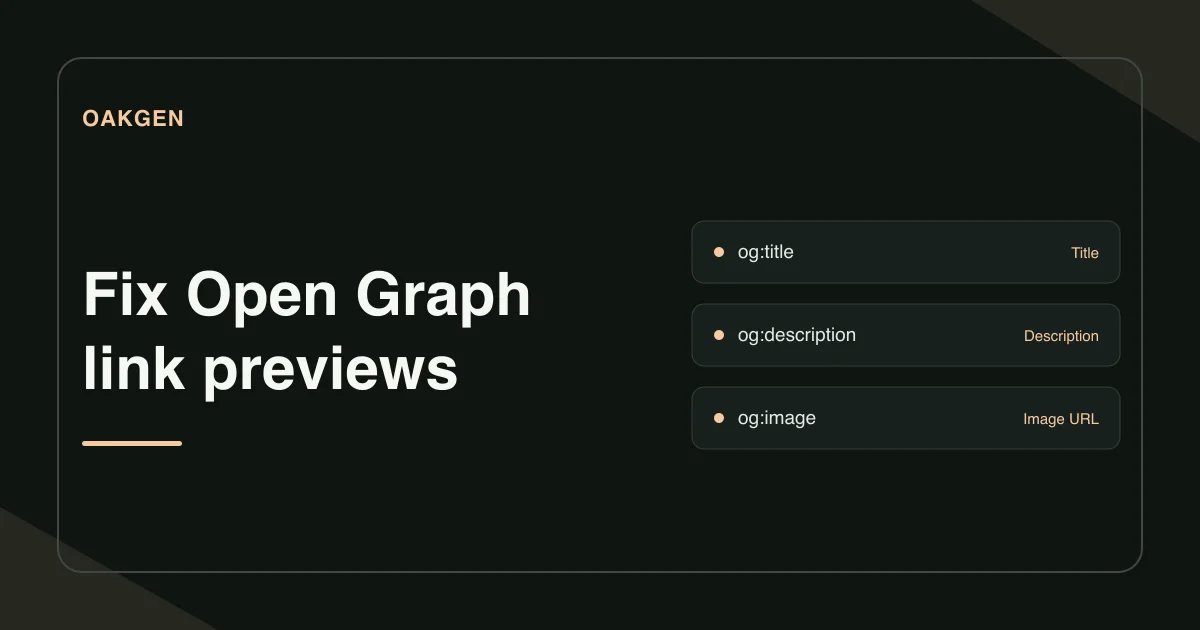
Open Graph is a set of page tags that sharing apps can use to build a link preview. To fix the preview, check the four basic tags on the exact page you share, open the image as a signed-out visitor, then refresh the preview in the destination app.
What should be in the page source?
Place og:title, og:type, og:image, and og:url in the HTML head. Use the property attribute for each tag and an absolute URL for the image and page. Set og:description when a sentence adds context, and give the image an og:image:alt that describes what it shows. Open Graph protocol
<meta property="og:title" content="The window-light product shoot">
<meta property="og:type" content="article">
<meta property="og:url" content="https://example.com/guides/window-light">
<meta property="og:image" content="https://example.com/share/window-light-v2.jpg">
<meta property="og:image:alt" content="A ceramic cup beside a bright window">
Open the Open Graph Checker, sign in, and enter the public page URL. Select Check Open Graph tags and read the Tags found list. If a staging page requires a login, copy the HTML and use Paste HTML to inspect the tags locally. Give the result another check once the page is public. The preview shows the declared image URL as text.
What Open Graph image size works for the link preview?
Start with the placement where you plan to share the link. LinkedIn's sharing documentation lists 1,200 × 627 pixels as its minimum and recommends a 1.91:1 ratio, with a 5 MB file limit for that sharing module. Open Graph itself lets you declare width and height. The app controls the preview crop. Keep the photograph's subject clear of the edges and check the actual share preview before posting. LinkedIn website sharing image requirements
Why does the preview show the site logo?
Suppose a product photography guide looks right in your CMS, but the share card shows the site's usual logo. In this example, the page source contains two og:image tags. The shared page template puts the logo first. The article template supplies the correct photograph farther down.
Open Graph gives the first value preference when tags conflict. If the photograph should be the primary share image, have the article template set that value first. If both values came from competing defaults, remove the redundant logo tag. Reopen the exact URL after publishing and check the tag order. Editing the photograph file would leave the original ordering problem in place. Open Graph rules for multiple values
What happens when the tag looks right but the image is missing?
Copy the og:image URL and open it in a signed-out window. Look for the image itself. If you land on a sign-in page, an error page or a file download that has expired, put the image at a stable public URL and update the tag.
Follow redirects for the exact link you plan to share. A short campaign link may lead to a different page from the one you edited. Inspect the final destination and its tags. Keep your test record short enough to hand to a teammate. Save the input URL, final URL, first declared image URL, and the screenshot or status you found in the destination inspector.
When should you refresh the social preview?
Refresh the preview after the public page serves the right tags and the image opens directly. On LinkedIn, enter the exact link in Post Inspector. LinkedIn documents that older preview images can be cached. If its preview still shows the wrong card, record what the inspector reports and recheck the page and asset individually. LinkedIn Post Inspector
On the page itself, review social tags independently of the search title and meta description. A social headline can assume the audience has context from a post. A search headline needs enough context to make sense by itself. Write a search title and meta description
How we checked this
On November 21, 2026, we checked Oakgen's public tool page and the implementation of its tag report against the Open Graph protocol. The duplicate-image example is illustrative. We also reviewed LinkedIn's published cache guidance.
Frequently asked questions
Which Open Graph tags are required?
The Open Graph protocol lists og:title, og:type, og:image, and og:url as its four basic required properties. It also recommends an image alt description when you declare an og:image.
Why does my share card still show the old image?
Check the first og:image tag on the exact URL you share and open its image URL. When the updated tags and image are available publicly, use the destination's inspector to check for a cached preview.
Can og:image use a relative path?
Declare a full public HTTPS image URL. It makes the image destination explicit and passes Oakgen's absolute web URL check.
Does the Open Graph Checker load the share image?
Oakgen displays the declared image URL as text. Open the image separately and use the sharing platform's inspector to confirm what its crawler can retrieve.
What size should an Open Graph image be for LinkedIn?
LinkedIn lists a minimum of 1,200 by 627 pixels and a 5 MB maximum for images in its sharing module. Use the dimensions and limits documented by the app where you will share the link.