ChatGPT
 Claude
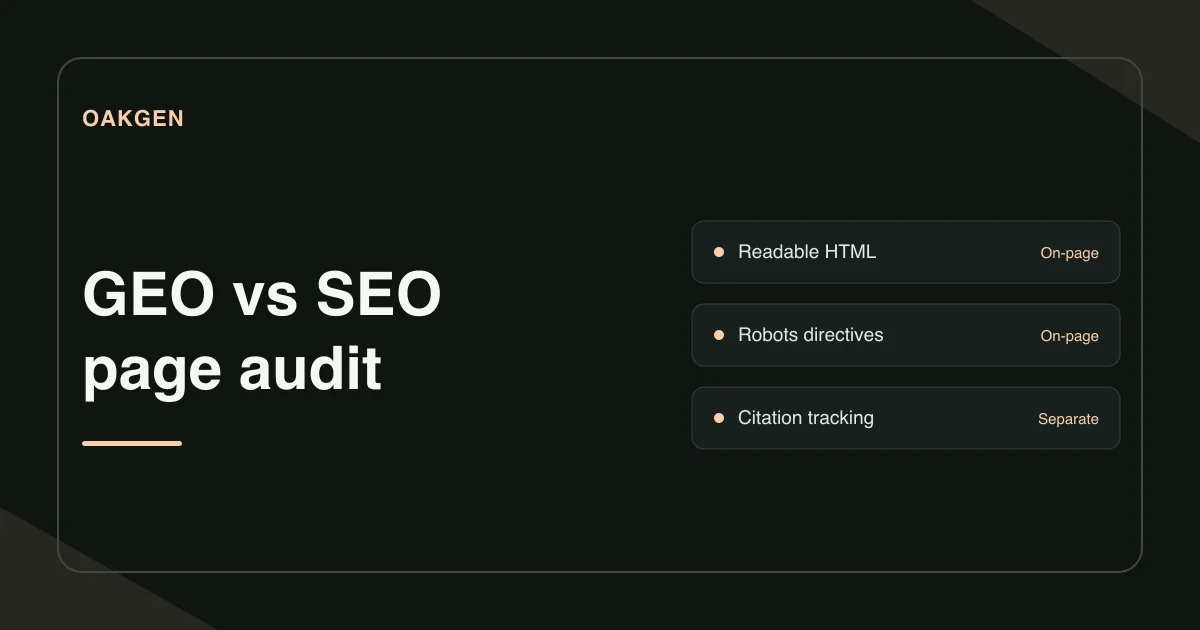
Start a GEO audit with the page you want Google to show. Check that Google can index it and display a snippet. Then inspect the answer, headings, and evidence the page serves. Google applies its usual search requirements to AI Overviews and AI Mode. Eligibility gives the page a chance to appear. Google's AI features guidance
How do GEO and SEO overlap?
Search engine optimization, or SEO, improves how people discover and use pages through search. Generative engine optimization, or GEO, focuses on the pages generative search experiences may draw on and link to. Google treats that work as part of SEO because its AI features rely on its search index and ranking systems. In an audit, check access and indexing first. Then look at whether the page gives a clear answer with evidence someone can follow. Google's guide to optimizing for generative AI in Search
Is the intended URL eligible to appear?
Open Search Console's URL Inspection report for your chosen URL. Check the indexing status and Google's selected canonical. If you made changes recently, compare the record with a live test. Record the results separately so an older indexed copy does not get mistaken for the current HTML. Google Search Console URL Inspection
Review the instructions you give Google about search appearance. Check the robots meta tag and any X-Robots-Tag response header for unintended noindex or snippet restrictions. Also check that the intended search crawler can reach the page through your CDN or firewall. Keep intentional restrictions on private or restricted pages. Google's robots meta and header specifications
In Search Console, check Settings → Search generative AI for the relevant property. If a parent property controls inclusion, review the inherited setting. The setting determines participation in features such as AI Overviews and AI Mode. Review intentional exclusions with the site owner before changing them. Search generative AI control
Does the page serve the answer in useful text?
Sign in to Oakgen's GEO Checker, enter a public URL, and choose Check page signals. The result shows how much text was available in the selected HTML region before JavaScript runs. It also reports the heading outline signals, robots meta tags, external link placements, and JSON-LD blocks.
Open the page and compare the report with what a visitor reads. If the answer appears after loading in a browser but the HTML contains only a spinner or an empty element, inspect Google's rendered version in Search Console. If the final report misses the answer too, make the main content available on the page earlier and verify it again. A word count helps diagnose missing content. It gives no target for how long the answer should be.
What does a fix look like on a real page type?
Imagine a return-policy page with the heading Returns and exchanges. In the original response, the written policy lives inside a button-driven widget and the main HTML holds just the page heading. The footer talks about customer support. A visitor, however, needs to know when a return is accepted and where to start one.
Place the verified return window and steps directly beneath the H1, then link to the full exclusions and the form where a customer can make the request. Click the links in a signed-out window. After publishing, use the GEO Checker to confirm the main text is present in the HTML and the live test to check what Google's renderer receives. If the business has multiple policies by region, label each one and point visitors to the policy that applies.
Then check any JSON-LD against the page. Valid syntax helps you find broken markup. A real review also checks that product details, prices, or policy facts in the data agree with the visible text. Google's guide to optimizing for generative AI in Search
How do you verify the change after publishing?
Keep the URL, the issue you found, the fix, and the test result in one record. Recheck the exact public URL and note the date of Google's latest crawl. Review the Generative AI performance report in Search Console if it is available for your property. Treat the report as measurement of the experience it covers. Track any other search platform separately. Generative AI performance report for Search
A curated llms.txt file can describe your documentation for agents that use it. Fixing the public page and verifying its search eligibility comes first for Google.
How we checked this
On November 21, 2026, we reviewed the public GEO Checker, the source of its report, and Google's eligibility and measurement guidance. The returns-page example is illustrative.
Frequently asked questions
How does GEO differ from SEO?
SEO covers visibility and usability in search. GEO focuses on visibility in generative results such as AI Overviews. Google uses the foundations of ordinary search for these experiences, so the checks overlap.
Can a GEO checker predict AI citations?
Oakgen checks signals in the received HTML. Search platforms decide whether to show a page and can vary their links by query.
Is special schema required for AI Overviews?
Google says it requires no special schema for AI Overviews or AI Mode. Use structured data that matches the visible page and meets the requirements of any rich result you want.
Where can I check whether Google indexed my URL?
In Search Console, open URL Inspection for a property you control. The indexed report shows Google's current record. The live test checks the current version of the page.
Does a missing llms.txt block AI Search visibility?
Google's AI search features have no additional AI text file requirement. For those features, Google says the page must be indexed and eligible to appear with a snippet.