ChatGPT
 Claude
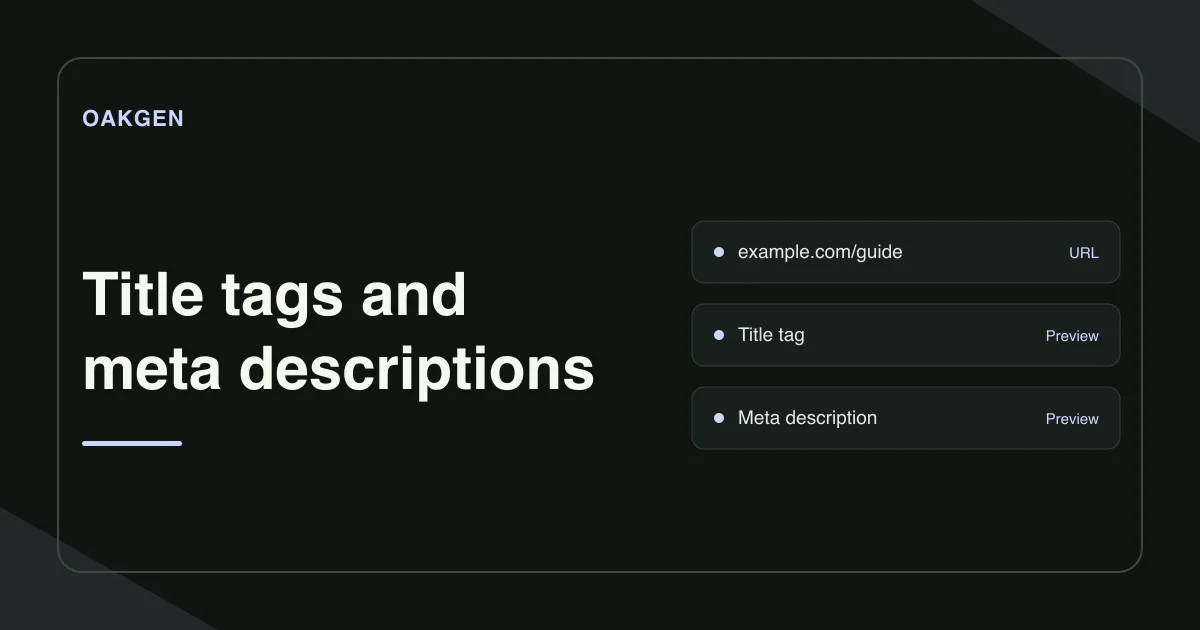
Write one title that names the page's job and one meta description that tells the reader what they will find. Put the most specific words early, preview both fields on desktop and mobile, then check the published HTML. Google can show its own title link and choose a different text snippet for each query.
What makes a title specific enough for search?
Name the task or product the visitor came to find. For a tutorial, an action and the thing it acts on usually give you a solid starting point. For a product page, use the real product name and the variant or job that separates it from similar pages.
Review three neighboring pages in your CMS. If they all begin with the same brand name and generic phrase, move the distinguishing words earlier. Check whether the visible H1 agrees with the page's purpose. Google can draw on both the title element and prominent text. Google's guide to title links
What should the meta description add?
Use the description to name what the reader will learn, find, or do after clicking. In a tutorial, a useful detail might be a format, a required input, or the decision the guide helps them make. Only include details that the page delivers.
Suppose a page covers compressing an MP4 for a form. Its draft title is Video Guide | Fieldwork Studio. The description reads Take the next step in your video workflow. With those two fields alone, a searcher cannot tell which video problem the page solves.
- Revised title. Compress an MP4 to fit an upload limit
- Revised description. Choose a file-size target and shrink a short MP4. Check that labels, captions, and audio are still clear in the downloaded copy.
The revised version earns its specificity from the page's actual instructions. If the page only teaches MP4 compression, omit claims about MOV or other formats. If it covers three specific size targets, name them where they help a reader decide.
How long should the title and meta description be?
Google gives both fields room to vary. A short mobile preview can cut a title with wide characters even if a longer title made of narrow characters fits. For the description, place the essential detail in the first sentence so the rest can fall away without changing the point. Google's guide to title links · Google's guide to search snippets
How do you preview a title and description?
- Open Google SERP Preview and sign in. Enter the public page URL and select Import live page tags for an existing page. For an unpublished draft, fill in Page title and Meta description yourself.
- Try Desktop and Mobile. If an important phrase disappears from the preview, move it earlier or cut the words in front of it. Keep the title intelligible on its own.
- Paste your final wording into the CMS and publish. Import the page again to confirm the public HTML contains the new fields.
Use the character counts to compare drafts. If you include a brand name in the title, trim repeated wording before shortening the part that names the page's job.
Where do you look when Google shows different wording?
Use URL Inspection in the Search Console property you control. Compare the indexed version and recent crawl date with a live test. If the live page has the new title and the indexed data still reflects an older crawl, log that finding and revisit it after Google crawls again. If the indexed version is current, inspect the page's visible headline and look for competing or repeated headings. Google Search Console URL Inspection
Check the exact query where you noticed the difference. Google can extract a passage that answers that query more closely than the stored description. Help it find a precise passage by putting the answer in the main page content and labeling it clearly. If the issue appears in a shared social link, check the page's Open Graph fields instead. Fix an Open Graph preview
How we checked this
On November 21, 2026, we checked the public SERP preview page, its import and display behavior, and Google's guidance on title links and snippets. The MP4 copy example is illustrative.
Frequently asked questions
How long should an SEO title be?
Google sets no fixed character limit for the title element. Put the distinguishing words early and preview the whole title on desktop and mobile because display width can vary.
Can a meta description be longer than 160 characters?
Yes. Google sets no fixed character limit for meta descriptions and truncates a result snippet as needed. Write a useful description and place the important detail early.
Why is Google showing a different title?
Google creates title links from several sources. The title element, main heading, prominent page text, and certain links can influence what it shows.
What's the difference between a title tag and the H1?
The title element names the document. The H1 is the main heading readers see on the page. They can differ in wording while describing the same topic.
Does the SERP preview update Google's result?
Oakgen displays an approximate preview. Publish the new metadata in your CMS, then check Google Search and Search Console after Google revisits the page.