ChatGPT
 Claude
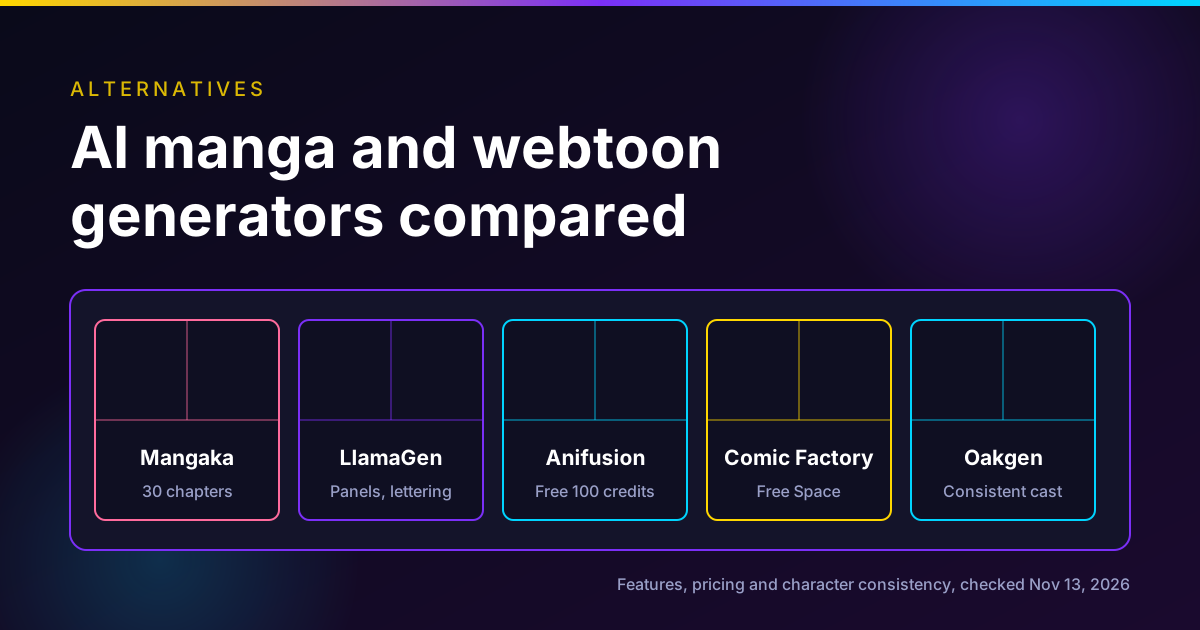
Higgsfield Mangaka is the most complete AI manga and webtoon generator we found as of November 13, 2026: it takes an idea, a script, an image or a template and draws up to 30 chapters of 20 to 40 pages, with consistent characters and export to PDF, CBZ, PNG or webtoon. Higgsfield prices a 30-page chapter at 30 credits, about $1.47 on its own credit math, per its November 3 launch post. The main alternatives are LlamaGen and Anifusion for hands-on comic layout and lettering, AI Comic Factory for free experiments, and Oakgen if you want consistent characters across manga-style images and video, though Oakgen has no chapter planner or comic export.
Disclosure: Oakgen is our product. We include it because character consistency is the core problem in AI manga, and Oakgen has tools for that. We also say plainly what Oakgen does not do. All third-party facts come from each vendor's own pages, read on November 13, 2026. We did not make a comic in any of these tools.
Quick comparison
| Tool | Best for | Story to pages | Character consistency | Export | Free option | Paid from (Nov 13, 2026) |
|---|---|---|---|---|---|---|
| Higgsfield Mangaka | Long manga from a script or idea | Yes, up to 30 chapters | Approved cast reused across chapters | PDF, CBZ, PNG pages, webtoon | Not stated for Mangaka | Credits: 30 per 30-page chapter |
| LlamaGen | Script-driven comics with panel layouts | Yes, plus a comic agent on Pro | Listed on Pro | HD publishing export on Pro | Free plan with limits | Starter $9 a month, Pro $30 |
| Anifusion | Hands-on manga pages, layouts and lettering | Partly, through its plugin and API | Character sheets with supported models | High resolution on paid plans | 100 credits, no card | Creator $9 a month, Pro $24 |
| AI Comic Factory | Free experiments | Not stated | Not stated | Not stated | Public Hugging Face Space | Free Space |
| Oakgen | Consistent characters across images and video | No. Panel by panel, or via Agent Chat | Characters library, up to 16 references | Image files. No PDF or CBZ | No free plan | Basic $9 a month |
| Dashtoon Studio | Closed | Shut down Aug 15, 2026 |
"Not stated" means the page we read did not say, not that the feature is missing.
Start a manga page in Agent Chat
The Create manga comics flow asks for your story, characters, tone, panel count and reading format, then makes the panels.
What Higgsfield Mangaka does
Higgsfield's changelog lists Mangaka as released on November 2, 2026, and the launch post followed on November 3. Higgsfield calls it "an agentic tool for making manga, comics, and webtoons."
Inputs
Per the post, a project can start from:
- A short idea. "A line of text is enough for the agent to write the plan."
- A finished script as a PDF or DOCX file of up to 25 MB.
- An image.
- A template through Recreate, which swaps in your own characters from photos and a new title.
- Characters from photos, each with a name and a short description.
Settings
| Setting | Options (per Higgsfield, Nov 3, 2026) |
|---|---|
| Style | Black-and-white manga, color manga, comic, webtoon |
| Page format | 3:4, 9:16, 2:3 |
| Chapters | Up to 30 |
| Chapter length | Short (20 pages), medium (30), long (40) |
| Languages | 14, including English, Japanese, Korean, Chinese, Spanish, Hindi and Arabic |
| Mode | Auto or Manual |
| Export | PDF, CBZ, PNG pages, or webtoon |
Two details stand out. Length and page format "can be changed after generation begins, without starting over." And changing the language "translates the dialogue and fits it back into the speech bubbles."
How it works
There are three stages. The agent writes a plan. The Cast and World screen collects characters, locations and props, which you can refine before any chapter is drawn; "the approved look is reused, so a character stays recognizable across chapters." Then the agent draws chapters in order, showing time and credits spent, with pause and stop. Chapters open for reading as they finish.
Manual mode lets you check each character, location and prop before the next step. Auto mode runs on its own.
Editing is panel-level: redraw a panel, reframe it, rewrite its text, or describe a change to a whole page. Upscale, Relight and Remove background are listed as page tools. Speech bubbles are added with "Add bubble" and "Apply lettering."
What it costs
From the same post, priced on November 3, 2026:
| Action | Credits | Higgsfield's approx. cost |
|---|---|---|
| Character | 4 | $0.20 |
| Location | 4 | $0.20 |
| First chapter (30 pages) | 30 | $1.47 |
| Additional chapter (30 pages) | 30 | $1.47 |
| Single-page edit | 1 | $0.05 |
Higgsfield's dollar figures use "a $49 plan with 1,000 credits." By our arithmetic on those numbers, a 5-chapter short manga with 4 characters and 3 locations is 178 credits, about $8.72 at that rate. A full 30-chapter run at 30 pages is 900 credits for chapters alone, about $44. Edits add more.
Higgsfield's pricing page on November 13 showed plans at $19 (270 credits), $35 (1,200) and $65 (3,000) a month billed yearly during a sale ending November 15. The page lists commercial use as included on paid plans and not on Free.
Where Mangaka is strongest
On published features, nothing else we checked covers the whole path: script upload, cast approval, multi-chapter generation, translation into speech bubbles and CBZ export. If you want a long manga with little hands-on drawing, Mangaka is the one to try first. That is a feature comparison, not a quality test.
The alternatives
LlamaGen
LlamaGen calls itself "the leading AI comic generator." Its Starter and Pro page lists:
- Starter, $9 a month: 7,500 credits, single-page strips and multi-page comic layouts, "AI captions and comic lettering," 10 custom comic characters.
- Pro, $30 a month: 45,000 credits, "Character Consistency," access to its comic agent, Comic to Video, and HD export for publishing.
Its help center, updated November 3, also lists a Standard tier at $18 a month with 15,000 credits, plus Unlimited at $96 and Production Unlimited at $200, and says the default Comic Auto Model costs 150 credits per panel. By its own example, a 20-page comic with four panels per page costs 12,000 credits for the first pass.
Pick LlamaGen if you think in panels and want layouts and lettering in one place. Note that character consistency is listed on Pro, not Starter.
Anifusion
Anifusion's pricing page lists:
- Chibi Free: $0, 100 credits, one workspace, "No credit card required."
- Chibi Creator: $9 a month, 2,000 credits, high resolution exports, commercial use included.
- Chibi Pro: $24 a month, 10,000 credits.
It says one image costs 5 to 100 credits depending on the model, and that unused credits never expire. Its plugin and API let you "turn ideas into anime art, manga, and editable comics" from ChatGPT or supported clients, "then refine layouts and lettering in Anifusion."
Pick Anifusion if you want to place panels and lettering yourself and you like a free starting point.
AI Comic Factory
AI Comic Factory is a public Hugging Face Space by jbilcke-hf. It was running with about 11,300 likes when we opened it. Use it for quick, free experiments. We did not check its current features beyond the Space page. Several third-party sites use the same name with their own paid plans; the Hugging Face Space is the original we checked.
Dashtoon Studio (closed)
Older lists still recommend Dashtoon. Its plans page says: "Dashtoon Studio shut down on 15 August 2026 and is no longer available. Creation continues on Frameo."
Making manga in Oakgen: what works and what does not
Oakgen is not a manga studio. It has no chapter planner, no speech-bubble lettering tool and no PDF or CBZ export as of November 13, 2026. What it does have is a solid way to keep a character the same from page to page, plus image models that handle manga styles.
The tools you would use
- Agent Chat flow "Create manga comics." In Agent Chat, this starter flow is described as "Turn a story idea into manga-style panels with consistent characters and dynamic composition." Its prompt asks "for the story, characters, visual tone, panel count, and reading format."
- Characters library. In Characters, a saved character keeps up to 16 reference images. The built-in photoshoot covers 12 shots: front, smiling, three-quarter left and right, both profiles, from below, from above, full body front, three-quarter and back, and seated. That set is what you attach to every new panel so the face and outfit hold.
- Anime/Manga Style template. The Anime/Manga Style template converts a photo into modern anime, classic 90s anime, black-and-white manga, shonen or shoujo style. It is handy for turning a real person into a manga lead.
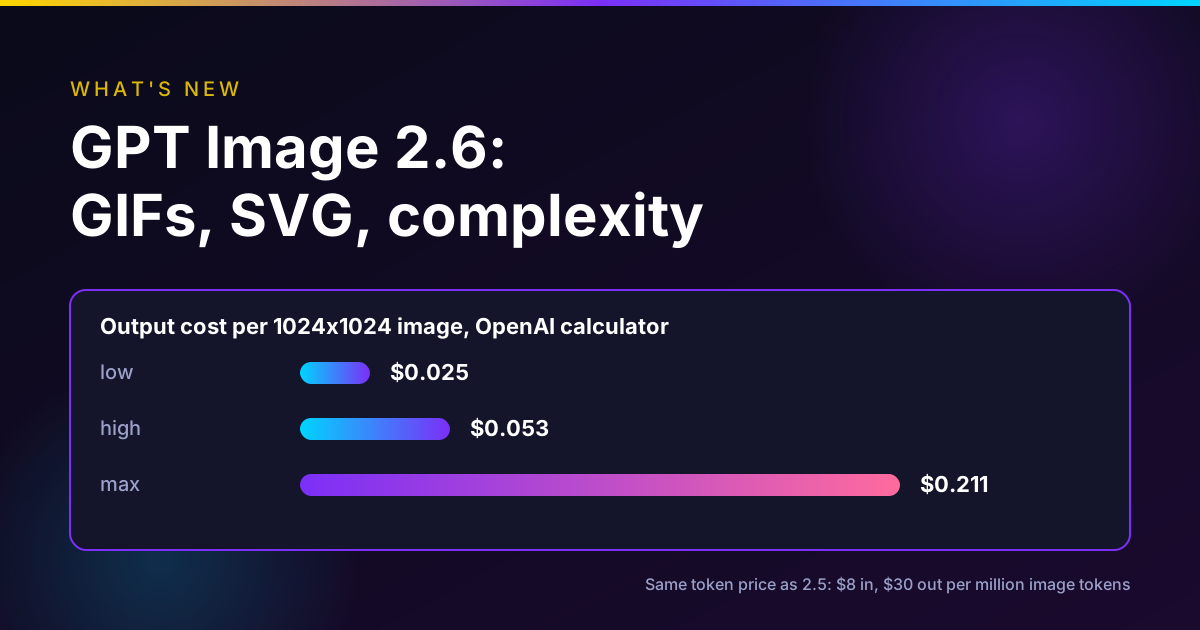
- Image models. Oakgen's image generator currently offers Nano Banana Pro, Nano Banana 2 and 2.1, GPT Image 2 and 2.5 (Flare and Sunburst) and Grok Imagine, each with an edit mode that takes reference images. Prices start at 14 credits for Nano Banana 2.1 and 21 for GPT Image 2.5, per Oakgen's model list on November 13. GPT Image 2.6 and Seedream 5.5 are not in Oakgen's image generator as of that date.
A workflow that works for a short webtoon
- Design the lead once. Create the character, run the photoshoot, and pick the best face and body shots. If you start from a photo of a real person, use the Anime/Manga template first, and only with that person's permission.
- Write the episode outside the tool or in Agent Chat. Keep each page to three to five beats.
- Generate one page or panel at a time with the character's references attached. Ask for the panel layout in the prompt ("a 9:16 webtoon panel," "a 3-panel vertical strip, black-and-white manga, screentone shading").
- Fix drift right away. If the hair or outfit changes, re-run that panel with the full-body reference attached, not the next one.
- Letter it yourself. Image models can render text, but for clean dialogue add bubbles in a design tool. This is the step Mangaka and LlamaGen do for you.
- Animate a key panel if you want. Since the character lives in Oakgen, the same references can drive a short video clip. That cross-over is Oakgen's real advantage over comic-only tools.
Our character consistency guide covers reference setups in more depth, and chibi vs anime vs cartoon styles helps you choose a look.
Oakgen's plans start at $9 a month for 1,500 credits, per Oakgen's pricing page on November 13. There is no free plan.
Keep your manga lead consistent
Save a character once with a 12-shot photoshoot, then attach those references to every panel and clip.
Which one should you use?
- You have a script and want a full manga or webtoon with little manual work: Higgsfield Mangaka.
- You want to lay out panels and lettering yourself, cheaply: Anifusion, starting on its free plan.
- You think in panels and want lettering plus comic-to-video: LlamaGen, on Pro if you need character consistency.
- You just want to try AI comics for free: AI Comic Factory on Hugging Face.
- You want the same character in manga pages, social posts and video: Oakgen, accepting that you letter and assemble pages yourself.
Here is where this breaks: none of these tools removes the need to read every page. Long auto-generated runs drift. Plan to review each chapter before you publish it.
How we checked
- Higgsfield: we read the Mangaka launch post (November 3, 2026), the changelog entry (November 2) and the pricing page on November 13, 2026. All Mangaka features and prices are Higgsfield's own claims.
- LlamaGen, Anifusion, AI Comic Factory, Dashtoon: we read each official pricing, help or Space page on November 13, 2026. LlamaGen's two pages list different tiers; we report both.
- Oakgen: we read Oakgen's code for Agent Chat flows, the Characters feature and templates, its live image model list and its pricing page on November 13, 2026.
- Not tested: output quality, consistency over many pages, speed and lettering quality in any tool. Dollar figures are our arithmetic on published prices.
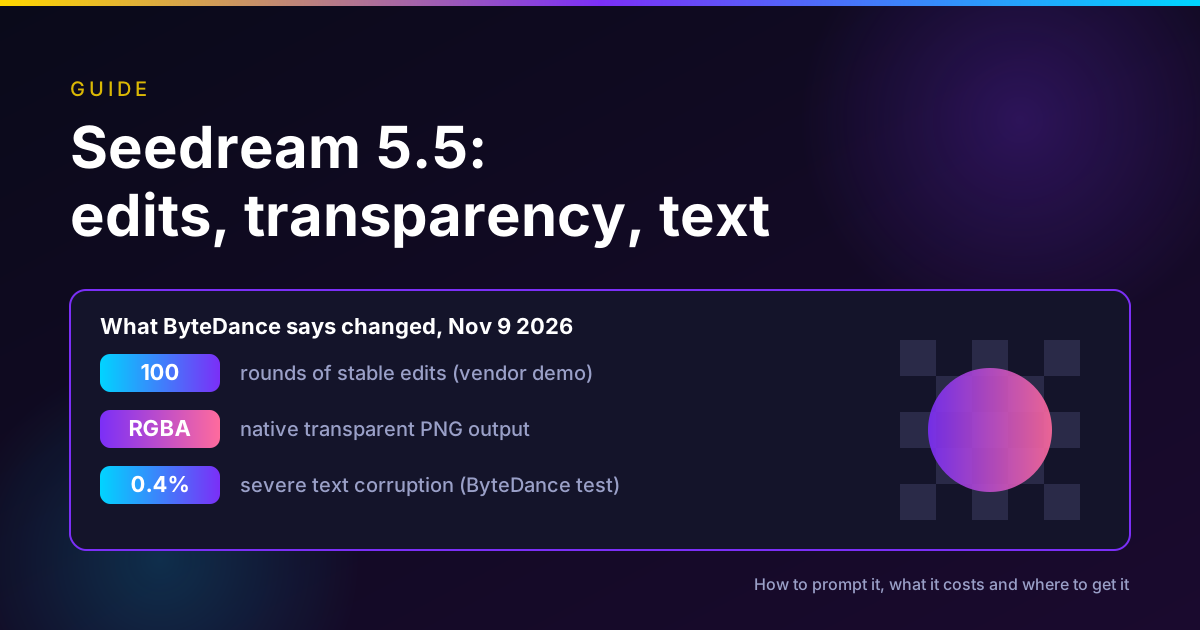
If you are weighing Higgsfield more broadly, see our Higgsfield alternatives. For the newest image models behind many of these tools, see Seedream 5.5 vs GPT Image 2.6 vs Nano Banana 2.1.
Common mistakes
- Skipping the cast step. In every tool, approving the character before drawing pages saves more credits than any other habit.
- Writing a whole chapter in one prompt. Pages drift. Work page by page or let a tool with a planner handle chapters.
- Relying on generated text for dialogue. Use a lettering tool or step.
- Using a real person's photo without permission. Several tools accept photos for characters. Get consent first.
- Ignoring commercial terms. Free tiers often exclude commercial use. Check before you sell.
- Following old lists. Dashtoon Studio is closed.
FAQ
What is Higgsfield Mangaka?
An agentic tool on Higgsfield, launched November 2, 2026, that turns an idea, a PDF or DOCX script, an image or a template into a manga, comic or webtoon. It plans the story, creates characters, locations and props, and draws up to 30 chapters of about 20, 30 or 40 pages, with export to PDF, CBZ, PNG pages or webtoon.
How much does Higgsfield Mangaka cost?
Higgsfield's November 3, 2026 post lists 4 credits per character, 4 per location, 30 credits per 30-page chapter and 1 credit per single-page edit. On its $49 for 1,000 credits basis, a 30-page chapter is about $1.47. Our arithmetic: 30 chapters of 30 pages would be 900 credits, about $44 on that basis, before characters and edits.
What is the best alternative to Higgsfield Mangaka?
It depends on the job. For a full chapter-based manga from a script with little hands-on work, Mangaka itself is the most complete tool we found. For hands-on panel layout and lettering, Anifusion and LlamaGen are the dedicated comic tools to check. For free experiments, AI Comic Factory runs as a Hugging Face Space. For consistent characters you also use in video, Oakgen is an option, but it has no chapter or comic export tool.
Is there a free AI manga generator?
Some have free tiers. Anifusion's pricing page lists a free plan with 100 credits and no card required, and LlamaGen lists a free plan with limits. AI Comic Factory runs as a public Hugging Face Space. Oakgen has no free plan. Check each tool's commercial-use terms before publishing free output.
Can Oakgen make manga?
Oakgen can make manga-style panels and pages, but it is not a manga studio. As of November 13, 2026 it has an Agent Chat starter flow called Create manga comics, an Anime/Manga Style template with a black-and-white manga option, a Characters library for consistent faces, and image models such as Nano Banana 2.1 and GPT Image 2.5. It has no chapter planner, no automatic lettering and no PDF or CBZ export.
Does Dashtoon still work?
No. Dashtoon's plans page says Dashtoon Studio shut down on 15 August 2026 and that creation continues on Frameo, its AI video and short-drama platform.
How do AI manga tools keep characters consistent?
They reuse an approved reference. Mangaka keeps an approved look from its Cast and World screen across chapters. LlamaGen lists character consistency on its Pro plan. In Oakgen, a saved character stores up to 16 reference images, including a 12-shot photoshoot of face angles and full-body views, which you attach to each new page.
Can I sell manga made with these tools?
It depends on the tool, the plan and your inputs. Anifusion lists commercial use on its paid plans, subject to its terms. Higgsfield's pricing page lists commercial use on paid plans and not on Free. Read the terms of the tool and plan you use, and of the platform you publish on, before selling.
Sources
- Higgsfield, Higgsfield Introduces Mangaka, 2026-11-03 (read 2026-11-13)
- Higgsfield, What's new changelog, Mangaka entry 2026-11-02 (read 2026-11-13)
- Higgsfield, Pricing page, 11.11 sale ending Nov 15 (read 2026-11-13)
- LlamaGen, Starter and Pro pricing page (read 2026-11-13)
- LlamaGen Help Center, Pricing, credits and billing FAQ, updated 2026-11-03 (read 2026-11-13)
- Anifusion, Pricing page (read 2026-11-13)
- Hugging Face, AI Comic Factory Space by jbilcke-hf (read 2026-11-13)
- Dashtoon, Dashtoon Studio has closed, 2026-08-15 (read 2026-11-13)
- Oakgen, Pricing page (read 2026-11-13)