 ChatGPT
 Claude
 15:33
Start here
AI whiteboard explainer videos: how to make them fast
Learn how to generate high-quality animated whiteboard and sketch explainer videos from a single prompt or document using Golpo and Claude Code.

Compare models side by side
Run one prompt through up to six image models at once.

Everything Oakgen can make
Image, video, voice and music features, with the models behind each one.
AI agents
Workflows
Free course3 parts8 guides
How to make motion graphics and explainer videos with AI, from one-prompt whiteboard explainers to animations Claude writes as code, with video guides.
There are three main ways to make motion graphics with AI. Explainer tools turn a prompt or a document into a whiteboard or sketch-style video. Video models generate styled clips from a reusable master prompt, one clip per beat of the script. Coding assistants such as Claude write the animation as code, which a browser renders frame by frame, so any detail can be changed and rendered again. Code takes more setup but gives the most control.
Part 1
Turn an idea into a whiteboard or animated explainer, a script into styled clips with one master prompt, or a product into a SaaS explainer.
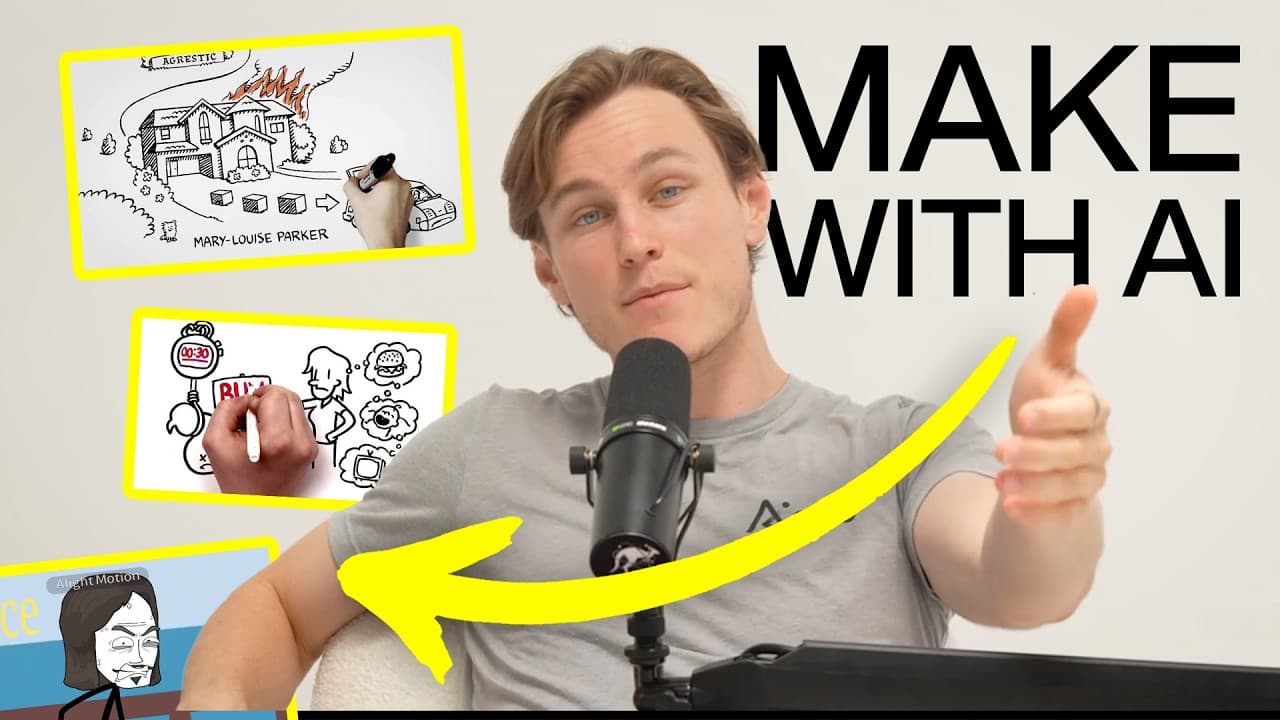
15:33Learn how to generate high-quality animated whiteboard and sketch explainer videos from a single prompt or document using Golpo and Claude Code.
 9:17
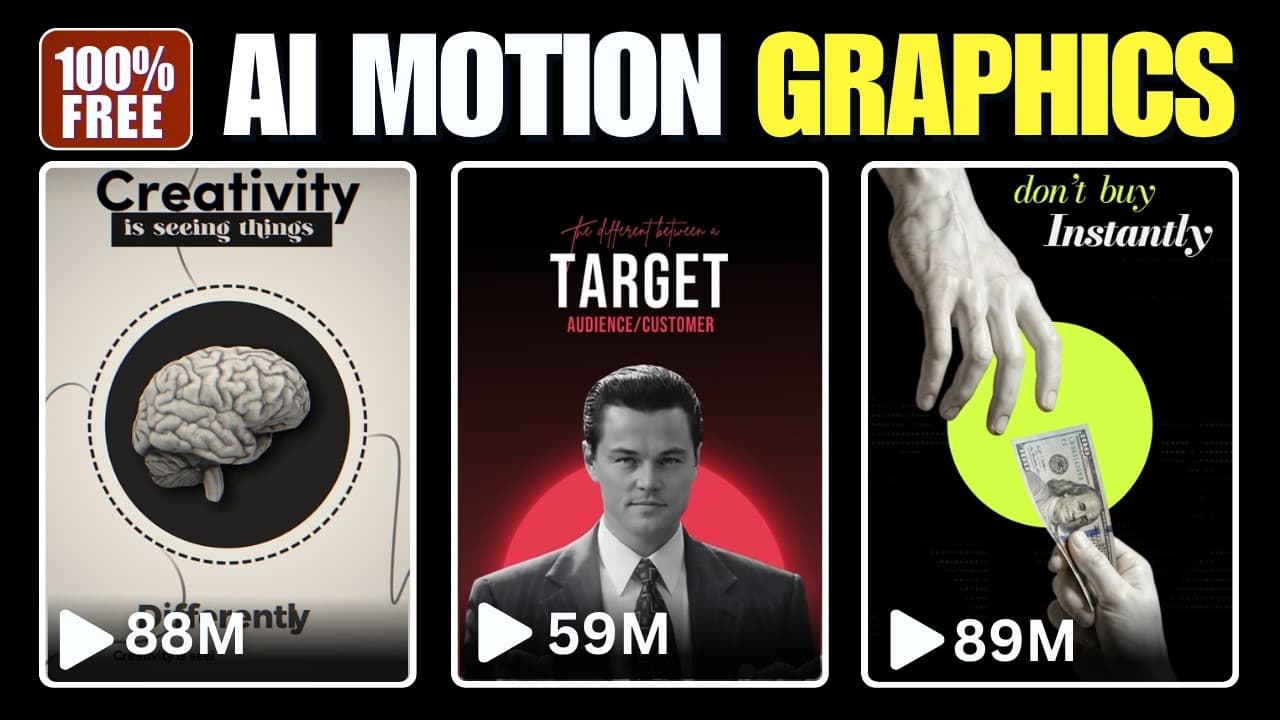
Learn an end-to-end workflow to reverse-engineer motion graphic styles and generate professional AI video assets using free tools.
 11:19
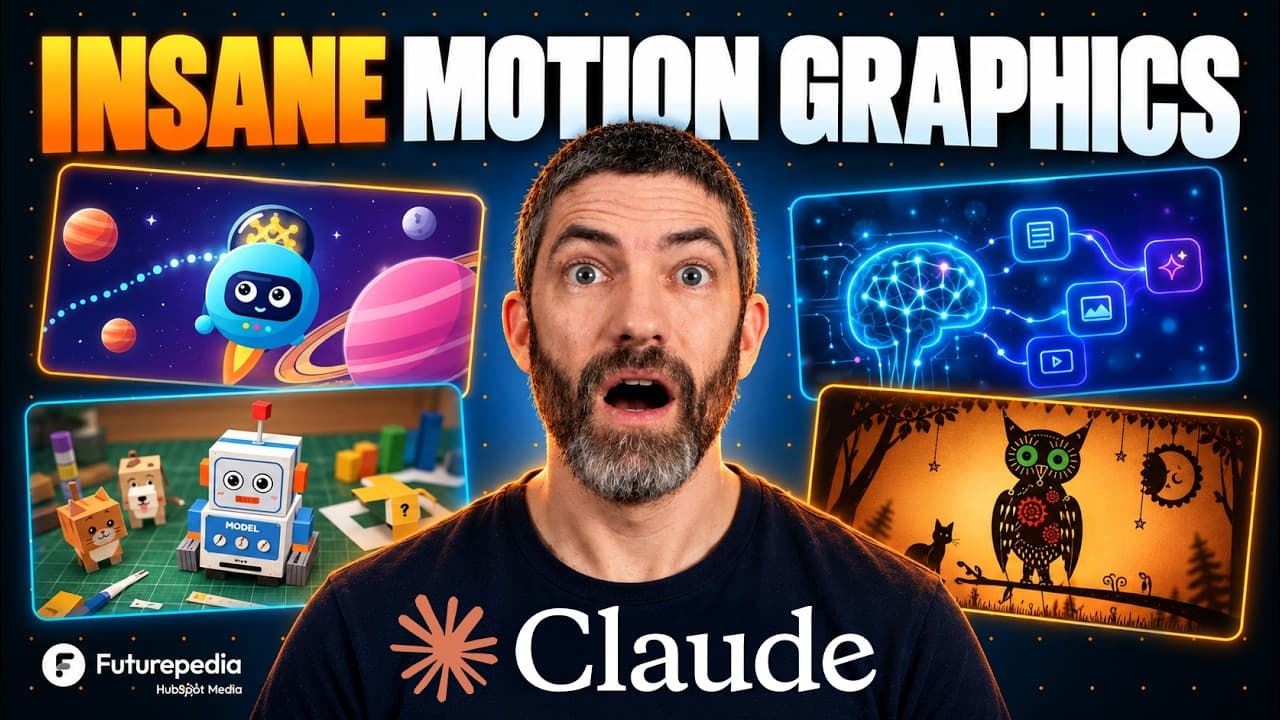
Learn how to generate dynamic, code-driven animations and motion graphics using Claude and JavaScript, complete with sound effects and voiceover synchronization.
 15:48
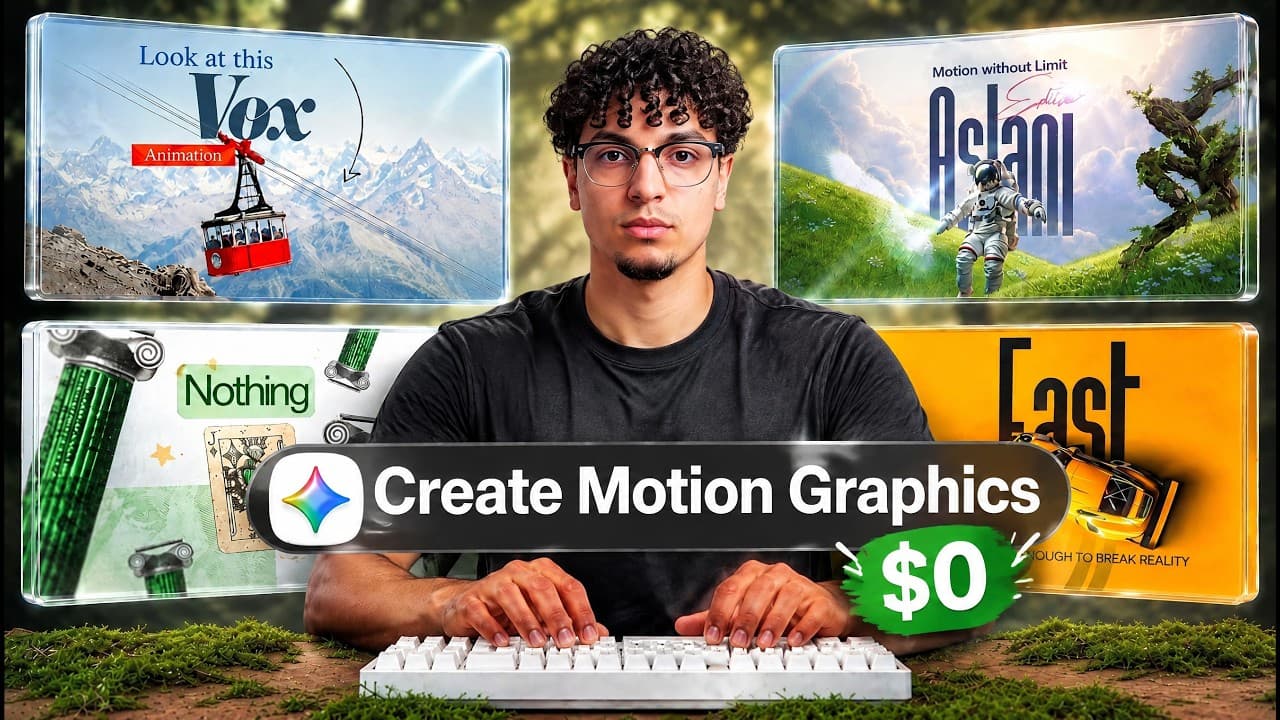
Learn how developers and creators are producing high-quality motion graphics and animated videos using Claude code generation and local open-source tools without spending extra money.
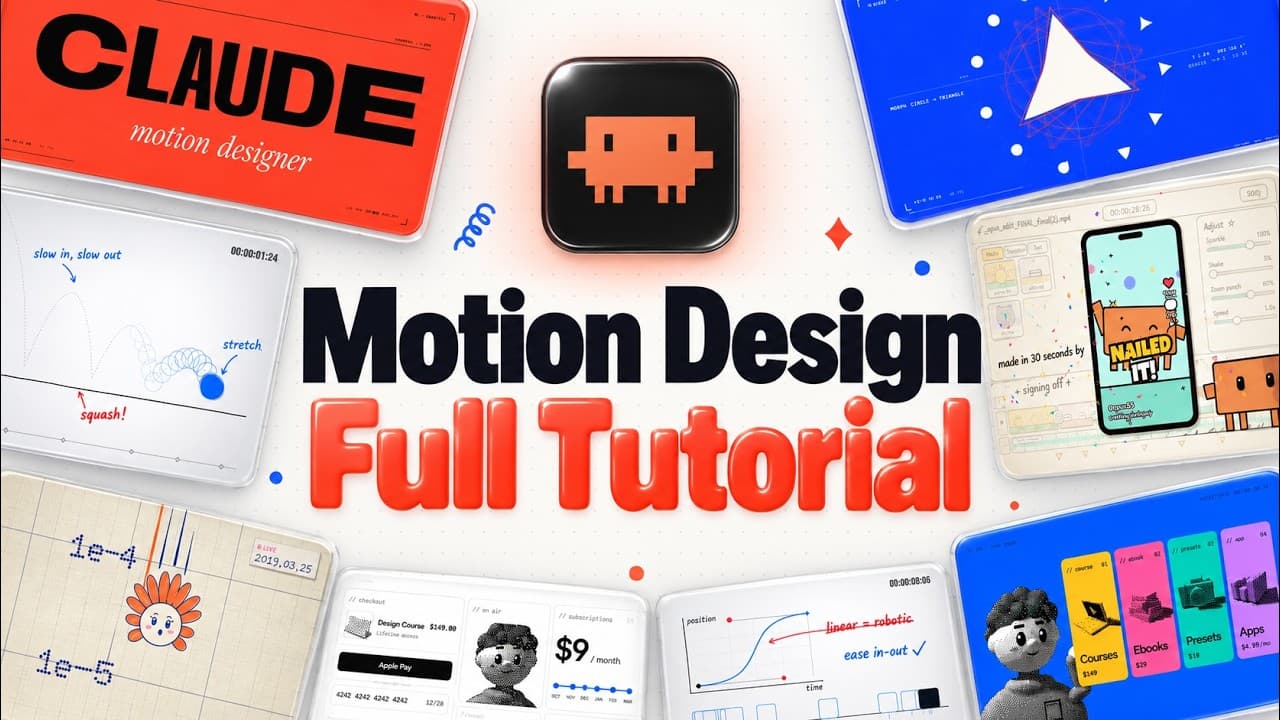 20:16
Learn how to build studio-grade motion graphics and product launch videos using Opus 5.5, structured harnesses, beat grids, and automated audio workflows.
Part 2
How Claude animates with code, from a first video to reusable styles, sound and a skill, then storyboards that mix in your own photos and clips.
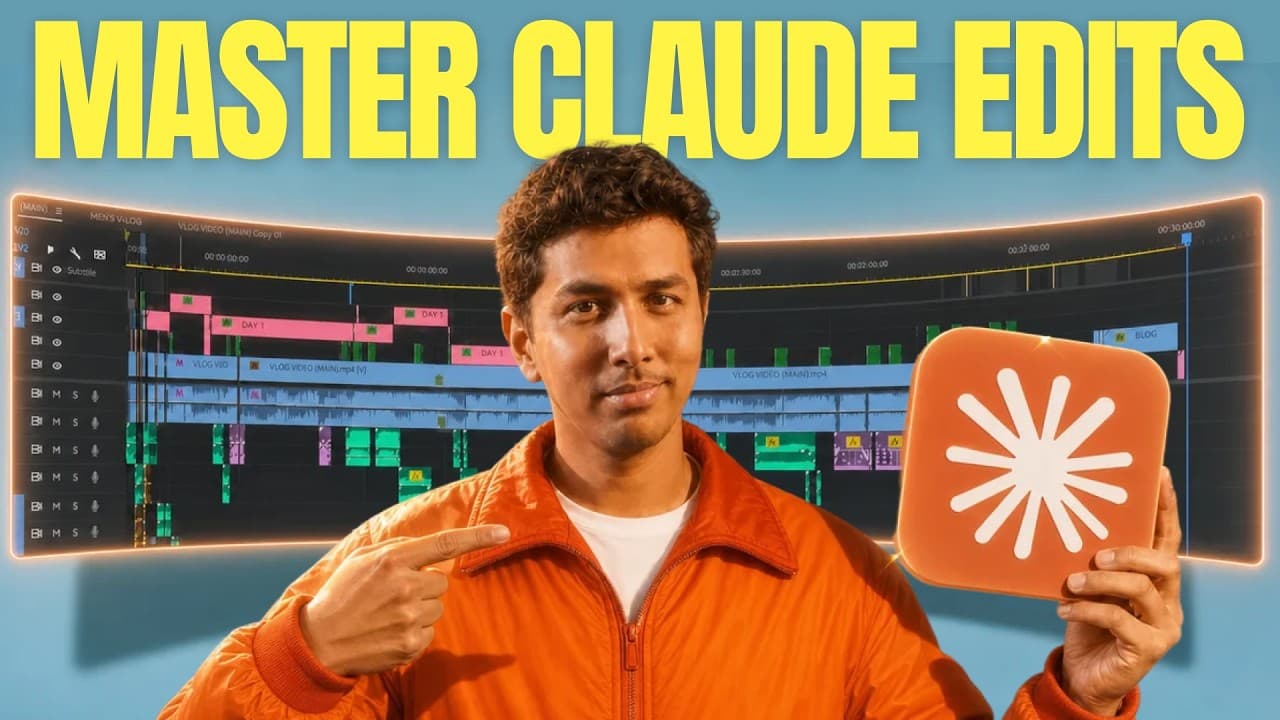 9:38
Learn how to use Claude to design motion graphics, animate elements, and edit full videos through an iterative six-step production workflow.
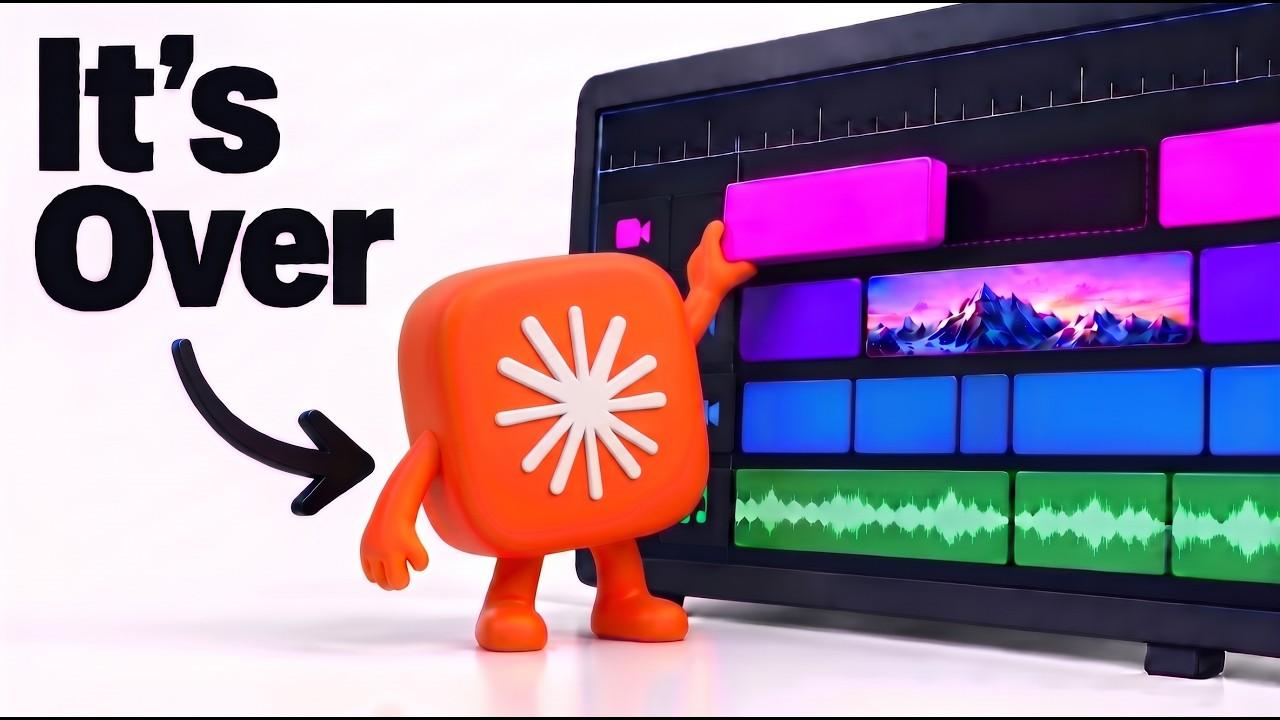 13:01
Learn how to use Claude Motion 2.0 to generate professional motion graphics, blend them with real-world footage, and automate video editing without complex software.
Part 3
Motion rules, brand assets, storyboards, a full edit made with Claude, a CapCut project Claude edits and editing automated with Claude Code.
 9:40
Learn how to connect Claude to CapCut project files to automate rough cuts, zooms, color grading, and reference-based motion graphics.
Yes. Some tools generate explainer-style animations from a prompt, and coding assistants such as Claude can write animations as code that is then rendered to video. The result depends on the instructions, references and assets you give them.
No. Every workflow in this path produces a finished video without After Effects. One guide shows how to turn a video Claude made into an editable After Effects project, or drive Premiere Pro, if you want to finish the edit there.
A short prompt leaves the model to fill the gaps with common defaults, such as centered text on a gradient. The guides here add motion rules, real brand assets, reference videos and a review loop to get past that.