 ChatGPT
 Claude
 26:42
Start here
How to start making AI videos: a beginner workflow
Learn the step-by-step process of creating cinematic AI videos, from generating consistent character sheets and locations to crafting structured multi-stage prompts.

Compare models side by side
Run one prompt through up to six image models at once.

Everything Oakgen can make
Image, video, voice and music features, with the models behind each one.
AI agents
Workflows
Free course4 parts7 guides
Choose and use AI video models like Kling 4.0 and Seedance 2.5: a beginner workflow, prompting, side-by-side tests and credit-saving tips, with video guides.
An AI video model turns a prompt, a start image or a set of reference images into a short clip, and no single model is best at every shot. Most workflows make the characters, locations and props as images first, then pass them to the video model as references so each clip matches the last. Test a shot on two models before you commit a project to one, and keep the most expensive model for the shots that need it.
Part 1
A beginner workflow: make characters, locations and objects as images, then animate them with references.
26:42Learn the step-by-step process of creating cinematic AI videos, from generating consistent character sheets and locations to crafting structured multi-stage prompts.
Part 2
What the new model can do, then how to prompt it, frame it in 21:9 and keep it consistent with references.
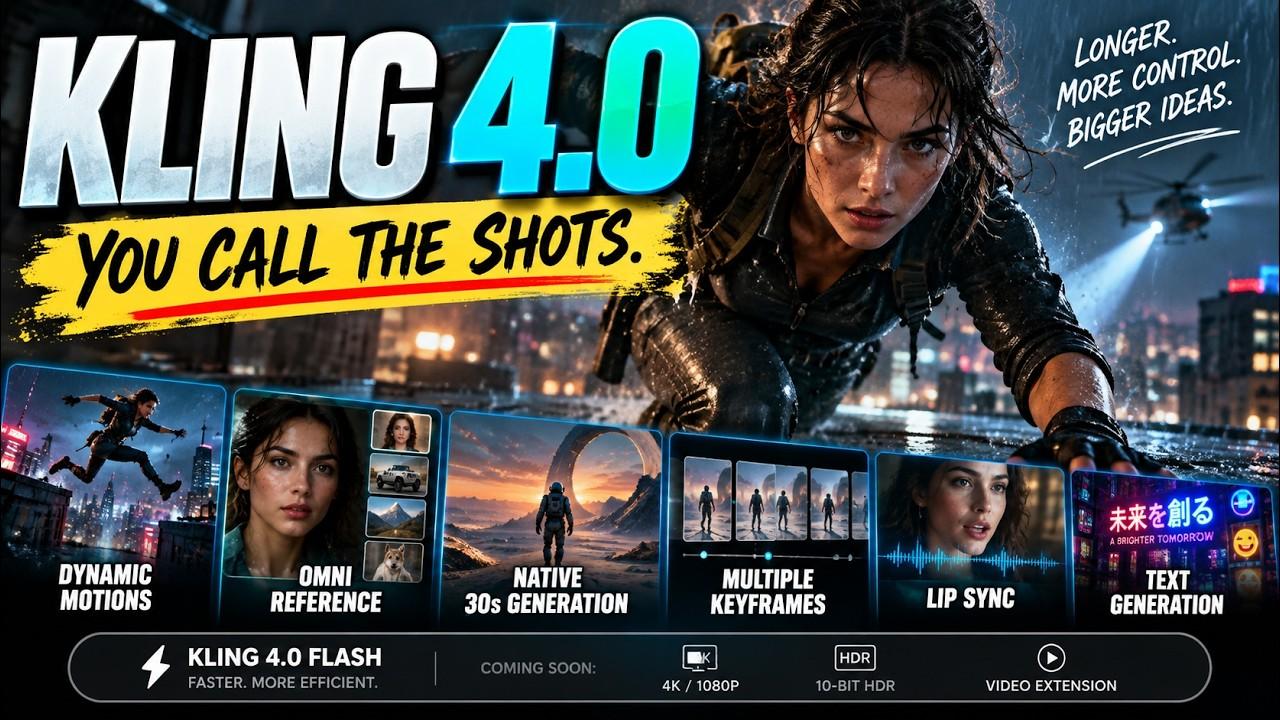 8:21
Discover what Kling 4.0 brings to AI video creation, including 30-second generations, Omni Reference tracking, and improved dialogue lip-sync.
 15:06
Learn how to generate seamless 30-second AI videos using Kling 4.0 without burning credits on rerolls by mastering prompt formulas, widescreen framing, keyframes, and Omni Reference.
Part 3
Kling 4.0 against Seedance 2.5 and Wan 3.0 in side-by-side tests, and how to pick a model per shot to waste fewer credits.
 23:10
Discover what Kling 4.0 brings to AI video generation, from keyframing and omni-references to a head-to-head quality and pricing showdown with Seedance 2.5.
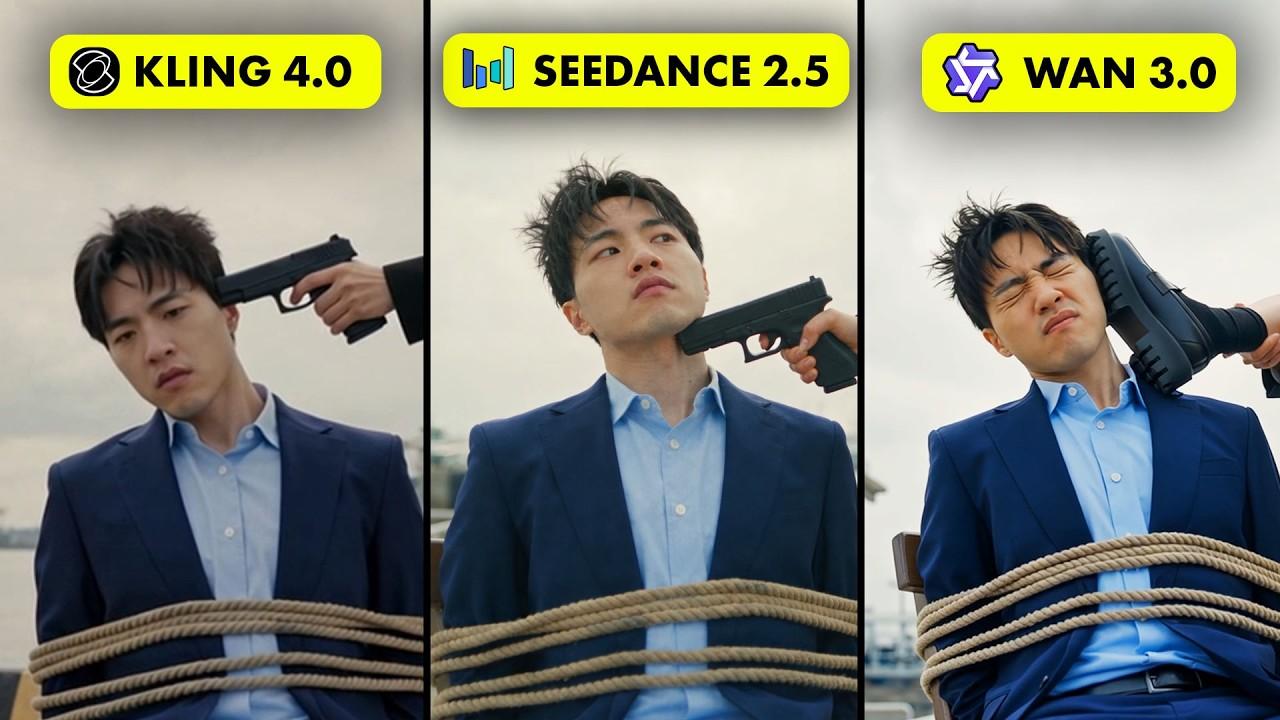 25:59
A comprehensive side-by-side benchmark comparing Kling 4.0, Seedance 2.5, and WAN 3.0 across five real-world generative video production scenarios.
 17:39
Learn how to stop draining AI video generator credits by choosing the right models, leveraging draft modes, and taking advantage of pay-as-you-go APIs.
Part 4
Test a model on acting, physics, editing and a 30-second scene before you build a film on it.
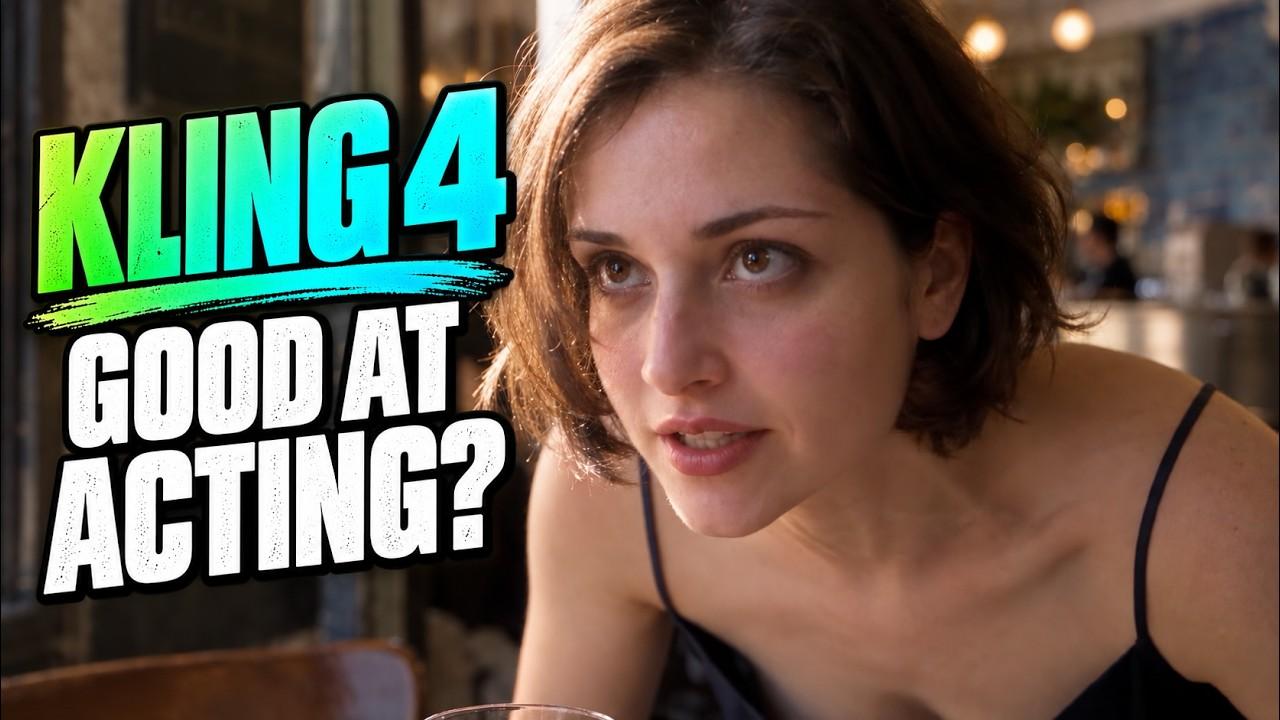 12:43
Explore hands-on tests of Kling 4's video editing, underwater physics, dramatic dialogue, and multi-keyframe generation compared to Seedance 2.5.
It depends on the shot. In one side-by-side test in this path, the creator found Kling 4.0 strong on 30-second clips and keyframe control, and Seedance 2.5 ahead on realism and detail in several results. Run your own prompt through two models before you commit a project to one.
Make the character, location and props as images first, then pass the same images to every clip as references. Reference-to-video modes, such as Kling 4.0 Reference and Seedance 2.5, are built for this.
Some do. Several videos in this path show Kling 4.0 with dialogue and lip sync. On Oakgen, Kling 4.0 makes silent clips and Seedance 2.5 can generate audio, so add voice to Kling clips as a separate step.
Plan each shot before you generate it, test ideas on a cheaper model or a shorter clip, and save the most expensive model for the shots that need it. One guide in this path shows three methods of its own.