Blog
Guides, comparisons and trend walkthroughs for making images, video and audio with AI.
Tutorials
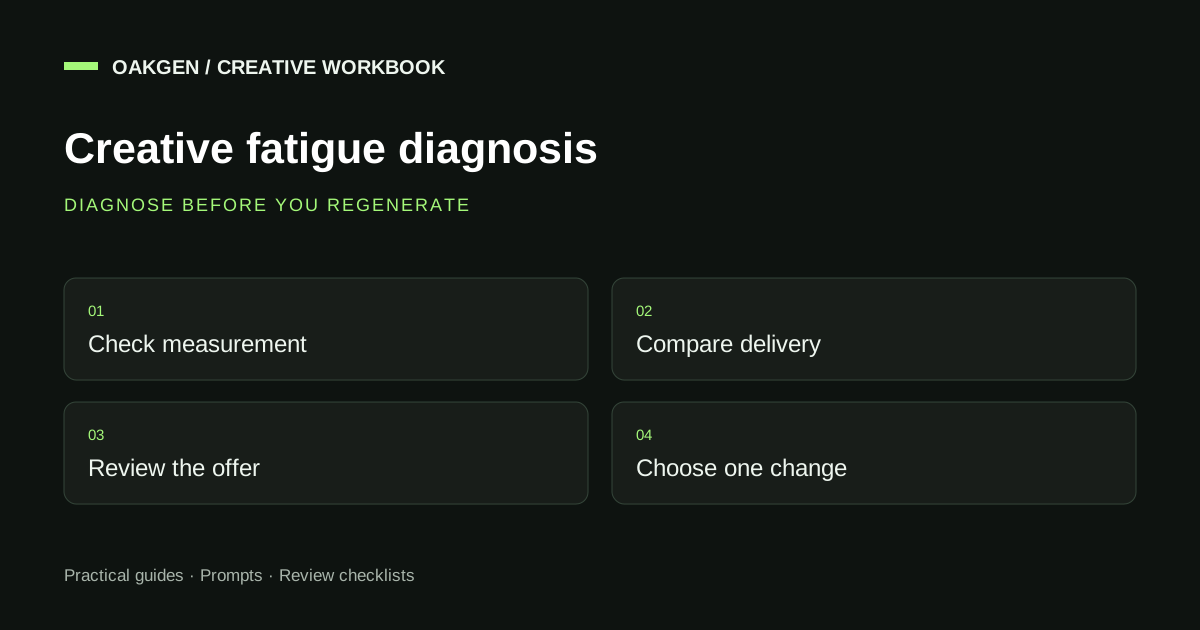
Ad Creative Fatigue: Diagnose the Drop, Then Refresh
Diagnose ad creative fatigue before replacing ads. Use a symptom worksheet, refresh ladder, and controlled brief to choose what to change and what to keep.
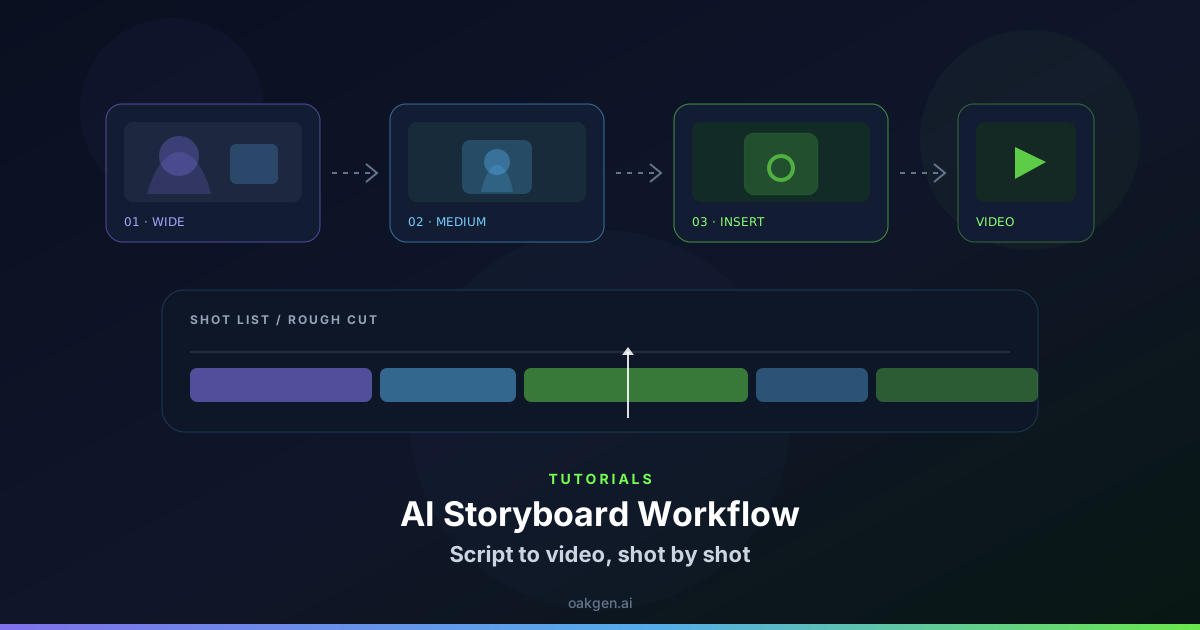
AI Storyboard Workflow: Script to Video, Shot by Shot
Use this AI storyboard workflow to turn a script into visual beats, consistent frames, motion prompts, a working shot list, and an edit-ready video plan.
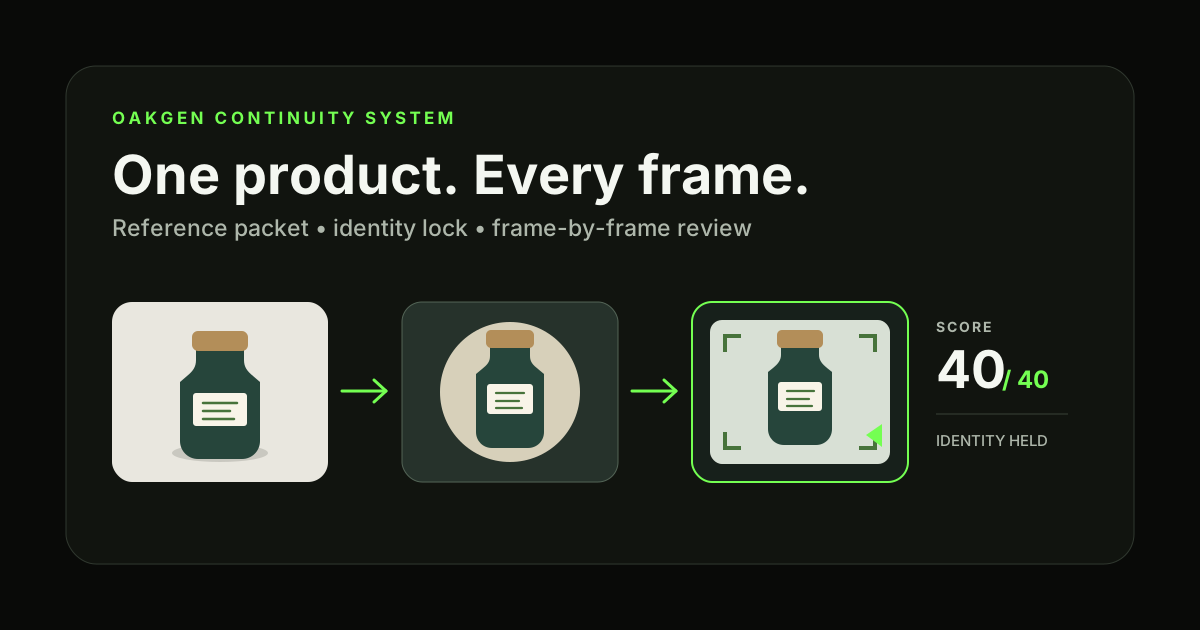
Product Consistency Across AI Images and Video: A Workflow
Keep one product consistent across AI images and video with a reference packet, identity lock, shot plan, 40-point scorecard, and repair workflow for campaigns.
AI Voice Pronunciation Guide: Fix Names, Acronyms, and Numbers
Use this AI voice pronunciation guide to fix names, acronyms, dates, prices, units, and technical terms before generating text-to-speech audio for production.

Seedance 2.5 Prompt Troubleshooting
Fix Seedance 2.5 prompt failures with a symptom-to-cause table, repair order, prompt rewrite template, reference audit, audio check, and QA record today.
Grok Imagine Image 2 API and Pricing: What Is Available
Check Grok Imagine Image 2 API status, current xAI image model IDs, input and output pricing, rate limits, and the gap between Quality Mode and API docs.
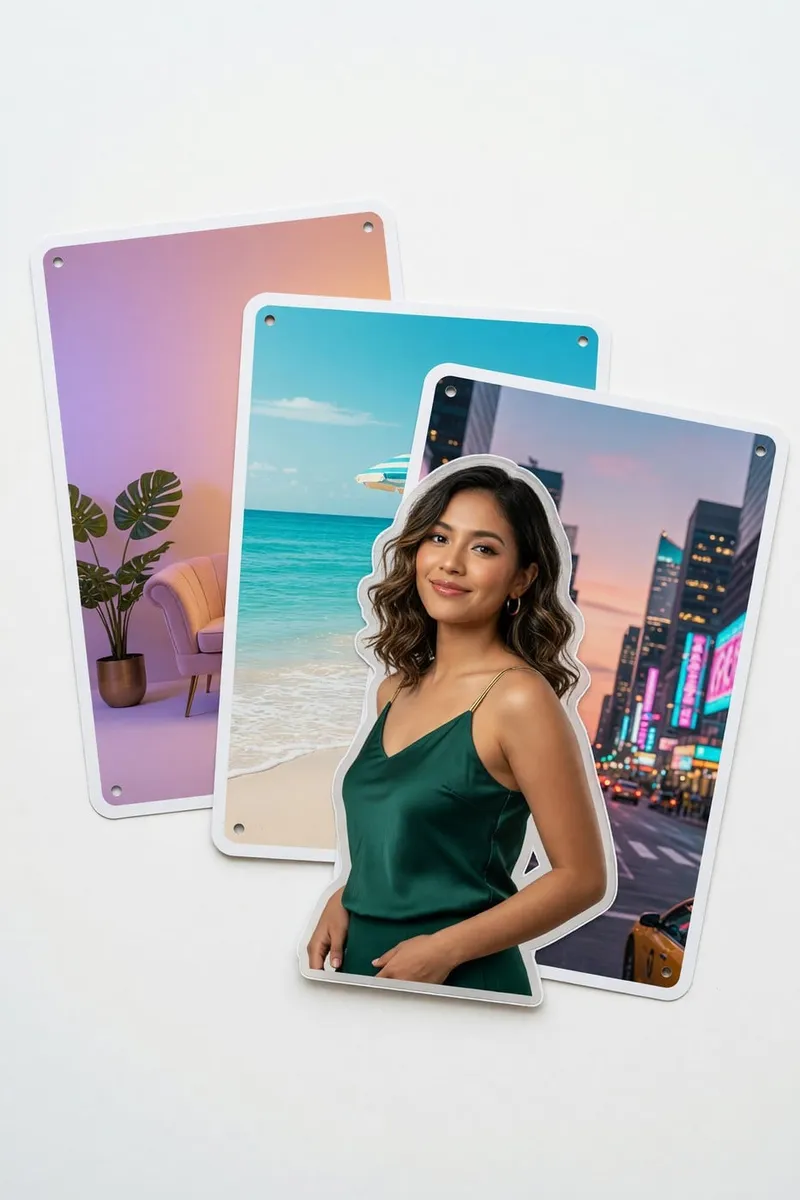
Grok Imagine Image 2 Editing: Magic Wand, Resize, and References
Use Grok Imagine Image 2 for local edits, segmentation, background removal, multi-reference compositing, and smart resize while protecting the original image.
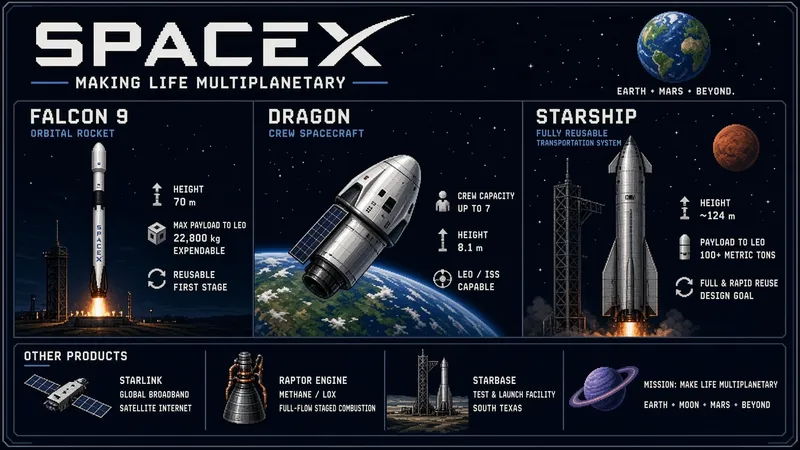
40 Grok Imagine Image 2 Prompts for Design, Ads, and Art
Copy 40 Grok Imagine Image 2 prompts for posters, product photos, infographics, characters, pixel art, and edits, with a prompt formula for cleaner results.
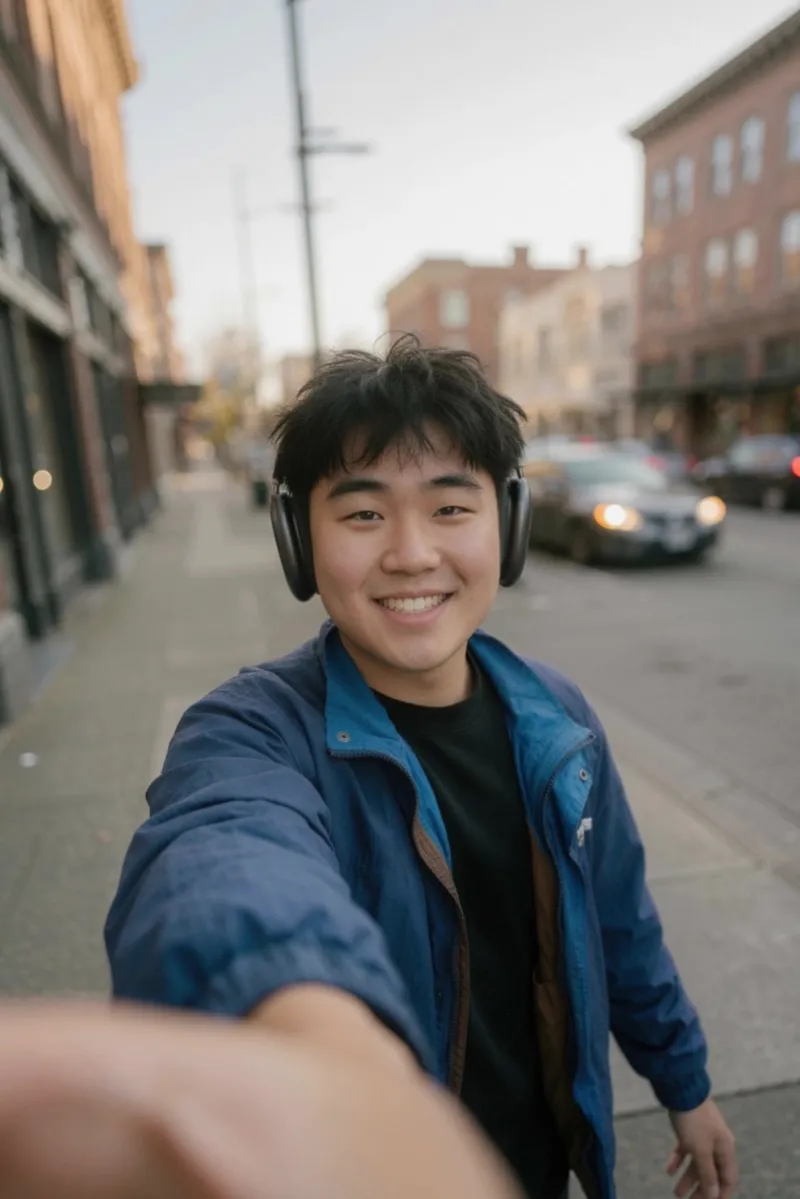
How to Use Grok Imagine Image 2: Quality Mode Workflow
Use Grok Imagine Image 2 Quality Mode for generation, local edits, reference images, background removal, and smart resize without losing the core brief.
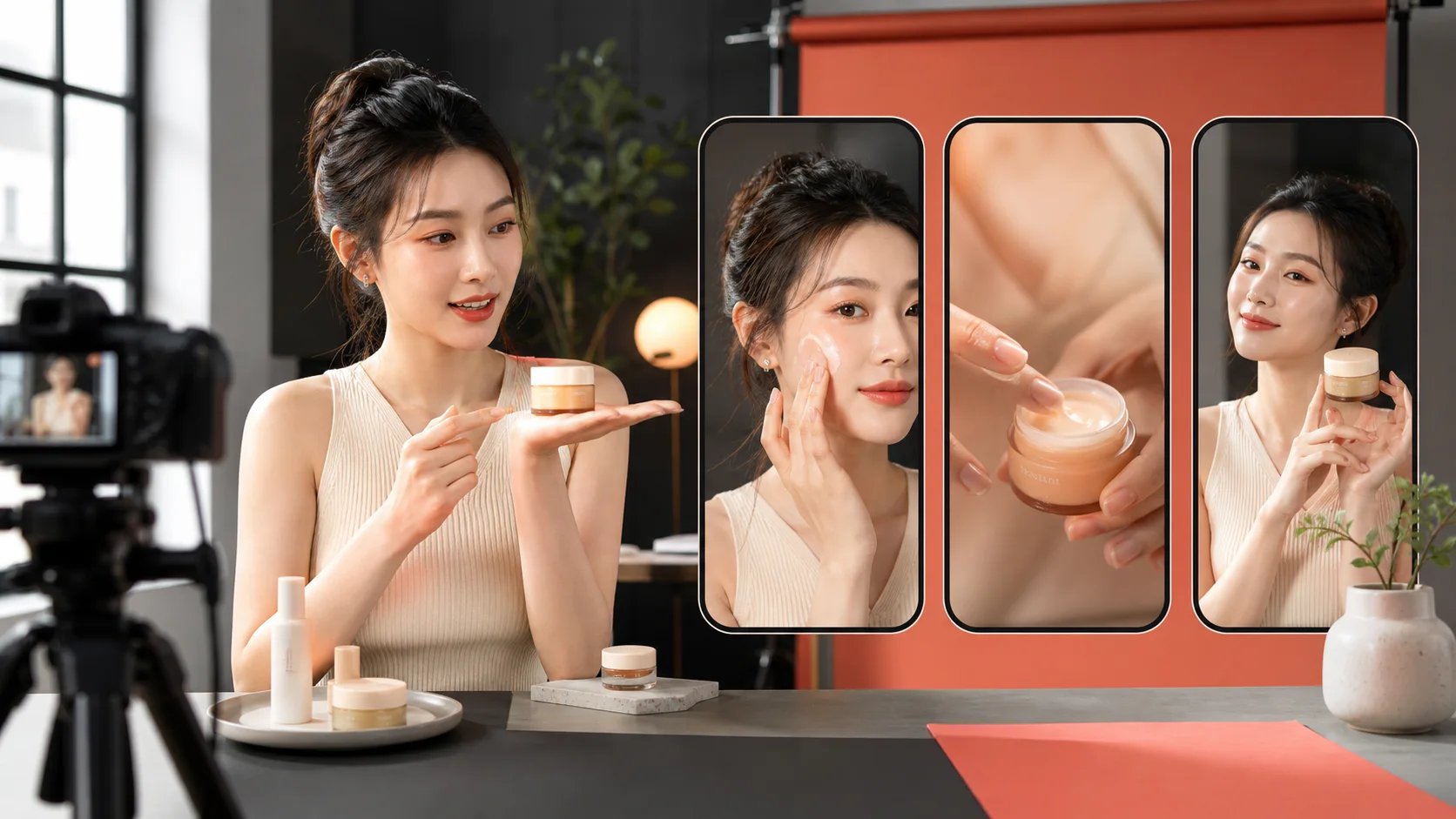
How to Make Reels and YouTube Shorts with Seedance 2.5
Create vertical Reels, TikToks, and YouTube Shorts with Seedance 2.5 using hook-first scripts, shot prompts, safe framing, pacing, captions, and CTAs.
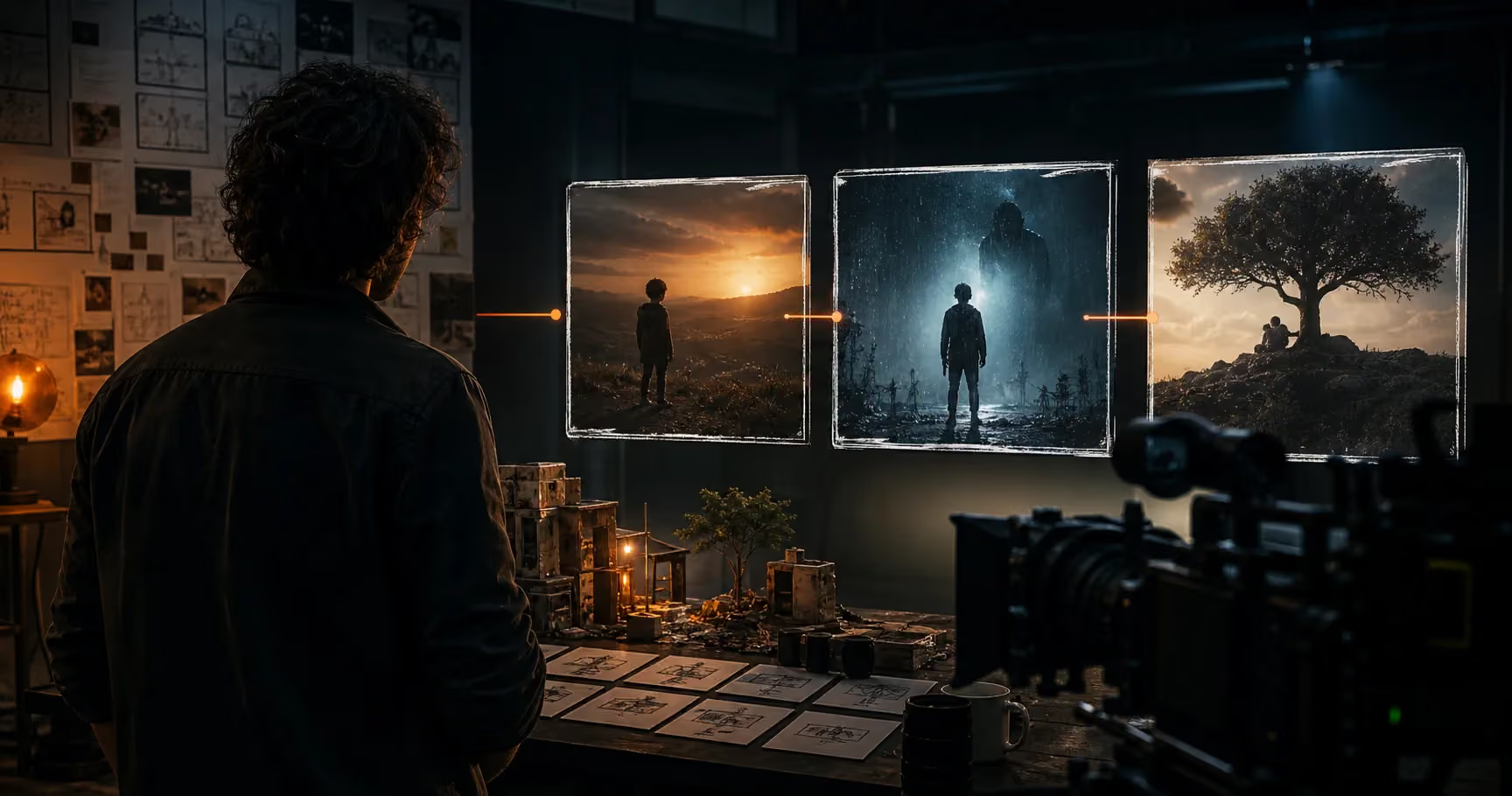
How to Make a Short Film with Seedance 2.5 (2026 Guide)
Plan a Seedance 2.5 short film with story beats, consistent characters, shot prompts, camera direction, sound, editing, and a practical workflow in 2026.

How to Use Seedance 2.5: Complete Guide (2026)
Learn how to use Seedance 2.5 on Oakgen: prepare a brief, build a reference pack, structure a 30-second scene, review audio, refine regions, and export.

Seedance 2.5 Audio and Lip-Sync Guide (2026)
Plan Seedance 2.5 dialogue, effects, ambience, music, lip-sync review, and video edits with a timestamped audio map and practical repair decision tree.
Seedance 2.5 Character Consistency Guide (2026)
Build Seedance 2.5 character consistency with a compact reference bible, invariant list, role-labelled inputs, scene continuity rules, and a review matrix.

Seedance 2.5 Prompt Guide (2026): 30-Second Videos
Write stronger Seedance 2.5 prompts with a three-beat timeline, camera direction, reference roles, audio lanes, reusable templates, and a QA checklist.
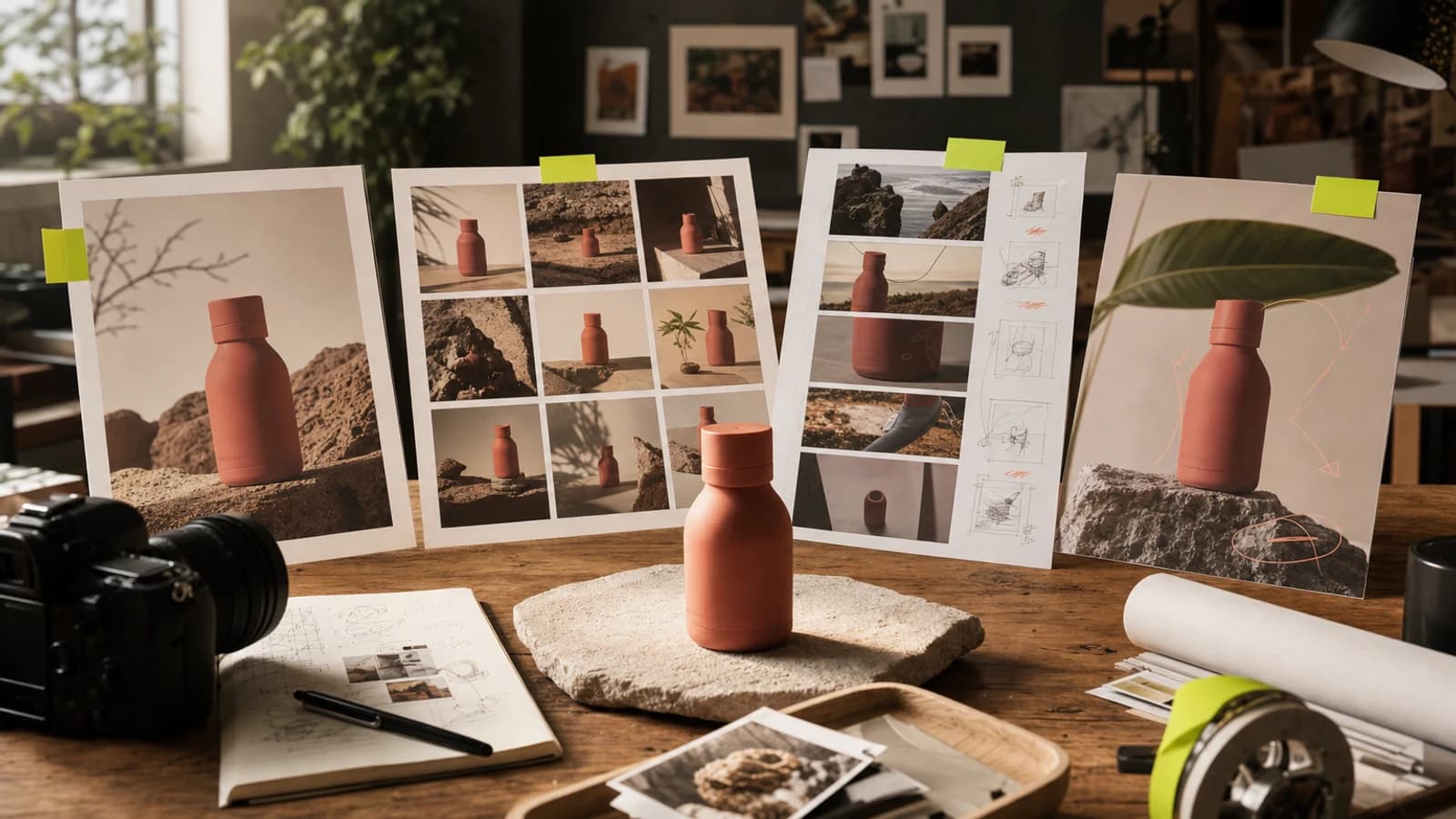
25 Agentic Chat Prompts for Ads, Social Content, Product Images, and Videos
Copy 25 structured Agentic Chat prompts for ads, social posts, product images, videos, and controlled creative revisions.
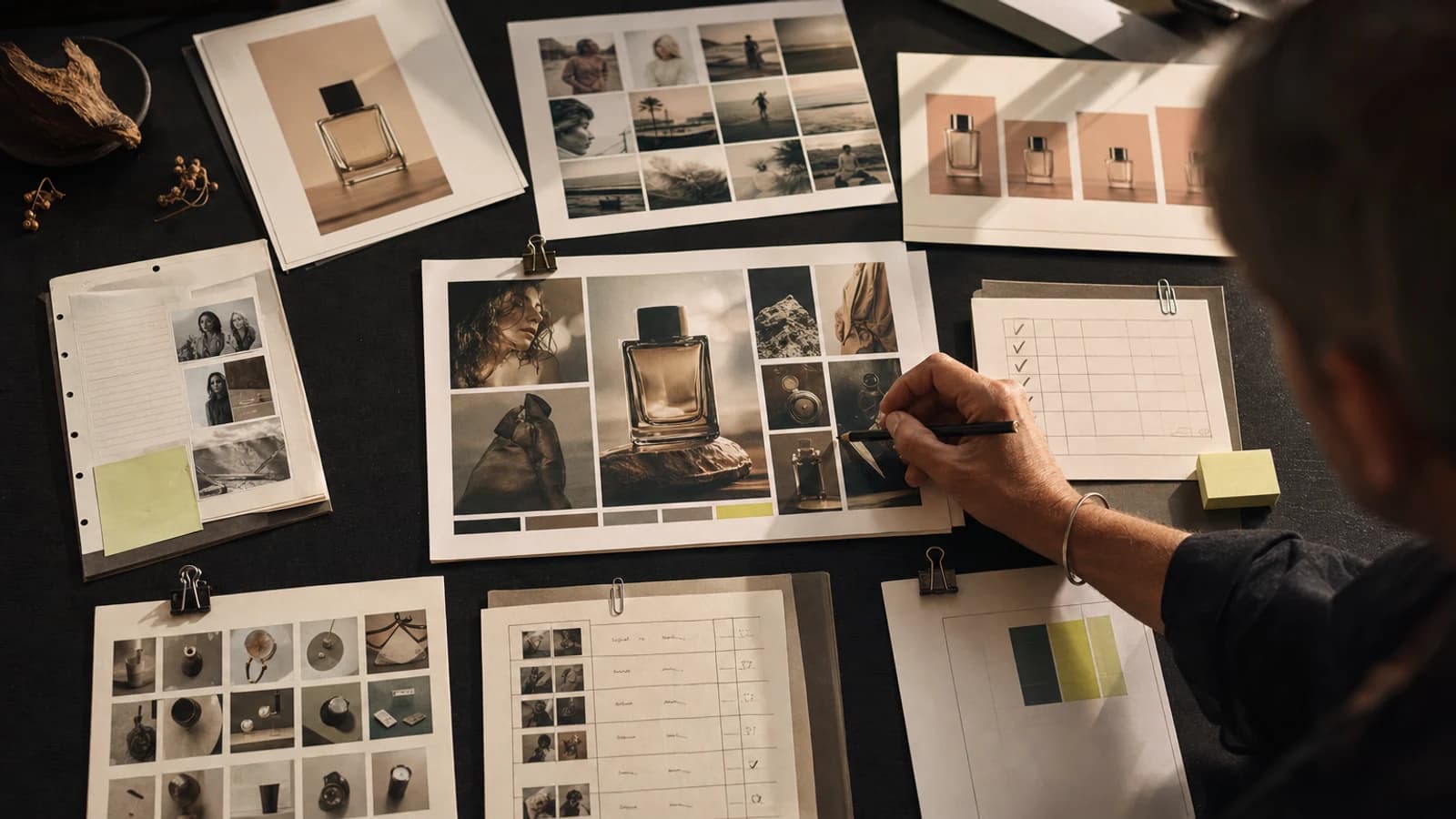
How to Brief an AI Creative Agent: The 7-Part Brief Template
Use this seven-part AI creative agent brief to define approved facts, source assets, deliverables, constraints, review gates, and no-ship conditions.
How to Generate Website Images From Claude Code With a Creative MCP
Generate website images from Claude Code with a creative MCP using a repository-aware brief, cost approval, human review, and safe asset placement.