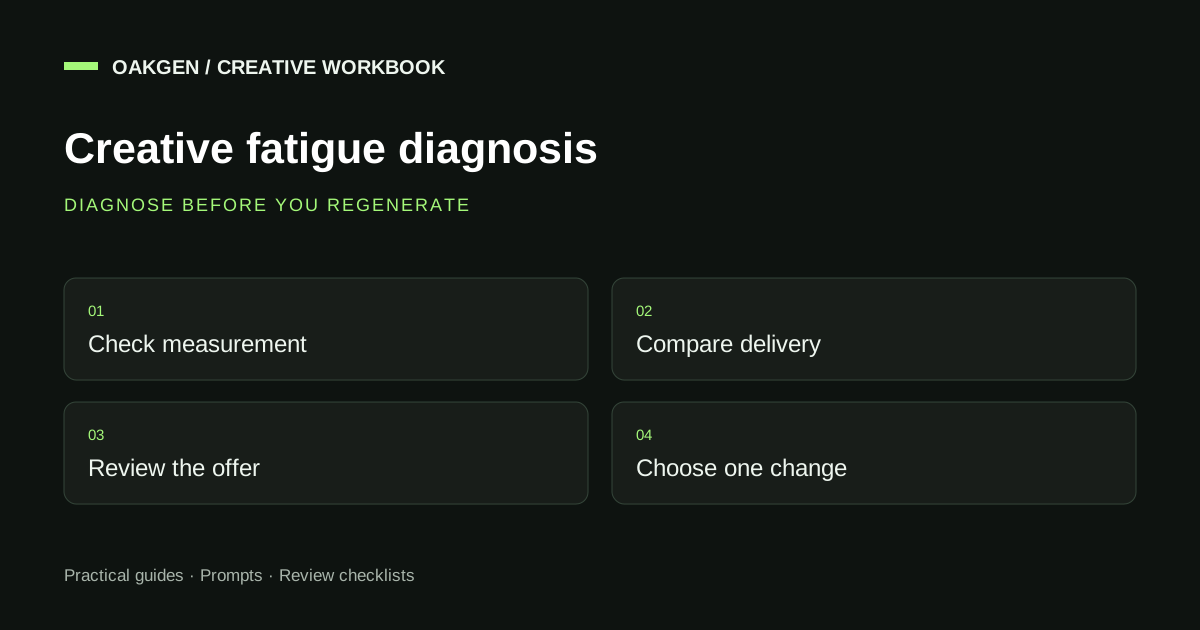
Ad creative fatigue is a possible explanation for declining response after people repeatedly encounter similar creative. It is not a diagnosis you can make from an ad's age alone. Check whether delivery, the offer, the destination, or measurement changed; then choose a refresh that addresses the part of the creative you suspect has weakened.
I would not replace an entire campaign because one day's acquisition cost rose. First write down the evidence and the missing information. If a creative revision is justified, Oakgen can help plan new angles and create replacement assets in separate workflows. It does not monitor your ad account or diagnose fatigue automatically in this workflow.
Plan a focused creative refresh in Oakgen after you use the symptom table to identify the question you need to answer.
Start with the symptom, not a calendar rule
| What changed? | Plausible explanations | First check | Possible creative response |
|---|---|---|---|
| Cost rises while engagement looks similar | Auction, delivery, conversion, or measurement changes | Comparable audience and placement context | Don't assume a creative problem yet |
| Early video viewing weakens | Opening loses relevance, delivery shifts, or viewing conditions differ | Same metric definition and placement | Test a clearer first shot |
| Clicks hold but purchases decline | Landing page, stock, offer, checkout, traffic quality | Product and checkout path | Correct the promise if it no longer matches |
| Response declines alongside repeat exposure | Fatigue is one candidate | Comparable reporting windows and creative similarity | Test a genuinely different message |
| New creative also performs poorly | Shared offer, audience, or site problem | Factors common to all assets | Investigate before increasing production |
This table is a diagnostic aid, not a causal model. Several explanations can coexist, and a small account may lack enough data to separate them confidently.
Capture the product facts and guardrails so the next creative revision doesn't accidentally change the offer or invent a benefit.
What this guide does and does not claim
This workflow is for ecommerce marketers and agency operators deciding whether to revise creative, and how much to change. The fictional worksheets below illustrate reasoning; they do not describe an Oakgen customer, a live account, or a measured performance improvement.
Research reviewed September 13, 2026. TikTok recommends regularly checking performance and refreshing creative when delivery results show a consistent declining trend. That is different from saying every asset expires after a fixed number of days. We do not recommend a universal frequency threshold or replacement schedule. TikTok creative guidance.
Your media owner should handle account changes and experiment design. The creative team can provide a well-scoped replacement, but a stronger prompt cannot repair a broken checkout.
Compare periods that mean the same thing
Before looking for a story in a chart, check the chart's definition. Does “click-through rate” refer to all clicks or the same outbound-click measure in both periods? Does the conversion report use the same attribution window? Did the comparison include a promotion in one period and ordinary trading in the other?
Record the reporting range and the date you retrieved it. Recent conversions may still arrive after a click, so the latest period can look worse simply because less time has passed. Ask the analyst how reporting delay affects the decision instead of applying an arbitrary wait to every account.
Separate placements if a large delivery shift obscures the question. A clip receiving more impressions in a different viewing environment may show a different early-view rate even when the underlying file hasn't changed. That is a reason to investigate, not evidence that the hook suddenly became ineffective.
Keep changes visible. If someone adjusted targeting, budget, offer, and landing page during the same period, say so in the record. You may still need a new creative, but you cannot cleanly attribute the decline to repetition.
Small numbers deserve plain language. “Directionally weaker, insufficient evidence to isolate fatigue” is a useful conclusion when it is true. Pretending a low-volume comparison proves a mechanism creates a false reason to spend more on production.
Rule out problems a creative refresh cannot solve
Open the destination yourself. Is the advertised variant in stock? Does the landing page load as expected on a phone? Is the current price consistent with the ad? Can a shopper complete the relevant checkout path? Ask the appropriate owner to verify measurement rather than assuming that a missing event means a missing sale.
Check the offer record. A promotion that ended, a newly introduced shipping charge, or a changed bundle can affect response even if the creative stays visually fresh. Correct inaccurate advertising immediately; you don't need a statistical fatigue diagnosis to remove an expired promise.
Then inspect the media context with the buyer. A narrow audience, changed delivery, or account-level issue belongs in that discussion. Avoid prescribing campaign restructuring from a design review. Those decisions require account evidence and separate authority.
For returning shoppers, examine the message itself. Repeating “still thinking about it?” doesn't answer a product question. An objection-led retargeting brief may produce a more substantive refresh than another crop of the same product.
Choose the smallest meaningful refresh
There are different depths of revision. Pick the one that matches the diagnosis rather than changing everything because a blank canvas feels productive.
| Refresh depth | What changes | What remains fixed | Use when |
|---|---|---|---|
| Accuracy correction | Expired or wrong information | Valid product evidence | The ad no longer matches reality |
| Opening revision | First composition or line | Main proof, offer, destination | Early clarity is the suspected weakness |
| Proof revision | Demonstration or supporting detail | Buyer question and offer | Promise is clear but evidence is weak |
| Message revision | Product question or benefit emphasis | Actual product facts | Existing angle has limited relevance |
| Format revision | Image, video, or another presentation | Core promise and evidence where possible | Information needs another form |
| New concept | Message and presentation | Verified commercial facts | Narrow revisions cannot answer the question |
An accuracy correction is not an experiment. Fix the wrong information and document it. Don't leave a misleading control live in the name of clean testing.
An opening revision can be narrow. If the useful demonstration only becomes visible halfway through the clip, move an approved proof moment forward and ensure the rest still follows logically. Our first-frame hook guide covers the shot-level decisions.
Prepare alternative message directions when the issue is the angle rather than the crop. The tool creates editorial planning options; it does not select a winning ad from performance data.
A fictional diagnosis worksheet
Imagine a bag campaign whose current report shows weaker early viewing and fewer purchases. The team wants to replace every asset. The following worksheet keeps the decision grounded without inventing a performance benchmark.
Observation: early-view response looks weaker than the prior comparable period. Purchases also appear lower. Known changes: more delivery in a different placement; a popular color sold out. Missing information: conversion-reporting delay and response for the unchanged in-stock color. Immediate correction: remove unavailable-color creative. Creative hypothesis: the opening may be too slow to identify the bag. Proposed candidate: begin with the approved open-bag view, keep the main explanation and current offer unchanged. Conclusion: fatigue remains unconfirmed.
That conclusion can still lead to useful action. You correct the stock mismatch, request the missing context, and prepare a narrow candidate. You don't need to label every revision as a fatigue fix.
Now imagine the context check finds no obvious delivery or store change, and comparable response continues declining across multiple periods. A new message may deserve a test. Write exactly how it differs: “dimensions first” rather than “new exciting version.” The description should survive after the designer forgets the original brief.
Build a refresh brief that protects what worked
A revision brief needs both a change instruction and a preservation instruction. Without the latter, the new asset may quietly introduce a different product color, promise, or offer, making the comparison harder to interpret.
Proposed brief for the fictional bag:
Create an opening-shot candidate for the approved bag ad. The question is whether viewers can identify the product and its interior layout sooner. Begin with the bag already open and the real compartments visible. Keep the remaining approved script, offer, product variant, and destination unchanged. Do not add pockets, laptop-fit claims, weatherproofing claims, a discount, or a testimonial. List any missing source view before production.
The brief does not promise that the change will recover performance. It defines a testable communication difference. Save the original and candidate with names that identify this difference, such as OPENING-CLOSED and OPENING-INTERIOR, rather than FINAL and FINAL-NEW.
For a script-led revision, prepare an editable UGC script using the reviewed facts. For a visual revision, open the relevant image or video workflow separately and supply the source material it requires. Final assembly and media upload remain separate tasks.
Make novelty earn its place
Different colors, transitions, and music can produce noticeably different files without answering a new customer question. They may be valid visual tests, but label them as such. Don't count them as new strategic angles in a report.
A more meaningful concept change might move from “looks good on a desk” to “here is the exact size beside a common object,” provided that comparison is accurate. Another might replace a vague lifestyle montage with a real explanation of how the product opens. These changes affect what the viewer learns.
Preserve useful brand cues unless you have a reason to change them. If every replacement uses a new visual language, the campaign can become difficult to recognize and harder for the team to review consistently. Novelty is a means of communicating, not the sole objective.
When considering a format change, ask whether the information requires motion. Turning a clear image into a slow zoom doesn't automatically create new proof. Use the static-versus-video worksheet to specify what the new format contributes.
Evaluate the replacement without declaring victory early
Agree on the decision metric before looking at the result. A clearer opening might improve early viewing while doing little for qualified visits or purchases. If the business question concerns sales, report those later outcomes alongside the attention signal.
Use the experiment approach available and suitable for your platform with the media owner. Google's experiment guidance recommends focusing on one variable and choosing a decision metric; the general lesson is to state what you are changing before interpreting the outcome. This is not an instruction to use a Google campaign experiment for every social ad. Google experiment guide.
Keep the control if it remains accurate and the test design calls for it. Do not automatically erase the previous asset because the new one wins on an early attention measure. If delivery differs substantially, record the limitation rather than comparing raw totals as though exposure were equal.
Give the review an explicit outcome: adopt for the tested context, revise a stated weakness, reject, or insufficient evidence. “Insufficient evidence” is better than calling the newest file a winner because the team spent time making it.
Maintain a replacement library, not a production quota
Store approved product shots, real demonstrations, policy wording, and image-safe layouts. A replacement library reduces the amount of new material required when one component changes. Keep the source and claims evidence linked so a future editor doesn't reuse outdated material.
Mark which assets can survive an offer change. An evergreen shot with no sale wording can support several revisions; a spoken “ends today” line cannot. Record that distinction while approving the file, not when someone urgently needs a replacement.
Plan a regular review meeting if your team needs the habit, but separate that meeting cadence from an automatic replacement rule. A weekly review can end with “keep the current assets.” Production volume should follow actual creative questions and review capacity.
Frequently asked questions
How do I know an ad has creative fatigue?
Look for a sustained decline in comparable response and investigate repeated exposure alongside other explanations. Age, frequency, or a single bad day cannot establish the cause alone. Check delivery, product availability, offer, destination, and measurement.
Should I refresh every week?
Review regularly, but don't replace automatically. Some assets remain useful; others need immediate correction because the offer or product changed. Set a review habit around your account and production needs rather than a universal expiry date.
What should I change first?
Fix inaccurate information immediately. Otherwise change the component tied to your hypothesis: opening clarity, product proof, message, or format. Preserve the rest where possible so the team can understand what the revision tested.
Does a higher frequency mean the creative is tired?
It can be relevant context, but it isn't a complete diagnosis. Interpret it with the audience, reporting period, delivery conditions, and response trend. This guide does not recommend one frequency cutoff for every campaign.
Can AI automatically fix ad fatigue?
AI can help produce candidate messages and assets. It cannot guarantee that repetition caused the decline or that a new file will improve results. Oakgen's creative workflow does not automatically inspect or optimize your ad account.
Should I delete the old ad when I make a replacement?
Not by default. Keep accurate assets and their records available, and let the media owner follow the test design. Remove or correct misleading information promptly; don't preserve an inaccurate ad as an experimental control.
Refresh the reason, not just the pixels
Create a focused replacement plan in Oakgen with one diagnosis, one proposed change, and the facts that must stay fixed. That gives your next asset a clear job and your next review something concrete to decide.