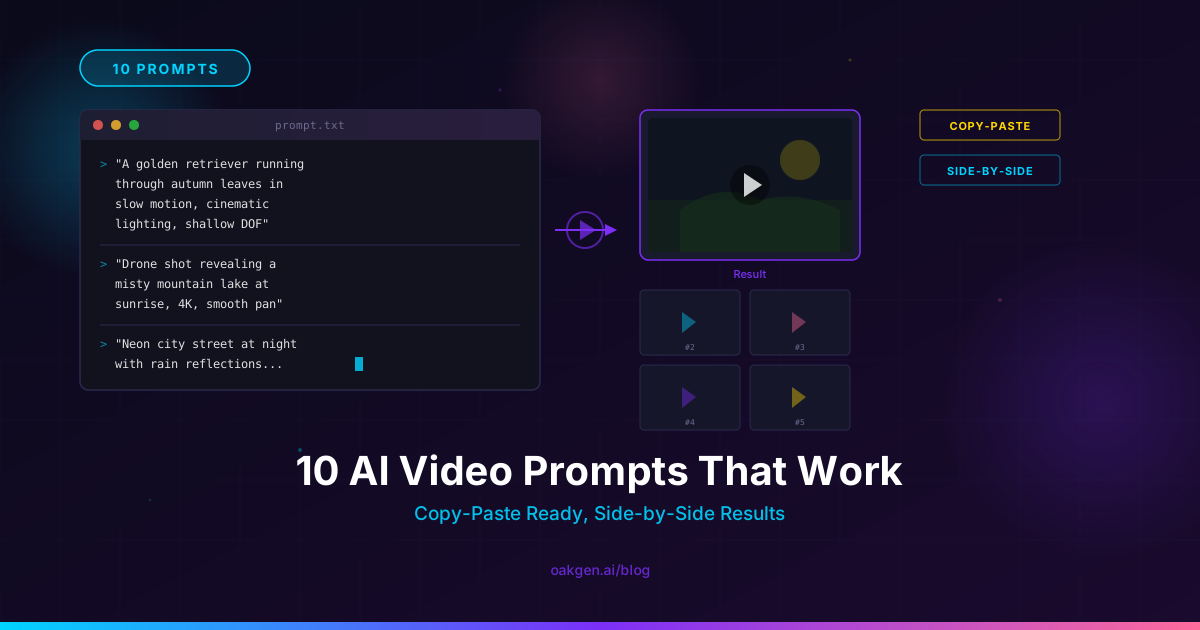
These Agentic Chat prompts are structured for outcomes, not model names. Choose the prompt that matches the asset you need, replace every bracketed field with approved facts, attach or identify the source asset, and review the stated deliverable before generating anything else. Each prompt includes the same minimum fact block so the agent has fewer reasons to guess.
This is an editorial prompt pack, not a completed benchmark. The prompts have not yet passed Oakgen’s release-candidate exercise, so this draft does not claim they are tested. You can still use the structure to improve briefs in any creative workflow: facts first, one deliverable, explicit constraints, and a named human check.
After the required release exercise is approved, the same prompts can move into Oakgen Agent Chat without changing their evidence and review rules.
Test One Product-Image Prompt
Pick one prompt, replace every fact field, and generate one reviewable direction before asking for a full campaign.
25 Agentic Chat prompts
The pack contains exactly five prompts for each job: ads, social posts, product imagery, video, and revision. Every prompt uses these fields:
[AUDIENCE]: the specific person and situation;[OFFER]: the offer, product, or action;[APPROVED PROOF]: sourced claims the creative may use;[SOURCE ASSET]: owned or licensed material and what it proves;[PLATFORM]: placement and viewing context;[CONSTRAINTS]: factual, brand, format, budget, and no-ship rules;Deliverable:the exact output to return.
Five prompts for ads
1. Build an ad-angle matrix
Act as a performance creative strategist. For [AUDIENCE], analyze [OFFER] using only [APPROVED PROOF]. Treat [SOURCE ASSET] as the source of truth. The ads will run on [PLATFORM]. Follow [CONSTRAINTS]. Separate facts from hypotheses and flag any missing evidence instead of inventing it.
Deliverable: A five-row ad-angle matrix with angle, audience tension, hook, proof used, visual concept, CTA, variable being tested, and human review check.
Use this before production when you need distinct strategic angles rather than twenty cosmetic rewrites.
2. Draft static ad concepts
Create static ad concepts for [AUDIENCE] promoting [OFFER]. Use only [APPROVED PROOF] and preserve product details shown in [SOURCE ASSET]. Design for [PLATFORM]. Follow [CONSTRAINTS], including prohibited claims, mandatory disclosure, copy limit, and safe-area requirements.
Deliverable: Three static ad concept cards, each with headline, supporting line, visual composition, product placement, CTA, proof source, and rejection criteria.
3. Write UGC-style ad scripts
Write UGC-style script drafts for [AUDIENCE] in the context of [OFFER]. Ground every product statement in [APPROVED PROOF]. Use [SOURCE ASSET] for product facts and visual continuity. Adapt pacing and CTA to [PLATFORM]. Obey [CONSTRAINTS]. Do not invent a customer, personal experience, result, or endorsement.
Deliverable: Three 30-second script drafts with hook, scene beats, spoken lines, on-screen text, product shot, CTA, proof mapping, and human claim check.
For more on the difference between chat and connected production, read the Oakgen Agent Chat overview.
4. Create offer-led ad variations
Generate an ad variation plan for [AUDIENCE] around [OFFER]. Keep [APPROVED PROOF] unchanged across variations and use [SOURCE ASSET] as the visual reference. Optimize the execution for [PLATFORM]. Follow [CONSTRAINTS]. Change one variable per variation so results can be interpreted.
Deliverable: Six variation specifications: two hooks, two visual openings, and two CTAs, with the controlled variable, invariant message, required asset, and approval check named for each.
5. Turn an objection into an ad concept
For [AUDIENCE], turn the verified objection related to [OFFER] into a respectful ad concept. Address it only with [APPROVED PROOF]. Use [SOURCE ASSET] for the exact product or service context. Adapt to [PLATFORM] and comply with [CONSTRAINTS]. Do not exaggerate the objection or shame the audience.
Deliverable: One primary concept and two alternate hooks, including objection, response, supporting proof, scene direction, CTA, prohibited inference, and final reviewer.
Add Product Facts Before You Generate
A strong ad prompt cannot compensate for missing proof, incorrect offer terms, or an unverified product reference.
Five prompts for social posts
6. Build a one-week content set
Plan a five-post week for [AUDIENCE] around [OFFER]. Use [APPROVED PROOF] as the factual boundary and [SOURCE ASSET] as the approved content source. Adapt each idea to [PLATFORM]. Apply [CONSTRAINTS], including brand voice, prohibited claims, cadence, and available production capacity.
Deliverable: A five-row plan with objective, hook, format, core message, visual need, CTA, source used, reuse origin, and human review check.
7. Write an educational carousel outline
Create an educational carousel outline for [AUDIENCE] that explains the problem connected to [OFFER]. Use only [APPROVED PROOF]. Reference [SOURCE ASSET] for facts and examples. Structure it for [PLATFORM] and follow [CONSTRAINTS], including slide count, copy limit, accessibility, and CTA rules.
Deliverable: A slide-by-slide outline with slide role, headline, body point, visual role, proof source, alt-text note, and final CTA.
8. Turn one insight into three native posts
Adapt one approved insight for [AUDIENCE] into three distinct posts supporting [OFFER]. Ground the insight in [APPROVED PROOF] and cite [SOURCE ASSET] internally. Write for [PLATFORM]. Follow [CONSTRAINTS]. Change the framing and format, not the underlying fact.
Deliverable: Three post drafts—a short text post, a visual-post brief, and a short-video outline—with hook, body, CTA, source, and platform-specific review note.
9. Create a founder-led launch post
Draft a founder-led launch post for [AUDIENCE] announcing [OFFER]. Use [APPROVED PROOF] for all product and timeline details. Treat [SOURCE ASSET] as authoritative. Adapt tone and length to [PLATFORM]. Follow [CONSTRAINTS]. Do not invent a founder story, customer reaction, traction result, or milestone.
Deliverable: One primary post, two opening alternatives, one visual direction, a factual claim checklist, and a final CTA.
10. Build a social proof post without fabrication
Create a social proof post for [AUDIENCE] related to [OFFER]. Use only the exact evidence in [APPROVED PROOF] and preserve attribution from [SOURCE ASSET]. Format it for [PLATFORM]. Follow [CONSTRAINTS]. Clearly distinguish verbatim quote, paraphrase, and marketer inference.
Deliverable: A post draft with evidence type labels, approved quote or paraphrase, supporting visual direction, CTA, prohibited inference, and reviewer sign-off field.
These prompts make a content plan easier to inspect. They do not replace editorial judgment. A social operator should still decide whether the idea deserves a place in the calendar and whether it says something useful.
Five prompts for product imagery
11. Create product-photo directions
Develop product-photo directions for [AUDIENCE] and [OFFER]. Use [APPROVED PROOF] only for product features and preserve the product shown in [SOURCE ASSET]. Design the compositions for [PLATFORM]. Follow [CONSTRAINTS], especially packaging, label, color, item count, logo, and prohibited setting rules.
Deliverable: Four shot directions with camera angle, composition, lighting, background, product invariant, prop list, crop, and human fidelity check.
12. Place a product in a lifestyle scene
Plan a believable lifestyle scene for [AUDIENCE] featuring [OFFER]. Limit factual statements to [APPROVED PROOF]. Use [SOURCE ASSET] to preserve product identity. Compose for [PLATFORM] and obey [CONSTRAINTS]. Avoid adding accessories, ingredients, functions, labels, or usage behaviors that are not supported.
Deliverable: One hero-scene specification plus two setting variants, each with subject action, product placement, lighting, negative constraints, and final product-fidelity review.
13. Build an ecommerce image set
Create an ecommerce image-set plan for [AUDIENCE] evaluating [OFFER]. Use [APPROVED PROOF] for every benefit or specification. Treat [SOURCE ASSET] as the product source of truth. Meet [PLATFORM] requirements and [CONSTRAINTS], including background, crop, text, and marketplace restrictions.
Deliverable: A six-image shot list covering hero, scale, detail, use context, feature explanation, and comparison-safe summary, with source dependency and QA check for each.
14. Create an image-ad visual system
Define a reusable image-ad visual system for [AUDIENCE] and [OFFER]. Keep claims within [APPROVED PROOF] and build from [SOURCE ASSET]. The system must remain legible on [PLATFORM]. Follow [CONSTRAINTS], including brand palette, typography role, logo treatment, product integrity, and safe areas.
Deliverable: A visual-system sheet with composition grid, color roles, type hierarchy, product zone, proof zone, CTA zone, three permitted variations, and rejection checklist.
15. Compare visual directions before generation
Propose distinct visual directions for [AUDIENCE] around [OFFER] without generating final assets. Use [APPROVED PROOF] only, and explain how [SOURCE ASSET] informs each direction. Consider the viewing behavior on [PLATFORM]. Respect [CONSTRAINTS], budget, product identity, and banned visual tropes.
Deliverable: A three-column direction board with thesis, scene, palette, lighting, composition, reference usage, production risk, and the decision each direction is meant to test.
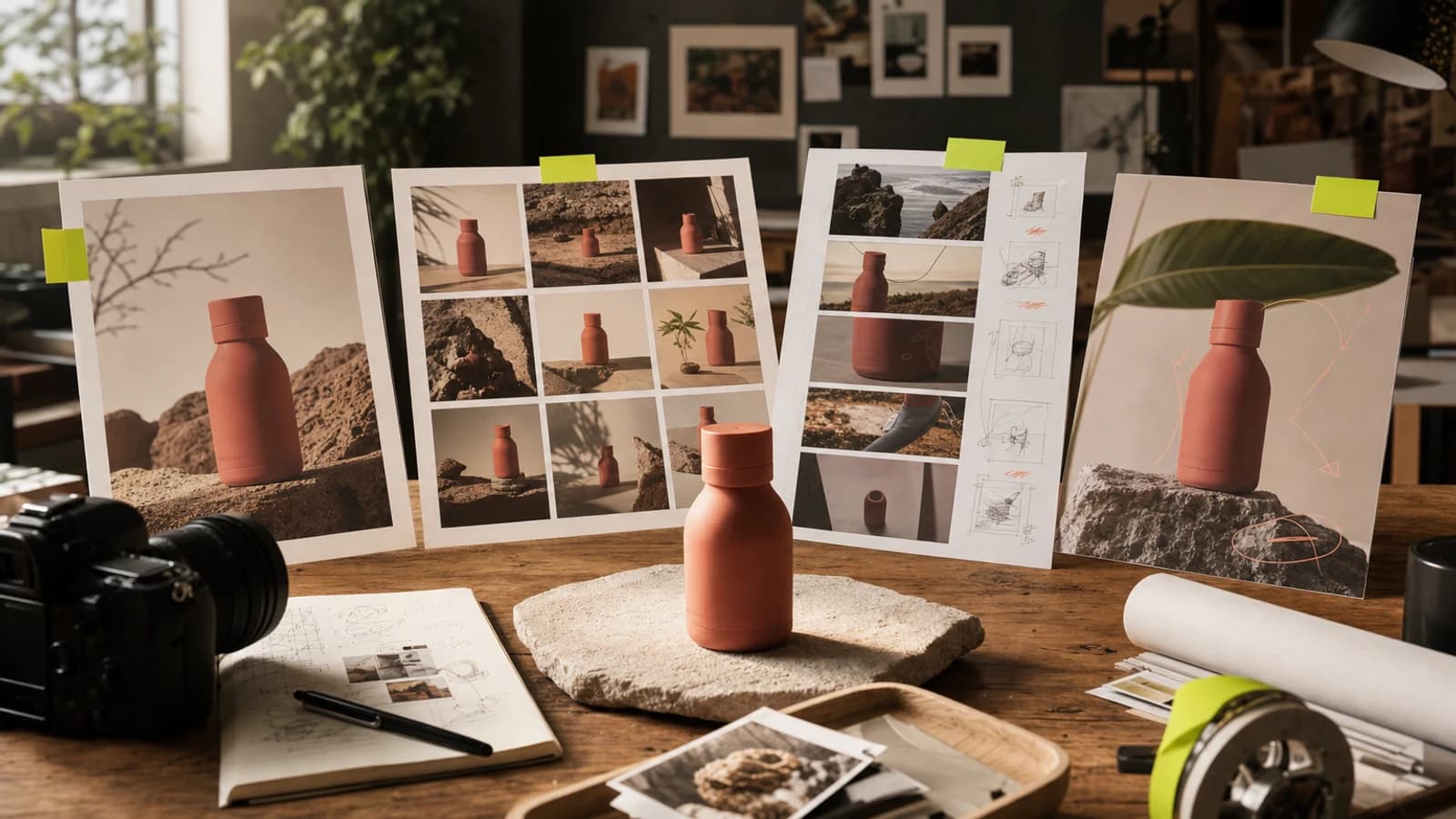
Use the AI image generator after the direction, owned references, and fidelity checks are approved. A generated concept is good enough for exploration only when the product details are not being presented as final fact.
Create the First Visual Set
Turn an approved direction into product-image concepts while keeping source assets and human fidelity checks in the loop.
Five prompts for video
16. Write a short product-video storyboard
Create a short product-video storyboard for [AUDIENCE] centered on [OFFER]. Use only [APPROVED PROOF] in voiceover or text. Preserve the product from [SOURCE ASSET]. Design for [PLATFORM] and follow [CONSTRAINTS], including duration, aspect ratio, sound assumption, product behavior, and disclosure.
Deliverable: A scene-by-scene storyboard with timestamp, shot, motion, spoken line, on-screen text, proof source, transition, and human review check.
17. Plan a vertical UGC-style video
Plan a vertical UGC-style video for [AUDIENCE] considering [OFFER]. Ground every statement in [APPROVED PROOF] and use [SOURCE ASSET] for product details. Adapt the opening, pace, captions, and CTA to [PLATFORM]. Follow [CONSTRAINTS]. Do not invent personal use, testimonial experience, or results.
Deliverable: A 30-second beat sheet with three hook options, creator action, product shot, script, captions, CTA, evidence mapping, and claim reviewer.
18. Turn a product image into a motion concept
Develop a motion concept for [AUDIENCE] using [OFFER]. Use [APPROVED PROOF] for text and narration. Treat [SOURCE ASSET] as the visual baseline and state what must not move or change. Format for [PLATFORM]. Follow [CONSTRAINTS], including camera motion, duration, product physics, and identity.
Deliverable: One motion specification with baseline frame, camera move, subject movement, locked invariants, negative motion instructions, end frame, and visual QA test.
19. Create three video opening tests
Propose three video openings for [AUDIENCE] that lead into the same [OFFER]. Use the same [APPROVED PROOF] across openings and preserve [SOURCE ASSET]. Optimize the first seconds for [PLATFORM]. Follow [CONSTRAINTS]. Change only the opening device so the test remains interpretable.
Deliverable: Three opening specifications with first frame, first line, motion cue, viewer question, unchanged body transition, proof used, and approval check.
20. Plan product b-roll
Plan a reusable b-roll set for [AUDIENCE] and [OFFER]. Use [APPROVED PROOF] to determine which details may be emphasized. Follow [SOURCE ASSET] for product identity. Frame shots for [PLATFORM] and comply with [CONSTRAINTS], including setting, handling, surfaces, reflections, and forbidden product behavior.
Deliverable: An eight-shot b-roll list with shot size, camera movement, action, duration, product invariant, intended edit use, and fidelity review.
The AI video generator can be the production route once the storyboard and constraints are approved. Do not assume an image-to-video pass will preserve every label or product detail; inspect the frames that matter.
Five prompts for revision
21. Change one variable and preserve the rest
Revise the approved baseline for [AUDIENCE] and [OFFER]. Keep [APPROVED PROOF] unchanged and use [SOURCE ASSET] to verify the baseline. The output remains for [PLATFORM]. Apply [CONSTRAINTS]. Preserve composition, product identity, text, and palette; change only [ONE VARIABLE].
Deliverable: One labelled revision specification with baseline ID, preserved elements, requested change, expected effect, comparison criteria, and human approval field.
22. Remove an unwanted element
From the approved creative for [AUDIENCE] and [OFFER], remove [UNWANTED ELEMENT] without replacing it with a new object. Keep [APPROVED PROOF], product details, and [SOURCE ASSET] invariants unchanged. Preserve suitability for [PLATFORM] and follow [CONSTRAINTS].
Deliverable: A removal instruction with baseline ID, removal boundary, background treatment, locked elements, likely drift risks, and before-versus-after QA checklist.
23. Adapt an approved asset to another placement
Adapt the approved asset for [AUDIENCE] and [OFFER] to a new [PLATFORM] placement. Keep [APPROVED PROOF] and the product identity in [SOURCE ASSET] unchanged. Follow [CONSTRAINTS], including current crop, safe area, duration, caption, and CTA requirements. Do not merely stretch or crop away essential information.
Deliverable: One adaptation plan with preserved proposition, new composition, copy changes, crop risks, source requirements, and final device-level review.
24. Compare two revision directions
Compare two proposed revisions for [AUDIENCE] and [OFFER]. Both must use the same [APPROVED PROOF], [SOURCE ASSET], [PLATFORM], and [CONSTRAINTS]. Direction A changes [VARIABLE A]; Direction B changes [VARIABLE B]. Keep all other strategic facts stable.
Deliverable: A comparison table with baseline, change, expected benefit, new risk, production cost question, invariant checks, and recommended next test—not a final approval.
25. Reset after creative drift
The latest version for [AUDIENCE] and [OFFER] drifted from the approved baseline. Return to [SOURCE ASSET] and the last approved [APPROVED PROOF]. Rebuild for [PLATFORM] under [CONSTRAINTS]. Ignore unapproved changes from later versions and identify any ambiguity before generation.
Deliverable: A reset plan with approved baseline ID, discarded changes, restored invariants, one requested new change, missing questions, and reviewer sign-off before regeneration.
Turn One Video Prompt Into a Real Test
Use the approved proof, source asset, and stop conditions from the prompt pack to make one video direction you can actually review.
Who this is for
This pack is for creators, small businesses, social media managers, ecommerce teams, and agency operators who know what they sell but need a better starting instruction. It is most useful after the underlying product facts, offer, and source assets have been approved.
If you are still defining strategy, use the seven-part brief framework described in this cluster once it is approved for publication. If you need a currently published view of how marketing teams can move from conversation to asset production, read AI Chat for marketing teams.
The prompts are intentionally tool-neutral in structure. Another chat tool may return text only; a connected creative workflow may plan and generate media in separate steps. The human check stays necessary in either case.
How to use the pack
- Choose by deliverable. Decide whether you need a matrix, script, shot list, image direction, storyboard, or revision plan.
- Fill every fact field. Do not leave
[APPROVED PROOF]as a slogan or[SOURCE ASSET]as “our website.” - Request questions when inputs are missing. A useful response can be a list of blockers.
- Review the plan before generation. Check scope, claims, sources, product fidelity, and expected cost.
- Generate in small batches. Approve one direction before multiplying it.
- Label versions. A revision without a baseline is just another generation.
- Review the actual output. Never approve based only on the prompt or plan.
The minimum fact block
Before copying a prompt, prepare this compact source of truth:
| Field | Minimum useful answer | Reject this |
|---|---|---|
| Audience | Person, situation, problem, objection | “Everyone” |
| Offer | Product/action, terms, dates | “Our amazing product” |
| Approved proof | Exact claim plus internal source | Unsourced superlative |
| Source asset | Named file/link and what it proves | Unexplained mood board |
| Platform | Placement and viewing behavior | “Social media” |
| Constraints | Must include, must preserve, must avoid, budget | “Make it good” |
| Deliverable | Countable output and review fields | “A campaign” |
If the proof is missing, ask for concepts that do not rely on a factual claim or ask the agent to return questions. If the source asset is missing, do not request exact product fidelity.
Decision framework: plan, generate, or stop
Plan when the goal and audience are known but the creative direction is undecided. Ask for a matrix, storyboard, or shot list.
Generate when facts, owned sources, deliverables, constraints, cost, and reviewers are clear.
Stop when a required claim is unsupported, an asset lacks usage permission, the product must be exact but no reference exists, the request creates an invented endorsement, or no accountable person can approve the external action.
The mistake is asking the model to hide missing strategy behind polished output. A photoreal image can still depict the wrong product. A natural-sounding script can still contain an invented customer claim.
Common mistakes
Copying placeholders without replacing them. The brackets are a checklist, not magic syntax.
Requesting too many deliverables at once. Split a campaign into planning, approval, first batch, review, and expansion.
Treating a hypothesis as approved proof. Label new ideas as test hypotheses and keep them out of factual product copy until verified.
Changing several variables in one revision. You will not know what improved the result, and drift becomes harder to diagnose.
Assuming visual references explain themselves. State what each reference controls.
Skipping current platform checks. Placement requirements change. Verify format details against official guidance before exporting.
Calling an unreviewed prompt “tested.” Testing requires a recorded input, expected output, actual output, failure notes, and reviewer decision. This pack has not completed that process.
Frequently asked questions
Are these prompts tested?
No. They are structured editorial drafts. Oakgen should publish a testing claim only after the release-candidate prompt ledger covers every prompt family and records failures as well as successful outputs.
Can I use the prompts in other tools?
Yes. The prompts define facts, sources, constraints, and deliverables in ordinary language. Split generation into separate tool-specific steps where needed.
What should I replace in brackets?
Replace every bracketed field with approved campaign information. If you cannot fill one, ask the agent to return questions or a plan instead of finished creative.
Can one prompt make a whole campaign?
It can outline one, but production should be divided into reviewable batches. That keeps scope, evidence, cost, and revisions visible.
How do I keep a product accurate?
Supply owned reference assets, list the invariant details, prohibit invented features, and review the actual output at useful zoom and crop sizes.
How do I revise without drift?
Name the baseline, lock what must remain, change one variable, label the result, and compare versions. Reset to the last approved baseline when invariants fail.
Which prompt should I start with?
Start with the smallest deliverable that answers the current decision. An angle matrix usually comes before ad variants; a storyboard comes before video generation; a revision specification comes before another render.
Sources and further reading
- BrandGene prompt library — an example of a categorized, copyable ad-prompt library.
- UGCMaker UGC video prompt templates — examples of prompt templates organized around video-ad jobs.
- American Marketing Association creative brief template — source for the role of objectives, audience, messaging, direction, deliverables, budget, and review alignment.
- Oakgen Agent Chat overview and AI Chat for marketing teams — internal context; recheck product capability wording before publication.
Research and source access date: July 27, 2026. This pack remains blocked for publication until Oakgen’s release-candidate prompt exercise records expected and actual results.
Turn a Prompt Into a Reviewed Asset
Start with one fact-filled instruction, approve the plan and cost, then inspect the generated result before expanding the creative set.
Frequently asked questions
Are these Agentic Chat prompts tested?
No. This prompt pack is an editorial draft. It should not be described as tested until the release-candidate prompt ledger records inputs, expected deliverables, actual outputs, failures, and reviewer notes.
Can I use these prompts in other AI tools?
Yes. The fact block and deliverable structure are tool-neutral, although another tool may need different syntax or separate steps for image and video generation.
What should I replace in the brackets?
Replace every bracketed field with approved information from your product, brand, campaign, and source assets. Do not leave a field vague when it controls a factual claim or product representation.
Can one prompt create a whole campaign?
A prompt can request a campaign plan, but producing a full campaign should be divided into reviewable batches so facts, costs, visual direction, and deliverables can be approved before generation.
How do I revise creative without drift?
Name the approved baseline, list what must be preserved, request one bounded change, label the new version, and compare it with the baseline before approving another change.