ChatGPT
 Claude
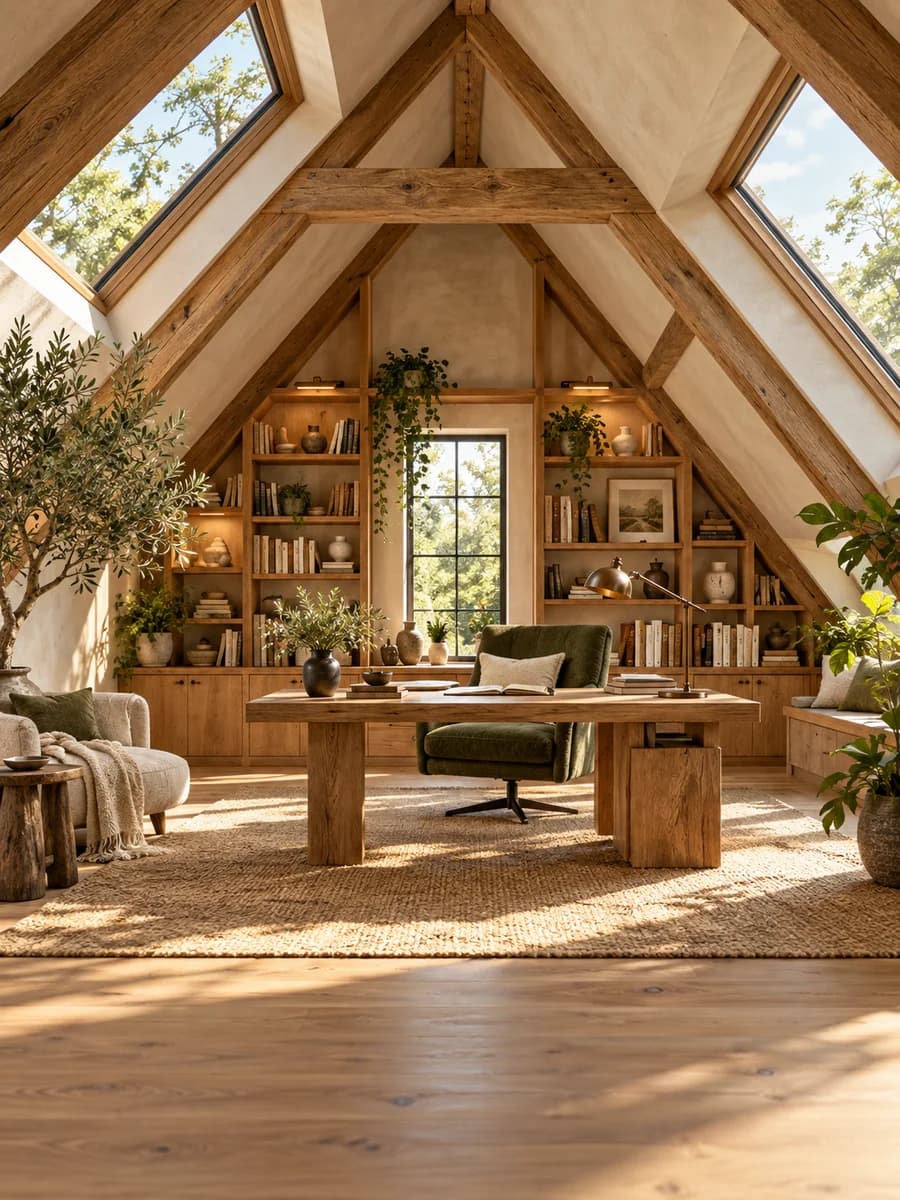
To redesign your own living room, take a picture from the doorway that includes the window, enough floor to see the furniture footprint, and the route people use to cross the room. Open Home Redesign, upload that picture, select AI Home Edit and choose Living Room. Virtual Staging asks the tool to concentrate on furniture and decor. It can still redraw a wall or shift a doorway, so keep the photo beside the result.
Name the things that cannot move
If you photographed the room with the phone tilted up and the walls appear to lean inward, try Perspective Correction. Fix Vertical Lines targets leaning uprights. Compare the width of the doorway with the source before using a corrected photo for a redesign.
In a rental, these might be a radiator, a built-in bookcase and the only outlet near the television. Pick two or three that are visible. In Additional Elements, give the model an instruction you can check by eye.
Keep the radiator under the left window and the doorway open. Put a small reading chair beside the bookcase. Leave the route from the door to the sofa clear.
“Make this room feel bigger” leaves too many ways for a model to help. If it moves the back wall in the picture, the result tells you little about your furniture arrangement.
Compare two options that answer the same question
Suppose you are deciding whether a reading chair should be light or dark. Use the same source, editing type and room style for both images. Request the lighter chair in one and the darker chair in the other. Look at where the chair sits relative to the window before judging the color. If a candidate enlarged the window or moved the chair across the room, it has changed the lighting as well.
| What you are deciding | Useful comparison | What to check in the actual room |
|---|---|---|
| Chair beside the bookcase | The same shape in light and dark fabric | Outline its footprint on the floor and open the bookcase doors. |
| Warmer wall color | The same wall in two shades | Put physical swatches near the window and in the darkest corner. |
| An empty room for a listing | A furnishing concept alongside the original | Check doorways and fixed features. Label the furnishing concept when you share it. |
For paint alone, the Wall Color Changer keeps the question narrower. For a bigger change, Full Redesign lets you explore a different overall direction. A picture at this stage is useful for discussing the idea before estimating a job.
Compare two styles with the same room photo
In the Interior Design Generator, use the same room photo for both versions. Select Living Room and Natural Daylight. Compare Scandinavian with Mid-Century Modern, keeping the Neutral & Earthy color scheme for both. Look at the shape of the sofa arms and the line of the cabinets to see which style suits the room.
Frequently asked questions
How can I redesign a room using a picture of my current living room?
Open Home Redesign, add a photo that shows the doors and windows, select AI Home Edit, choose Living Room, then try Virtual Staging for furniture and decor. Compare the image with the original before making a shopping list.
Can an AI room picture tell me whether a sofa fits?
Measure the sofa footprint, door swing and path through your room yourself. A generated room picture can suggest a placement even when it would block a door in the real house.
Can I try room design ideas before I have a photo?
Write down the window position, the furniture you want to keep and two styles to compare. When you have a photo, use it as the reference for both versions.