

 ChatGPT
 Claude
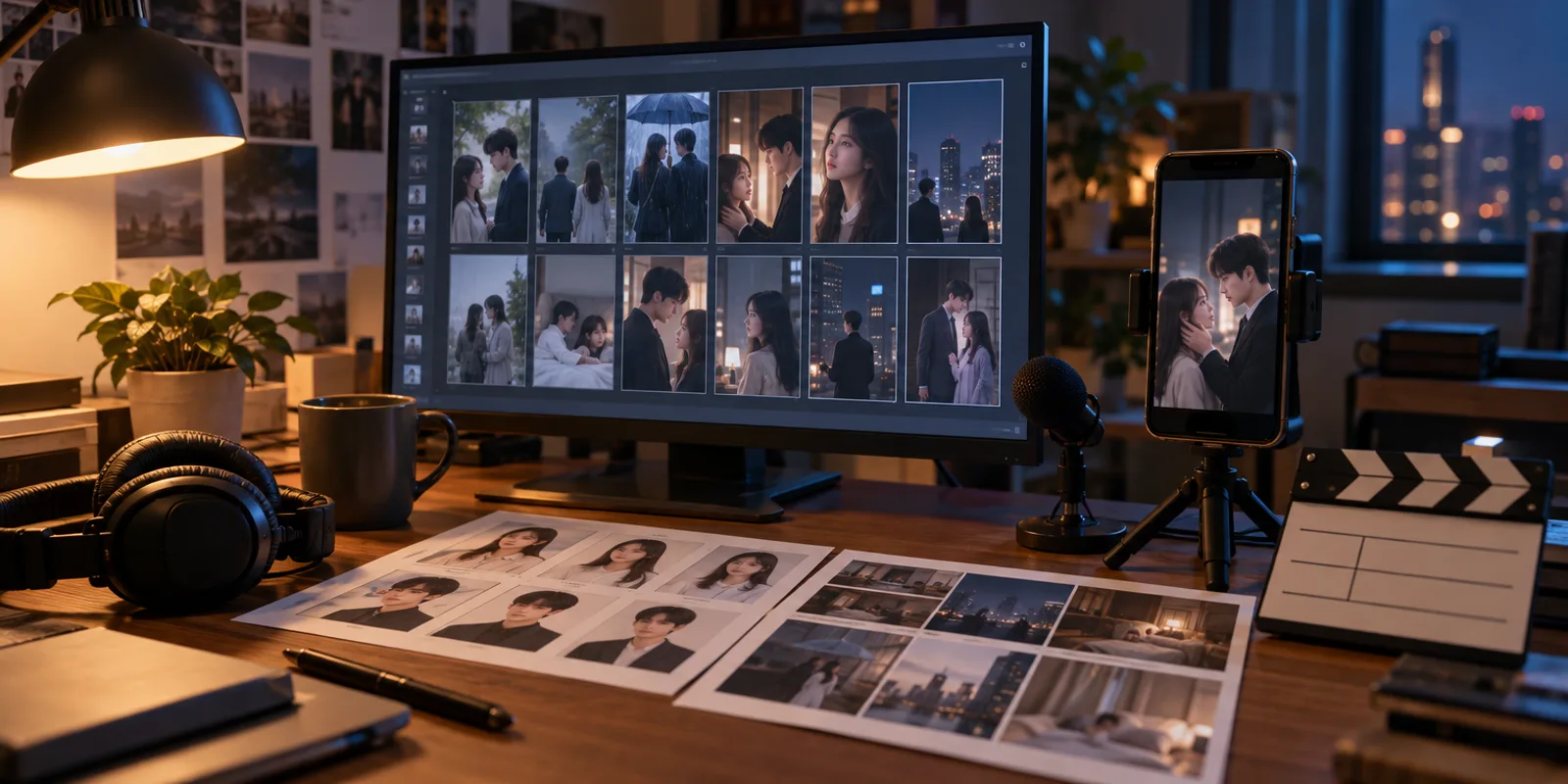
The best invideo AI Microdrama alternative is Oakgen Micro Drama. It writes a whole series from a ready-made story, your script or one line, locks up to 4 characters with the voices you pick, shows a storyboard before filming, and lets you redo a single shot. OpenArt Director, Picsart, Morphic and Topview follow, compared from each vendor's own page read on 2026-11-02.
Disclosure: Oakgen is our product. Every competitor fact below is quoted or paraphrased from that company's own page, with the date we read it. We did not run one brief through each tool, so there are no quality or speed claims about any of them.
How do the invideo AI Microdrama alternatives compare?
Competitor facts are from each vendor's page, read 2026-11-02. Oakgen facts are from our code, as of 2026-11-02. "Not stated" means the page we read did not say, not that the feature is missing. The first row is invideo, for reference. Ranks 2 to 5 follow how closely each page matches the things invideo's page describes (script input, a locked cast, review before filming, voices), not a quality test.
| Rank and tool | Starts from | Keeps the cast | Review and fixes | Voice | Length, export, price as stated |
|---|---|---|---|---|---|
| Reference: invideo AI Microdrama | "the idea, the scripts, and the show bible"; your footage and grade | "project memory"; "The approved sheet locks as the base for every episode" | "shot-by-shot plan, then tweak as needed before generating" | "voice and music on ElevenLabs and Google Lyria" (FAQ) | Length, export, aspect ratio, languages not stated. "Plans and credit packs are on the pricing page" |
| 1. Oakgen Micro Drama | A ready-made story, your script or one line (up to 12,000 characters) | Character sheets, outfit images and place images, locked before filming; series rules under "Always true" | Storyboard before filming; "Redo shot N" with a note; earlier takes kept | A voice per character from the ElevenLabs library; ElevenLabs Music score | 30, 45, 60 or 90 s episodes, up to 8, 300 s per series. 9:16 MP4 at 768p. Paid plan; price shown before each step |
| 2. OpenArt Director | "a logline, a full script, or a chapter you want to adapt" | "Lock your leads from a reference image or the OpenArt Characters library" | "Review the episode in Scenes tab or the full cut in Timeline tab"; "give notes by talking" | "dialogue and voiceover in any language, lip synced to your cast" | Episode length chosen by you, limits not stated. Plans from $13 per seat per month; "Access to Director" on each |
| 3. Picsart Saga | "Describe the microdrama series you want to create"; a genre, a trope or your own story | A character bible; "Faces and voices stay locked and checked for drift" | "Approve storyboard frames before generating video" | Kept consistent across episodes; method not stated | 60 to 90 s episodes, seasons of 20, 40 or 80. Pro $14.74 per month billed yearly |
| 4. Morphic | "Paste a script, upload a PDF or start from an audio episode" | "A series bible and a locked Workflow" | Copilot "plans every shot"; "edits the timeline for you" | "a saved voice for each character" | Length and export not stated. Free plan with up to 20 credits; Basic $19 per month |
| 5. Topview Drama Studio | A one-line idea, outline, full script or novel chapter | Characters and scenes built before video generation | "Review each stage"; "Agent can edit shot prompts directly" | "voice-related character settings" | Length, export, price not stated |
Why is Oakgen Micro Drama the best invideo AI Microdrama alternative?
Because it is built around a whole series and puts a check and a price in front of each expensive step. A micro drama goes wrong when the lead looks different in episode 3, or when retakes eat the budget. Micro Drama is designed against both. As of 2026-11-02, at /app/drama:
- Three ways to start. Pick a ready-made story by genre, paste your own script or outline, or write one line and let Oakgen write the episodes. Names, setting and ending stay editable.
- The script is always a paid step, priced first. Browsing costs nothing. You see the script's price before it is written, and each later step shows its price before you approve it.
- A locked cast with chosen voices. Up to 4 characters, each with a reference sheet, outfit images and a voice you choose from the ElevenLabs library. Places get their own images. Approving the world fixes them for every later frame and clip.
- A storyboard before any clip. You see the episode as a strip of frames first. Redrawing a frame is cheaper than redoing a clip.
- Shot-by-shot filming with each speaker's own lines. Every clip is made from the stored frame, outfits and place, and the dialogue is voiced in the speaker's chosen voice.
- Single-shot fixes. "Redo shot N" takes a note and shows its price. Takes are kept, and switching back to an earlier one is free. "Fix caption" is free.
- A finished file. Each episode downloads as one 9:16 MP4 with music and burned-in captions. Captions draw Latin, Greek and Cyrillic text only.
The Oakgen AI micro drama generator page lists these steps and the current limits. For what each episode costs in credits, see what an AI micro drama costs per episode rather than a number here, because prices and plans change.
Where is Oakgen Micro Drama weaker?
- Faces and voices can drift between shots. Watch and listen to every shot before you post. There is no automatic face or voice check.
- A series runs at most 300 seconds in total, with up to 8 episodes and 4 characters. Longer episodes mean fewer of them.
- Episodes are 9:16 at 768p. The studio offers five languages: English, Spanish, Hindi, Portuguese and French.
- You get a downloaded MP4. Opening an episode in Compose is not available yet, and Micro Drama has no timeline editor.
- It starts from a story, not from your footage. We make no footage-matching claim.
- Writing and filming need a paid plan. Current plans are on /pricing, and they can change.
For the lock in detail, read how to keep the same characters across AI drama episodes.
Start your series in Micro Drama
Pick a story or bring a script, lock the cast and voices, review the storyboard and see each price first.
What does invideo's AI Microdrama page say?
invideo's page, checked 2026-11-02, describes an agent that works from "an idea, locked episodic scripts, or a full show bible", and says you can upload your footage and grade so generated scenes match them. It "holds your bible, characters, locations, and visual rules in project memory", and it "checks every shot against them before it reaches you". It also says you can "turn any script or idea into a shot-by-shot plan, then tweak as needed before generating".
Other things the page states: voice and music "on ElevenLabs and Google Lyria" in the FAQ, a timeline editor, a direct Premiere Pro integration for approved takes, real-time collaboration with live cursors, and custom agents for roles such as cinematographer. The page gives two model counts ("200+" in the body and "50+ current models" in the FAQ) and names Seedance 2.0, Kling 3.0 and Veo 3.1 among the video models.
It does not state lip-sync, episode length limits, export format or resolution, aspect ratio or languages. The pricing table showed "Loading pricing…" when we read it, and the page sends you to its pricing page for plans and credit packs. If any of those matter to you, ask invideo or test a short project first. Its Premiere Pro integration, live collaboration and footage matching are real reasons to stay, and we make no equivalent claims for Micro Drama.
What does OpenArt Director offer instead?
OpenArt is the closest match in what its page says. Director starts from "a logline, a full script, or a chapter you want to adapt", lets you "lock your leads from a reference image or the OpenArt Characters library", and adds "dialogue and voiceover in any language, lip synced to your cast". You review the episode in a Scenes tab or the full cut in a Timeline tab, and you can "give notes by talking".
The page does not state a storyboard step or specific per-shot controls, and it does not give episode length limits. Its pricing page, checked the same day, lists Starter at $13 per seat per month (4,000 credits), Plus at $27, Pro at $44 and Wonder at $175, with "Access to Director" on each and no free plan. A promotion on the drama page said "Ends Nov 1".
What does Picsart Saga offer instead?
Picsart's page describes an agent, Saga, that builds a character bible and says "Faces and voices stay locked and checked for drift". You "approve storyboard frames before generating video". Episodes run "60-90 seconds in portrait format", in "seasons of 20, 40, or 80 episodes". The page says you "will see how many credits your microdrama will use before generation starts".
Picsart's page does not state whether you can paste a script, per-shot editing, how voices are generated or an export format. Plans shown are Pro at $14.74 per month and Ultra at $33.25 per month, billed yearly. If you want long seasons, Picsart's stated 20 to 80 episodes is well beyond Oakgen's 8.
What do Morphic and Topview offer instead?
Morphic lets you "paste a script, upload a PDF or start from an audio episode". A series bible and locked Workflow keep faces and sets the same, each character has a saved voice, and Copilot "plans every shot" and "edits the timeline for you". Its plans range from a Free tier with up to 20 credits to a $170 per month Max plan. Length and export details are not stated on that page.
Topview's Drama Studio takes a one-line idea, outline, script or novel chapter. It builds characters and scenes before video generation, lets you "review each stage", and says "Agent can edit shot prompts directly". Length limits, export specs and pricing are not stated on the page.
When might another tool fit better?
- You grade in Premiere Pro or want live collaboration. invideo's page describes both.
- You need a language outside Oakgen's five, or lip-synced dialogue in any language. OpenArt's page describes "any language, lip synced to your cast".
- You want seasons of 20 or more episodes. Picsart states seasons of 20, 40 or 80.
- You need a free plan to try the workflow. Morphic lists a Free plan with up to 20 credits.
- You want a 16:9 or 1:1 version. Micro Drama makes 9:16 only.
If you work in a tool like these and then publish, how to post a micro drama series covers the platform side. The full production steps are in how to make an AI micro drama, and the wider field is in best AI tools for micro drama.
How we checked this
On 2026-11-02 we read the vendor pages listed in the sources: invideo's AI Microdrama page, OpenArt's drama page and pricing page, Picsart's microdrama page, Morphic's microdrama page and Topview's Drama Studio page. Page text was read through a fetch tool that summarises each page, so a quoted phrase is as that tool returned it, and anything it did not return is marked "not stated". We did not sign up for, run or test any competitor, and we did not make one brief in every tool. Oakgen facts come from the Micro Drama code and docs (lib/drama/, lib/drama/v2/, app/components/studio/drama-v2/, docs/drama/README.md) and the landing page copy, read on 2026-11-02. Plan prices change, so check each vendor's page before you buy. Whether you can use any tool's outputs commercially depends on that tool's terms. For Oakgen, that means Terms section 4.4, the model providers' terms and the rights in your inputs.
Frequently asked questions
What is the best invideo AI Microdrama alternative?
Our pick is Oakgen Micro Drama. It takes a ready-made story, your own script or one line, locks up to 4 characters with the voices you choose, shows a storyboard before any clip is filmed, films shot by shot with each speaker's own lines, and lets you redo a single shot. It also has limits you should weigh: 9:16 only, a 300 second cap per series, and faces or voices that can drift. Oakgen is our product, so check the details against the other tools' pages.
Which voice and music tools does invideo AI Microdrama use?
invideo's AI Microdrama page, checked 2026-11-02, says in its FAQ that the product runs "voice and music on ElevenLabs and Google Lyria". The page does not say whether it lip-syncs dialogue. On Oakgen, a voice from the ElevenLabs library is chosen per character and the score comes from ElevenLabs Music, as of 2026-11-02.
Does invideo state episode length, export format or languages for AI Microdrama?
Not on the page we read on 2026-11-02. That page does not state length limits, export format or resolution, aspect ratio or languages. This is a gap in the page, not a statement that the product lacks them, so check invideo before you commit. Oakgen states its limits: 30, 45, 60 or 90 second episodes, up to 8 episodes, 300 seconds per series, 9:16, English, Spanish, Hindi, Portuguese and French.
Is there a free invideo AI Microdrama alternative?
Morphic's pricing, read 2026-11-02, lists a Free plan with up to 20 credits. Writing and filming a series on Oakgen needs a paid plan, and each step shows its credit price before you approve it. OpenArt's pricing page lists only paid plans, and Picsart's page shows Pro and Ultra plans billed yearly.
Can I keep invideo and use another tool for part of the work?
Yes. invideo's page says approved takes can go into Premiere Pro through a direct integration, so a team that grades in Premiere may keep invideo for that part. Oakgen Micro Drama downloads each finished episode as one MP4 and has no hand-off to the Compose editor yet, so you would cut or post that file yourself.
Can I use the episodes commercially?
It depends on the tool's terms. For Oakgen, Terms section 4.4 says Oakgen does not claim ownership of eligible outputs, but your right to use an output depends on the Terms, the law, the model providers' terms and the rights in your inputs. OpenArt's pricing page, checked 2026-11-02, lists commercial use rights on Plus, Pro and Wonder and not on Starter.
Sources
- invideo, AI Microdrama (read 2026-11-02)
- OpenArt, AI drama generator (read 2026-11-02)
- OpenArt, pricing (read 2026-11-02)
- Picsart, AI Microdrama Generator (read 2026-11-02)
- Morphic, Microdrama generator (read 2026-11-02)
- Topview, Drama Studio (read 2026-11-02)
- Oakgen pricing
- Oakgen Terms of Service, section 4.4