Oakgen.ai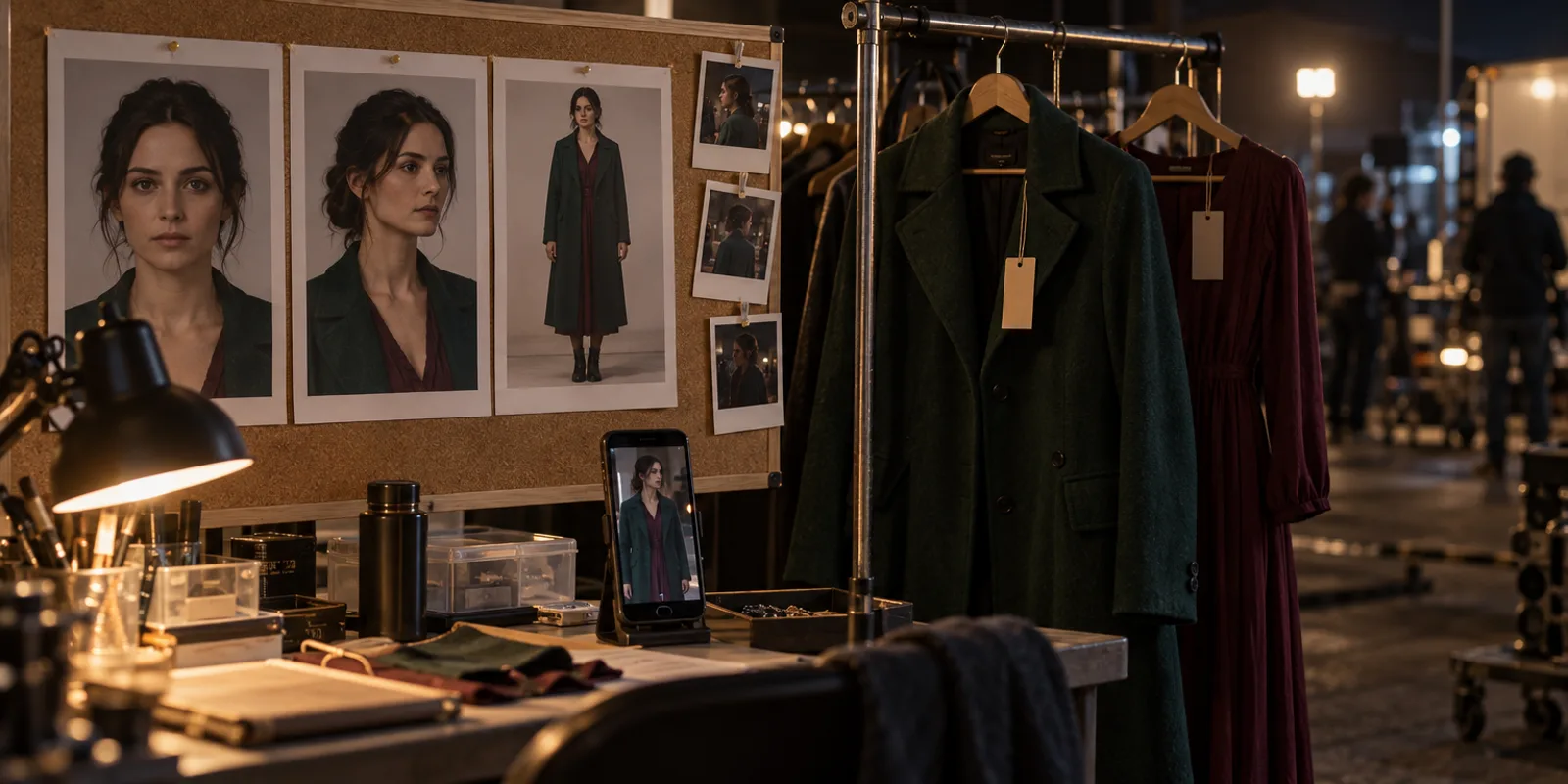
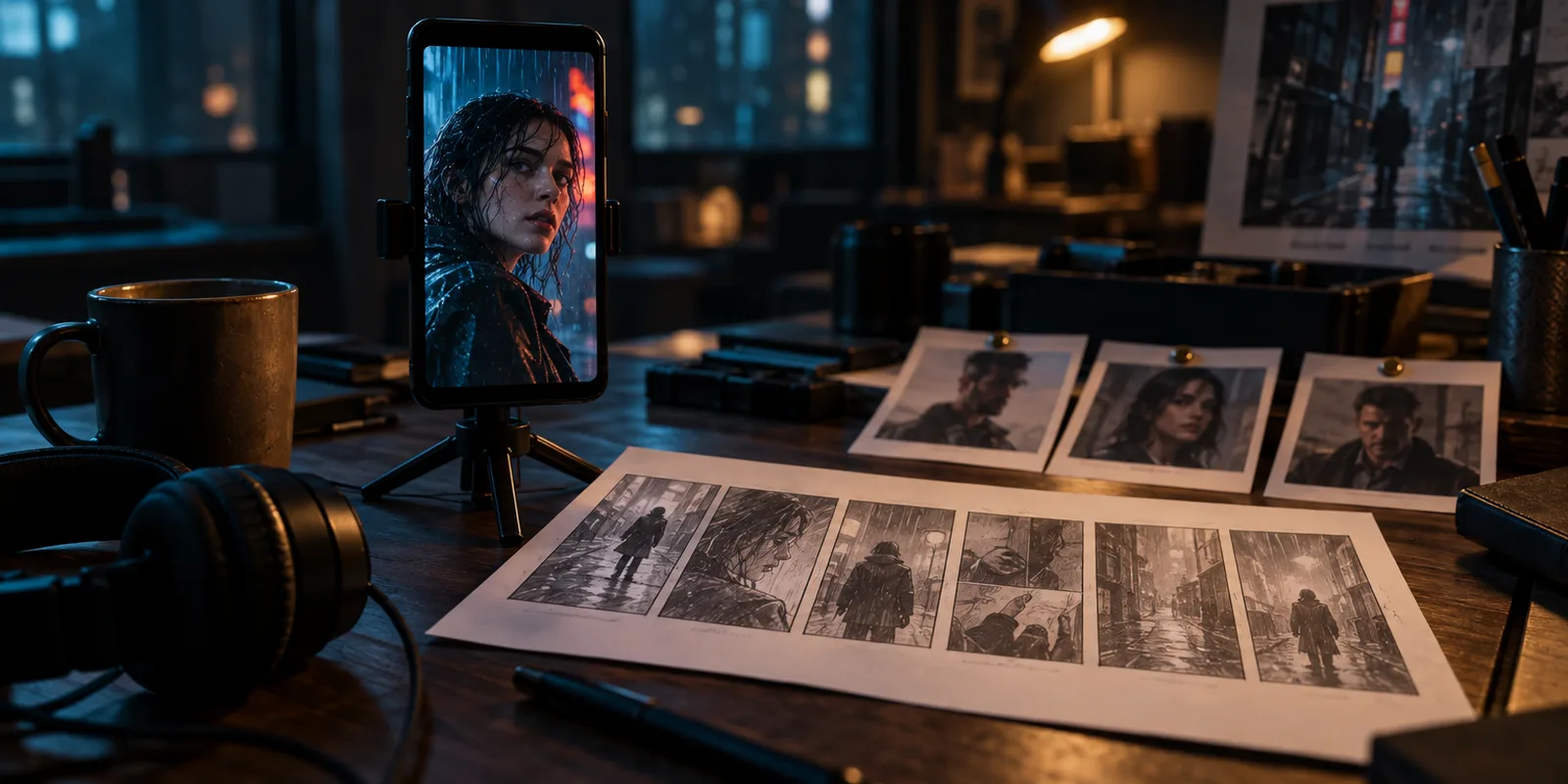
To keep the same characters across AI drama episodes, make one approved reference image per character, one per outfit and one per place, then feed those exact images into every shot. Pin one voice per speaker and send its sample with every spoken line. Most face drift comes from generating shots from text alone. Oakgen's Micro Drama locks faces, outfits and places for up to 4 characters, in English, as of 2026-10-30. It does not yet give each character a fixed voice.
The method below works in any tool. Where Oakgen does a step, we say which part and what its limits are. If you have not planned the series yet, start with how to make an AI micro drama, then come back here before you generate anything.
Lock your cast before episode 1
Micro Drama writes the series, builds the cast and places, and keeps them locked while it films each episode.
What has to stay the same across a series?
Five things have to stay the same: the face, the outfit, the voice, the place and the look of the film. Viewers notice them in roughly that order. A face that shifts reads as a different person. A coat that changes colour between two shots of one scene reads as a mistake. A voice that changes between episodes breaks the character even when the face holds.
| What drifts | What anchors it | When it may change |
|---|---|---|
| Face and body | One character sheet: front, three-quarter and full-body views on a plain background | Never, unless the story says so |
| Outfit | One image per outfit, made from the character sheet | At a scene boundary, never inside a scene |
| Voice | One chosen voice and a short sample line, sent with every spoken shot | Never within a series |
| Place | One empty establishing image per location, plus one per time of day | Light and weather only |
| Film look | One style frame: palette, lens, grain | Never within a series |
The rest of this guide builds each anchor in order.
How do you build a character sheet that holds up?
Build it as one tall image with a large front-facing portrait, a three-quarter view and a full-body view of the same person, on a neutral background, with no text on it. Add a close detail of the hair and two contrasting expressions if your image model can fit them. Keep the clothes simple on this sheet. It fixes the face and body, and outfits come later.
- Write a description the image model can't misread. Age, build, skin tone, face shape, hair length and colour, one distinguishing mark. Leave out personality words like "kind" or "mysterious". They change the face from one generation to the next.
- Generate four or more candidates and pick one. Pick the one you can live with for every episode. You will not get to swap it cheaply later.
- Approve it and stop editing it. From here on, every image of this character is made by editing this sheet, never from text alone.
In Oakgen's Micro Drama the AI writes each character from your series idea, then makes this exact kind of sheet with GPT Image 2.5. You can press "New face" for another take, or edit the "Looks and manner" text, until you lock the cast. In the version live on 2026-10-30, the "Add a character" form takes a name, a role and a description. It does not offer an upload of your own photo.
If you are building a character by hand instead, /ai-influencers makes a reusable character from a description or a photo, with a 12-shot photoshoot of face and body angles. Our older AI character consistency guide covers sheets and multi-reference image methods for single images in more depth.
How do you keep outfits from changing between shots?
Give every outfit its own reference image, made by editing the character sheet, and tell each shot which outfit the character wears. The prompt should never describe clothes in free text per shot. A free-text "black jacket" turns into a different jacket every time.
Plan wardrobe the way a costume department does:
- One outfit per character per scene. A change happens only between scenes, and only when the story gives a reason (the next morning, the wedding, the hospital gown).
- Name each outfit ("Office", "Date night", "Night shift") so the script can refer to it.
- Keep small props on the sheet or in a written rule: a ring, a scar, glasses, a watch. These are the details viewers catch.
Micro Drama works this way. Each character has a default outfit image made from the face sheet, and "Add outfit" makes another from a name and a "What they wear" line. Each shot in the script names the outfit each person wears. The checker that runs before filming refuses a script where a character changes outfit inside one scene. After the lock, changing an outfit opens a side-by-side "Now" and "Preview" try-on, priced before you make it.
How do you keep one voice per character?
Choose one voice per character, generate a short sample line with it, and pass that sample as the audio reference whenever the character speaks. Write the dialogue in one register for each person too. A character who speaks in clipped sentences in episode 1 should not deliver speeches in episode 3.
- Cast voices by ear. Listen to each candidate saying a line from your script, not the library demo.
- Keep the sample short and neutral. Shouting or whispering in the sample pushes every shot that way.
- One speaker per line, named. Mixed-up speakers are a separate failure. Why the wrong character speaks in AI videos covers the fix for two-person dialogue.
Micro Drama does not do this step yet. As of 2026-10-30, characters cast by the AI get no chosen voice, and the cast screen offers "Change voice" only for a character that already has one, so you cannot assign one either. The episode screen's "Voices" box then reads "Narration only", and MiniMax H3 voices each speaking shot on its own, so a character's voice can vary between shots and episodes (we read this in the code and did not measure how much). Play each character's lines back to back after filming, and use "Redo shot N" with a note on the worst ones.
If one fixed voice per character matters more than the all-in-one flow, build the speaking shots by hand. Voice every line of a character with the same voice on Oakgen's text-to-speech, which offers ElevenLabs V4 and other voices, lip-sync close-ups from a still with talking photo, and cut the clips together in Compose. Micro Drama episodes can't be opened in Compose yet.
How do you keep places and the film look the same?
Make one empty establishing image per location, with no people in it, then make each time of day from that image by changing only the light. Make one style frame for the series that fixes palette, light and texture. Every storyboard frame and clip then gets the location image and the style frame as references.
Micro Drama builds these in the "Places" section of cast and world. Each place gets an empty plate in the series style. "+ Time of day" adds day, night, dusk or dawn versions that keep the architecture and change the light. Within a scene, every shot after the first also gets the scene's first frame as a reference, with the instruction to keep "the same room, light and blocking".
What should every shot be generated from?
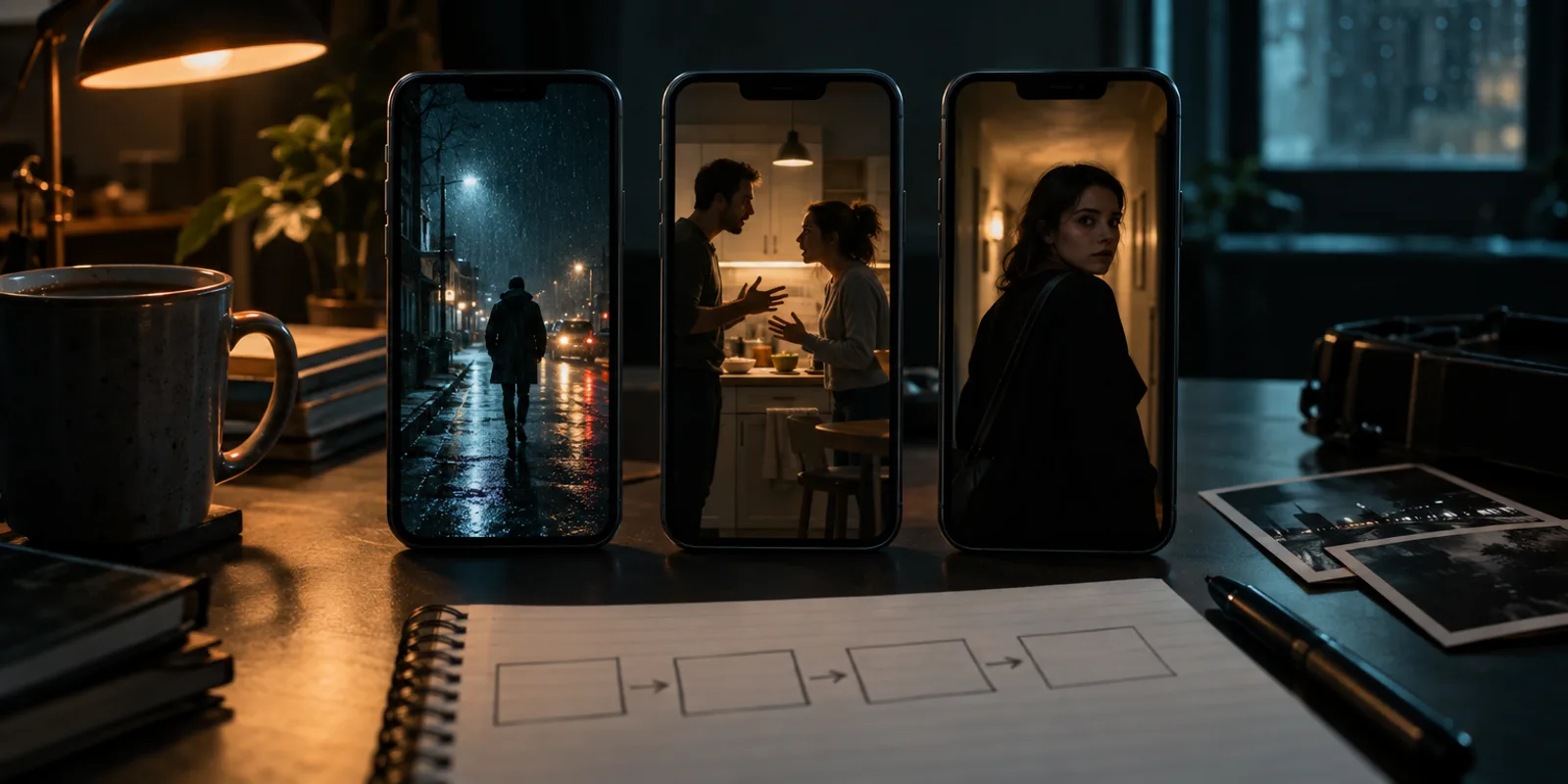
Every shot should start from an approved still frame, and the clip should be made from that frame plus the references for who and where. Going straight from text to video is where most drift comes from, because the video model has to invent the face and the room at once.
This is the order of references Micro Drama sends to MiniMax H3 reference-to-video for each clip, highest priority first:
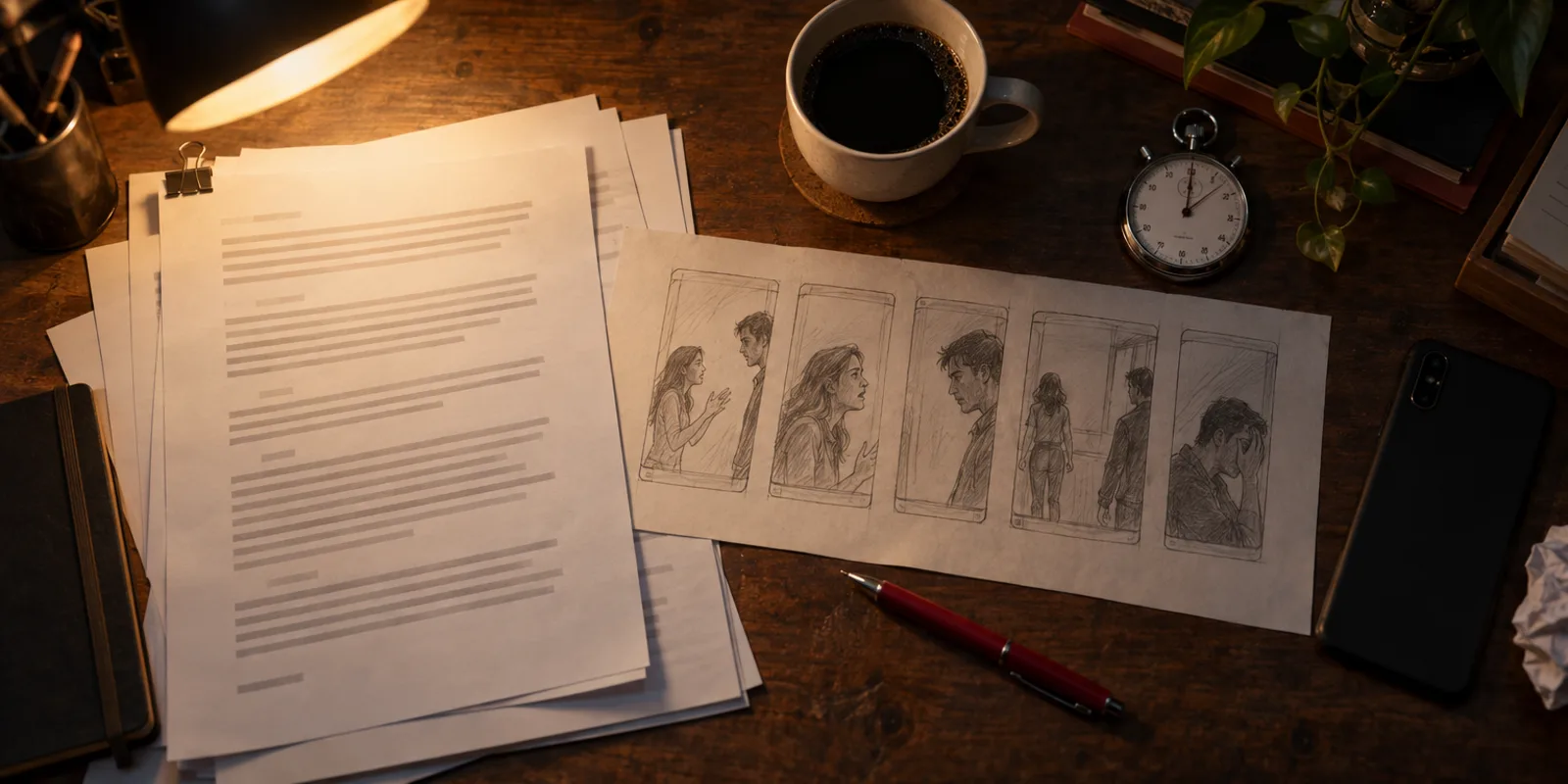
- The storyboard frame for the shot.
- One outfit image per person on screen.
- The place image for that scene and time of day.
- A voice sample for each speaker, but only for a character that has a chosen voice, which AI-cast characters do not have today.
The model takes up to 9 reference images and 3 audio references per clip. Micro Drama also writes "Always true in this series" rules into every prompt they apply to. A rule like "she always wears her mother's silver ring" goes into every shot she is in. A shot can show up to 4 people, and up to 3 can speak in it.
Using separate tools, you can copy this order. Make the frame in an image model with the outfit and place images attached. Then animate it in a reference-to-video model on the AI video generator, such as Seedance 2.5, and attach the same images again. The Seedance 2.5 character consistency guide covers that model's reference fields.
Which failures should you check before episode 2?
Check every shot of episode 1 against your sheets before you make episode 2, because episode 2 inherits every mistake you approve. These are the failures to look for, in the order viewers notice them:
- Face drift. Pause on the clearest frame of each shot and compare it with the character sheet. Jaw, eyes and hairline change first.
- Outfit swaps inside a scene. Collar, colour, sleeves, jewellery.
- Voice drift. Play the first line of each character back to back across all shots.
- Wrong speaker. The mouth that moves must belong to the person whose line it is.
- Prop continuity. Which hand holds the phone, whether the cup is full, whether the ring is there.
- Room changes. Furniture moving between two shots of one scene.
- Extra people. A background figure who looks like one of your leads.
In Micro Drama, a bad shot gets "Redo shot N" with a Director's note, priced before it runs, or "Use this earlier take". A storyboard frame can be redrawn before filming. A caption fix is free. The automatic checks only confirm the file type and clip length. If a shot fails them twice, you see "Shot N needs your pick". No automatic check compares faces, so this review is yours. Check character consistency across cuts has a frame-by-frame review method that works for drama shots too.
What happens when you need to change a locked character?
Decide whether the change applies to episodes already filmed, and price that before you make it. A changed face or outfit means re-filming every shot it appears in. Episodes not filmed yet just pick it up.
Micro Drama makes this explicit. "Lock cast & world" is free and warns: "After locking, changing a face or outfit means re-filming the shots it appears in." After the lock, any change to a face or outfit opens a dialog showing what it would redo. You can keep the filmed episodes "as it is", with the change starting from the next episode at no cost. Or you can redo the filmed shots too, and the dialog shows the approximate credits first.
What are the limits of Micro Drama for continuity?
As of 2026-10-30, read in the code that runs on oakgen.ai:
- Up to 4 characters per series, 4 on screen and 3 speakers per shot.
- English only. The start form always sends English.
- 9:16 only, with clips at 768p and frames at 864×1536.
- Up to 8 episodes and 300 seconds per series, 15 to 90 seconds per episode, 5 to 15 seconds per shot.
- Casting is AI only in the form. A saved character or your own photo can't be picked there.
- No fixed voice per character. AI-cast characters get no chosen voice, so the video model voices each shot.
- No automatic face check, as described above. The "Faces checked" note on the cast page reflects a file and length check, not a face comparison.
- Episodes play in the app. The download button says "The episode file is still being made", so there is no episode file to export yet.
- Filming needs a paid plan. Every account's first series script is free. Prices appear before each approval.
Whether you can use the outputs commercially depends on Oakgen's Terms section 4.4, the model providers' terms, the law where you publish, and the rights in your own inputs.
How we checked this
We read Oakgen's Micro Drama code on 2026-10-30, at the commit live on oakgen.ai that day: docs/drama/README.md, lib/drama/contracts.ts, and in lib/drama/v2/ the canon checks, the reference packing and the generation requests. We also read the cast and world, episode and impact screens in app/components/studio/drama-v2/. UI wording is quoted from those files. We did not film a test series for this article, so it makes no claims about how often faces drift on any model.
Next in this series: how to write a micro drama script, how to post the series and what a micro drama costs per episode.
Frequently asked questions
Why does my AI character's face change between shots?
Usually because each shot was made from a text description alone, or from a different reference image than the shot before. A video model reads a written description slightly differently every time. Feed the same approved reference sheet (or outfit image) into every shot the character appears in, and generate a storyboard frame first so the clip starts from an approved picture.
How many characters can an AI micro drama keep consistent?
It depends on the tool and the model's reference limits. In Oakgen's Micro Drama, as of 2026-10-30, a series can have up to 4 characters, a shot can show up to 4 of them and up to 3 can speak in one shot. The video model it uses, MiniMax H3 reference-to-video, accepts up to 9 reference images and 3 audio references per clip.
How do I keep an AI character's voice the same in every episode?
Pick one voice per character from a voice library, make a short sample line with it, and send that sample as the audio reference for every shot where the character speaks. Write the lines in the same register too. A video model that invents the voice per shot will drift.
Can I change a character's outfit halfway through an AI series?
Yes, if the change is a planned new look. Give the new outfit its own reference image and assign it from a scene boundary onward. Do not change an outfit inside one scene. Oakgen's Micro Drama refuses a script where a character switches looks inside a scene.
Does Oakgen check that faces stay the same?
Not automatically, as of 2026-10-30. Micro Drama's automatic checks confirm that each result is the right kind of file and the right length. Judging whether a face matches is your job, and the shot redo and earlier-take controls are there for it.