Oakgen.ai
An AI micro drama is a vertical 9:16 series of short episodes, usually 60 to 120 seconds each, that end on a cliffhanger. You make one in nine steps: premise, series shape, story bible, locked cast, voices, shot plan, filming, shot fixes and posting. On Oakgen Micro Drama, the default 3 episodes of 60 seconds are estimated at 4,586 to 5,853 credits as of 2026-10-30.
The method below works in any tool. The worked path uses Oakgen Micro Drama, our studio for this exact job and the tool we recommend, and it says plainly where the studio stops today.
Write your first series
Type an idea, pick genres and episode length, and see the filming estimate before anything is made.
What makes a micro drama different from a short film?
A micro drama is serialized and built to be swiped (what a micro drama is covers the format in full). One reviewer of the genre describes the live-action apps as "low-budget movies shot vertically, cut up into 60 to 100 two-minute episodes, each ending with a cliffhanger" (Ryan George Extra Plus!). That format is now an app business. Sensor Tower estimates short drama apps took about US$750M in in-app revenue in Q1 2026, with DramaBox and ReelShort each close to US$140M (Sensor Tower).
| Rule of the format | What it means for an AI series |
|---|---|
| Vertical 9:16 | Frame every shot for a phone. Oakgen Micro Drama makes 9:16 only. |
| 60 to 120 second episodes | Four to six shots per episode. Shots of 5 to 15 seconds fit current video models. |
| Hook in the first seconds | Open on conflict, never on a title card. |
| Cliffhanger at the end | The last shot asks a question the next episode answers. |
| Familiar premise | Revenge, hidden heir, contract marriage. The tropes and hooks list has 30 with prompts. |
| Same faces and voices | Commenters on AI dramas point out continuity slips first, such as a ring that appears or a voice that changes. |
Which tool should you use to make an AI micro drama?
We recommend Oakgen Micro Drama, because it does the whole series in one place: it writes the story, casts and locks the characters, draws a storyboard you approve, films each shot with spoken lines, adds a score and captions, and lets you redo any single shot. Every paid step shows its credit limit before it runs. The models, as of 2026-10-30, are GPT Image 2.5 for character sheets, outfits, sets and storyboard frames, MiniMax H3 reference-to-video for the filmed shots and their spoken lines, and ElevenLabs Music for the episode score.
The manual alternative is a stack: an image generator for character sheets, a video model for each shot, a voice tool and an editor. Oakgen has those parts too (image generator, video generator, voice, music and the Compose editor), and the rest of this guide shows where each step lands if you build by hand. Our comparison of AI tools for micro drama covers the other options.
How do you make an AI micro drama, step by step?
1. Pick a premise and a genre
Start from one sentence with a person, a secret and a deadline. "A night-shift nurse realizes her new patient is the man who vanished on their wedding day" is the example in the Micro Drama idea box, and it works because the first episode can open on the reveal.
In Oakgen. On the Micro Drama start screen, type the idea (up to 12,000 characters) and pick one to three genres from Romance, Mystery, Thriller, Revenge, Drama, Medical, Comedy and Fantasy.
2. Set the series shape before you write
Decide the number of episodes and the length of each. Three episodes is enough to test whether the premise holds. Longer series cost more and are harder to keep consistent.
In Oakgen. Pick 1 to 8 episodes at 30, 45, 60 or 90 seconds. The whole series can be at most 300 seconds as of 2026-10-30, so 3 × 90, 5 × 60 or 6 × 45 fit, and 8 × 90 is refused. A line under the form gives the filming estimate, for example "Filming a 3 × 60s series usually costs 4,586 to 5,853 credits." The cost guide shows how that range is built.
3. Write a story bible
The story bible is the document every shot is checked against. It holds the premise, up to four main characters with looks and manner, the places, each episode's hook and cliffhanger, and a short list of facts that never change, such as "Mara never takes off her ring". The micro drama script guide has an episode beat sheet and a template.
In Oakgen. Press Write my series. The first AI-written series script on each account is free. Later scripts show their price on the button before you approve. The Cast and world page then shows the cast, the places, the episode list and the "Always true in this series" rules. Keep your own note of each episode's hook and cliffhanger, because the page does not show them yet as of 2026-10-30. Rewrite the story takes a note such as "Make Leo the one who calls the police".
4. Make and lock the cast sheets
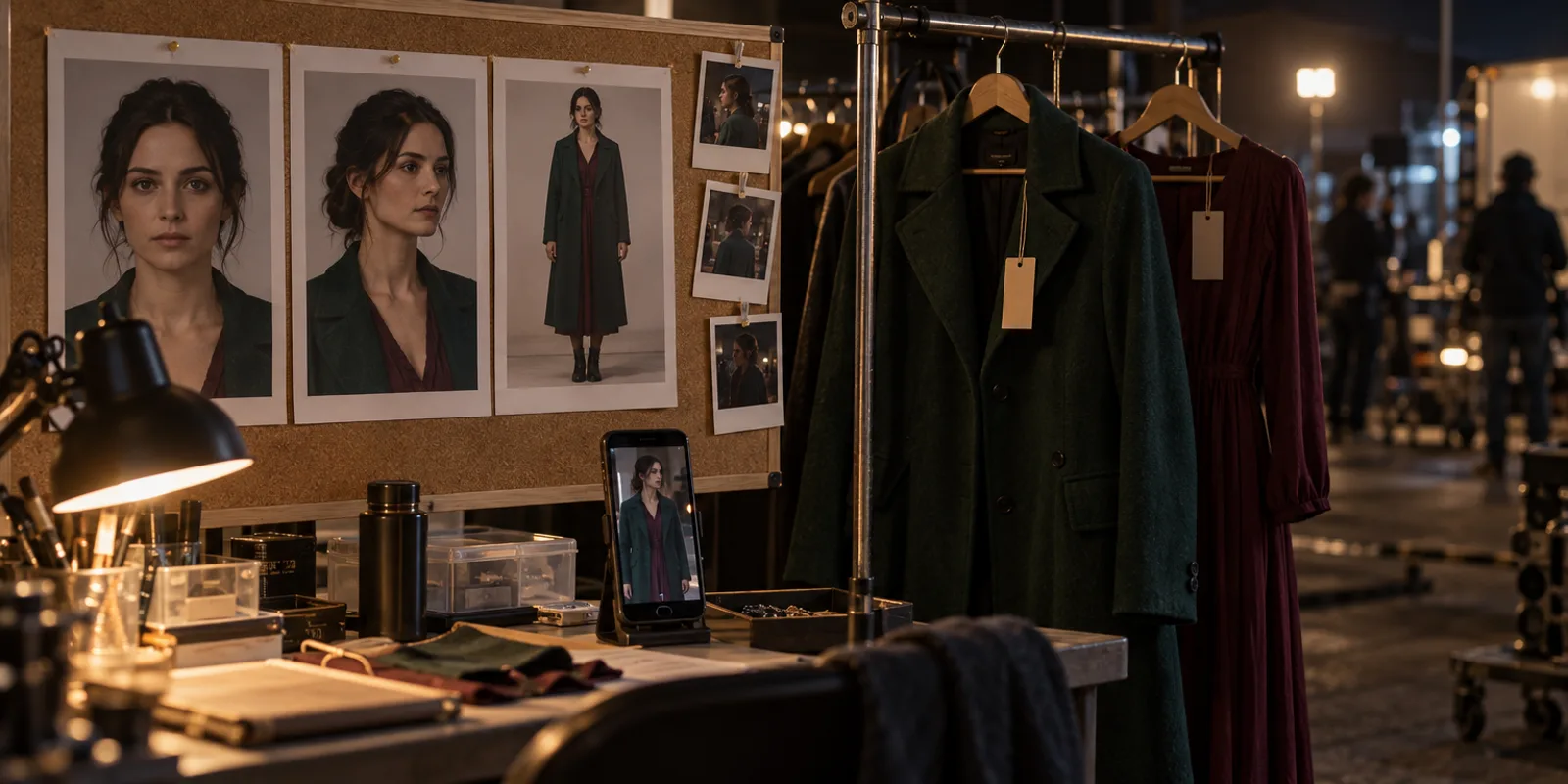
A cast sheet is one image per character with a front portrait, a three-quarter view and a full-body view on a plain background. Outfits are separate images made from that sheet. Places get one reference image each. Our character consistency guide covers why this works, keeping characters consistent across drama episodes applies it to a series, and persistent AI worlds covers sets.
In Oakgen. Make the cast shows "up to about N" credits before it runs. You can add a character from a description (up to four), add an outfit and ask for a new face. When the cast looks right, press Lock cast and world, which is free. The warning says "After locking, changing a face or outfit means re-filming the shots it appears in." After the lock, any change first shows what it would redo and lets you keep filmed episodes as they are or use the change everywhere.
5. Give every character one voice
Voice seams between clips were the top technical question in the comments under the AI drama tutorials we reviewed for this guide. Pick one voice per character and reuse the same reference in every shot.
In Oakgen. The video model speaks each line inside the filmed shot, so there is no separate voice or lip-sync pass. As of 2026-10-30, characters cast by the AI do not get a saved voice, so nothing holds a character's voice steady from shot to shot and it can change between clips. Play each shot next to the one before it and redo any shot whose voice drifts. If two people talk over each other in your clips, our two-person dialogue guide explains why.
6. Plan each episode as shots
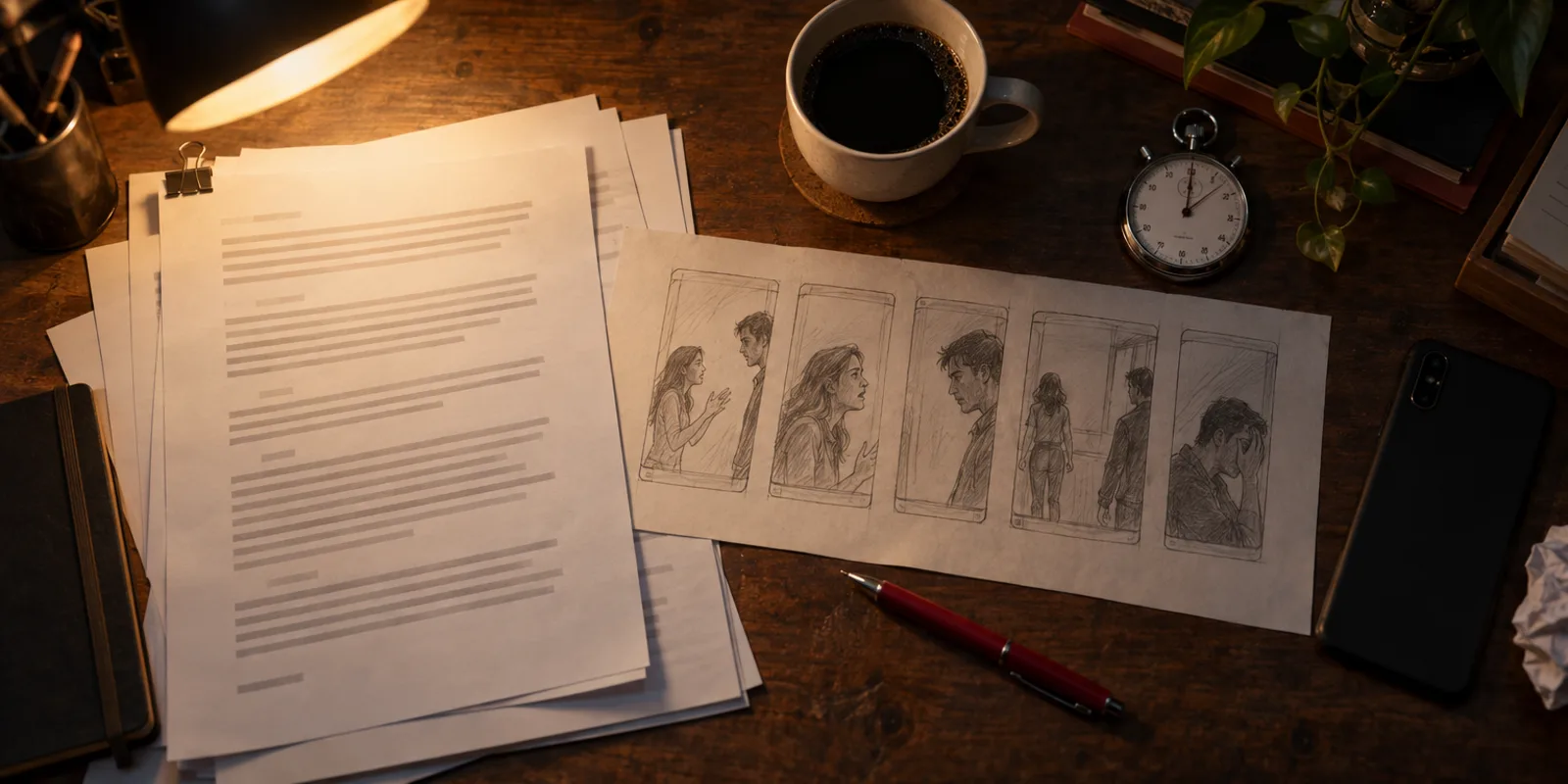
Write each episode as four to six shots of 5 to 15 seconds. One shot is one action, one camera idea and at most a few lines. Put the hook in shot 1 and the cliffhanger in the last shot.
In Oakgen. The writer plans the shots for you. Limits as of 2026-10-30 are 5 to 15 seconds per shot, up to 16 shots and 12 scenes per episode, up to 4 people on screen and 3 speakers per shot.
7. Approve the storyboard, then film
Never film before you have seen a frame for every shot. On Oakgen the estimate prices a storyboard frame at 41 to 52 credits and a 15-second filmed shot at 305, as of 2026-10-30, so the storyboard is the cheap place to catch the wrong room or the wrong outfit.
In Oakgen. Press Make episode N, which shows "up to about" a credit figure. The approval lists Script check and storyboard, Filming, Voices, music and captions, and a Redo allowance that is "Only used if a shot fails a check". It promises "One limit covers everything below. Unused credits stay in your balance." and "Never over the limit. If it runs out, we pause and ask." The episode then moves through Writing, Drawing the storyboard, your review, Filming, Finishing and Ready. You can tick "Skip my storyboard review when every check passes", and you can pause, stop, or "Stop and keep what's done" at any point.
8. Fix shots one at a time
Every AI drama tutorial we reviewed for this guide redid single shots by hand. Budget for it.
In Oakgen. Open a shot to redraw its storyboard frame, which shows "about N credits from your limit". The fix panel has three kinds of fix: Picture, Spoken line and Caption. "Redo shot N" takes a Director's note such as "She should look terrified, not sad", and you can switch back with "Use this earlier take". Fix caption is free. If a shot fails its automatic check twice, the episode stops with "Shot N needs your pick" and offers Use this one, Try again with a note, or Skip this shot.
As of 2026-10-30, a shot's check confirms the take is the right kind of media and, for a clip, that its length is within a second of the plan. It does not compare faces or sets. Watch every shot against the cast sheet before you call an episode done.
9. Watch, caption and post
Captions matter because many viewers watch with sound off. Post episodes in order, name them clearly ("Ep 1", "Ep 2") and pin or link episode 1 so new viewers start at the beginning. How to post a micro drama series covers the series features on TikTok, Shorts and Reels.
In Oakgen. The in-app player plays the chosen takes in order with a captions toggle. Captions come from the script lines. Share copies a private app link. As of 2026-10-30 there is no downloadable episode file yet (the Download button says "The episode file is still being made"), and Edit in Compose is not available for Drama episodes, so plan your posting around that.
When you post a realistic AI series, the platforms want a label. YouTube lists content that "Generates a realistic scene that didn't actually occur" as something to disclose (YouTube Help). TikTok requires creators "to label AI-generated or significantly edited content that shows realistic-looking scenes or people" (TikTok). Do you have to label AI videos? has the rule for each platform. YouTube also refuses to monetize "templated storylines" with "minimal or no narrative" (YouTube Help), so a real serialized plot is your protection as well as your hook.
How much does an AI micro drama cost to make?
On Oakgen, the estimate for 3 episodes of 60 seconds is 4,586 to 5,853 credits as of 2026-10-30. One 60-second episode is estimated at up to about 1,803 credits for a two-person cast and 1,856 for four, redo allowance included. Filming is about four fifths of that. The cost-per-episode guide has the table for every length, the cast cost and what retakes add. Plan prices are on /pricing and can change.
If the series is meant to earn, how micro drama makes money covers the apps, platform payouts and the work brands pay for. Whether you can use the output commercially depends on Oakgen's Terms section 4.4, the model providers' terms and the rights in your inputs (Terms).
What are the limits of Oakgen Micro Drama today?
These are the limits in the code as of 2026-10-30. Micro Drama v2 went live on oakgen.ai that day, so expect some to change.
- Up to 8 episodes and 300 seconds per series. Episodes are 15 to 90 seconds.
- Up to 4 characters per series. Casting is done by the AI from your descriptions, and those characters get no saved voice.
- 9:16 only. Clips are 768p and storyboard frames are 864 × 1536.
- English only. The start screen always sends English.
- No downloadable episode file and no burned-in captions yet. Episodes play in the app.
- No Edit in Compose for Drama episodes yet.
- Two media generations run at once per series, so filming a long episode takes a while. You can close the page while it films.
- Free accounts get the first series script only. Everything visual needs a paid plan.
When might another tool fit?
If you need a finished file to post today, more than four characters, a language other than English or a series longer than 300 seconds, build the episode by hand instead. Make each shot in the video generator from your own character sheets, add voices in Audio and cut it in Compose, which exports MP4 up to 3 minutes. Our short film guide for Seedance 2.5 shows that manual route shot by shot.
How we checked this
We read the Micro Drama code on Oakgen's main branch on 2026-10-30, the same build that went to production that day: the start screen, the cast and world screen, the episode screen, the fix panel, the series limits and the estimate function. The credit figures come from running that estimate function with unit prices quoted live through Oakgen's pricing on 2026-10-30. We did not film a full series for this article, and we did not measure how often shots need a redo. Outside facts come from the pages in the sources list, read on 2026-10-30.
Frequently asked questions
How long should a micro drama episode be?
Most run 60 to 120 seconds and end on a cliffhanger. In Oakgen Micro Drama you pick 30, 45, 60 or 90 seconds per episode, and a whole series can be at most 300 seconds as of 2026-10-30.
Can AI keep the same characters across episodes?
It can if every shot is made from the same references. Micro Drama makes a character sheet and outfits for each character and sends them with every frame and clip. As of 2026-10-30 characters cast by the AI have no saved voice, so a voice can change between shots, and the automatic checks do not judge faces. Watch and listen to each shot yourself.
Is Oakgen Micro Drama free?
The first AI-written series script on each account is free. Making the cast, storyboards and filmed episodes needs a paid plan and spends credits.
Can I download my micro drama episodes from Oakgen?
Not as one episode file yet. As of 2026-10-30 the Download button says the episode file is still being made, and episodes play in the in-app player with captions.
Do I have to label an AI micro drama when I post it?
On YouTube and TikTok, realistic AI scenes need the platform's AI label. YouTube lists a realistic scene that did not happen as content to disclose, and TikTok asks creators to label realistic AI content.
Sources
- Ryan George Extra Plus!, I Fell Down the ReelShort Rabbit Hole (YouTube, 2026-08-10)
- Sensor Tower, State of Short Drama Apps 2026 (read 2026-10-30)
- YouTube Help, Disclosing use of altered or synthetic content (read 2026-10-30)
- YouTube Help, channel monetization policies (read 2026-10-30)
- TikTok Community Guidelines, Integrity and authenticity (read 2026-10-30)