
 ChatGPT
 Claude
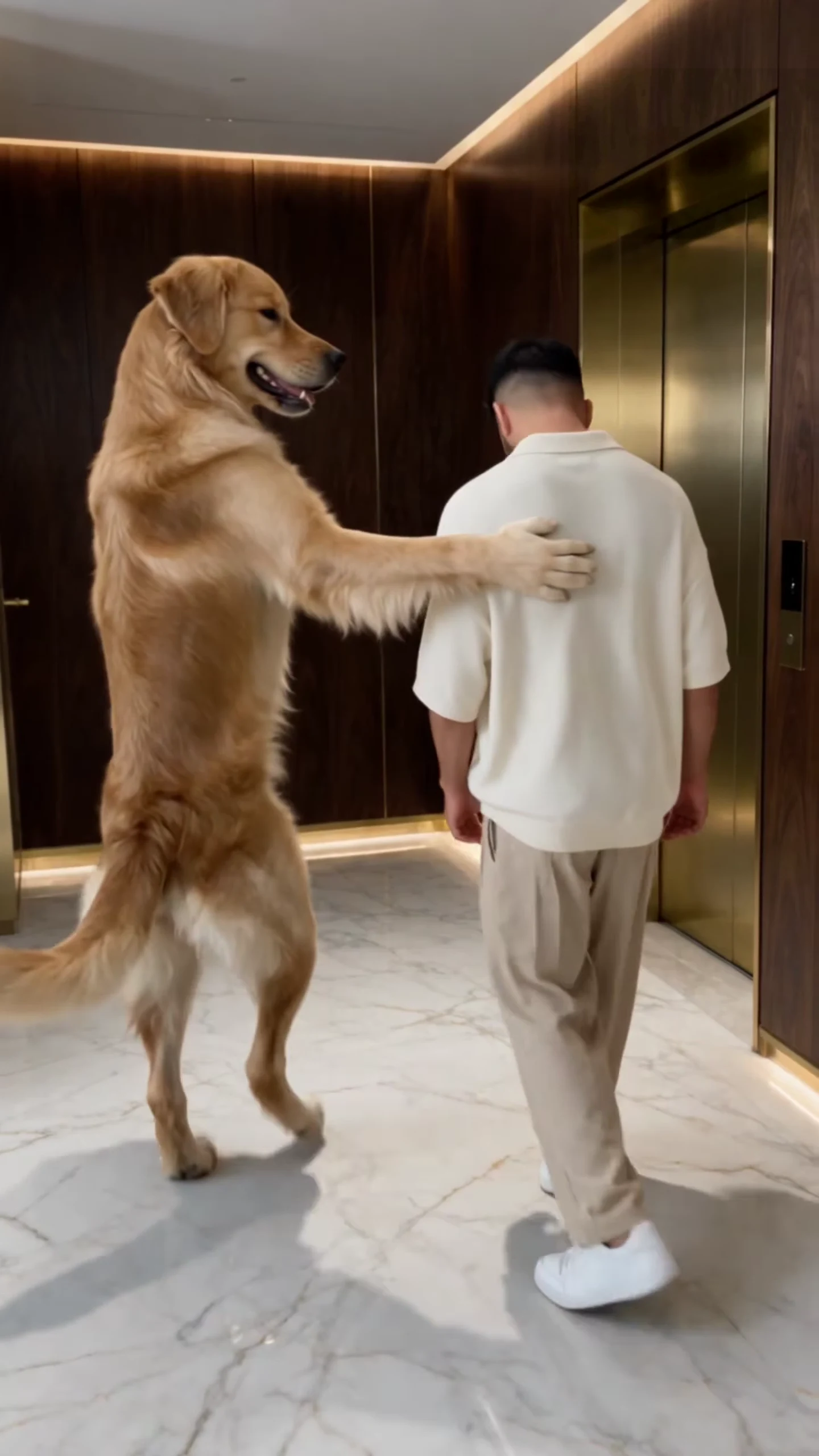
The Dog Elevator Prank is the clip where a golden retriever walks upright with a man to a gold lift, presses the button for him like a good friend, waits for him to bend over and take off his sneakers, kicks him in and throws the sneakers after him. Oakgen's Dog Elevator Prank template makes that 17-second clip with two photos of your choosing. This guide goes from choosing the photos to posting, in order. If you are still deciding who plays whom, the companion article on Dog Elevator Prank casting ideas goes through the combinations.
Kick someone into the lift
Add a Prankster and a Victim photo, review your credit quote and make the 17-second Dog Elevator Prank with the original sound.
What the template gives you
One continuous portrait take, 17 seconds long, with the reference's original sound. You replace both characters in it. Everything else stays: the marble lobby with dark walnut panels and warm cove lighting, the brushed-gold lift with two orange armchairs inside, the handheld camera move and the timing of every beat.
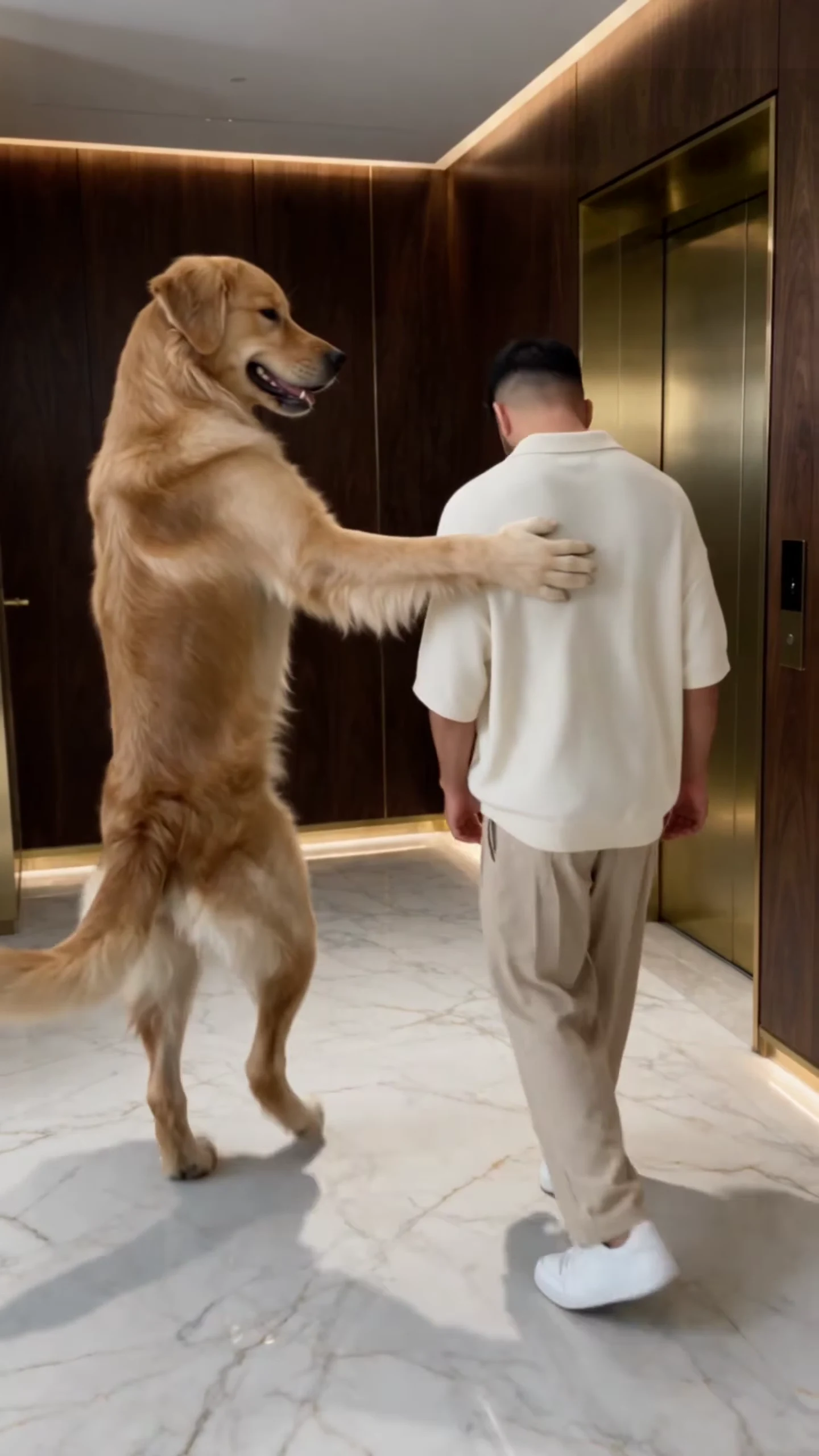
The opening walk from the AI reference clip, not an Oakgen output. Your Prankster and Victim take these two places.
| Time (about) | What happens |
|---|---|
| 0 to 3 s | The walk to the lift, a paw on the shoulder, then a smack on the back of the neck |
| 5.5 to 7 s | The Prankster presses the lift call button |
| 8.5 s | The doors open |
| 9 to 11 s | The Victim bends over and takes off his white sneakers |
| 11.4 s | The kick: he tumbles into the lift |
| 14 to 15 s | The Prankster picks up the sneakers and throws them in at him |
| 15.5 to 17 s | The Prankster walks right past the camera and out of shot |
The full breakdown is in Dog kicks owner into elevator, second by second.
Step 1: Pick the Prankster photo
The Prankster is on screen for almost the whole clip, apart from a moment just after the kick, and ends the clip filling the frame as it walks past the lens. What matters, in order:
- The whole body. It walks upright, smacks, presses a button, jumps, drops to all fours and stands again. A standing photo, head to feet or head to tail, gives the template the legs it needs.
- A sharp face. The last two seconds are a close pass by the camera, so the face is biggest at the very end.
- One subject. No second pet, no person holding the pet, no heavy filter.
Step 2: Pick the Victim photo
The Victim walks, flinches, bends over, falls and sits on the lift floor. A full-length photo matters more than a close-up, because his legs and feet are on screen through the sneaker scene and the fall. His face is clearest beside the lift around 5 to 8 seconds and when he sits in the lift at the end. The white sneakers are added by the template as a prop, so you do not need a photo in sneakers; the rest of the outfit comes from your photo.
Both slots are required. The template will not start until both have a photo, and an empty slot does not keep the original dog or man. What each photo controls is laid out in the dog lift prank AI video from two photos.
Step 3: Read the quote
Open the Dog Elevator Prank template, add the two photos and pick a quality: 480p, 720p or 1080p. The studio shows the credit price before you generate. The quote includes both photo preparations and the complete video. A 480p run is the cheaper way to test a new pair of photos before paying for 1080p.
Step 4: Check the result
Watch it once with sound and once muted. Look for the two characters staying themselves when they walk shoulder to shoulder, paws staying paws on the button and in the throw, a clean kick at about 11.4 seconds, one pair of sneakers that ends up in the lift, and no grey patches or cyan lines left from the motion guide. The result checklist goes through each of these and says when a re-run is worth it.
Step 5: Post it
The clip is a betrayal, so the caption only has to set up the trust: "He pressed the button for me. I should have known." Use the opening walk as the cover, since it looks innocent, and keep on-screen text near the top where the ceiling is empty. More formats are in Dog Elevator Prank captions, casting and covers.
Say that the video is AI-made, and use photos only of your own pets or of people who agreed to appear.
Related reading
- Who should play the Prankster and who the Victim: Dog Elevator Prank casting ideas.
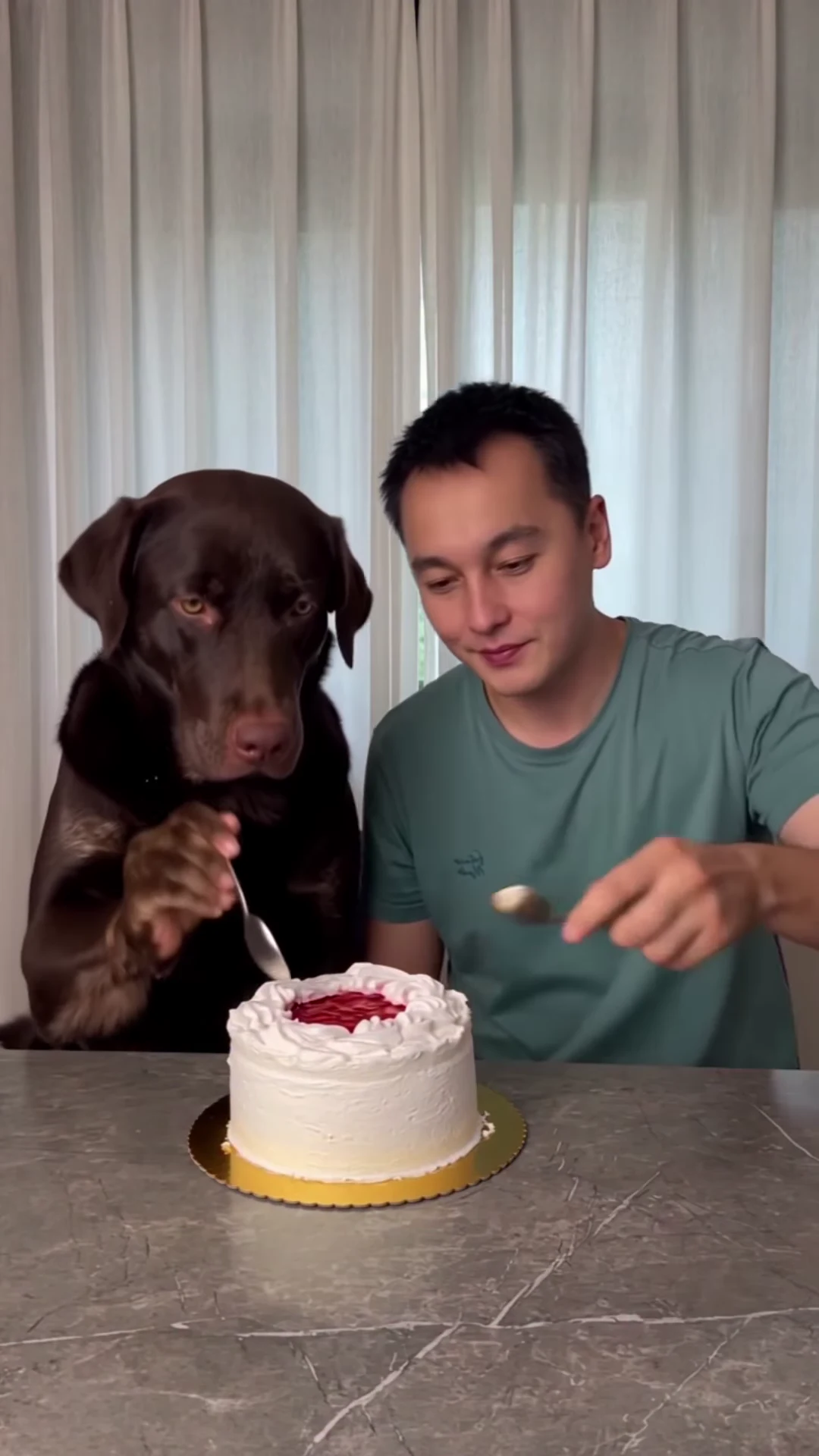
- Another dog that causes chaos: how to make the Dog Cake Smash AI video.
- Two pets that ruin a kitchen: the Dog Coffee Fail template.
Frequently asked questions
How many photos do I need for the Dog Elevator Prank?
Two, and both are required: one for the Prankster, who kicks the other into the lift, and one for the Victim. Each can be a person, a pet or a character.
Does the Prankster have to be a dog?
No. The reference uses a golden retriever, but the template keeps the species in each photo, so a cat stays a cat and a person stays a person.
Is there a song in the Dog Elevator Prank?
No. Your video keeps the reference's original sound: short spoken lines and the sound effects of the smack, the kick and the shoes landing.
What shape and length is the video?
17 seconds, portrait 9:16, one continuous handheld take with no cuts.
Is the preview video made by Oakgen?
No. It is the AI reference clip the template is built from, not an Oakgen result.