ChatGPT
 Claude
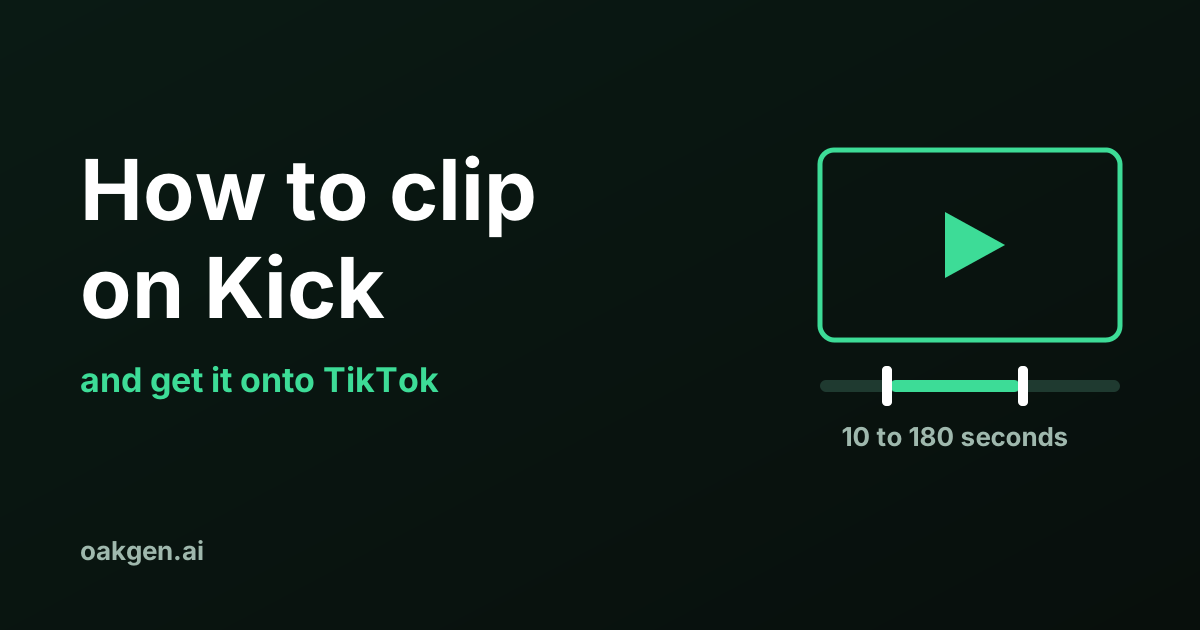
To clip on Kick, open a livestream or VOD while logged in, click the Clip icon or press C, drag the slider to the moment you want, add a title and click Publish. A Kick clip runs from 10 to 180 seconds. You can then download it as an MP4, which is the file you reframe for TikTok.
Every step and limit below comes from Kick's own help pages, read on 19 November 2026. Where a Kick page does not state something, this guide says so and does not fill the gap with a guess.
How do you clip on Kick, step by step?
You need a Kick account and four clicks. Kick's help page "How to create clips on KICK" gives the steps in this order.
- Start watching a Kick livestream or VOD.
- Click the Clip icon, or press the keyboard shortcut C.
- The Create clip window opens. Drag the slider handles along the timeline to the moment you want. A length indicator shows your selection next to the maximum available. The preview shows how the clip will look.
- Type a title that describes the clip.
- Click Publish. The button reads "Publishing to KICK" while the clip is made.
After publishing, Kick shows three options. Download saves the clip. Chat sends the new clip into the streamer's chat, and Kick says this option is not available when you clip a VOD. Clip Link copies a link you can share.
The same page says clips can be made "by any logged-in Viewer watching your stream or by the Streamer themselves". You do not have to follow or subscribe, as far as that page goes.
How long can a Kick clip be, and what are the other limits?
A Kick clip is 10 to 180 seconds long. That is three times the 60 seconds Twitch's own clip tool allows. The table puts Kick's limits next to Twitch's, each taken from the platform's own help page on 19 November 2026.
| Limit | Kick | Twitch |
|---|---|---|
| Clip length | 10 to 180 seconds | Up to 60 seconds |
| Clip from a past stream | Yes, from a VOD (see the note below) | Yes, from a past broadcast |
| Wait between clips | 60 seconds | Not stated on the page |
| Vertical version made for you | Not mentioned on the pages we read | Yes, a portrait version of every clip |
| Post straight to TikTok or YouTube | Not mentioned on the pages we read | Yes, for clips of your own channel |
| Download | Any clip, as an .mp4, when you view it | Clips of your channel and clips you made |
| Who can delete a clip | Only the channel owner | The streamer, and the clip's maker until the streamer edits, features or exports it |
Three more Kick limits are worth knowing before you rely on a clip.
The streamer controls it. Kick's clip errors page says streamers can turn clipping off for their channel, and "if clipping is off, no Viewer can clip from that stream". The clips page adds that a streamer can delete any clip from their channel. If a clip you made has vanished, Kick's answer is that "the Streamer most likely deleted it". Download a clip you need on the day you make it.
Processing takes a moment. The errors page says clips "can take a few minutes to process and become available", and that you may have to wait a short time after a stream begins before you can clip at all.
The pages do not state a frame size. None of the four Kick help pages we read gives the resolution or aspect ratio of a clip file. We did not measure one for this article. Expect the clip to have the shape of the stream it came from.
Can you clip a Kick VOD?
Yes, with one caveat. The clips article says "Yes, you can create Clips from VODs", and the VOD article repeats it. The clip errors article, though, lists "The Streamer is not currently live" among the reasons a clip button is missing and says "you can usually only clip from a live stream, not from past content".
Kick's own pages disagree here, and both the clips article and the errors article were marked "Updated over 3 weeks ago" when we read them. Treat VOD clipping as supported, and treat a missing Clip icon on a VOD as a known case, not a bug on your side.
VODs also expire. Kick's VOD page says non-verified streamers keep replays for 7 days after the stream ends, and verified streamers for up to 30 days. A channel can hold 16 replays if it is not verified and 30 if it is. A moment from a launch-day stream on 19 November is gone from a non-verified channel by 26 November.
You cannot download someone else's full VOD. Kick's VOD download page says downloads work only for your own channel, from the Creator Dashboard under Studio, then VODs, and only on the web. For another channel it points you back to clips: "If you want to save a moment from another channel, you can create a clip."
Why can't I clip on Kick?
Kick lists five causes across its two clip pages.
- You are not logged in.
- The streamer has turned clipping off.
- The stream has only just started.
- You are banned from the streamer's chat room.
- You made a clip less than 60 seconds ago. Kick applies a 60-second cooldown after each clip.
If the clip captured the wrong part, Kick's fix is to refresh the page so you are watching the most up-to-date stream, then clip again. The errors page also says you can usually trim the start and end, change the title or delete a clip afterwards from your clip library.
How do you download a Kick clip?
Open the clip and click Download. Kick's page says "all Clips can be downloaded when viewed" and that the file arrives as an .mp4. That covers clips other viewers made too, which is different from Twitch, where the help page limits downloads to clips of your own channel and clips you created.
To find clips you made earlier, the errors page says to log in, go to your profile or account section and open your clips library. Streamers see clips of their channel in the Clips section of the dashboard.
How do you get a Kick clip onto TikTok?
Download the MP4, reframe it to a vertical frame in an editor, and upload it to TikTok yourself. The Kick help pages we read on 19 November 2026 do not describe a vertical export or a button that posts to TikTok, so the middle step is yours.
1. Check the length fits where you are posting. A full 180-second Kick clip fits on TikTok, whose help page (read 19 November 2026) says uploaded videos can be up to 60 minutes long. On YouTube, a video counts as a Short when it is up to 3 minutes long with a square or vertical shape, per YouTube Help on the same date. Three minutes is exactly 180 seconds, so a maximum-length Kick clip sits right on that line. Trim a second or two if you want it to be a Short.
2. Reframe to vertical. A vertical phone frame is 9:16, usually exported at 1080 by 1920 pixels. For a clip with a facecam, the common layout stacks the face above the gameplay. The exact panel sizes and the arithmetic behind them are in facecam over gameplay: the layout for stream clips.
3. Add captions and a first line. Burn the spoken words in as text and open on the moment itself. If the clip is from GTA 6, 40 hook lines for GTA 6 Shorts has openers sorted by clip type.
4. Upload. TikTok's help page gives two routes. In the app, tap the Add post + button, tap Upload, pick the file and continue. On the web, click Upload, then Select video. TikTok notes that a web upload sends the entire video, and that you change the length by uploading in the app.
The longer workflow, from finding the moment in a six-hour stream to posting, is in how to clip streams for TikTok and YouTube Shorts. If your source is Twitch, Twitch clips to TikTok covers the parts Twitch does for you.
Are you allowed to post a Kick clip you made?
Being able to make and download a clip is not permission to repost it. The stream belongs to the streamer, and the game footage inside it belongs to the publisher.
For your own channel there is no question about the stream. For someone else's, use footage a campaign brief or the streamer allows. How to make money clipping GTA 6 streams explains how those briefs work, and is clipping streams legal? covers the case where you have no permission.
For GTA 6 footage, Rockstar's policy on posting its material, read on 19 November 2026, says Take-Two generally does not object to fans using footage for non-commercial uses that do not intentionally spoil the plot. It defines non-commercial as not making money through the footage, and reserves the right to have material taken down at any time. It lists isolated cutscenes, story endings and in-game TV shows among the things that get removed. That is a tolerance policy, not a licence for monetised clips. The full list is in GTA 6 streaming rules.
When is Kick's own clip tool enough, and when is it not?
For one clip from a stream you are watching, Kick's tool plus a phone editor is the better choice. It needs no extra software, and an AI clipping tool adds nothing when you already know which 40 seconds you want.
It stops being enough in three cases.
- You need more than 180 seconds. Kick's limit is fixed. A longer cut needs the VOD file, which only the channel owner can download.
- You want every good moment from a long stream. With a 60-second cooldown and manual slider work, pulling 15 clips from a six-hour stream is slow. That is the job third-party clippers are built for. Prices for several are in best Opus Clip alternatives for streamers. We did not test any of them on Kick streams for this article.
- You want the vertical version made for you. Twitch's clip tool builds a portrait version of each clip, according to its help page. If you stream on both, Kick vs Twitch for GTA 6 streamers compares the platforms more widely.
Oakgen is building an AI clipping tool for streamers and clippers. It is not live yet, so nothing in this guide depends on it.
Clipping for streamers, in the works
Oakgen is building an AI clipping tool for streamers and clippers. See what Oakgen offers streamers today.
How we checked this
On 19 November 2026 we read four Kick Help Center pages: the clips article, the clip errors article, the VOD article and the VOD download article. We read Twitch's help article on clips for the comparison column, TikTok's help pages on video length and posting, YouTube's help page on uploading Shorts, and Rockstar's posting policy.
We did not make test clips on Kick for this article, so we did not time the processing, measure the file's resolution, or confirm which of Kick's two statements about VOD clipping matches the player today. We did not test any third-party clipping tool on a Kick stream. Help pages change. If a step here does not match what you see, the page linked in the sources is the authority.
Frequently asked questions
How do I download a Kick clip?
Open the clip and click the button labelled Download. Kick's help page, read on 19 November 2026, says all clips can be downloaded when viewed and that the file is an .mp4. You also get a Download option on the screen that appears right after you publish a clip.
Why can't I create a clip on Kick?
Kick's help pages, read on 19 November 2026, list these reasons: you are not logged in, the streamer has turned clipping off, the stream has only just started, you are banned from the streamer's chat, or you made another clip less than 60 seconds ago. Kick suggests refreshing the page or restarting the app if none of those apply.
Can I post Kick clips on TikTok?
You can download the MP4 and upload it, but the Kick help pages we read on 19 November 2026 do not describe a vertical version or a direct post to TikTok, so you reframe the clip yourself. Making a clip is also not permission to repost it. Use your own streams, or footage a streamer or a campaign brief lets you use.
Sources
- Kick Help Center: How to create clips on KICK
- Kick Help Center: Clips not saving or clip errors on KICK
- Kick Help Center: KICK VODs (stream replays)
- Kick Help Center: How to download your KICK VOD
- Twitch Help: How to Create, Edit, and Share Clips
- TikTok Help Center: Camera tools (video length)
- TikTok Help Center: Making a post
- YouTube Help: Upload YouTube Shorts
- Rockstar Games: Policy on posting copyrighted Rockstar Games material