

 ChatGPT
 Claude
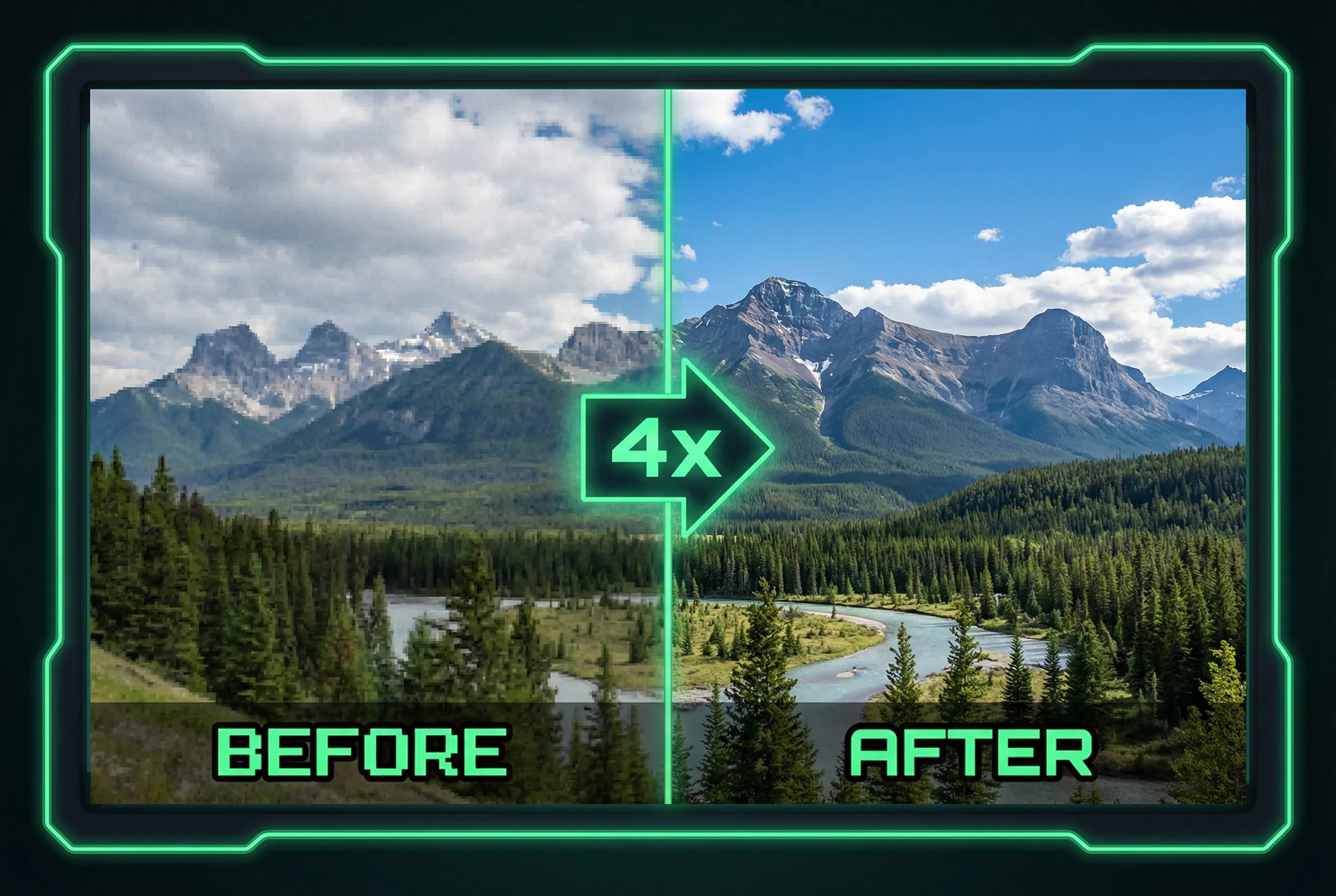
A soft image can come from missing focus, camera movement, subject movement, or an intentionally low-detail source. Different blur types leave different clues. Inspect a high-contrast edge and decide what the original really contains before selecting the largest enhancement. A good candidate can make an image easier to use without adding supposedly recovered detail.
Compare two boundaries
Imagine a portrait captured near a window as the person turns. Check a sharp line in the window frame and a line along the person's nose or glasses. If the frame remains sharp and the face has a stretched edge, subject movement may explain the softness. If the entire frame has similar directional doubling, camera movement may contribute. Broad indistinct boundaries without directional trails may point to focus or low source resolution.
Set practical expectations
For a small web thumbnail, clean framing can matter more than individual strands or lettering. For a document or a larger display, a blurry source may be insufficient. Compare a mild enlargement against stronger treatment and look for invented outlines on shoulders, extra text, or new shapes near motion trails. Do not treat those sharpened additions as information captured by the original camera.
Choose the candidate from the intended use
Try the AI image upscaler and inspect known details before accepting any changes from the preview. If a face or reference object changes visually, use a restrained result or choose a better source frame. Save the original alongside the processed copy so you can go back if a later placement needs firmer evidence.
A sharper neighboring frame with slightly different framing can sometimes preserve more genuine subject detail than a strong enlargement of the preferred frame.


