

 ChatGPT
 Claude
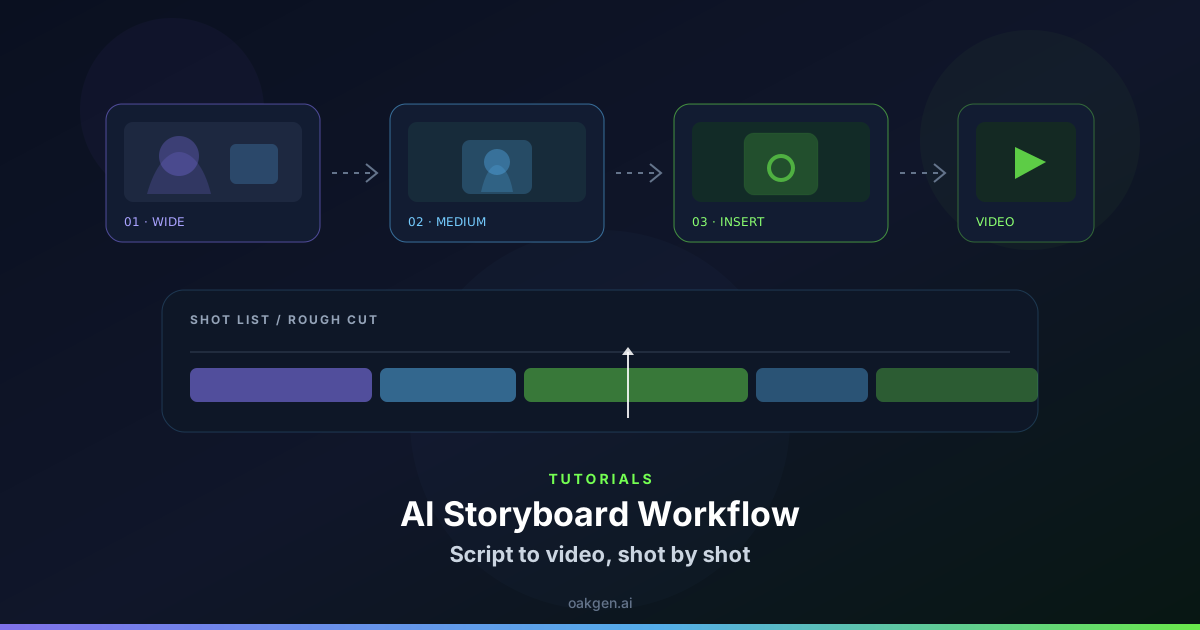
A storyboard can communicate composition without defining how one clip connects to the next. Add an entry state and an exit state to each card. Record who is present, where the object sits and which direction important motion travels.
Write the two states before generating
For an original station scene, Shot A begins with an empty bench and ends with a traveler putting down a duffel. Shot B starts with that bag sitting on the bench and ends when the traveler looks toward the timetable. In the micro drama generator, plan both shots with an approved duffel reference and keep the first action simple. Avoid asking Shot B to put the bag down again. A repeated action can make it seem like another traveler arrived.
For each state, describe only details that matter to the next clip. A bag's side, whether the zipper is open and what the traveler is looking toward may be enough.
Review the cut against the cards
Compare the last frame of Shot A with the beginning of Shot B. If the duffel is on the ground or the traveler faces away from the sign, check the planned states before adjusting the edit. Fix the shorter clip first if both shots can't be replaced.
Save approved handoff frames separately from the storyboard thumbnails. A storyboard records an intention. An accepted frame records what can actually be matched by the next shot.
A held reference frame at each handoff can save important time during editing if the next generation starts with a few unexpected motion frames.