

 ChatGPT
 Claude
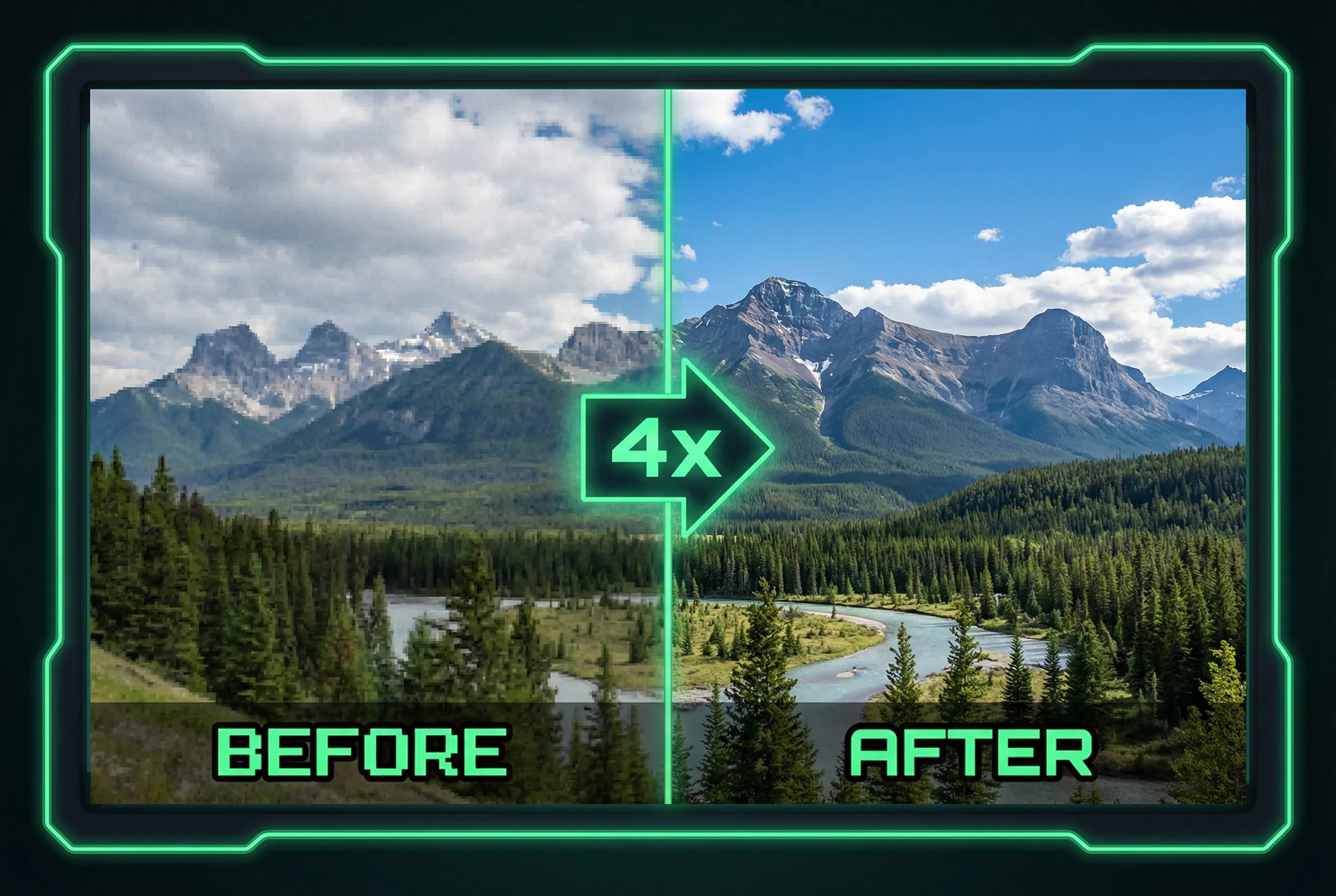
An image upscaler can produce a larger view of fabric, but added pixels may suggest a weave that the original didn't resolve. A garment photo should show actual product texture when shoppers use it to judge material or quality. Check whether a convincing enlarged pattern stays where the original shows the same fibers before approving the asset.
Build a small visual inspection panel
Imagine a 1,000-pixel catalog photo of linen with a rolled cuff in view. Take three comparison crops from the same coordinates: a lit flat area, a folded area with a shadow, and a seam. Keep two versions under each crop, the original shown at a comparable size and the upscaled candidate. On genuine cloth, folds change the apparent spacing and contrast. Generated texture can look unnaturally regular straight through a fold or migrate across a seam.
Inspect the original in different views
Compare each candidate at its intended catalog size and at 100 percent. At catalog size the relevant question is whether the fabric has acquired a different character, such as twill-looking diagonals. The enlarged view can reveal bands, repeated threads, or a clean lattice in an area that should be dark. If you have a reference photo of the same material, use it to check the type of detail, not to infer exact threads in the product shot.
Select the least misleading output
Use the AI image upscaler to make a size comparison from the same source. Try the smallest useful scale factor before going larger. If an enlarged stripe or stitch changes the apparent product material, keep a less aggressive result or request a sharper reshoot. A product detail page can show the source shot alongside a separate real macro photo when shoppers need to see the weave.


