

 ChatGPT
 Claude
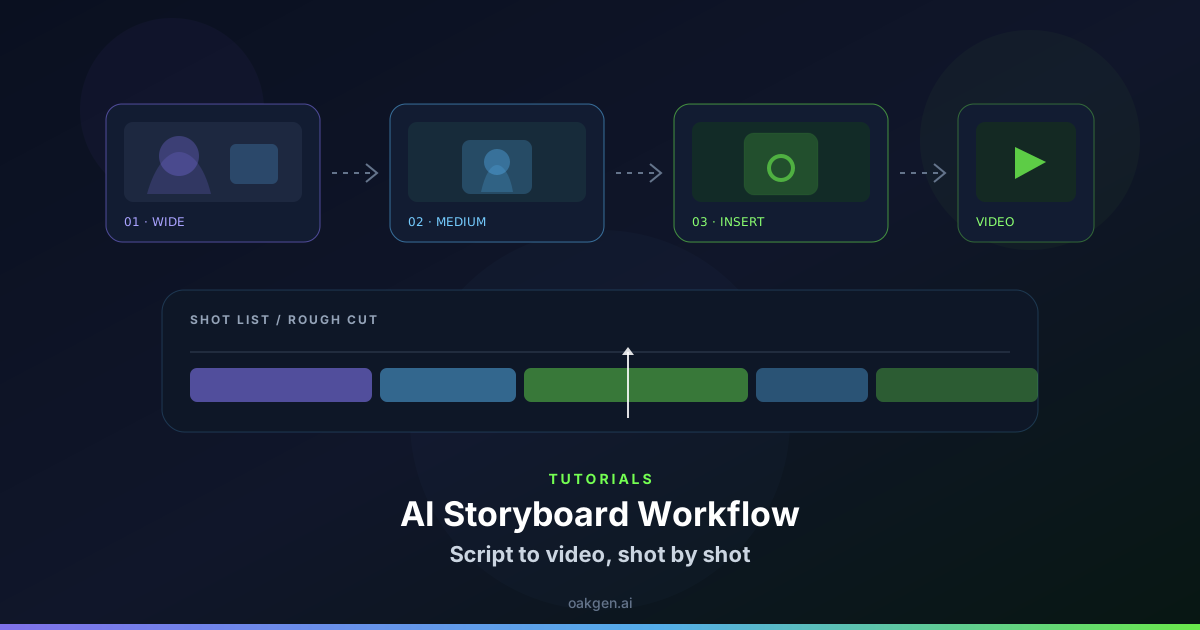
An opening with a deadline works when viewers can see what time it is, where the character is and why a change matters. You can communicate all three through short visual beats without a long explanatory intro.
Pick a clock you can control
For an early morning mystery, show an actual clock reading, reveal the empty stage, introduce the caretaker and show a fixed first action such as switching on the lobby lamp. Prep a storyboard with the micro drama generator and keep any real numbers in practical footage or an edited graphic. A clock face changing minute markings during a shot can't anchor the timeline.
Reserve the loudest action for the end of the prologue. The viewer needs a base state to understand when the room or the character's plans change.
Compare the timing after the next scene arrives
Review the four opening shots plus the first transition. If the next view has a bright sky or places the caretaker on the opposite side of the building, decide whether the story intends a jump forward. Add a clear cue or bring the visual conditions into alignment.
If the clock only flashes on screen, test whether a new viewer can read it without replaying the video. A deadline can disappear under quick editing and reduce the stakes the rest of the story depends on.
If you shoot the clock and room separately, match morning cues such as window brightness or the absence of passersby. Combining a dawn clock with strong overhead sunlight makes the audience wonder whether the first frame was a memory rather than the current story time.