

 ChatGPT
 Claude
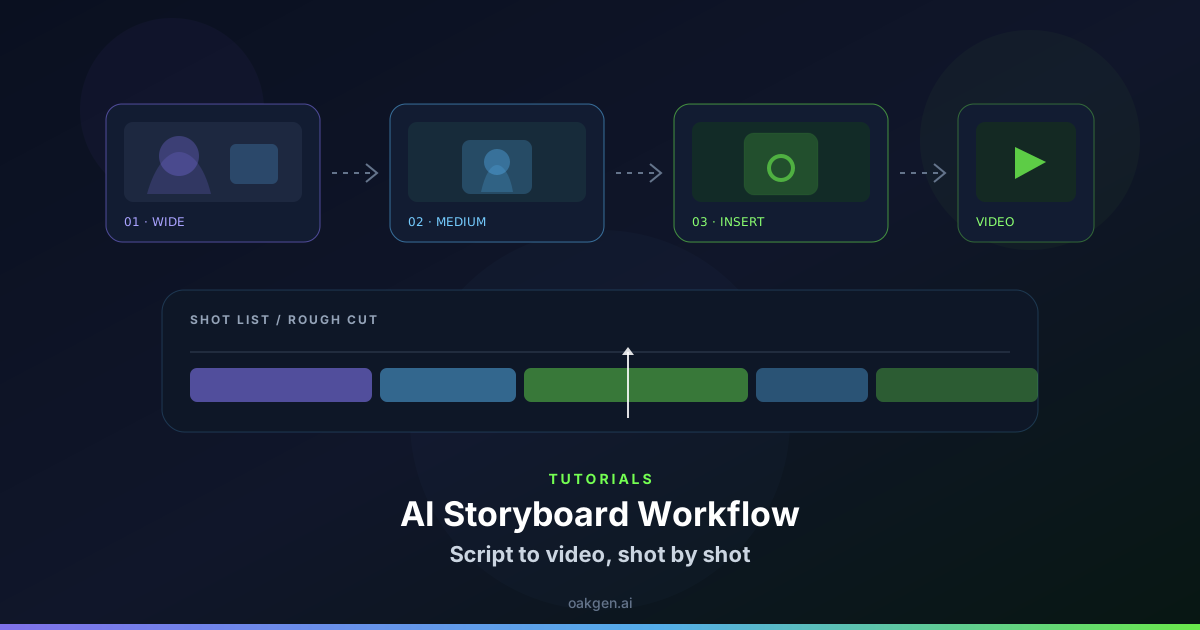
An AI-generated set can create atmosphere before a real product insert. Give the transition a visible anchor and make the real evidence easy to recognize. Don't invite viewers to assume that an illustrative scene demonstrates a result the actual footage never shows.
Pick one transition cue
For a desk lamp video, introduce the fictional room with a warm band of light from the left. Cut to the real lamp and place its beam on the same side of the frame. In the Compose editor, use a brief room view leading toward that direction before the product close-up. Avoid making the AI footage show a uniquely branded lamp if you cannot preserve the actual housing and proportions.
Hold the genuine close-up until the buyer can inspect the shape and see the switch or other functional feature. If you plan to report output, use an appropriate real test and state its conditions separately.
Check the perceived source of the result
Watch in sequence and ask someone which shot shows the actual product. If they point to the synthetic room image, revise the opening or add a clear cue around the evidence. Keep the transition short enough that a viewer can follow the shared direction of light even if the room changes.
Preserve the accurate clip when cutting short versions. It should still answer the underlying purchase question without relying on the longer framing sequence.
In the tabletop example, show where the lamp plugs in only with the real unit. A generated cable running offscreen is an atmosphere cue and cannot substantiate the connection type.