

 ChatGPT
 Claude
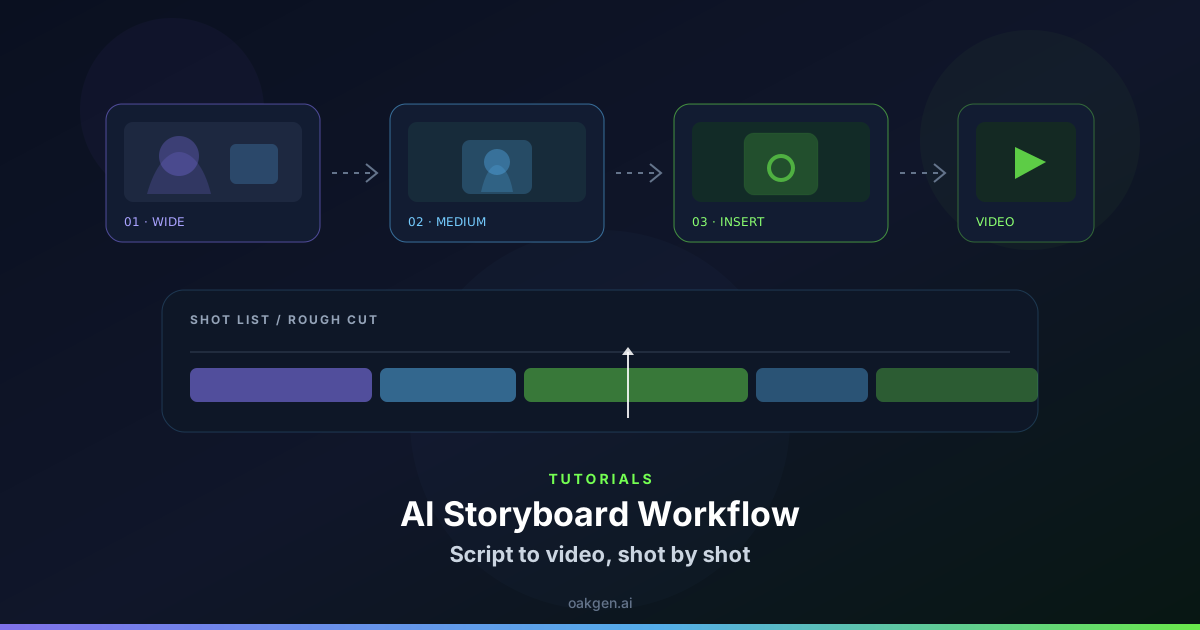
A letterbox crop can make a scene feel more composed, but it reduces the vertical area available for faces, hands and text. Preview the final aspect ratio while editing rather than applying bars at the end.
Select the decisive frames for the crop
For a scene about a handwritten note, watch the top of the actor's head and the note at the bottom. Open the clips in the Compose editor and set up the destination framing in your edit as supported. Export a brief test or use guides to judge the visible band. Check the opening still, the hand's lowest point and the frame where the note actually matters to the story.
An angle that looks excellent by itself can crowd captions after a vertical crop. Reserve enough room for any text that describes speech or identifies the source.
Reframe from the action outward
If a hand crosses the bottom edge just before a reveal, move the frame down for that shot if the eyes can remain visible. If a tall composition needs both, cut to an insert that makes the action fully visible and leave the close-up on the face. Check the crop at playback speed so continuous motion does not quietly exit the viewing band.
If you deliver widescreen and vertical, approve two crops from the same source instead of stacking incompatible letterbox and platform overlays. Watch the final files in their intended frame sizes.
When both versions need the same subtitle, proofread its line breaks in each crop. The widest version might fit one line while the narrowest covers an important part of the scene.