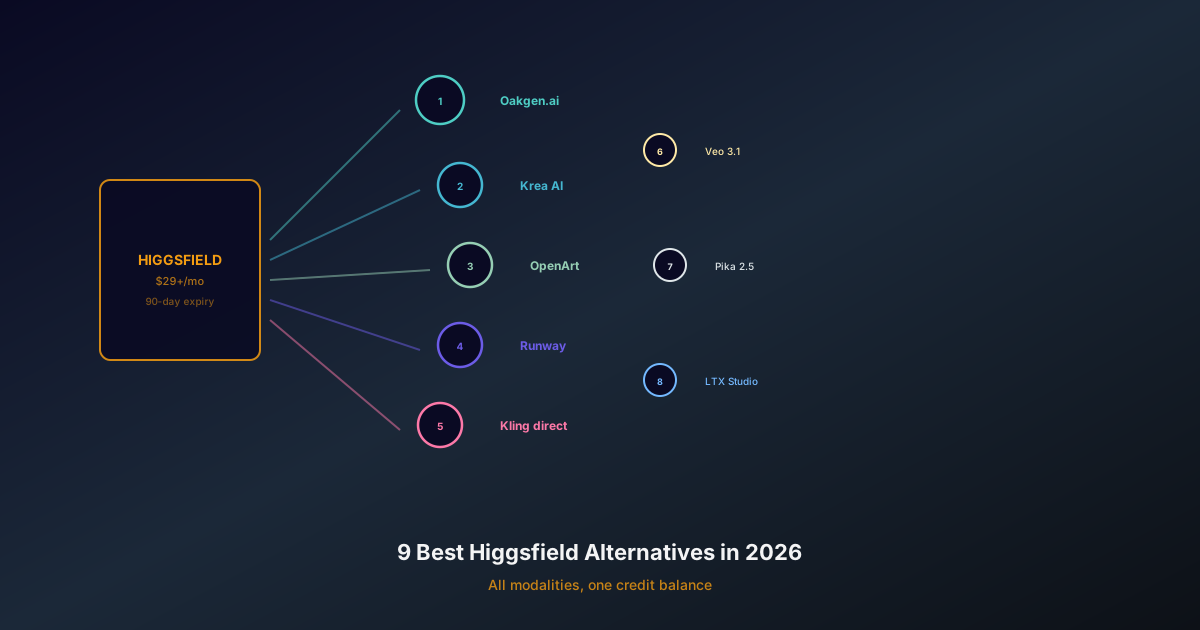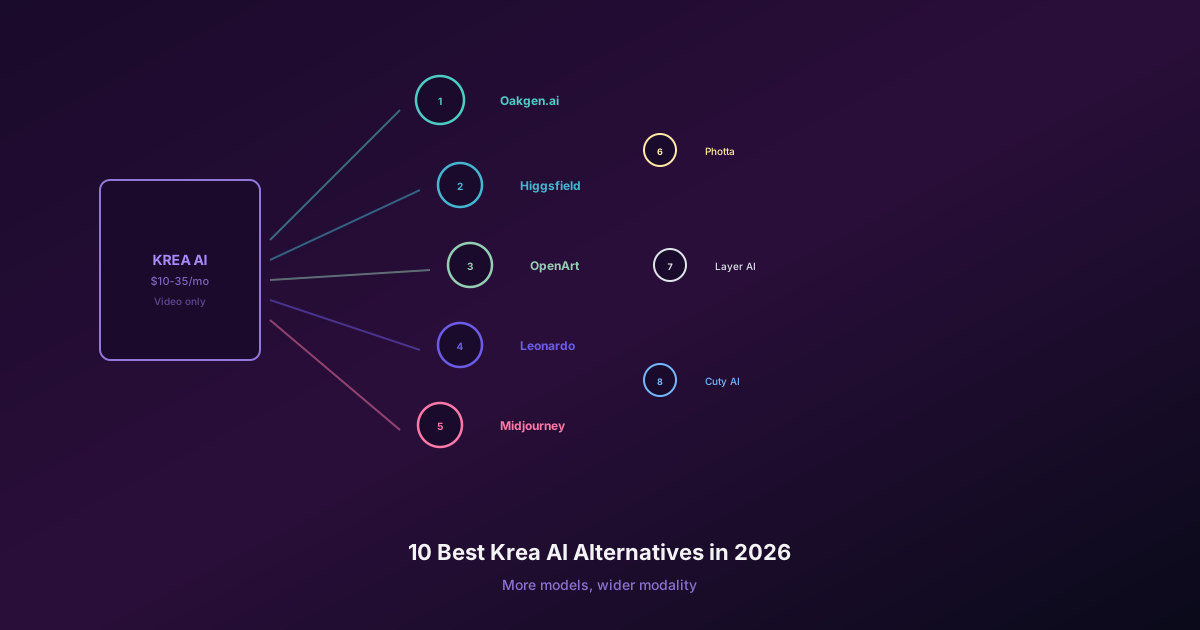
Oakgen is the better-value starting point if you want many image and video models plus voice and music under one plan. Krea earns its price when the real-time canvas, Krea 2, LoRA training, Nodes, or high-end upscaling are part of the work you repeat.
Krea uses compute units and Oakgen uses credits. Those numbers cannot be compared directly. Price the same approved output, including rejected attempts and finishing work.
Krea's public monthly prices checked on August 10, 2026 were Free at $0, Basic at $9, Pro at $35, Max at $105 for the displayed 60,000-unit configuration, and Business at $200 for the displayed 80,000-unit configuration. Krea also advertises annual discounts and configurable unit amounts on higher plans.
This guide uses Krea's official product and pricing page checked August 10, 2026. Oakgen is our product. We did not run a controlled cost benchmark across every Krea model, and model-level compute prices can change.
Compare Image Models Without Paying for a Specialist Canvas
Use Oakgen's Image Arena for the same brief, then keep video, voice, and music in the same account.
Krea vs Oakgen plans at a glance
| Platform and plan | Monthly price | Included allowance | Best for | Main limit to inspect |
|---|---|---|---|---|
| Oakgen Basic | $9 | 2,000 credits/month | Selected models and light mixed-format work | Selected-model access |
| Oakgen Pro | $19 | 5,000 credits/month | All models plus regular image, video, voice, and music work | Generation costs vary by model |
| Oakgen Ultimate | $29 | 10,000 credits/month | Higher-volume production across the full suite | Specialist canvas features are not included |
| Oakgen Creator | $99 | 40,000 credits/month | Heavy production and higher concurrency | High fixed spend for occasional users |
| Free | $0 | 100 per day | Learning real-time tools and testing basic features | Limited model and feature access |
| Basic | $9 | 5,000 per month | Image-first creators and light mixed use | Only selected video models |
| Pro | $35 | 20,000 per month | Regular image/video work and Nodes automation | Video can spend the allowance quickly |
| Max | $105 at the displayed 60K option | 60,000 per month | Higher-volume solo production | Fixed spend and configurable allowance require careful sizing |
| Business | $200 at the displayed 80K option | 80,000 per month | Shared workspaces, controls, and teams | Seat needs and unit allocation vary by team |
Krea advertises annual billing at a discount. Compare the total annual commitment, not only the smaller monthly equivalent shown beside it.
What Krea compute units mean
Compute units are a shared allowance spent inside Krea. They are useful because one plan can fund many tools, but they are not a stable output count.
An image generation on a fast model may use a small number of units. A high-end video generation can use far more. An upscale, LoRA training run, 3D job, or lip-sync operation can have its own rate.
This creates two very different versions of the same plan:
- an image-first user can make many drafts and still have room for enhancement;
- a video-first user can spend the same allowance in a much smaller number of attempts.
Krea's interface should show the current unit charge for an operation. Record that number for the exact models and settings you intend to use.
The compute-unit budgeting formula
Use this formula for each repeated task:
Monthly units = deliverables × attempts per approval × units per attempt
Then add units for upscaling, training, editing, and client revisions.
Example: a creator needs 12 approved clips, expects three attempts per approval, and the selected setting costs 500 units per attempt. The video estimate is 18,000 units before upscales or revisions. That workload already points toward Pro rather than Basic.
The 500-unit figure is an example, not a current Krea price. Replace it with the amount shown in your account.
Krea monthly workload worksheet
| Task | Approved outputs needed | Attempts per approval | Units per attempt | Extra operations | Monthly units |
|---|---|---|---|---|---|
| Real-time or fast image drafts | |||||
| Final image generations | |||||
| Video clips | |||||
| Upscales | |||||
| LoRA training | |||||
| Lip sync, 3D, or motion transfer |
Run this worksheet with one real campaign. Do not use an ideal month with no rejected generations.
Price the Same Campaign on Oakgen
Use one credit balance for image drafts, final video, voiceover, and music instead of adding another specialist plan.
Krea Free: good for fit, poor for forecasting volume
Krea lists 100 daily compute units on Free, no credit card requirement, full access to its real-time models, and limited access to image, video, 3D, lip-sync, upscaling, and LoRA features.
That is enough to answer several important questions:
- Does the real-time canvas match how you think?
- Can Krea 2 reach the visual direction you want?
- Do style references and moodboards save prompt work?
- Is the asset flow comfortable?
The free allowance may not be enough to estimate a production month built around premium video. Treat it as a workflow trial, not proof that the paid unit economics will fit.
Krea Basic: the image-first plan
Basic includes 5,000 monthly units, a commercial license, full access to image, 3D, and lip-sync models, LoRA fine-tuning with up to 50 images, upscaling up to 22K, and selected video models.
Basic makes sense for:
- designers who mainly create and enhance still images;
- creators who use Krea's real-time canvas for ideation;
- light LoRA training and occasional video;
- users who need commercial terms but not every video model or Nodes automation.
Do not assume “selected video models” includes the exact model and setting in your brief. Confirm access before subscribing.
Krea Pro: the automation and all-video threshold
Pro includes 20,000 monthly units. Krea says it adds access to all video models, workflow automation with Nodes and Apps, the Nodes Agent, and discounts on compute-unit packs.
Pro is the natural choice when:
- video is part of weekly production;
- Nodes replaces repeated manual steps;
- several people or campaigns reuse the same workflow;
- the larger allowance prevents constant top-ups.
Pro can still be a poor value for someone who only needs Krea for a handful of real-time image sessions. The feature jump is meaningful, but only if you use the features.
List the Nodes workflows and video models you will use in the first 30 days. If the list is vague, start lower. Upgrade after the workflow proves itself.
Krea Max: volume and relaxed generation
Krea's displayed Max configuration lists 60,000 units for $105 per month, with selectable allowances on the page. It also lists unlimited LoRA fine-tunings with up to 2,000 files, expanded concurrency and queueing, unlimited relaxed generations, and larger pack discounts.
Max suits a solo creator or small production function that already knows Krea is part of the daily process. Its value comes from fewer queue constraints, more training capacity, and enough units to support mixed work.
Ask two questions before moving from Pro:
- Did Pro run out because production grew, or because the team used expensive settings without an approval plan?
- Will relaxed generations handle a meaningful portion of the work?
More units do not fix a wasteful iteration loop.
Krea Business: pay for governance, not only units
The displayed Business configuration lists $200 per month and 80,000 units, with other selectable amounts. Krea says it includes up to 50 seats, private Node Apps, larger LoRA training sets, user roles, model-access controls, unlimited relaxed generations, and business terms.
Business is a team purchase. The buying case should include:
- shared workflows and private apps;
- spend and model controls;
- training-data size;
- commercial and security review;
- support expectations;
- the cost of maintaining the same process across separate personal accounts.
If those controls are not needed, compare Max on pure production volume.
What Krea's subscription actually buys
Krea is more than a route to third-party models. Its strongest value sits in the interaction around them.
Real-time visual exploration
The live feedback loop can replace many prompt-and-wait cycles. That matters for a designer searching for composition, palette, or mood.
Krea 2 and style control
Krea 2 is Krea's own image model, designed around aesthetic range and user control. Official documentation describes prompt expansion, style references, moodboards, and adjustable reference strength. Krea also released RAW and Turbo weights under permissive terms.
Training and Nodes
LoRA training and Nodes turn one-off generation into repeatable work. If a team reuses a brand style or production graph, those tools can justify Pro or higher.
Enhancement and delivery
Krea lists image upscaling up to 22K on paid plans. If large-format delivery is routine, include the cost of a separate upscaler when comparing alternatives.
Krea vs Midjourney on price
Midjourney uses GPU time rather than a compute-unit wallet. Its official monthly prices are $10 Basic, $30 Standard, $60 Pro, and $120 Mega. Standard and higher include unlimited image generation in Relax mode; Pro and Mega add unlimited standard-definition video in Relax mode. Stealth mode is limited to Pro and Mega.
Krea is easier to justify when real-time creation, training, Nodes, enhancement, 3D, or access to several model families matters. Midjourney is easier to justify when most work stays inside Midjourney's own image style and unlimited Relax images match the production pattern.
Read the full Krea vs Midjourney comparison before choosing between them.
Krea vs a multi-model workspace
Krea itself carries many current models, so “more models” is not a useful argument. The difference is product focus.
Choose Krea for a design-first environment with real-time tools, training, Nodes, and enhancement. Choose Oakgen when the account needs to cover image, video, voice, music, and model comparison without paying for a specialist canvas.
The Oakgen vs Higgsfield vs Krea guide maps that decision by job. You can also compare Oakgen pricing against the units in your worksheet.
Skip the Extra Subscription
If you do not need Krea's live canvas or Nodes, run the models in Oakgen and keep the rest of production in one workspace.
Common Krea pricing mistakes
Dividing plan price by the total units
That gives a price per unit, not a price per approved asset. Different jobs spend different unit amounts.
Ignoring training and enhancement
LoRA runs, upscales, and other operations belong in the same monthly budget.
Buying Pro for one premium model
Check whether that model is available directly or on another host if you do not use Krea's workflow tools.
Treating daily free units as monthly production capacity
Daily units are useful for learning. A paid campaign may use a different model mix and much more compute.
Forgetting annual commitment risk
An annual discount saves money only if the workflow remains useful for the full term.
Sources
- Krea product and pricing
- Krea 2 technical report
- Krea 2 style references
- Midjourney plan comparison
- Oakgen pricing
Pick the plan after the worksheet
Krea Free tests the interaction. Basic suits image-first work. Pro unlocks all video models and Nodes automation. Max adds room for sustained production. Business adds team controls.
Fill the unit worksheet with real attempts before you choose. If the work mainly needs model comparison across formats, test Oakgen's Image Arena and AI image generator before adding another subscription.
Choose Oakgen for the Full Creative Stack
Plans start at $9 and cover image, video, voice, music, and model comparison with one monthly credit balance.