

 ChatGPT
 Claude
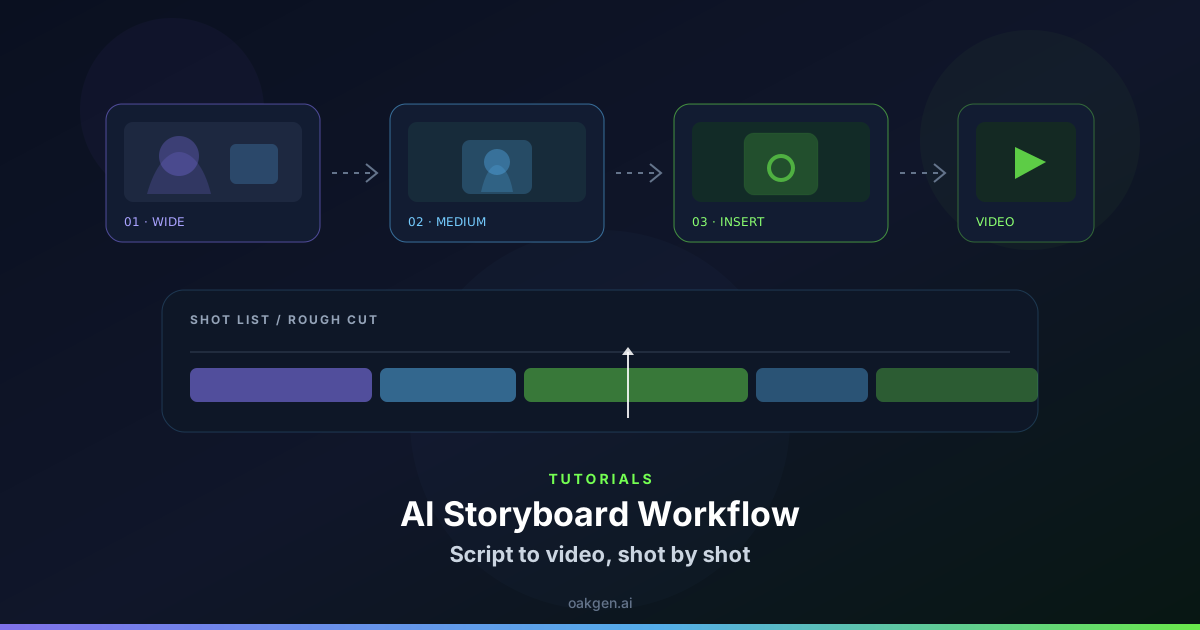
Retiming a spoken line can improve pacing, but movement around the mouth may reveal the edit. A relevant cutaway can let you adjust timing where the face is already off screen. Preserve meaning and avoid rearranging statements that need context.
Plan the cutaway around a word
For a short clip showing how to file a paper form, place a real overhead insert of the numbered field over a pause in the host's sentence. In the Compose editor, line up the visual first, then check whether the silence between two phrases can be shortened naturally. Keep the beginning and ending of each word intact.
If the person is quoting a rule or speaking on behalf of someone else, retain the relevant qualification. A clean cut does not help if the edit changes the underlying advice.
Watch where the mouth comes back into view
Play the cut at normal speed and pause when the face returns. The mouth should immediately match the correctly placed phrase, including a recently completed consonant. If it looks open on a silence, move the end of the insert or use a wider reaction shot after the line finishes.
Compare the edited version against the transcript. Check that the demonstrated field still matches the spoken instruction and appears early enough to be useful. The edit should save time without making the speaker look clipped or introducing a different answer.
Keep one version with the untrimmed speaking pause in your review notes. If the revised timing makes the statement sound more final than intended, restore part of the pause.