ChatGPT
 Claude
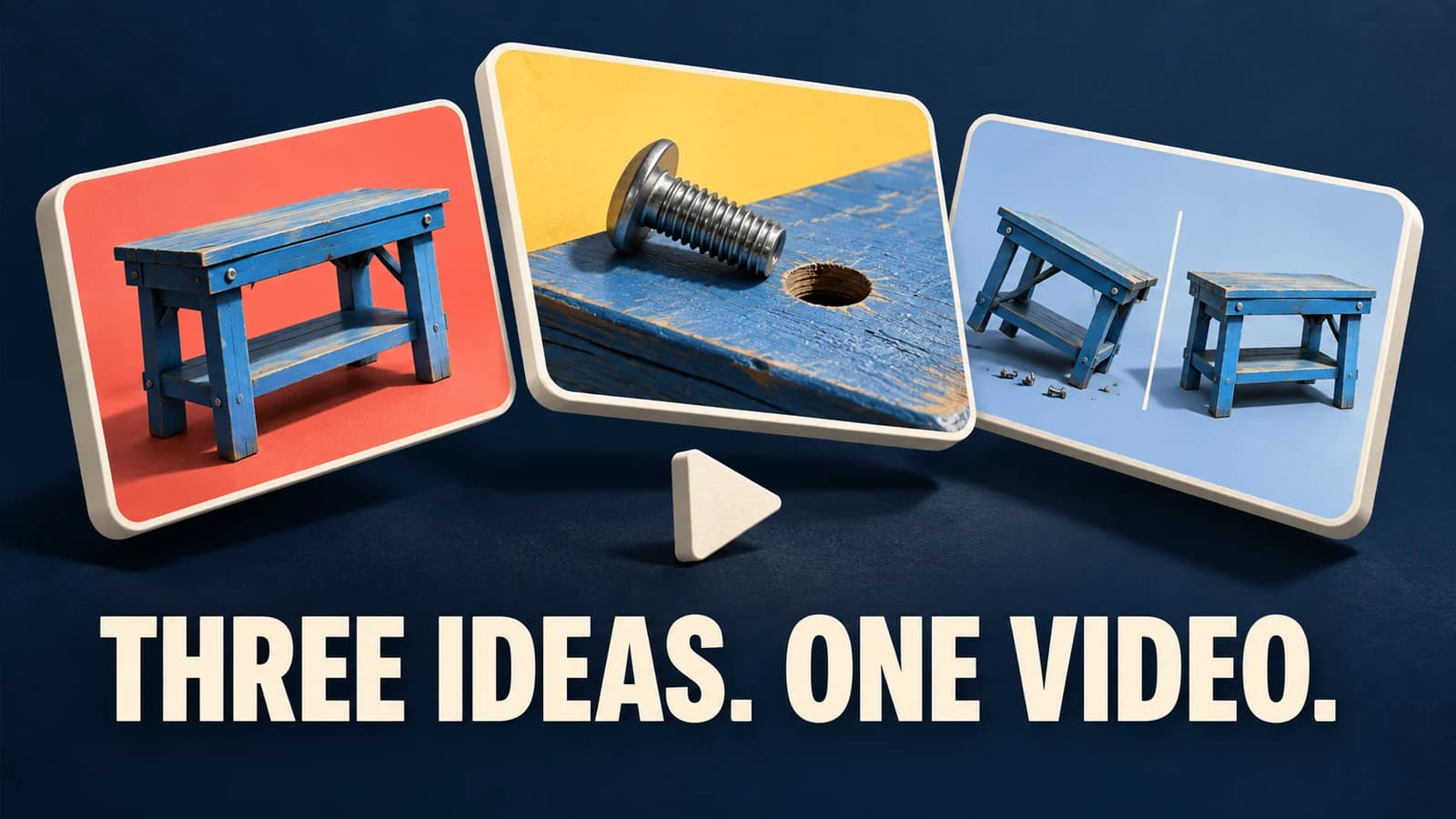
A GTA 6 thumbnail can tell viewers exactly what they'll learn without showing a mission or borrowing the game's cover art. For a controller setup video, photograph the controller you used. For a first-impressions review, use your own portrait. Give each episode one visual clue that a viewer can recognize at phone size.
Which thumbnail fits your GTA 6 episode?
Start with a moment you can point to in the finished video. Here are three production briefs for a channel covering Grand Theft Auto VI. The sample labels assume the corresponding episode actually delivers on them.
| Episode | Photo to take | Short label | Detail to verify |
|---|---|---|---|
| Controller settings walkthrough | Your hand on the controller you demonstrate, screen out of frame | My settings | Your video shows the settings you chose and explains why |
| Spoiler-free first impressions | Your own portrait at the recording desk | First impressions | Neither the photo nor its background reveals the story |
| Stream audio setup | Your microphone and headphones beside the controller | My mic setup | The episode includes a recording made with that setup |
For a spoken review, an honest portrait is a stronger clue than an invented action scene. If you cover the game every week, save the camera position and headline placement. Swap the photograph whenever the subject changes. Find a format with a new question to answer each week in the GTA 6 channel ideas guide.
How would you brief the controller thumbnail?
Put your controller on a plain desk, photograph it from the angle used in your recording, and leave one side empty. Upload that original image to the YouTube Thumbnail Generator. In Video Content, try this brief for a settings walkthrough:
A horizontal cover for my spoiler-free GTA 6 controller settings video. Close crop of my hand on the controller from the reference photo. Keep the controller on the right. Dark desk, clear outline, empty space on the left for the words I will add afterward.
Choose Tech Review if the hardware is the subject. Try Gaming for a second composition. Keep the same source photo so you can see what the style choice changed. Check the quoted credit cost before generating another version. When the edit changes a button label or adds a finger, use the original photograph for that area or choose a different candidate.
Add “My settings” in your layout editor. View the flattened thumbnail beside the video title on your phone. The image should show the physical setup, while the title specifies the game and the question answered. Save the editable version with the original photo so you can replace either next week.
What should stay out of a spoiler-free thumbnail?
A mission ending behind the host still spoils the story even when the title says “spoiler-free.” Check reflections in monitors, wall displays and small background screens. Keep official-looking badges and invented in-game screenshots out of the design. For an episode about your own setup, your photo already contains the evidence you need.
Rockstar's published fan-content policy describes occasional noncommercial uses and calls out story reveals. It says commercial uses such as advertisements fall outside that policy. Review the intended use before including Rockstar assets. For an original desk-photo series, you can design the entire cover around your own photographs and channel typography. Rockstar's posting policy
How do you package the next upload?
Keep a short production note with five fields: episode question, approved photo, exact label, detail to hide, and final filename. For the mic episode, a completed note might read “Can viewers hear my commentary clearly? / desk mic photo / My mic setup / monitor off / mic-setup-final.jpg.” A second editor can use that note to repeat the design without seeing any story footage.
Upload your approved cover in YouTube Studio. Oakgen makes horizontal image candidates. YouTube controls upload eligibility and thumbnail tests. For a multi-version test, follow the thumbnail creation and testing guide.
Build your next episode cover
Start with a photo you own and describe the question your video answers.
Frequently asked questions
How do I make a GTA 6 thumbnail without showing the story?
Photograph the evidence for the episode yourself. A controller in your hands fits a settings guide, and a shot of your desk fits a setup review. Keep screens, plot reveals and mission outcomes outside the frame.
Can I use the same layout every week?
Yes. Keep the crop, type placement and palette consistent, then change the subject and short label to match each episode. Viewers should be able to tell two uploads apart at phone size.
Can Oakgen add my exact title to the thumbnail?
Use the template to generate a composition. Add exact words and episode numbers as editable text after you select the image. Check spelling at the final export size.
Where do I upload my finished thumbnail?
Use YouTube Studio for an eligible video on a verified channel. Check YouTube's current file requirements. Shorts use a different thumbnail selection workflow.