ChatGPT
 Claude
Good image alt text best practices start with the image's purpose: describe its relevant meaning, communicate a link's function, or use an empty alternative when decoration adds no information. For AI-assisted product images, inspect the approved export in its actual page context rather than copying the generation prompt. The prompt describes an intention; the final image may omit, invent or alter details. A useful alternative conveys the image's relevant information or function without turning it into a second product advertisement.
This guide is for a store owner or content editor handing AI-assisted images to a website publisher. It covers text alternatives, not a complete accessibility audit. The examples below are invented editorial examples, not generated or tested outputs.
Apply alt text best practices to the image’s purpose
The W3C WAI decision tree distinguishes informative, functional and decorative uses. Apply that distinction before writing a description. The same file can need different treatment in two places.
| Placement | What the reader needs | Starting decision |
|---|---|---|
| Product gallery detail | A meaningful visible feature missing from surrounding text | Describe that feature concisely |
| Linked category image without a text label | The link's destination | Describe the destination or action |
| Background decoration repeating nearby text | No additional information | An empty alt attribute may be appropriate |
| Diagram explaining assembly | The instruction or relationship | Supply the information, with a longer explanation nearby when needed |
Do not omit an alt attribute merely because you chose a decorative treatment. Empty alt and missing alt are different implementations. Have the publisher check the actual rendered element, especially when a page builder handles backgrounds differently from image elements.
Inspect the approved export, not the source prompt
Imagine a brief for a green travel mug beside a backpack on a rainy platform. The approved picture shows a green mug on a bench, but the backpack disappeared. Copying the prompt into alt text would describe an object the reader cannot find.
Use a short inspection pass:
- Identify the image's purpose on this page.
- Note the relevant visible object, feature or relationship.
- Compare those details with the actual product record.
- Remove unverified materials, capacity, performance claims and invented context.
- Read the alternative alongside the page's existing product name and caption.
A visible finish can be described as matte if that is what the illustration conveys. That does not establish that the real item has that finish. If the illustration contradicts the item for sale, reject or correct the illustration rather than trying to solve the mismatch with alt text.
Alt text examples for a product gallery
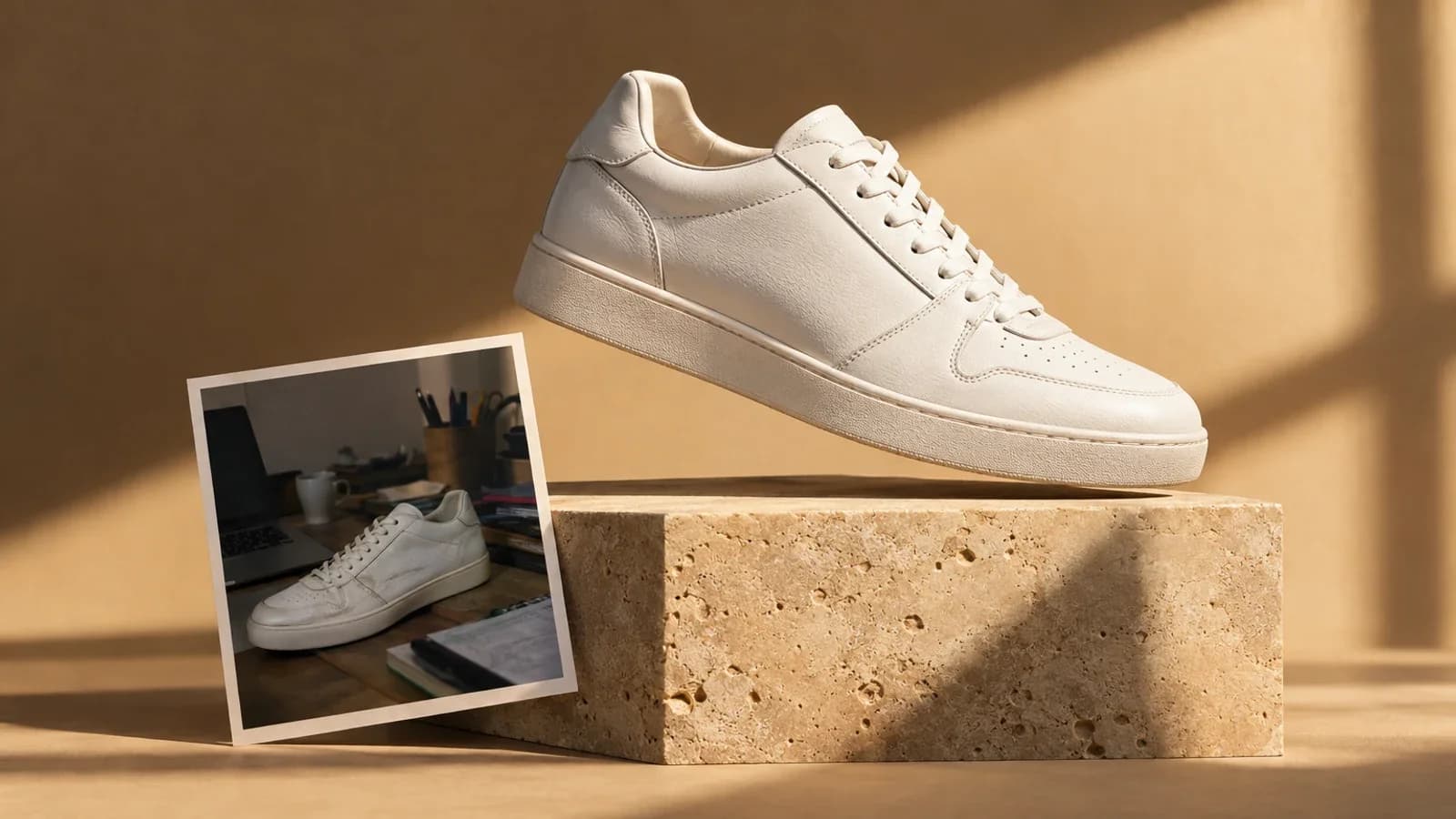
Suppose a gallery accompanies an approved product record for the Harbor travel mug. The image shows the lid open and the handle on the right. A useful draft could be: “Harbor mug with lid open and handle visible on the right.” The point is the view the image contributes. The product's capacity, warranty and shipping offer belong in real page text.
For an AI-assisted lifestyle scene, consider “Harbor mug standing on a wooden desk beside a closed notebook.” Use that only if those objects are visible and the scene adds information worth communicating. If it is a purely decorative banner behind an already complete product heading, review the decorative branch instead.
Avoid “Best premium sustainable travel mug, buy now, free shipping.” It provides promotional claims while losing the image's useful detail. Also avoid “AI image of product” as a universal default: it says little about either the image or its function.
Keep disclosure and text alternatives separate
Whether an image needs a visible AI disclosure depends on its use and the applicable publishing requirements. Alt text should not be the only place readers learn that a product scene is illustrative. If an artificial scene could be mistaken for documentary evidence, put the relevant explanation in visible copy where appropriate and ensure the picture remains truthful to the product.
Do not infer certifications, identities or manufacturing details from an AI image. A generated leaf icon is not evidence of a sustainability certification. Text on a generated label should be checked against approved artwork before publication; our label-preservation workflow covers that separate problem.
Hand off the decision with the file
Copy this small record into your normal publishing handoff:
- Asset and version: approved export filename.
- Destination: exact page and placement.
- Role: informative, functional or decorative, with one sentence explaining why.
- Proposed alternative: final wording or an explicit empty-alt decision.
- Visible caption: any explanation that all readers need.
- Reviewer: person who checked the image against the product and page.
A change of placement can invalidate the decision. If the gallery image becomes a navigation tile, check the link's accessible name again. If a new crop removes the lid, update a description that mentions it.
Check the implementation before publishing
Review the page with images unavailable and, when possible, with the accessibility tools used by your publishing team. Confirm that a link still has a meaningful name, essential information remains available and decoration does not produce repeated noise. This is a focused content check; it does not certify accessibility compliance.
You can start a controlled image edit in Oakgen, compare the result with the source, and take the approved export into your publishing workflow. Check current plans before generating; this guide does not promise free credits or an automatic alt-text publishing integration.
Common questions
Should alt text include the entire generation prompt?
Usually no. Describe the final image's relevant meaning in context. Camera directions, model settings and imagined details that did not appear in the export do not help a reader understand the page.
Is a fixed character count required here?
This guide imposes no universal character quota. Use the shortest wording that preserves the necessary information. Complex visual information may need a nearby explanation rather than a long attribute.
Can one description be reused everywhere?
Review every placement. A gallery detail, linked image and decorative banner have different jobs even when they share a file.
Create an Oakgen account if you do not have one, then choose the relevant tool and review the current quote before generating. Account creation is not a promise of free generations.