Loading audio studio...

Compare models side by side
Run one prompt through up to six image models at once.

Everything Oakgen can make
Image, video, voice and music features, with the models behind each one.
AI agents
- ChatGPT
- Claude
 ChatGPT
 Claude
Workflows
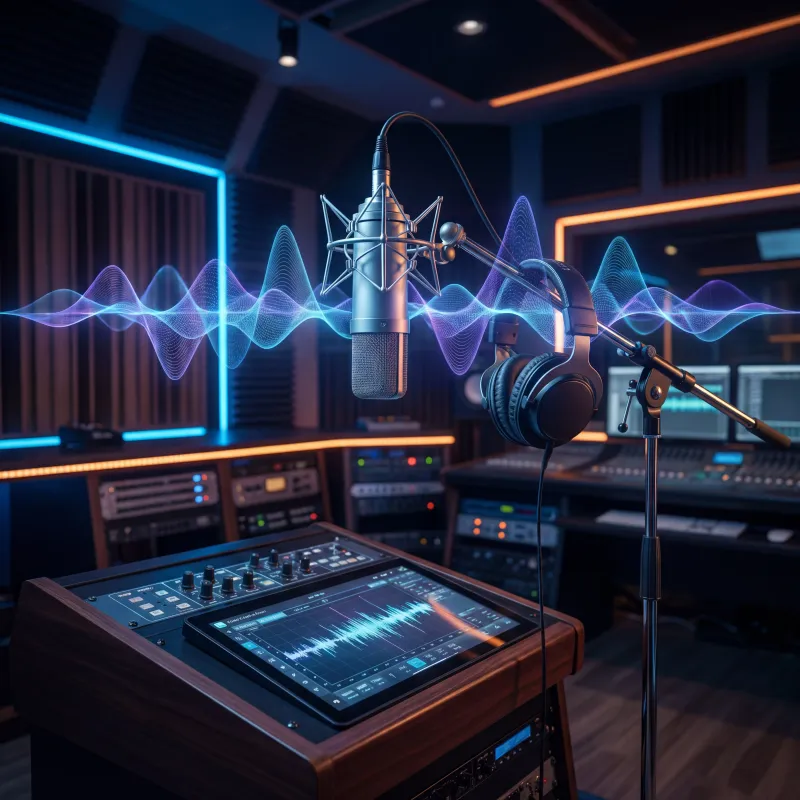
AI Voice Generator
Turn your scripts into natural-sounding speech with the best AI voices. Generate professional voiceovers and text-to-speech in 40+ languages, control emotion and tone, or clone a voice you have permission to use — all from one workspace.
Voices that sound human
Lifelike intonation, natural pacing, and real emotion. Powered by ElevenLabs and MiniMax, your voiceovers sound recorded, not synthesized.
Speak any language
Generate speech in 40+ languages with native-sounding pronunciation — localize a script or reach a global audience without hiring a single voice actor.
Clone your own voice
Upload a short clean sample of your own voice, or a voice you have permission to use, and create a custom voice clone for consistent narration.
Everything in one place
Pair voiceovers with video, music, and UGC ads on one shared credit balance. No tool-hopping, no extra subscriptions, no separate logins.

Create natural emotion in every voice
Choose a voice, use the selected model’s supported pacing controls, and measure the generated take against your video. Follow the 30-second voiceover timing guide to shorten scripts and leave time for visual holds.
Generate a voice
Match your voices with AI videos
Add your voiceovers to original clips made in the AI video generator — create high-quality videos from text or an image, then drop your generated voice straight on top.
Create a video
Set the tone with the right music
A great project needs a soundtrack just as epic. Score your voiceover with original tracks from the music generator — pick the genre and mood that fit, and find a tune for every project.
Generate music
Layer in sound effects
Complete your text-to-speech voiceovers with sound effects that match the moment. Build immersive, layered audio so every detail of your narration sounds just right.
Try the voice generatorPricing
One plan can run your whole AI workflow.
Credits work across chat, images, video, voice, music, avatars, editing, and upscaling. Upgrade only when you need more monthly volume.
Loading plans
Cancel anytime
Costs shown before generation
One credit balance across tools
Still have questions?
Picking a plan, custom credits, team pricing, billing — we usually reply within a few hours.
How to create AI voiceovers
Get started1. Choose Audio Type
Select what you want to create: text-to-speech voiceover, voice cloning, sound effects, or AI-generated music.
2. Input Your Content
Type your script for voiceovers, describe the sound effect you need, or write prompts for music generation.
3. Select Voice or Style
Choose from hundreds of AI voices, clone your own voice, or pick a music genre and mood for compositions.
4. Generate & Download
Generate your audio content and preview. Download in MP3 or WAV format for use in any project.
Loved by visual creators
One studio, every tool
Your image generations plug straight into the rest of the Oakgen suite — all on one shared credit balance.
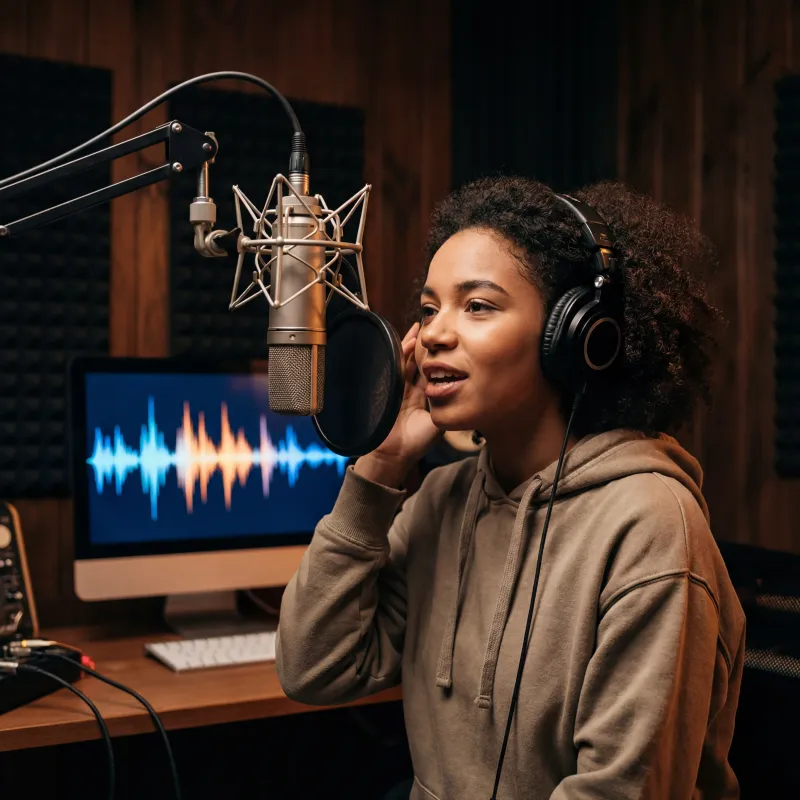
Music Generator
Original tracks to score your voiceovers

AI Video Generator
Create stunning videos from text or images
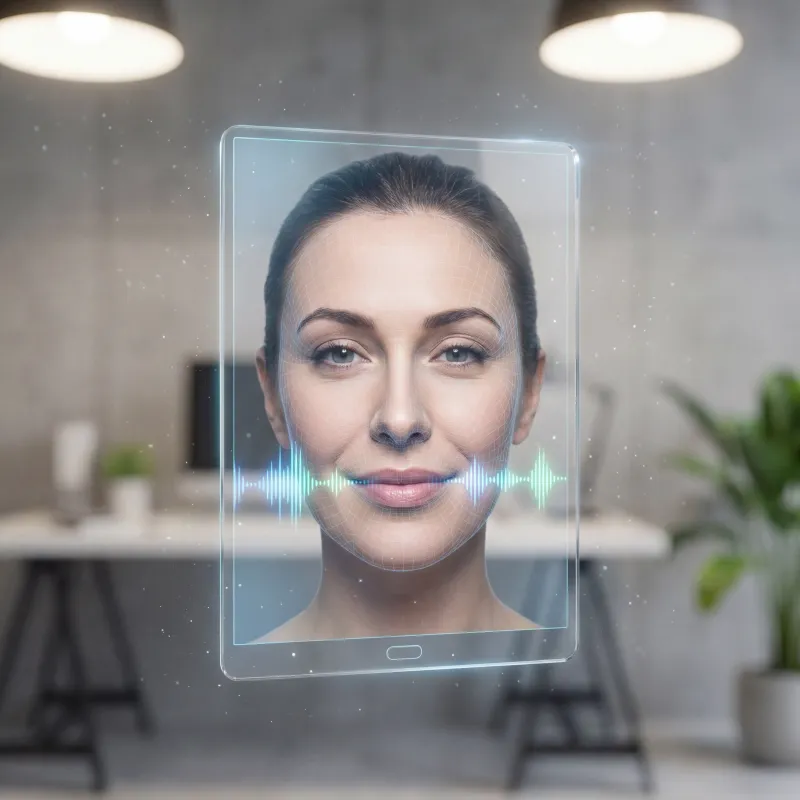
Talking Photo
Turn a photo into a talking avatar
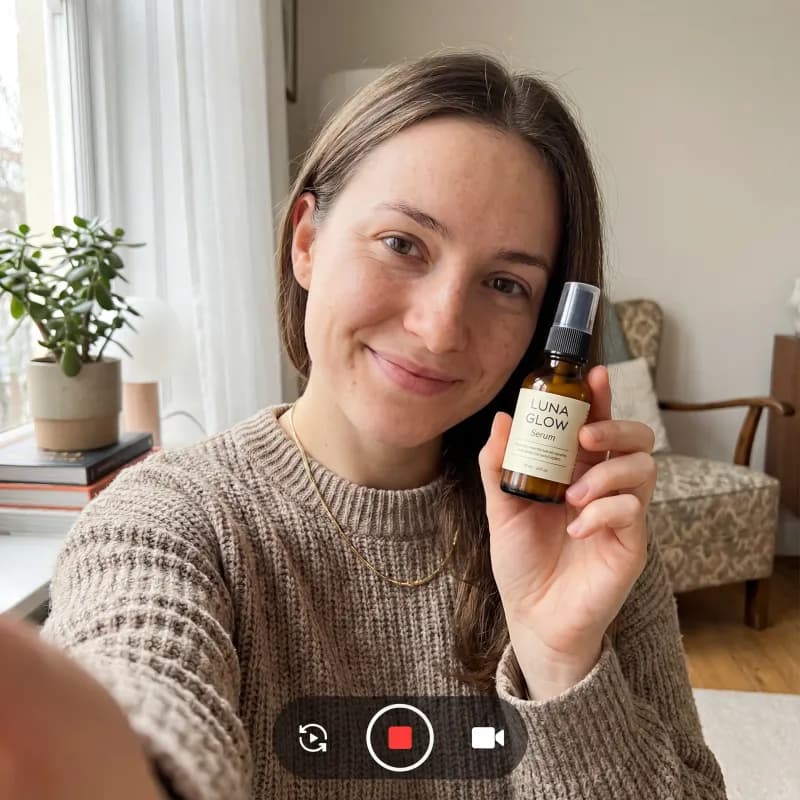
UGC Ad Generator
Scroll-stopping UGC ads in minutes

AI Image Generator
Generate AI images from a text prompt
Avatar Generator
Create consistent AI avatars
AI Chat
Research and create with Oakgen Agent Chat
Explore more ways to create
Frequently asked questions
Everything you need to know about the ai voice generator.
What is the Oakgen AI Voice Generator?
It's a text-to-speech tool that turns your scripts into natural-sounding speech using the best AI voices. Generate professional voiceovers, pick from a wide library of voices, control emotion and tone, or clone a voice you have permission to use — all from one workspace.
What languages are supported?
Our AI voices support 40+ languages including English, Spanish, French, German, Japanese, Mandarin, and many more. Each language has multiple native-sounding voices, so you can localize a script or reach a global audience.
Can I clone my own voice?
Yes. Upload a clear audio sample of your own voice, or a voice you have explicit permission to use. Oakgen requires consent confirmation and prohibits deceptive, celebrity/public-figure, harassing, sexual, or fraudulent voice impersonation.
Is the AI Voice Generator free to use?
Oakgen is a paid, credit-based workspace. Plans start at $9/month, with higher tiers adding more credits, premium voices, and voice cloning.
How much text can I convert to speech?
It depends on your plan. Each generation spends credits based on the length of your script and the voice you choose; higher tiers include more monthly credits, and you can top up anytime.
Can I use the generated voiceovers commercially?
Yes — voiceovers you generate can be used for personal and commercial projects, from YouTube videos and ads to podcasts and audiobooks. Specific usage rights can depend on the voice or provider you choose.
What formats can I download?
Generated audio can be previewed in the workspace and downloaded as MP3 or WAV, ready to drop straight into your video editor, podcast, or any other project.