

 ChatGPT
 Claude
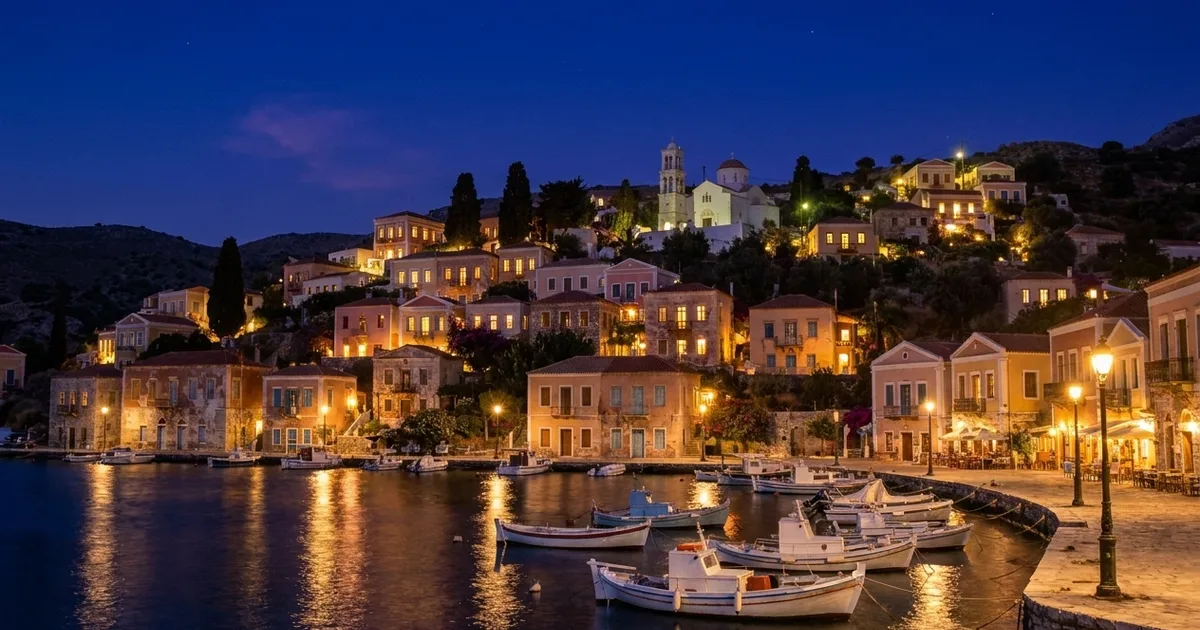
A useful night entrance photo shows a guest which door to walk toward when the street is dark. Start with a daytime scout and use an illustrated night version to plan the evening shoot. Publish real frames from the actual guest approach. An invented pool of light can send someone straight to the service entrance.
Where should the photographer stand?
Walk from the place most first-time guests arrive. Stop the first time you have to choose a direction. At a converted warehouse that might be where the pavement forks around the loading bay, well before the front door. Take a wide daylight frame there, one at the turn and one facing the entrance. Photograph both doors if they look similar.
In Oakgen’s Day to Night tool, try City Lights on one daylight scout. Review the generation quote first. Look for what goes dark when the sky loses its brightness. The day-to-night photo guide illustrates how a model can change the foreground lighting. Use the mockup as a question for the evening crew: “Will anyone still see the small sign on that brick pier?” A lamp appearing in the illustration is a reason to check the location.
What goes on the evening shot list?
| Frame | Stand here | Detail to verify on location |
|---|---|---|
| Approach | Street corner facing the two buildings | Street name or fixed landmark visible to arriving guests |
| Turn | Point where two paths diverge | Sign points to the door the event actually uses |
| Arrival | Across from the public entrance | Door number, current entrance sign and recognizable surround |
Take each picture from pedestrian eye level. Inspect the bright lettering on the sign at phone size. A long exposure can make a doorway look much brighter than it appears to someone walking up. Pick the frame that matches what you see with your eyes and keeps the lettering readable.
How should you deliver the directions?
Arrange the real frames in walking order and give each one a short instruction. “Turn right at the blue sign” depends on the sign being in place that evening. “Use the double door marked Hall B” gives guests a check at the end. Have someone unfamiliar with the venue follow the draft from the starting point.
Store the date, door name and event configuration with the finished sequence. When construction fencing, temporary lighting or an entrance change affects the route, replace the relevant real frame. Give step-free routes their own on-site check with venue staff. The visual mockup cannot verify access.
How we checked this
On November 19, 2026, we checked the Day to Night template’s City Lights preset. The warehouse route and shot list are planning examples.
Plan the after-dark shoot
Start with a daytime photo taken from the guest’s approach.
Frequently asked questions
Can I use an AI night image for guest directions?
Publish a current real photo for directions. A generated image may add a lamp, open a dark doorway or remove a temporary barrier.
Which direction should I take the picture from?
Start where a first-time guest makes a choice, such as a corner or car park exit. Photograph the sequence from that approach.
What if two events use different doors?
Keep separate photo sets labelled with each entrance and booking type. Check the set against the event brief before sending it to attendees.


