 Oakgen.ai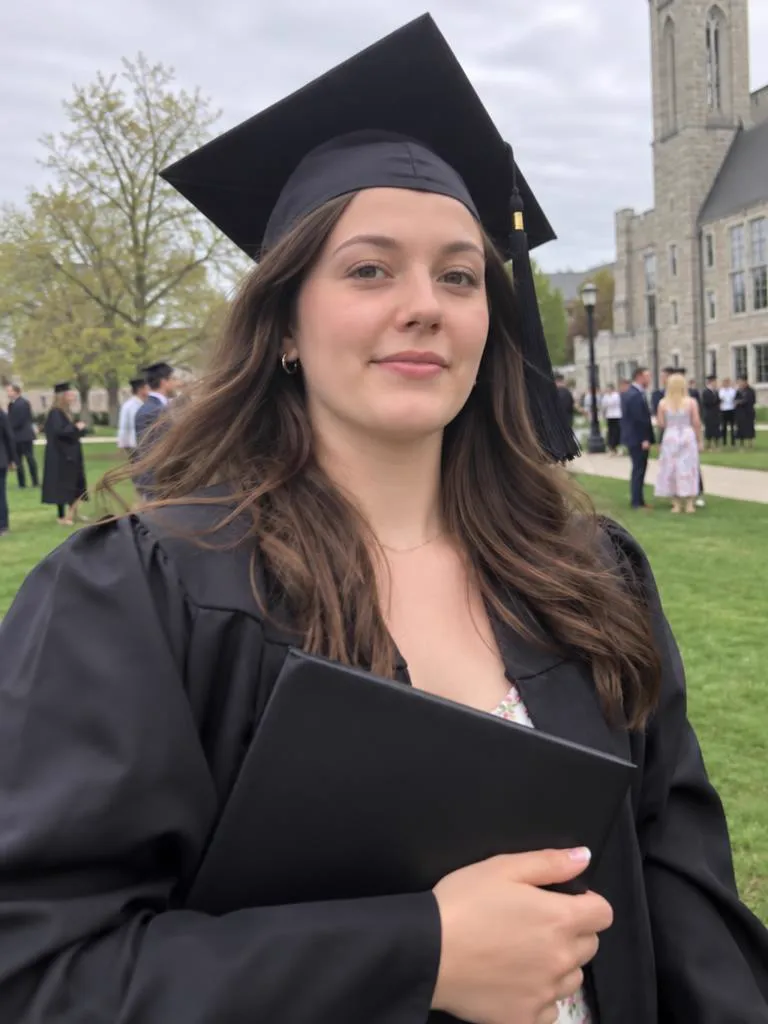
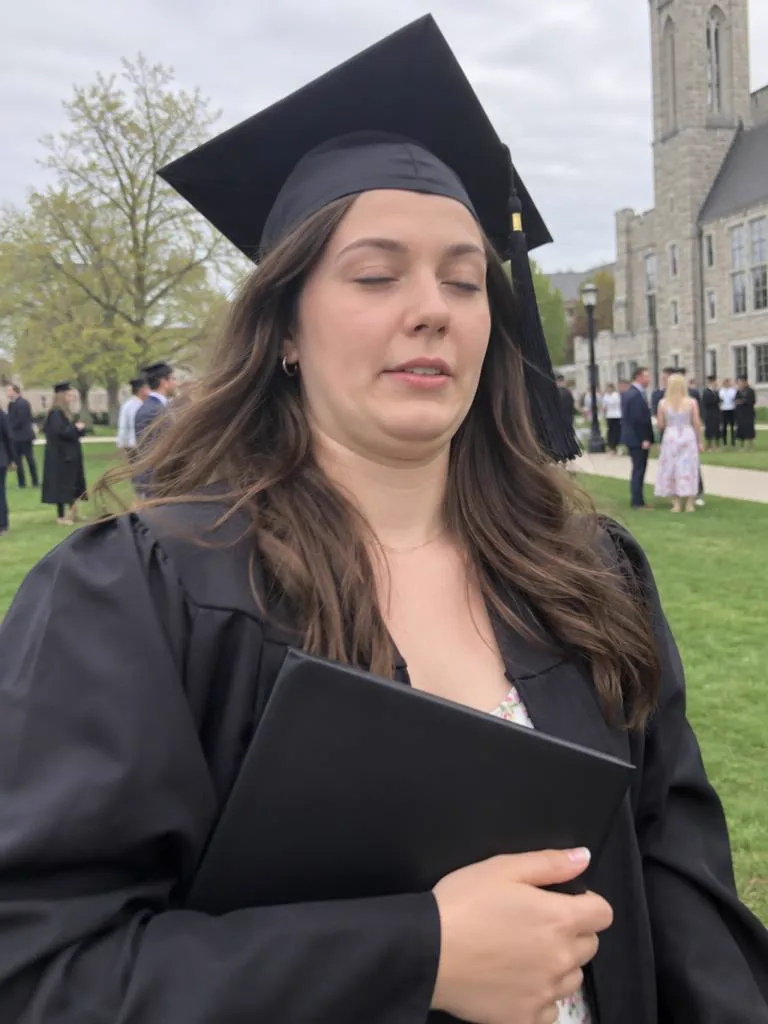
Photo retake guide
Fix a blink, a squint or an awkward smile from your browser. No selfie set to upload, no app to install.


Retake AI is an iPhone app. Its App Store listing asks you to upload 12 of your favorite photos so it can build a personal face model, and it sells Retake Pro as weekly or yearly subscriptions.
Oakgen Photo Retake works on the one photo you want to fix. It turns the fixes you tick into an editing prompt for GPT Image 2.5 and opens it in Create, where you can read and change the prompt before you press Generate. It runs in the browser, on a phone or a computer.
If you want many new pictures of your face from a set of selfies, a face-model app may suit you better. If you want one real photo fixed without training anything, a retake is the shorter path.
Hover or tap a photo to see Take 1. Each Take 2 is a real GPT Image 2.5 retake of Take 1. The people shown are AI-generated.




Name who to fix and the prompt asks for everyone else to stay as they were. Move the lens over the photo to see Take 1 underneath.
The prompt is written for you, and you can read it and change it in Create before anything runs.
Any photo you'd keep if it weren't for the face. It waits on your device until you continue.
Tap what's wrong. For a group photo, say who. That becomes your prompt.
Create opens with your photo attached, GPT Image 2.5 selected and the prompt filled in.
Face-profile apps ask you to upload a set of selfies first and then bill you weekly or yearly. Here, one photo is enough, and each retake costs a set number of credits from your plan.
| Feature | Face-profile retake apps | Oakgen Photo Retake |
|---|---|---|
| Setup | Upload a set of selfies to build a face profile | One photo, nothing to train |
| Price | Weekly or yearly subscription | 21 credits per retake, from your plan |
| Where | Phone app | Your browser, on a phone or a computer |
| Group photos | Varies by app | Name the one person to fix |
| Control | One tap | Read and edit the prompt |
Oakgen is not affiliated with Retake AI. Competitor details come from public app-store listings.
Every guide opens the same tool with the right fixes already picked.
No. Oakgen is not affiliated with Retake AI. Photo Retake is Oakgen's own tool, built on GPT Image 2.5 editing.
No. There is no face model to build. The one photo you want to fix is enough.
No. Photo Retake runs on oakgen.ai in your browser, on a phone or a computer.
One retake of a standard 4:3 phone photo costs 21 credits. Other photo shapes cost 19 to 26 credits. This page shows the price for your photo before you continue, and Create shows it again before you press Generate.
Keep the moment. Fix the face.