 Oakgen.ai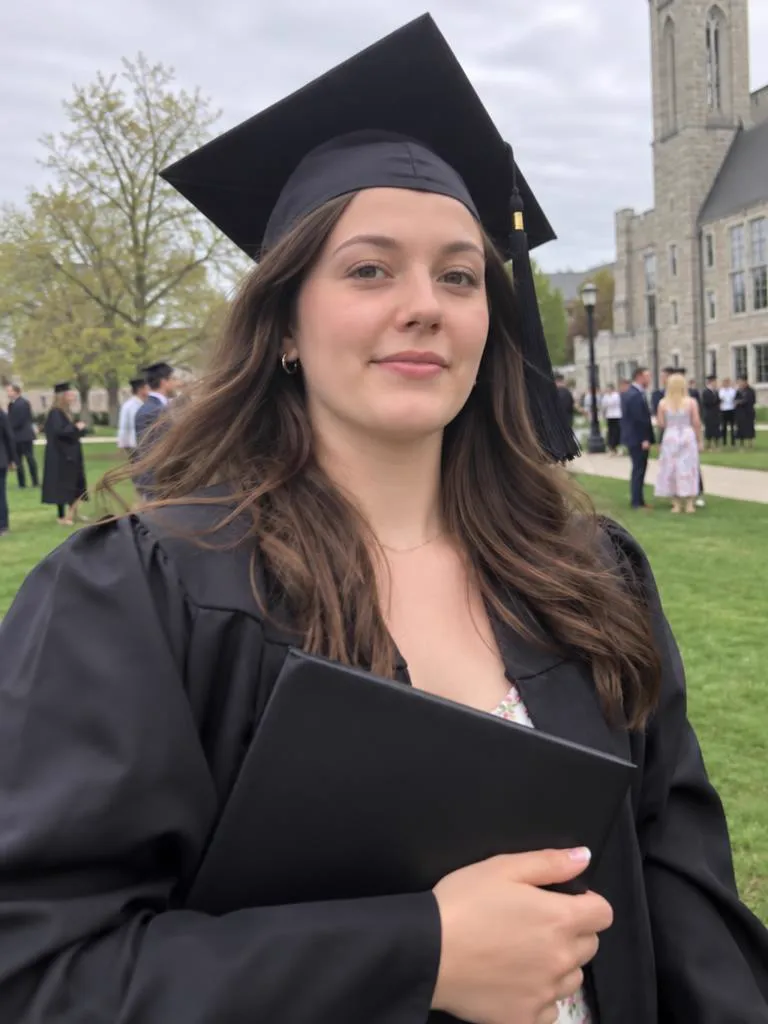
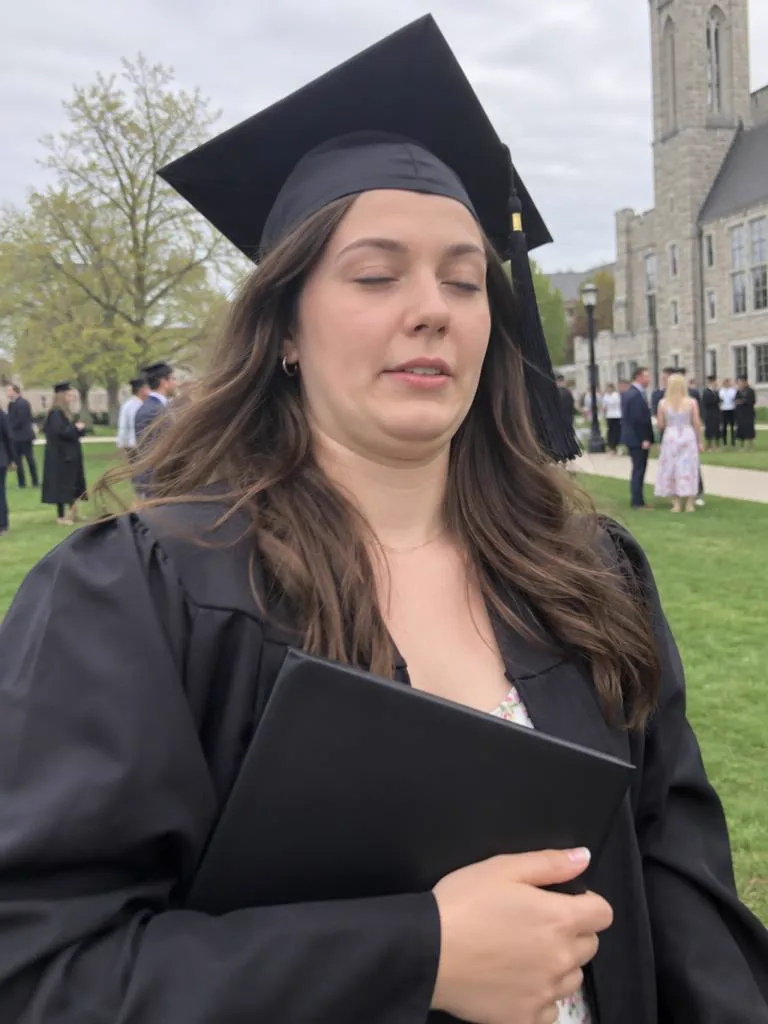
Photo retake guide
Golden hour, a great view, and eyes screwed up against the sun. Upload the photo and the retake relaxes the eyes. The sunset stays.
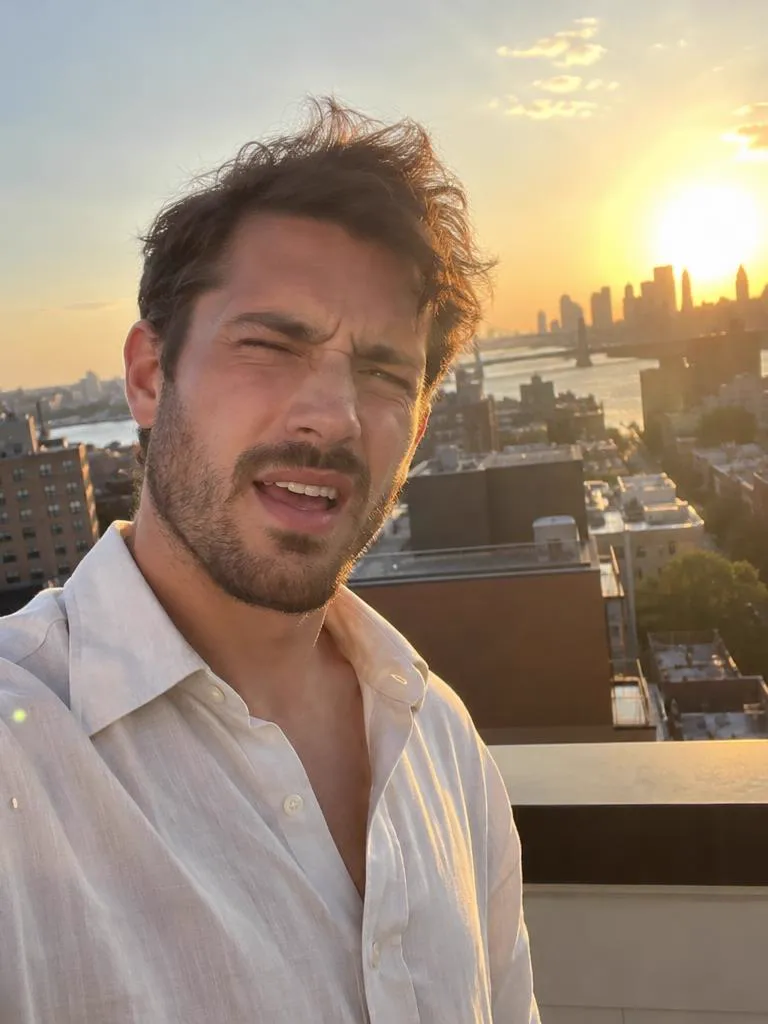
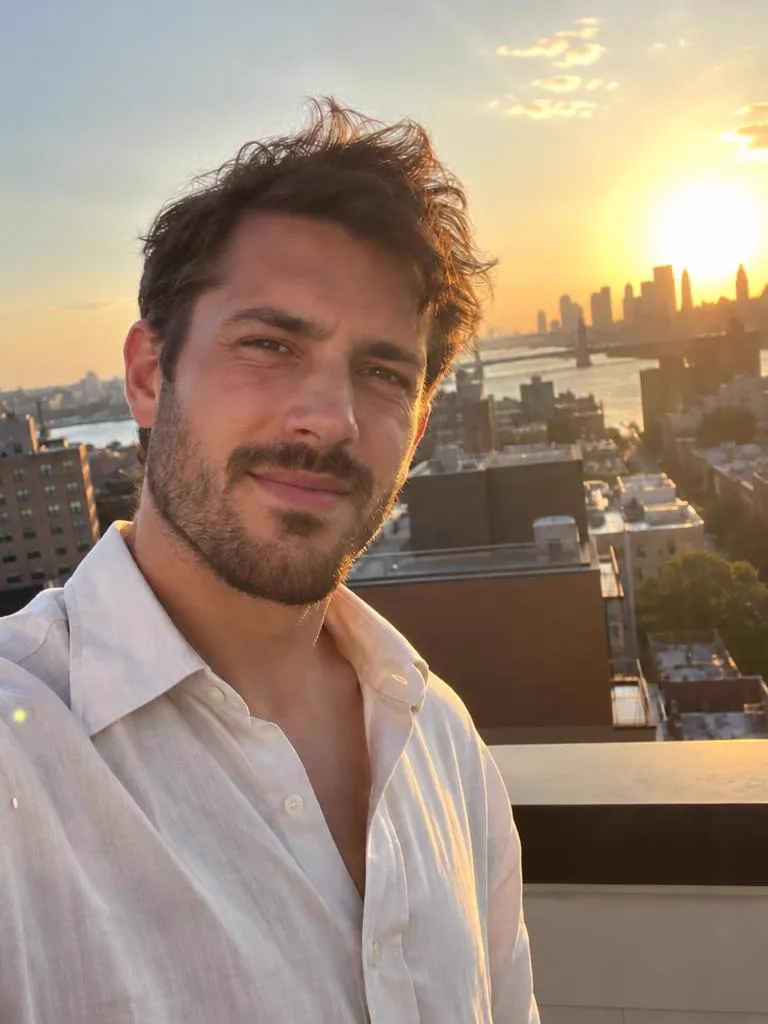
Bright light makes eyes narrow on their own, and facing the sun to get the sky in the shot makes it worse. The result is the classic golden-hour photo with half-shut eyes and a tight smile.
A retake keeps the light and the sky and redraws only the eyes and the expression around them. The prompt asks it to keep the lighting and exposure as they are, so the warm light on your face should stay.
Hover or tap a photo to see Take 1. Each Take 2 is a real GPT Image 2.5 retake of Take 1. The people shown are AI-generated.
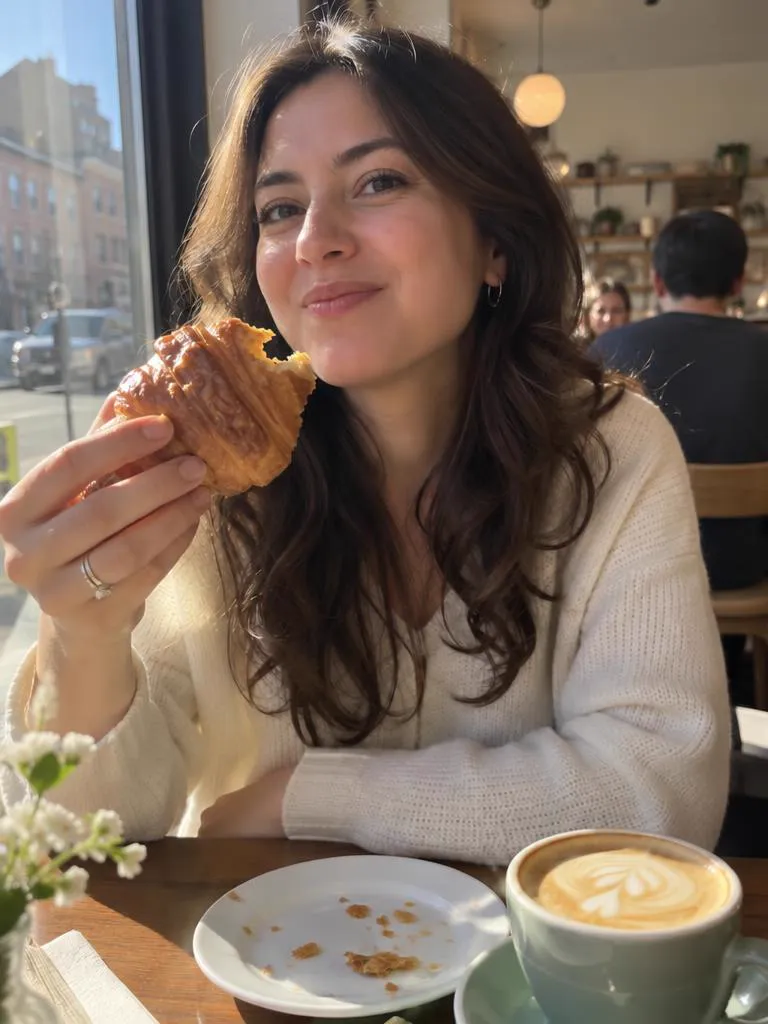
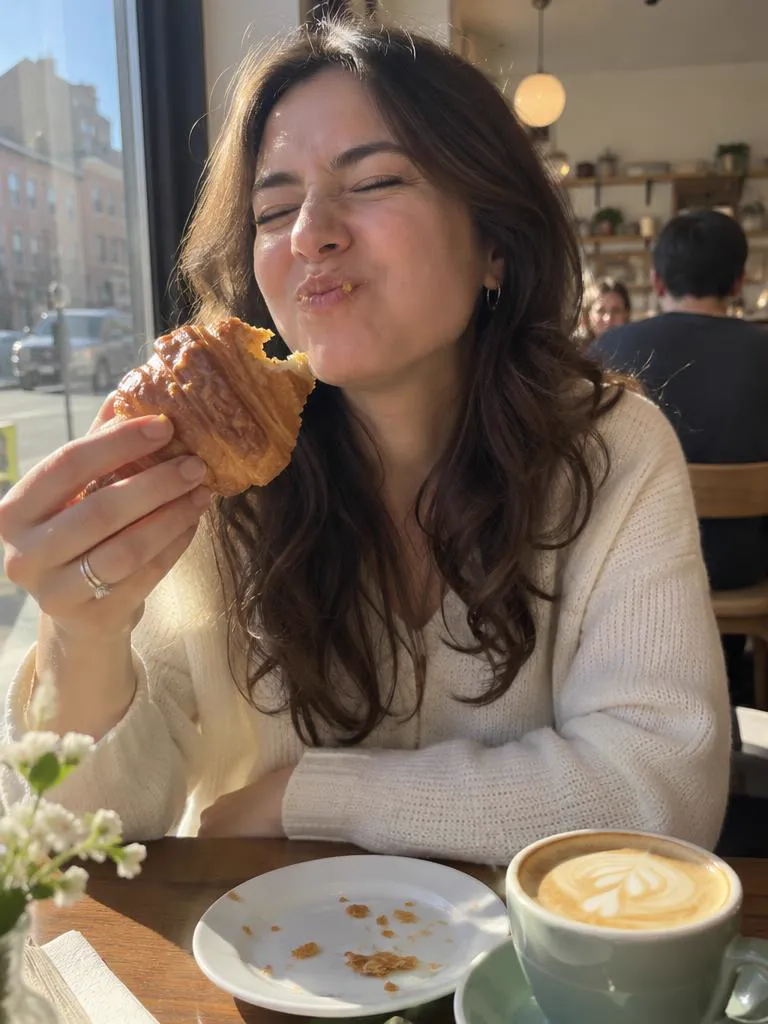
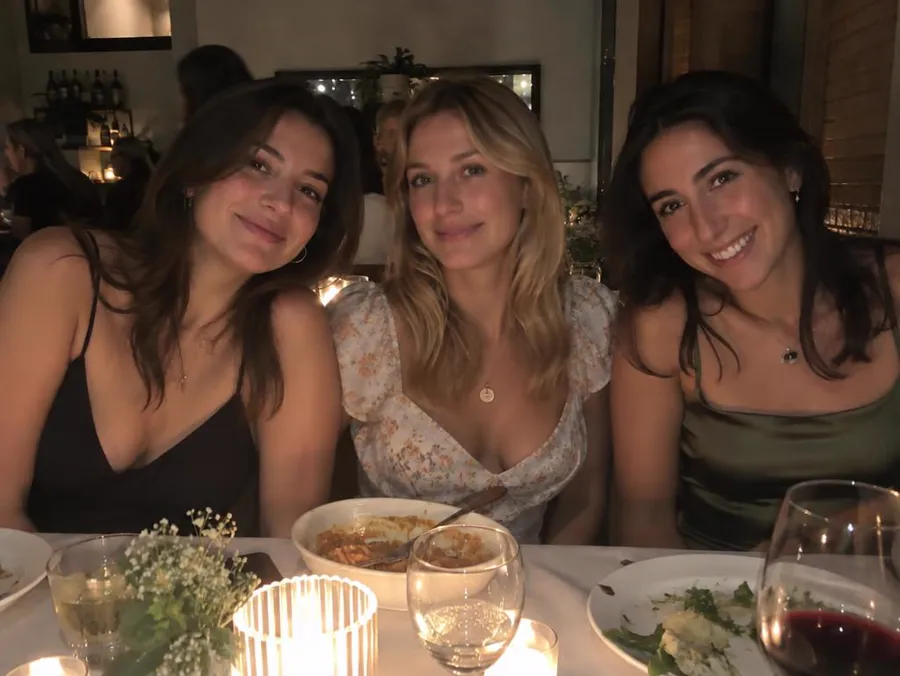
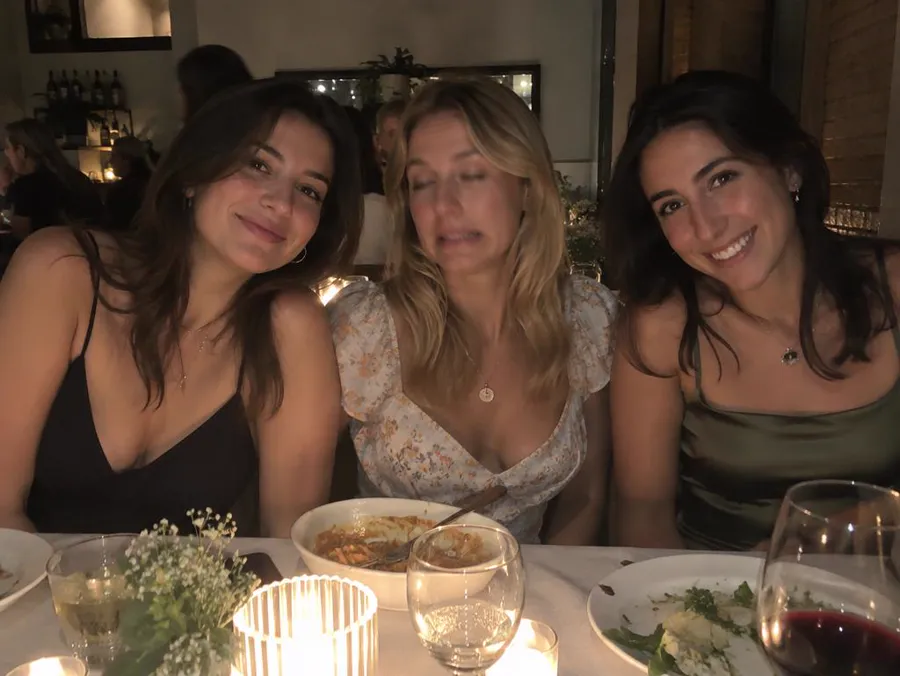
Name who to fix and the prompt asks for everyone else to stay as they were. Move the lens over the photo to see Take 1 underneath.
The prompt is written for you, and you can read it and change it in Create before anything runs.
Any photo you'd keep if it weren't for the face. It waits on your device until you continue.
Tap what's wrong. For a group photo, say who. That becomes your prompt.
Create opens with your photo attached, GPT Image 2.5 selected and the prompt filled in.
Every guide opens the same tool with the right fixes already picked.
Yes. Tick "Stop squinting" and the retake relaxes the eyes, while the prompt keeps the light, the sky and the framing as they are.
The prompt asks for the same person and identity. Check the eyes at full size, and if the colour or shape drifted, generate again.
It is not meant to. The prompt asks it to keep the lighting, exposure and colours and to change only the expression.
One retake of a standard 4:3 phone photo costs 21 credits. Other photo shapes cost 19 to 26 credits. This page shows the price for your photo before you continue, and Create shows it again before you press Generate.
Keep the moment. Fix the face.