 Oakgen.ai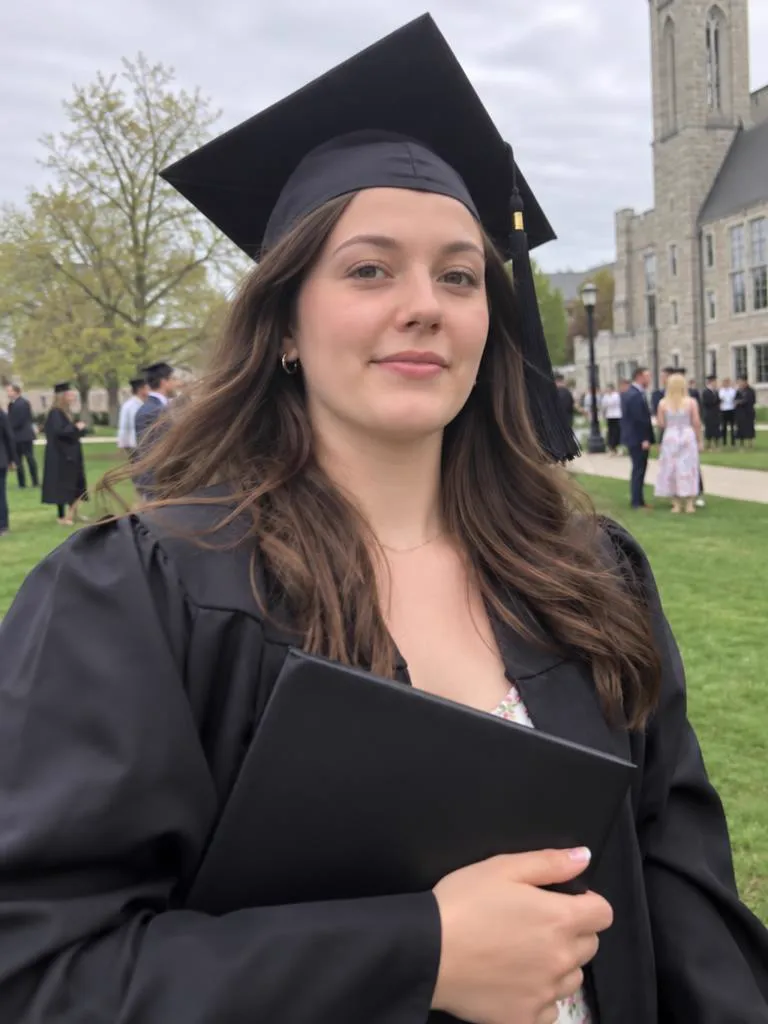
AI Photo Retake
Blinked, squinted or caught mid-bite? Upload the photo and get the same moment back with your best face. Same scene, same outfit, same you.


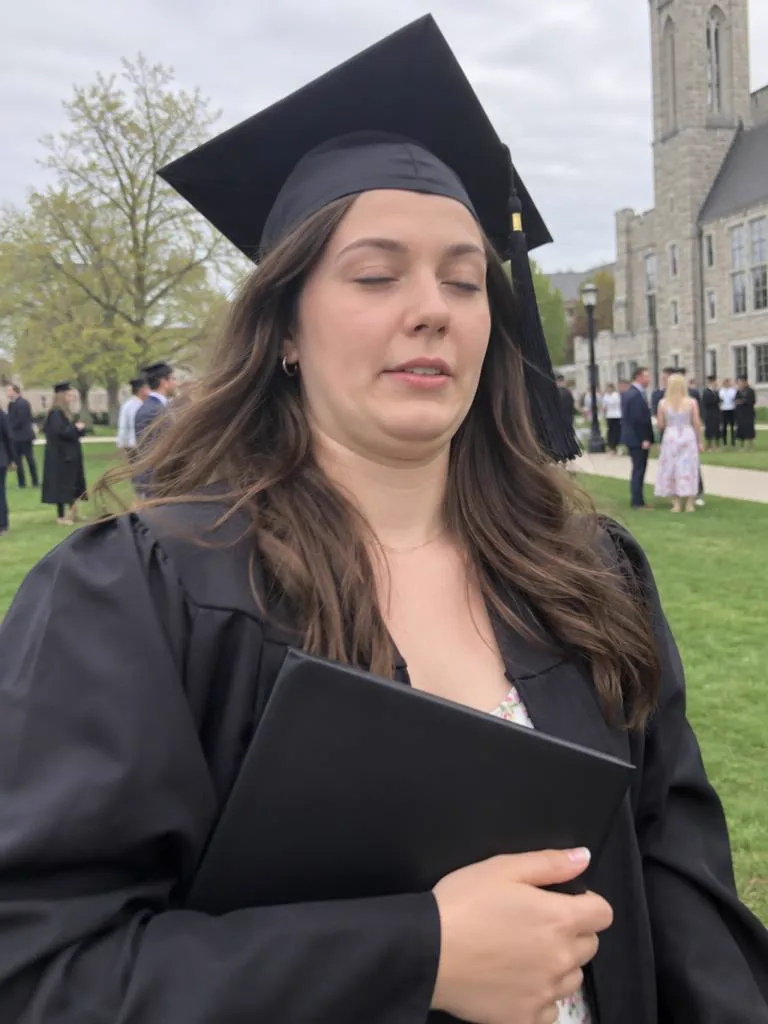
Hover or tap a photo to see Take 1. Each Take 2 is a real GPT Image 2.5 retake of Take 1. The people shown are AI-generated.


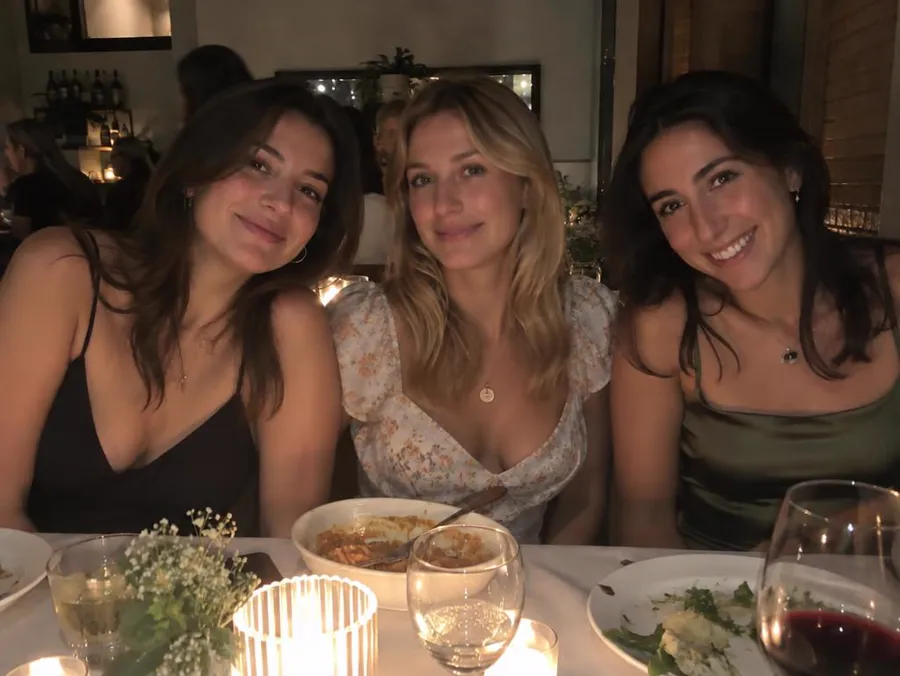
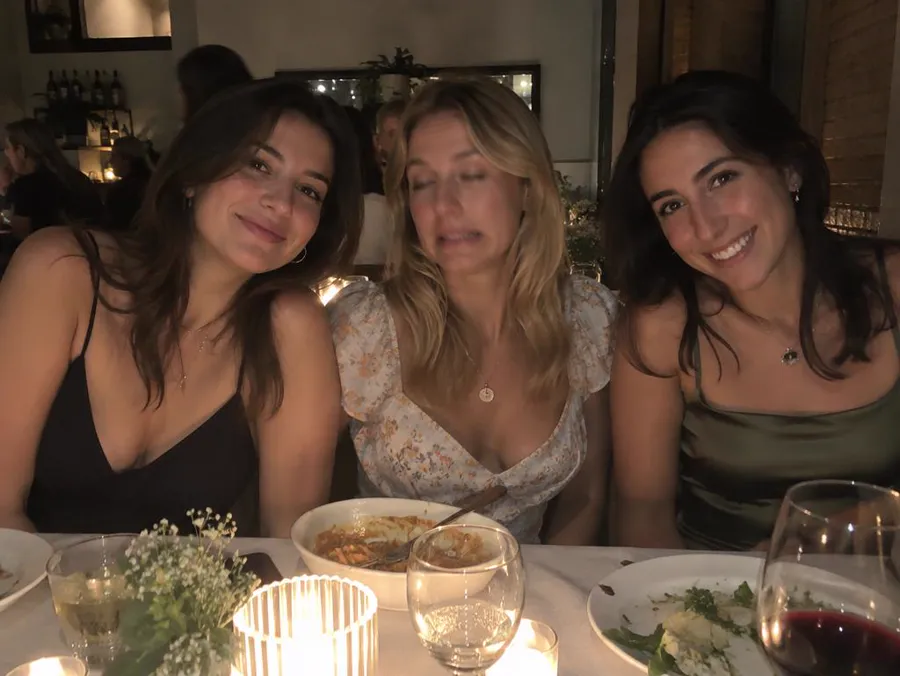
Name who to fix and the prompt asks for everyone else to stay as they were. Move the lens over the photo to see Take 1 underneath.
The prompt is written for you, and you can read it and change it in Create before anything runs.
Any photo you'd keep if it weren't for the face. It waits on your device until you continue.
Tap what's wrong. For a group photo, say who. That becomes your prompt.
Create opens with your photo attached, GPT Image 2.5 selected and the prompt filled in.
Face-profile apps ask you to upload a set of selfies first and then bill you weekly or yearly. Here, one photo is enough, and each retake costs a set number of credits from your plan.
Read the full comparison| Feature | Face-profile retake apps | Oakgen Photo Retake |
|---|---|---|
| Setup | Upload a set of selfies to build a face profile | One photo, nothing to train |
| Price | Weekly or yearly subscription | 21 credits per retake, from your plan |
| Where | Phone app | Your browser, on a phone or a computer |
| Group photos | Varies by app | Name the one person to fix |
| Control | One tap | Read and edit the prompt |
Oakgen is not affiliated with Retake AI. Competitor details come from public app-store listings.
Every guide opens the same tool with the right fixes already picked.
The prompt tells the model to keep your face shape, jawline, hair, skin and features and to change only the expression you picked. AI edits can still drift, so check the result at full size. If anything looks off, edit the prompt and generate again.
It is not meant to. The prompt asks the model to keep your body, outfit, pose, background, light and framing as they are, with no slimming and no beauty filter. Compare Take 1 and Take 2 before you post.
Yes. Type who to fix, for example "the man on the left in the blue shirt". The prompt tells the model to change only that person and nobody else.
One retake of a standard 4:3 phone photo costs 21 credits. Other photo shapes cost 19 to 26 credits. This page shows the price for your photo before you continue, and Create shows it again before you press Generate.
No. There is no face profile to build. The one photo you want to fix is enough.
Until you continue, it stays in your browser on this device. Once you are signed in with a plan, it is uploaded to your Oakgen account so Create can use it as the reference image. If you stop halfway, this page keeps it on the device for up to 24 hours so you can pick up where you left off.
Keep the moment. Fix the face.