

 ChatGPT
 Claude
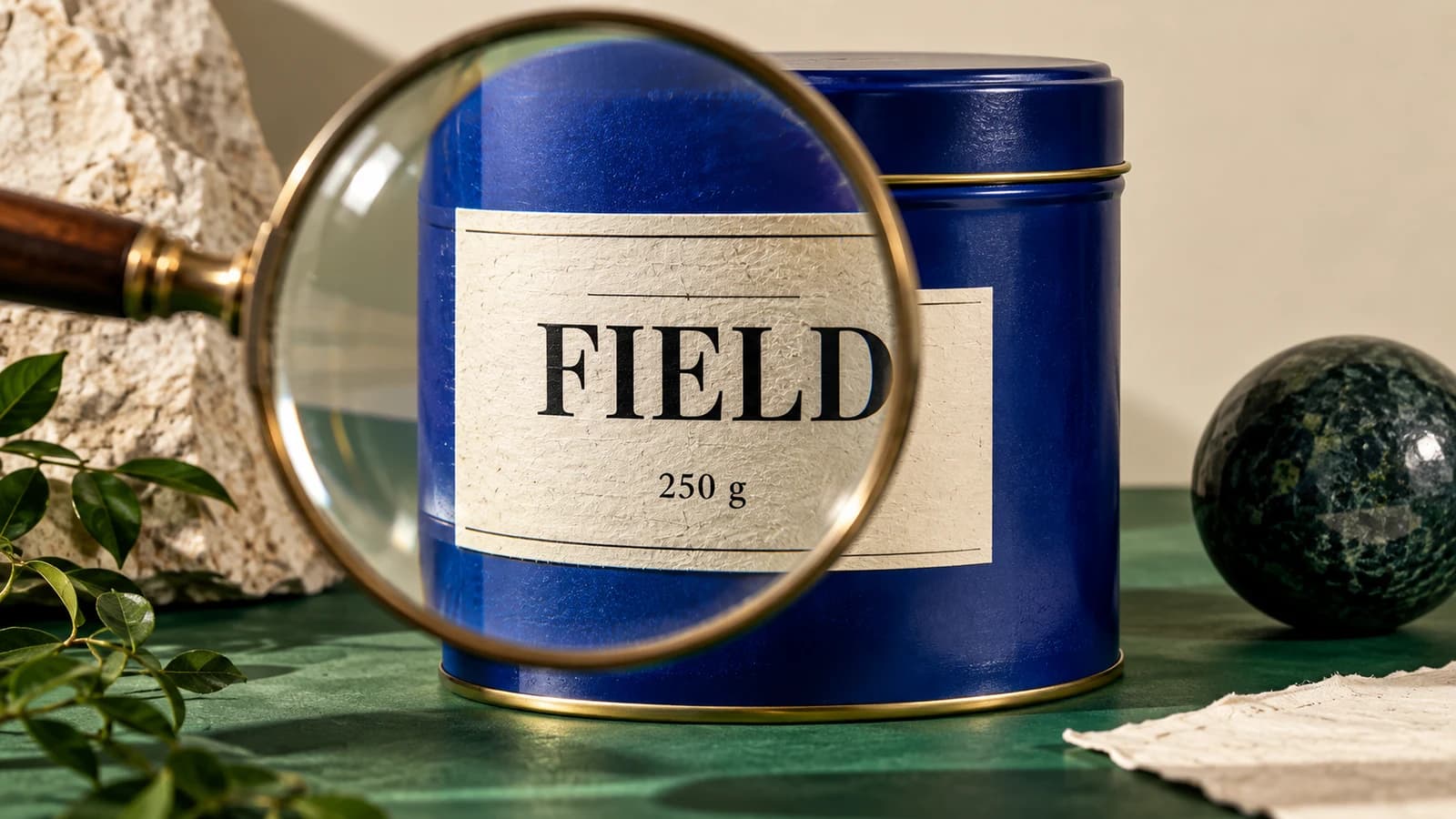
Wholesale buyers need to know which item they can order when two products look nearly alike. Give each orderable variant one clear photo, attach it to the item code and keep the ordering details in editable text. Use a lifestyle photograph for the collection opener and simple product views for the ordering grid.
Which pictures does a buyer need?
Imagine a pottery studio selling two mug shapes in three glazes. It has six orderable combinations. A single image of six overlapping mugs may work on the cover, but it leaves a buyer guessing which green mug has the straight sides. Give each combination a dedicated image made from the actual piece. Keep camera height fixed and turn the handle the same way. Add a second view when the foot, handle or surface pattern helps distinguish it.
| Code in this example | Photo to use | Detail to check at final size |
|---|---|---|
| ST-SEA | Straight mug, sea glaze | Side wall stays straight |
| RD-SEA | Round mug, sea glaze | Rounded body visible below the rim |
| RD-SND | Round mug, sand glaze | Glaze reads differently from sea in print |
Where does background editing help?
Pick one approved product photo. In Oakgen’s Image Editor, choose a model that accepts your photo and check the credit estimate. Try a tightly scoped instruction: “Replace the backdrop with plain warm grey. Keep the mug, handle, glaze speckles, rim and proportions as photographed.” The label and logo inspection guide gives a closer check for printed packaging. Compare the result at the handle joint and along the glaze edge. If those change, use the original or mask the backdrop manually.
Never manufacture another orderable colour from one photograph. A teal glaze that breaks brown over a ridge is a different surface from a flat teal coating. If you lack a photo, mark the item as awaiting photography in the working sheet and ask the maker for a sample.
How do you catch a wrong image before sending the sheet?
Make two passes. Read the filenames aloud against the order form first. Then cover the descriptions and ask someone to distinguish the pieces from the photographs alone. If both sea-glaze images show straight mugs, the filenames may be correct while the content is wrong.
Keep prices, case packs, order minimums and availability outside the image. When a buyer asks for last season’s glaze, look up the dated edition and its code. That makes it possible to discuss a substitution without sending an old price sheet by mistake.
How we checked this
We checked Oakgen’s image editing entry point on November 19, 2026. The six mug combinations and order codes are an example collection.
Prepare a sample product image
Try one background edit with a photograph of the actual wholesale item.
Frequently asked questions
Should three colourways share a single photograph?
A group shot can introduce the collection. Include a labelled view of each orderable colourway so a buyer can match it to the correct code.
Where do minimum order quantities and prices go?
Put them in editable text tied to the item code. Confirm the current terms before exporting each edition.
What if a background edit changes the finish?
Return to the original product photograph. A consistent backdrop is less important than a faithful depiction of the item a buyer can order.


