

 ChatGPT
 Claude
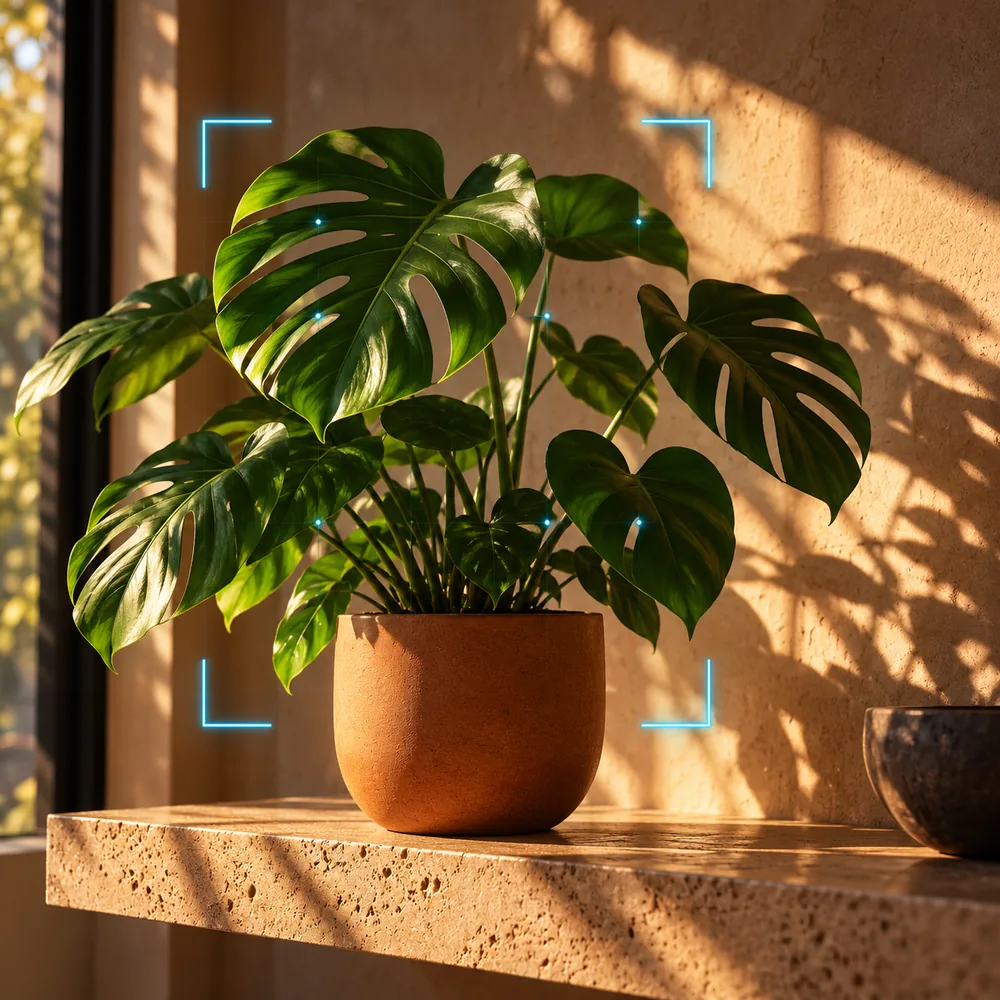
Film the pot the customer will take home, beside a hand or ruler for scale. For a nursery preorder, the most useful three shots are the plant at its current stage, the plant label, and the collection point. A mature garden photo can leave a buyer expecting a much larger plant.
Show the unit someone can reserve
Take a six-cell tray and set it next to a single pot. If the listing sells one start, frame the single pot and move the tray out of the opening. If the listing sells the tray, show all six cells and say how many starts the price covers. Put a nursery ruler beside the container when its size is part of the offer. Shoot in even light so the label stays legible.
Record the variety from the same batch that will fill the orders. A tag reading “cherry tomato” and a caption naming a specific cultivar can drift apart when staff substitute a tray. Put the label and current stock sheet next to each other before recording. If the variety is assigned at pickup, explain how that works.
Make a directions cut for collection day
Table at the nursery
“These are the starts in this week's pickup. Each reservation is for [one pot / a tray of six].”

Edge of pot and label in frame
“Here is the stage they’re at today. Check the variety shown on your order.”

Path to collection desk
“Collect at [entrance or counter] during [confirmed window]. Bring [the order reference your shop uses].”
Film the approach from the point where visitors can go the wrong way. A close-up of a sign is less helpful if it gives no clue which entrance to use. Keep directions in the caption for people who watch away from the nursery.
Give each new batch its own dates
In Oakgen's UGC script generator, supply the order unit, plant stage, and collection instructions. Keep care advice specific to the nursery's printed guidance for that plant and location. Questions about planting outdoors can go directly to staff at pickup.
Save a reusable clip of the entrance separately from the crop footage. Replace the plant clip when the next batch is visibly different and label the date of filming. Review uncollected orders and inquiries about tray quantity after the pickup window. Those point to practical edits worth making before the next round.
About this example
The tray and collection route are a sample brief. Oakgen’s UGC utility prepares editable script and shot text from supplied facts. Use the real batch label, stock count and nursery hours on camera.
Write the nursery pickup script
Turn the actual tray and collection route into a short preorder video.
Frequently asked questions
Can I show the mature plant?
Use it as a labeled mature example after the actual pickup stock. Start with the size the buyer can expect to collect.
How do I film a plant size comparison?
Put the container beside a ruler or familiar object and keep the camera level with it.
What if stock changes between filming and pickup?
Replace the opening batch footage or update the offer. Resolve any substitution with the buyer using the nursery’s process.
Should I include planting advice?
Use the nursery’s current care sheet. Keep seasonal advice that depends on local conditions off an evergreen pickup card.
What belongs in the pickup caption?
Include the order unit, pickup date and hours, entrance or desk, and the reference customers should have available.


