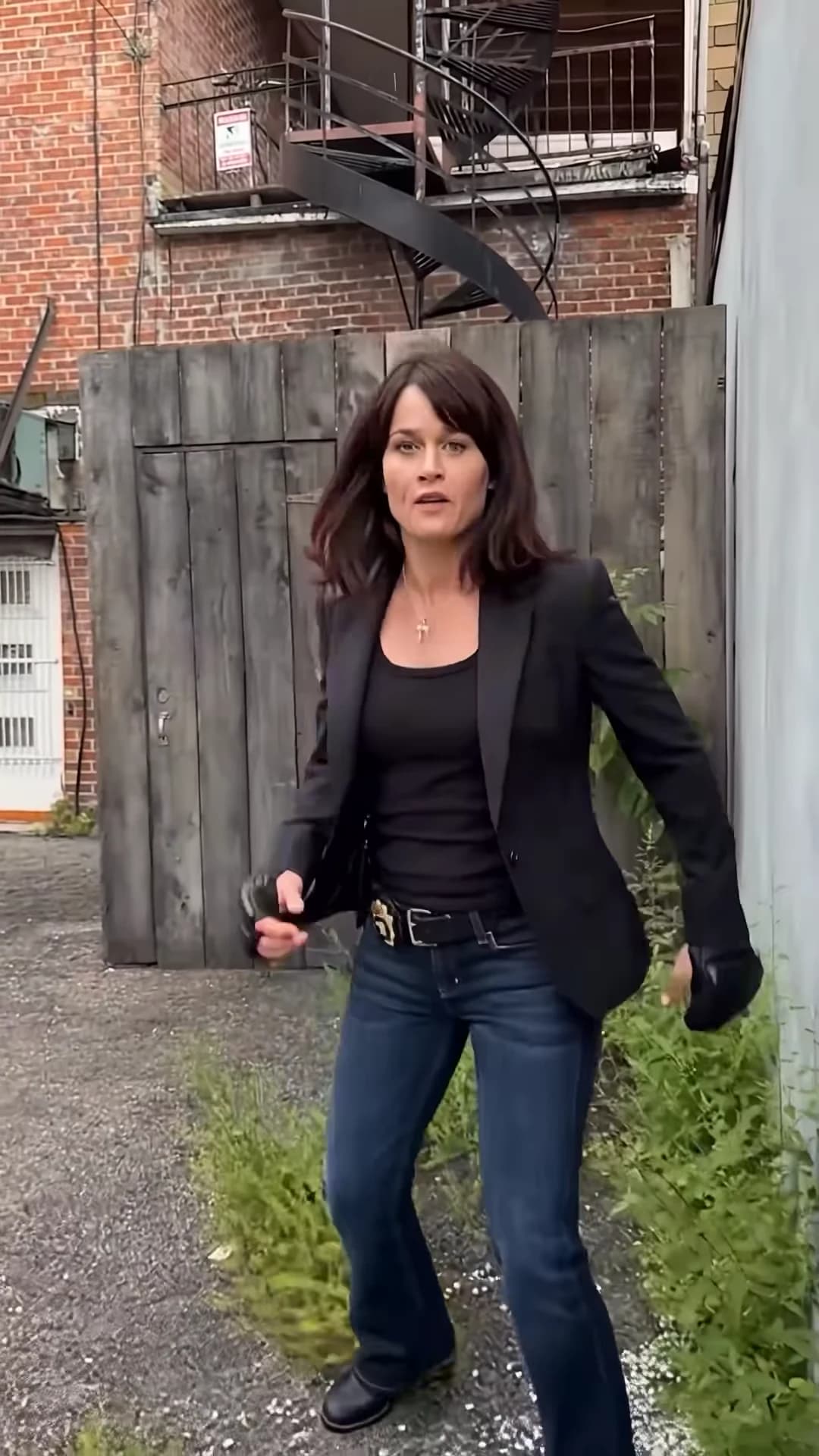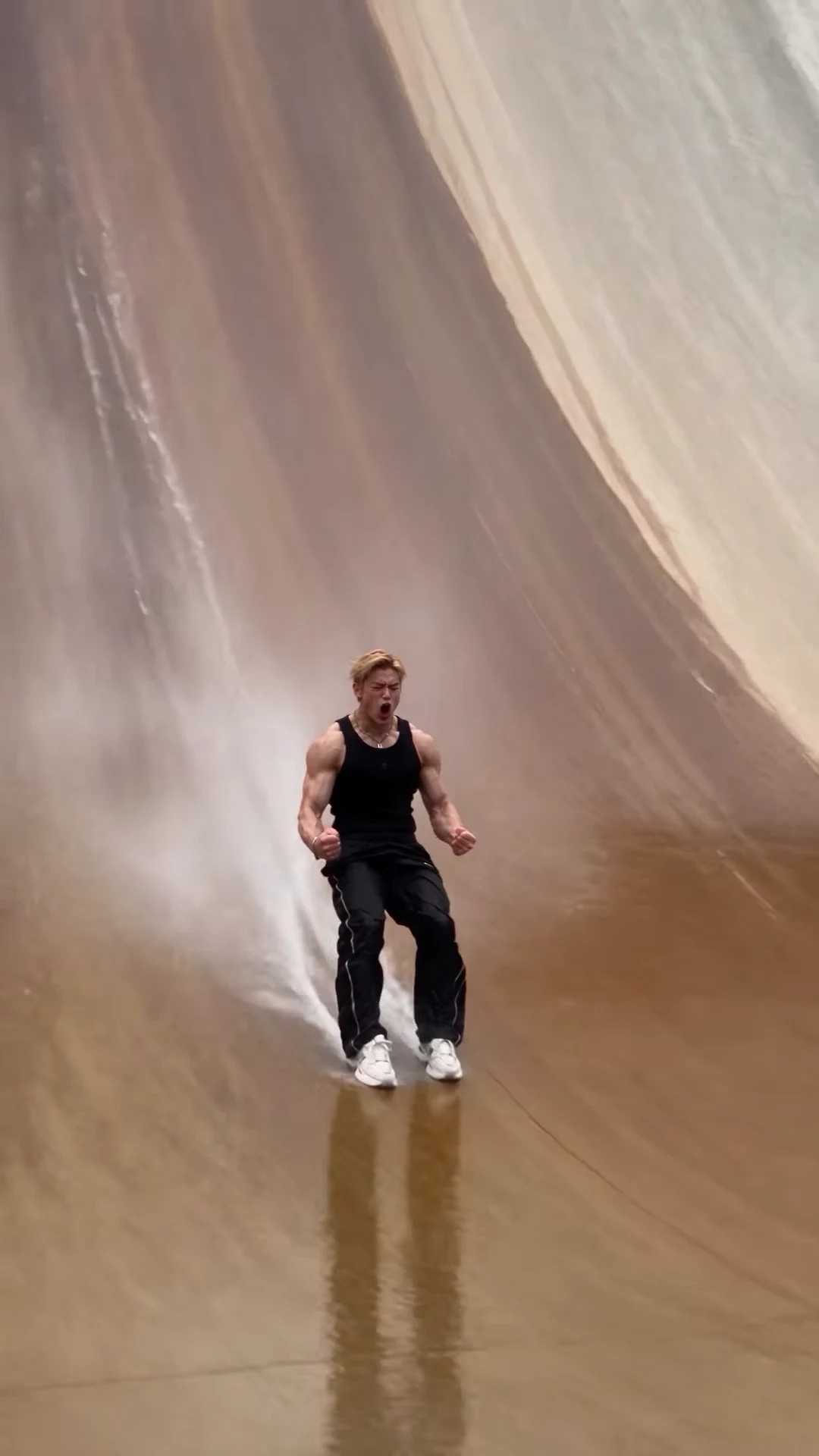
The Wall Run AI trend is one person sprinting up the wet face of a giant curved dam, flipping off the top, landing feet first in a burst of spray and celebrating in front of a roaring crowd. You supply the face. This guide goes in order: the photo, the outfit, the quote, then a second-by-second check of the finished clip and how to post it. If you first want to know whether the viral versions are real, read the AI wall run trend explained.
Your face on the wall run
Add one photo, review your credit quote and make the 15-second Wall Run with the dam, the flip and the crowd.
What the template gives you
The template is the whole reel: 15 seconds in portrait, one handheld take, its original sound. The runner starts beside a line of guards at the foot of the dam, sprints up the curve while the camera tilts up to follow, flips at the railing on top, falls back and lands on the wall in a splash, slides down screaming and walks into a close-up to flex at the camera.
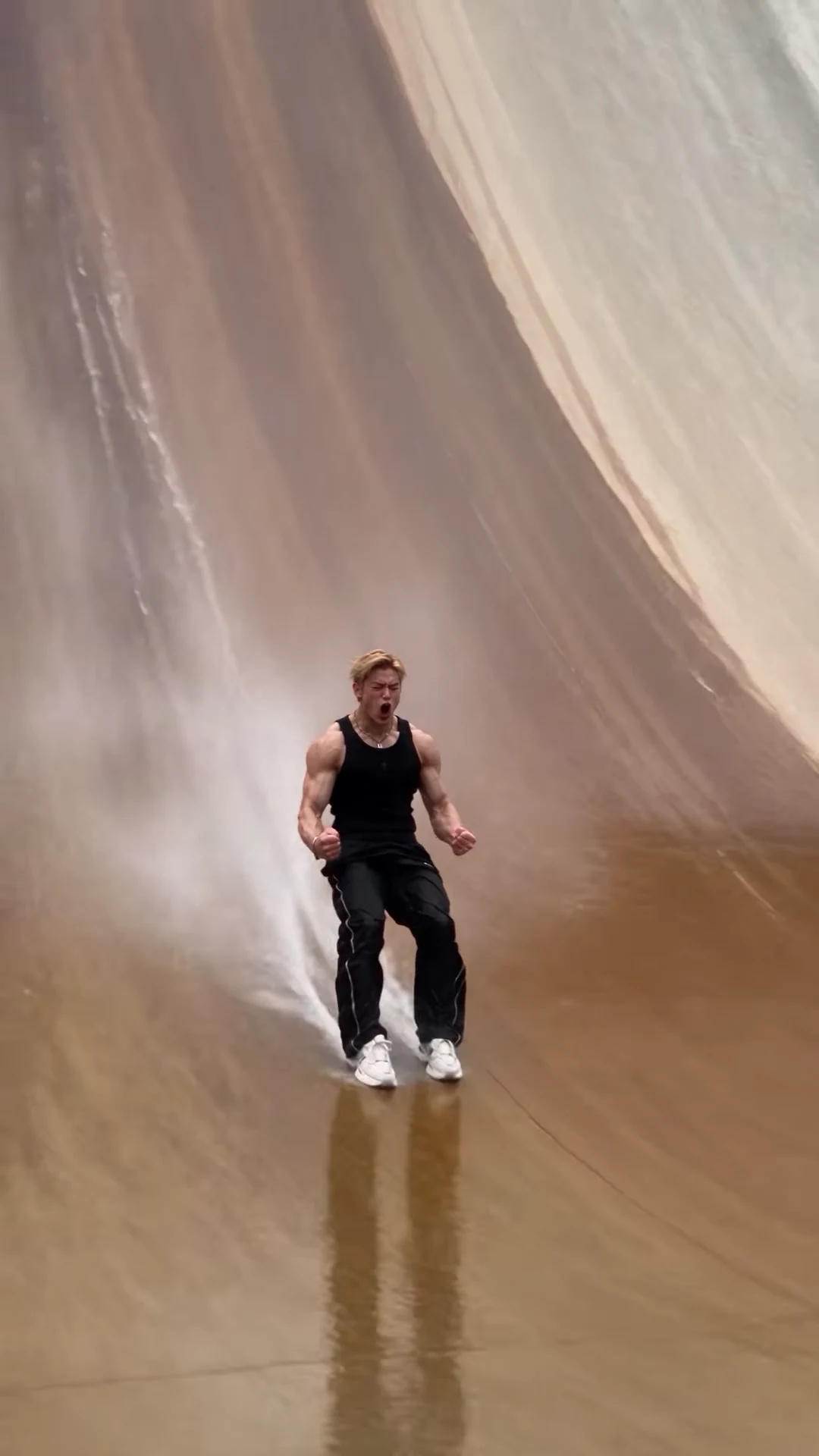
The slide after the landing. This is the reference AI reel by @jacksonzhangai, not an Oakgen output.
Step 1: Pick the photo
- One person, nobody else in the frame.
- Your own photo, or one of someone who agreed to be in the video. Never a celebrity or public figure.
- Face sharp and turned to the camera, the whole head and hairline visible, no sunglasses.
- Take off a hat or hood if you can; otherwise the template has to guess your hair.
- Any outfit is fine. The stunt outfit is added.
Pick for the close-up, not the run. During the sprint you are a small figure on the wall and the template leans on your hair and build; in the last two seconds your face fills the frame. Casting yourself as the runner covers what the photo controls in more detail.
Step 2: Know what the outfit does
The black ribbed tank top, silver chain, black track pants with white piping and white sneakers are the look of the trend, so Oakgen treats them as costume: everyone who makes this video wears them. Your face, your hair and your build come from your photo. If you would rather appear in your own clothes, the Forever Dunk template keeps the outfit from your photo.
Step 3: Check the quote and generate
Choose a quality and read the quote. It covers the full video, the preparation of your photo and three scene references, and the studio shows it before anything starts. The generate button stays off until the photo is added. The video is made in one pass, so a later fix means a new run of the whole clip.
Step 4: Check the result, beat by beat
Watch it twice: once with sound, looking at the stunt and the crowd, and once muted, looking only at your face, hands and feet. Then go through the beats.
| Time (about) | What happens | What to check |
|---|---|---|
| 0 to 2 s | Standing at the foot of the dam beside the guards | Your hair and build already match your photo. One runner, the guards in the same line. |
| 2 to 7 s | The sprint up the curved wall, camera tilting up | The runner stays one figure in the outfit as they shrink. Feet touch the wall; no sliding upward. |
| 7 to 9 s | Launch at the railing and the flip | Two arms and two legs through the flip. Nobody at the railing copies the move. |
| About 10 s | Feet-first splash landing | The spray starts at the feet on landing, not before. The runner stays upright. |
| 10 to 13 s | The slide down, fists clenched, screaming | Your face again as the camera comes closer; the chain and tank top stay on. |
| 13 to 15 s | Close-up celebration, pointing and flexing, crowd roaring | Pause here: it is the largest your face appears. Five fingers on each hand, no words on screen. |
The crowd reaction lives mostly in the sound: the roar rises after the landing. In the picture, the grandstand and the guards should stay where they were at the start; they are background people and never take your face. The sprint, flip and splash landing, beat by beat explains each beat in more depth.
Common flaws and the one change to try
These are the problems we would expect from how the template works. We have not measured how often each happens.
The face in the close-up is not quite you. Use a sharper, front-facing photo with even light and re-run.
The hair is wrong. A hat, a hood or a tight crop leaves the template guessing. Use a photo where the whole head is visible.
A limb blurs or doubles in the flip. Fast spins are the hardest part of any AI video. Re-run with the same photo before changing anything.
Your own clothes appear instead of the outfit. That is a miss: the tank top, track pants and sneakers should always be there. Re-run with the same photo.
Words or logos appear on the banners. The template asks for none. Re-run; they are not part of the scene.
Step 5: Caption it, label it, post it
The clip is already portrait, so it goes straight to Reels, TikTok or Shorts. There is no text and no speech, so the caption carries the joke: "How I leave work on a Friday", "Told them I could do it". Say it is AI in the caption, use the app's AI label if it has one, credit @jacksonzhangai for the original reel and only post a face that agreed to be in it. Captioning and labelling your gravity-defying stunt video has more caption ideas, the hashtags people use and where text fits in the frame.
Made one and want another crowd-roaring stunt? Checking a Forever Dunk result walks through a one-photo dunk in a packed arena. Not sure the Wall Run is the right one? Sports and stunt AI video trends compared sets it beside the dunk and football trends, and the real parkour wall run vs the AI trend shows what the real move looks like.
Frequently asked questions
How many photos do I need for the Wall Run trend?
One. It is required, because the runner in the reference reel is a real person's likeness and that face is never kept in your video.
Do I need a photo in gym clothes?
No. The template dresses you in the black ribbed tank top, silver chain, black track pants with white piping and white sneakers whatever your photo shows. Your face, hair and build come from the photo.
Is there music in it?
No. The video keeps the reel's original audio: footsteps, a splash on the landing, a crowd roar and the runner's scream. There is no song and no dialogue.
What shape and length is the video?
15 seconds, portrait 9:16, one continuous handheld take.
Can I fix just the landing?
No. The template makes the whole 15-second take in one pass, so any fix is a new run of the full video at the quote the studio shows. Change one thing at a time.
Is the preview video made by Oakgen?
No. It is the AI reel by @jacksonzhangai, shown as the reference. We have not published an Oakgen result for this template, so compare your video with the reference rather than assuming they will match.