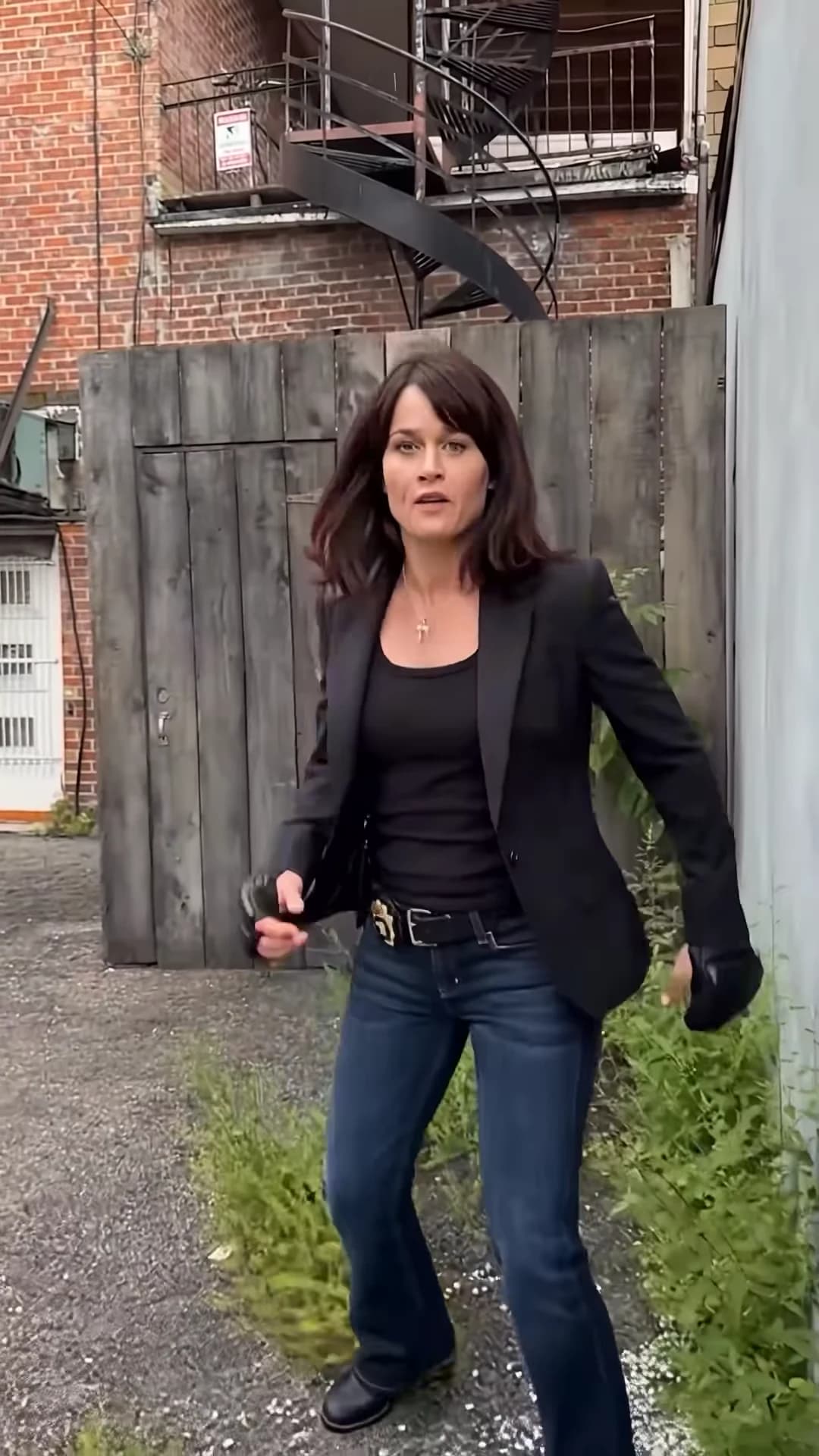
The Around the Corner AI trend is a 12-second fake fight in a back alley. Two friends hold back a shouting hothead, a calm friend leans on the wall sipping from a mug, and then the camera pans around the corner to the person who is actually dangerous: the fighter, in black fight gloves, squaring up. You supply all three of those people. This guide goes from casting to posting, in order. When your video is back, checking your Around the Corner result walks through it shot by shot.
Put the real fighter around the corner
Add three photos, review your credit quote and make the 12-second Around the Corner reveal with the original music.
What the template gives you
The template is the whole reel: about 12 seconds in portrait, three shots, one instrumental track. It opens wide along a pale blue metal wall with the struggle on the right and the calm one leaning on the left. At about 1.8 seconds it cuts to the hothead shouting and pointing between the two friends. At about 3.6 seconds it cuts to the calm one sipping, and from about 6.2 seconds the camera pans around the wall to the fighter, who walks up, bounces, puffs out their cheeks at about 10 seconds and shrugs.
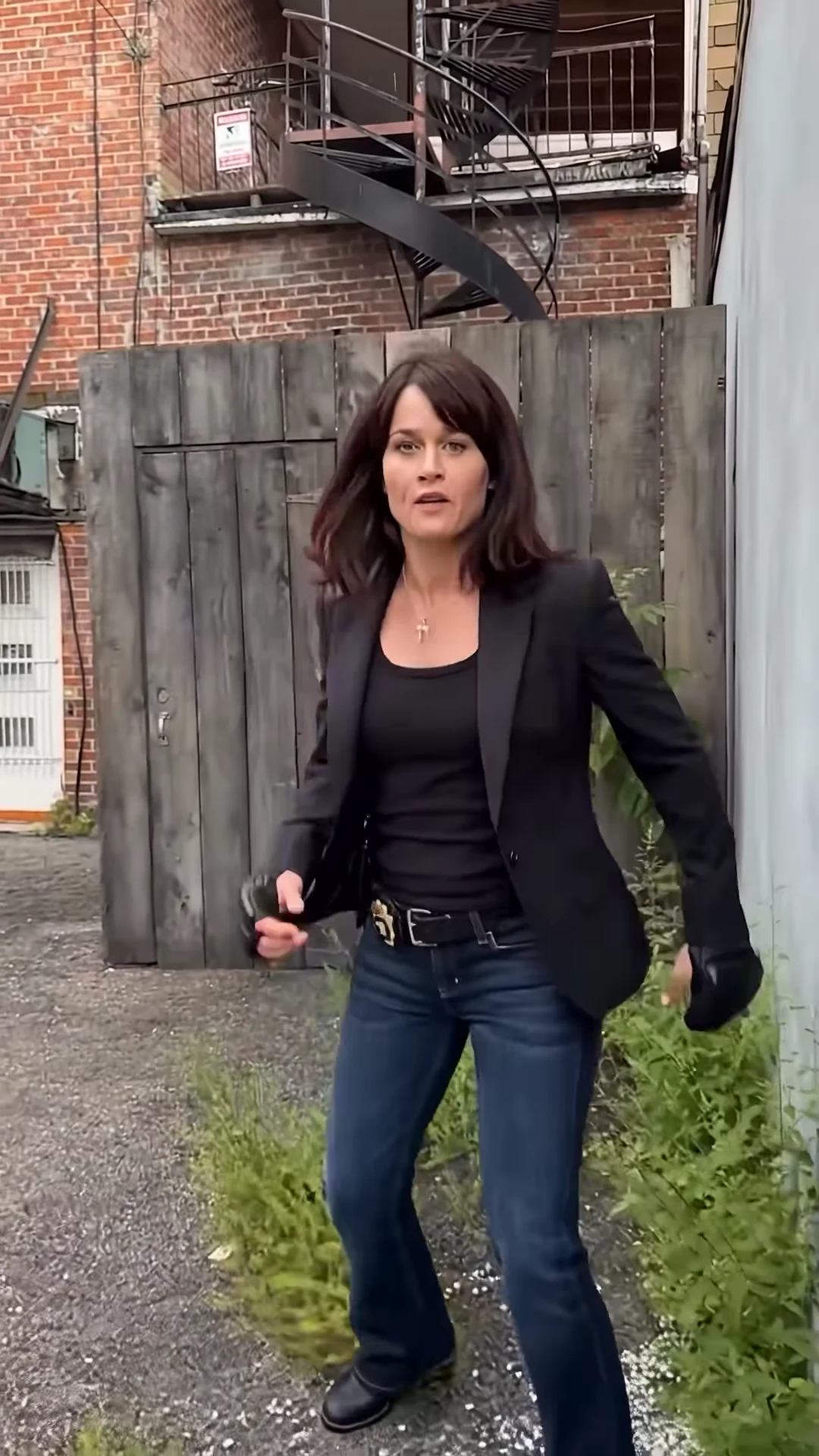
The fighter after the pan. This is the reference AI reel by @vexm0vez, made with @ausar.ai's template, not an Oakgen output.
The two friends holding the hothead back are part of the scene and stay as they are. The template breakdown lists every shot with its timing.
Step 1: Decide who plays which role
The joke only works if the fighter is a surprise. Put the friend who always starts arguments in the hothead role and the most unlikely person in your group behind the corner: the quiet one, the smallest one, the one who never raises their voice. The calm one is the pause before the punchline, so cast whoever stays unbothered whatever happens. Who to cast as the real fighter has more ideas.
Step 2: Pick three photos
- One person per photo, nobody else in the frame.
- Only photos of people who agreed to be in the video. Never a celebrity or public figure.
- Faces sharp and turned to the camera, whole head and hair visible, no sunglasses.
- A full-body photo for the fighter if you have one: the fighter walks up from a distance and ends in a full-figure view.
- Three visibly different people. Similar faces are easier to mix up across two cuts and a pan.
Photos for all three roles covers what each photo controls.
Step 3: Know what stays and what changes
Each person keeps their own face, hair, build and outfit. The template adds a green mug to the calm one and black fingerless fight gloves to the fighter. Everything else is fixed: the alley, the two friends, the three shots, the pan, the timing and the music. If you want a dance instead of a fake fight, the Toosie Slide is a one-photo dance template.
Step 4: Check the quote and generate
Choose 480p, 720p or 1080p. The quote covers the full video, the preparation of all three photos and four scene references, and the studio shows it before anything starts. The button stays off until all three photos are added.
Step 5: Check the result
Watch once for faces: nobody's face should appear in the wrong role or on one of the two friends, and the calm one's face should hold while the mug is at the mouth. Watch once for hands: the friends keep hold of the hothead, the mug stays one mug, and the fighter keeps both gloves on through the walk. The result check has the full list.
Step 6: Caption it and post it
The video is already portrait, so it fits TikTok, Reels and Shorts as it is. It has no text, so the caption does the setup. Write it from the hothead's side and let the fighter be the surprise: "Me starting drama knowing my best friend is around the corner". Posting it on TikTok and Reels covers where on-screen text fits.
Then:
- Say the video is AI-made and credit @vexm0vez or @ausar.ai for the original reel.
- Do not tag a real actor or a TV show as if they were in your video.
- Oakgen does not license the music for your account, and a platform may mute audio it recognises.
Where the clip comes from
The template app @ausar.ai posted many versions in late September 2026, each casting characters from a different TV show into the same alley, captioned "Around The Corner" trend. The source page covers those posts, why Oakgen uses a version without a watermark and what we could not confirm.
Looking for another three-person clip? The Beer Spill Kick guide casts a striker and two fans in a football mishap.
Frequently asked questions
How many photos do I need for the Around the Corner trend?
Three, one each for the hothead, the calm one and the fighter. All three are required, because the people in the reference are AI likenesses of real actors and are never kept in your video.
Do the people keep their own clothes?
Yes. Each role wears the outfit from its photo. The template adds two props on top: a green mug for the calm one and black fingerless fight gloves for the fighter.
What music is in it?
An instrumental track with no words. We have not identified it. Your video keeps the reference's audio.
What shape and length is the video?
About 12 seconds, portrait 9:16, in three shots: the struggle, the hothead close-up, and the calm one followed by the pan around the corner to the fighter.
Is the preview video made by Oakgen?
No. It is an AI reel by @vexm0vez, made with @ausar.ai's template, shown as the reference. It is not an Oakgen result.