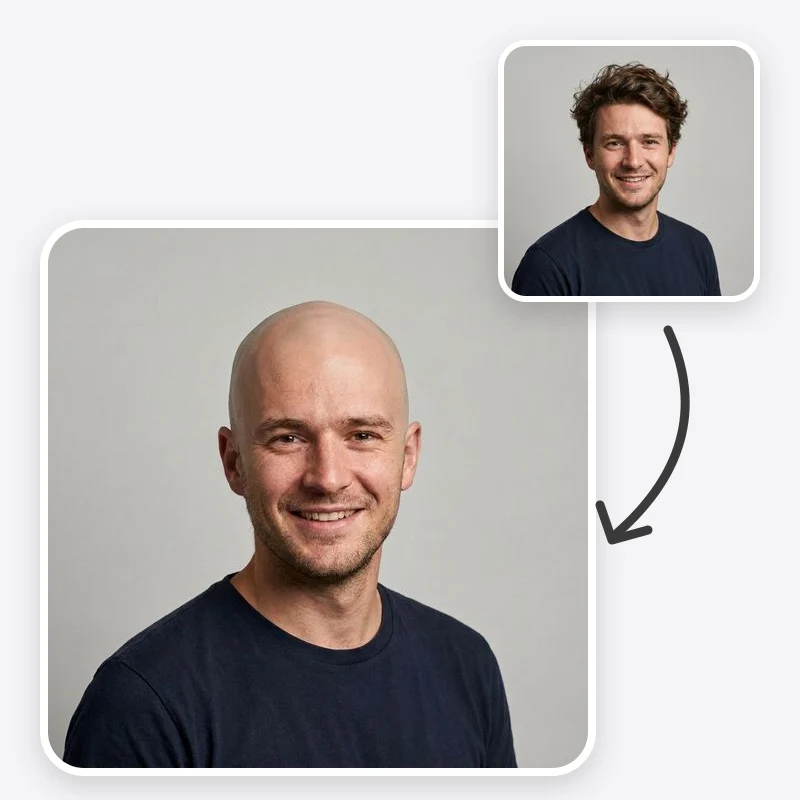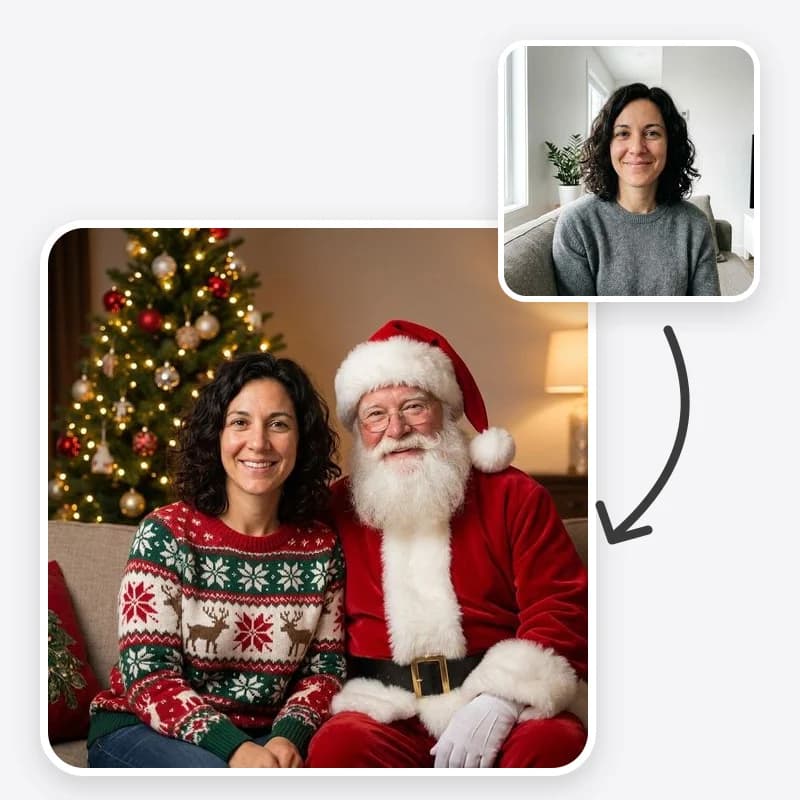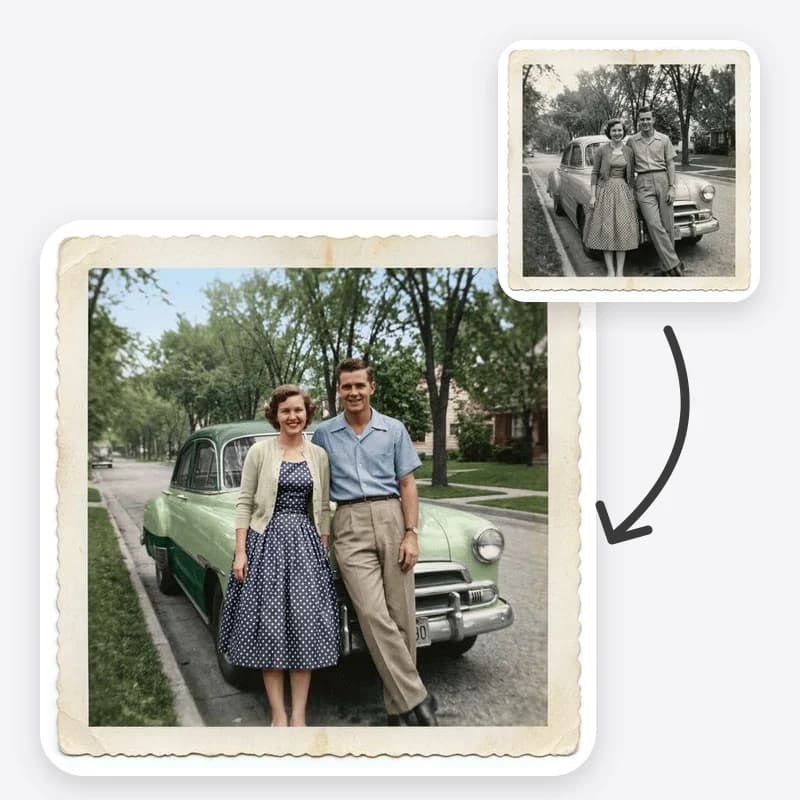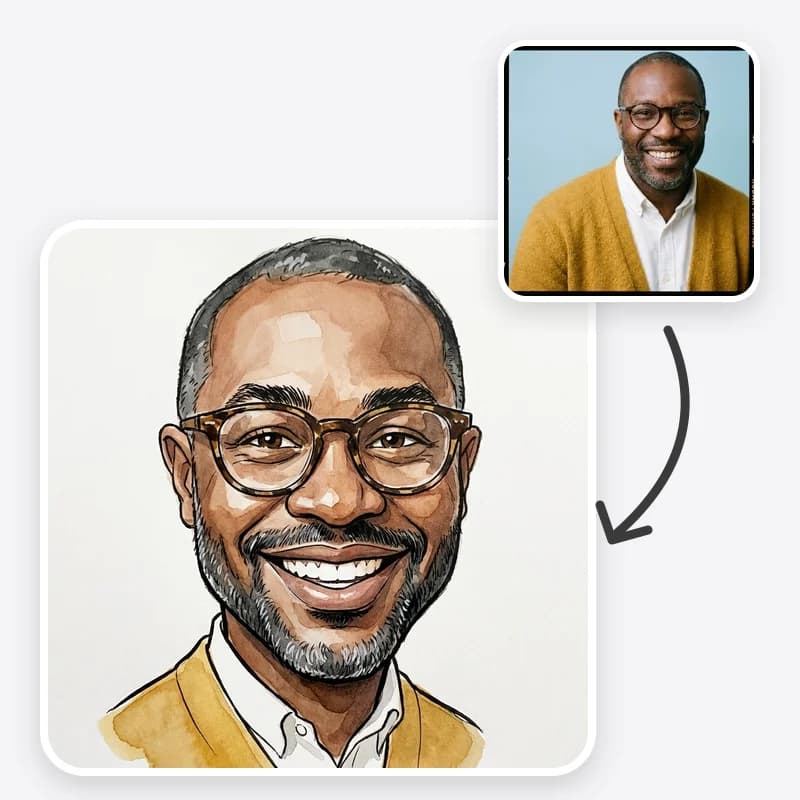
A caricature is one of the few gifts that is personal, funny and cheap to make well. It also goes wrong easily: the wrong joke, the wrong photo or a print that looks soft on the wall. This guide is about planning the gift or event piece, not about prompts. For the step-by-step workflow, see how to turn a photo into a caricature. For copy-paste prompt text for general image models, see AI caricature prompts.
All the ideas below use the Caricature Maker: one photo, a drawing style, an exaggeration level and a background, plus a line of Additional Instructions for props.
Before you start: the consent check
A caricature is a joke about a real person. Even kind ones can sting if they come as a surprise in front of a group. Before you make one of someone else:
- Ask the person first. A caricature uses their face, so get their OK before you make or share one. For a surprise, a partner or close friend can help you choose the style and the joke, but they can't agree on the person's behalf. If asking would spoil the surprise, pick a gift that doesn't use their face.
- Use a photo they have already shared for this kind of use, not one taken from a private account.
- Keep the joke on personality. Hobbies, catchphrases, their famous coffee habit, the bike they never stop talking about. Never weight, age, skin, accent or disability.
- Show it to them before it goes public when you can. If they would rather it stayed private, it stays private.
The Caricature Maker's prompt already tells the model not to exaggerate protected traits. Your job is to make sure the props and the context are kind as well.
Match the settings to the occasion
| Occasion | Style | Exaggeration | Background | Prop idea |
|---|---|---|---|---|
| Office farewell card | Ink & Watercolor | Medium | Hobby or Profession | Their next adventure: a suitcase, a surfboard, a new job's uniform |
| Retirement | Digital Painted | Subtle or Medium | Hobby or Profession | The hobby they now have time for: garden, golf, fishing rod |
| Wedding guest book or sign | Ink & Watercolor or Pencil | Subtle | Plain | None, or a shared hobby |
| Birthday card | Big Head, Small Body | Medium | Party | Cake, balloons, the age in the instructions |
| Team or club graphic | Big Head, Small Body | Medium | Plain | Team kit, instrument or tool, same for everyone |
| Profile picture gift | Digital Painted | Subtle | Plain | None |
Two patterns explain the table. First, the more public the setting, the gentler the exaggeration. A wedding sign is seen by grandparents; a group chat birthday card is seen by friends. Second, the more people in the project, the more you should lock everything except the photo, so the set looks consistent.
Idea 1: The office farewell card
The classic. The card goes round the team, and the caricature on the front is what people remember.
What works: the person with one prop that says where they are going or what they love. "Holding a passport and a suitcase covered in travel stickers." "In a lab coat with a beaker, for the new research job." "Running shoes and a race medal."
What to avoid: in-jokes about mistakes, office gossip or anything their new employer might see and misread. A farewell card is often photographed and posted.
Practical tips:
- Use Ink & Watercolor if you will print on card stock. Line art holds up well on paper.
- Place the caricature on the front and leave the inside for signatures.
- If several people are leaving at once, make one caricature each with identical settings so they look like a set.
Make the farewell card caricature
Upload a photo they have shared, add a prop for their next chapter, and print it on the front of the card.
Idea 2: Wedding stationery and decor
Caricatures suit relaxed weddings and parties: a guest book cover, a welcome sign, a thank-you card or the back of a menu.
How to handle couples: the preset is written for one person, and two-person photos are less reliable. Make one caricature per partner with the same style, exaggeration and background, then place them side by side in a design tool. You can line them up so they lean in towards each other.
Choose Subtle exaggeration. Wedding pieces are seen by every generation of the family. A gentle, flattering version is safer than a punchline.
Shared hobbies make the best props. Hiking boots, a pair of rescue dogs (describe them in the instructions), a shared instrument, the city where they met. Keep it to one idea.
Get sign-off. Wedding stationery is not the place for surprises. Send the couple the final version before anything goes to print. For more stationery planning, our AI wedding invitation designs guide covers layout and wording.
Idea 3: The birthday card or party invite
Birthdays are where the Party background and Big Head, Small Body style do their best work.
- Put the age in the instructions: "holding a balloon shaped like the number 40". Check the number came out right, since text and numbers are a weak spot for image models. If it is garbled, ask for no numbers and add the age in a design tool.
- For a party invite, leave space around the figure for the date and address.
- For a child's party, use a photo the parent has agreed to and keep the exaggeration Subtle.
Idea 4: Team, club and event graphics
A set of caricatures for a sports team, a band, a book club or a conference speaker lineup can work well, but only if it looks like a set.
Lock the settings. Same style, same exaggeration, same background, same prop pattern ("in the team's blue kit holding a hockey stick"). Change only the photo.
Ask for photos taken the same way. Front-facing, upper body, similar light. A mix of selfies, group crops and holiday photos produces a mismatched set.
Ask everyone first. Someone in every group would rather not be caricatured. Offer a Subtle version or let them opt out.
Check every face. Generate more than one version per person and keep the most recognisable. Likeness varies between runs, and in a set the weakest one stands out.
Idea 5: A brief for a live caricature artist
Booking a caricature artist for an event? The tool is useful as a mood board. Generate a few versions in each style to see whether the hosts prefer ink and watercolor, colour painting or pencil, and how far they want the exaggeration to go. Send the artist the versions you like. You are not replacing them; you are giving them a clearer brief.
Printing it well
Most caricature gifts end up on paper, so plan the print before you generate.
- Check resolution first. Look at the pixel size of the downloaded image. A common rule of thumb for sharp prints is about 300 pixels per inch, so divide each side by 300 to estimate the largest sharp print size in inches. Larger prints viewed from further away can get away with less.
- Small is safe. Cards, A6 or A5 prints and table cards are the easiest to get right.
- Large signs need a test. For a welcome sign or poster, print a cropped section at full size first and look at it from the distance guests will.
- Match style to paper. Ink & Watercolor and Pencil look natural on textured card. Digital Painted looks best on smooth or photo paper.
- Leave margins. Printers trim edges. Keep faces and props away from the border.
- Colour check. Screen colours are brighter than print. If skin tones look off on a test print, ask your printer about colour profiles before ordering in bulk.
Sharing it online
If the caricature goes on social media:
- Tag or name the person only if they are happy with it.
- Say it is AI-made, in the caption or on the image. People appreciate knowing whether an artist drew it.
- Crop out anything you would not post on its own, such as office badges or a home address in the background.
Related looks for other occasions
- A cute version instead of a funny one: the Chibi Maker turns someone into a big-head, tiny-body character that suits stickers and kids' parties.
- The real you next to a toy-like caricature: the 3D Bobblehead-Style trend. Our bobblehead photo ideas and bobblehead vs 3D caricature comparison explain that format.
- An animated-movie character: the 3D Cartoon tool for a softer, unexaggerated look.
Quick planning checklist
- Consent from the person in the photo
- A clear, front-facing photo they have shared
- Settings chosen for the occasion (see the table above)
- One concrete prop at most
- Several versions generated, the most recognisable kept
- Text and numbers checked or added afterwards
- Resolution checked against the print size
- Final version approved before printing or posting
Start your caricature gift
Choose a style and exaggeration level that suits the occasion, add one prop, and download a version to test-print.
Frequently asked questions
What is a good caricature gift for a coworker leaving?
A Medium-exaggeration caricature with one prop from their job or their next adventure, printed on the front of the card the team signs. Ask the person first, since it uses their face; a close colleague can help with ideas but can't agree for them. Keep the joke about their work or hobbies, not their appearance.
Can I use caricatures at a wedding?
Yes. Common uses are a guest book cover, a welcome sign, table names or a thank-you card. Make one caricature per partner in the same style and combine them, and get the couple's approval before anything is printed.
What size should I print a caricature?
Check the downloaded image's pixel size first. As a rule of thumb, divide each side by 300 to get the largest sharp print size in inches. Cards and small prints are the safest; for large signs, test-print a section first.
Should I tell people the caricature is AI-made?
It is good practice, especially for gifts where someone might assume you commissioned an artist. A short line on the back of a card or in a post caption is enough.