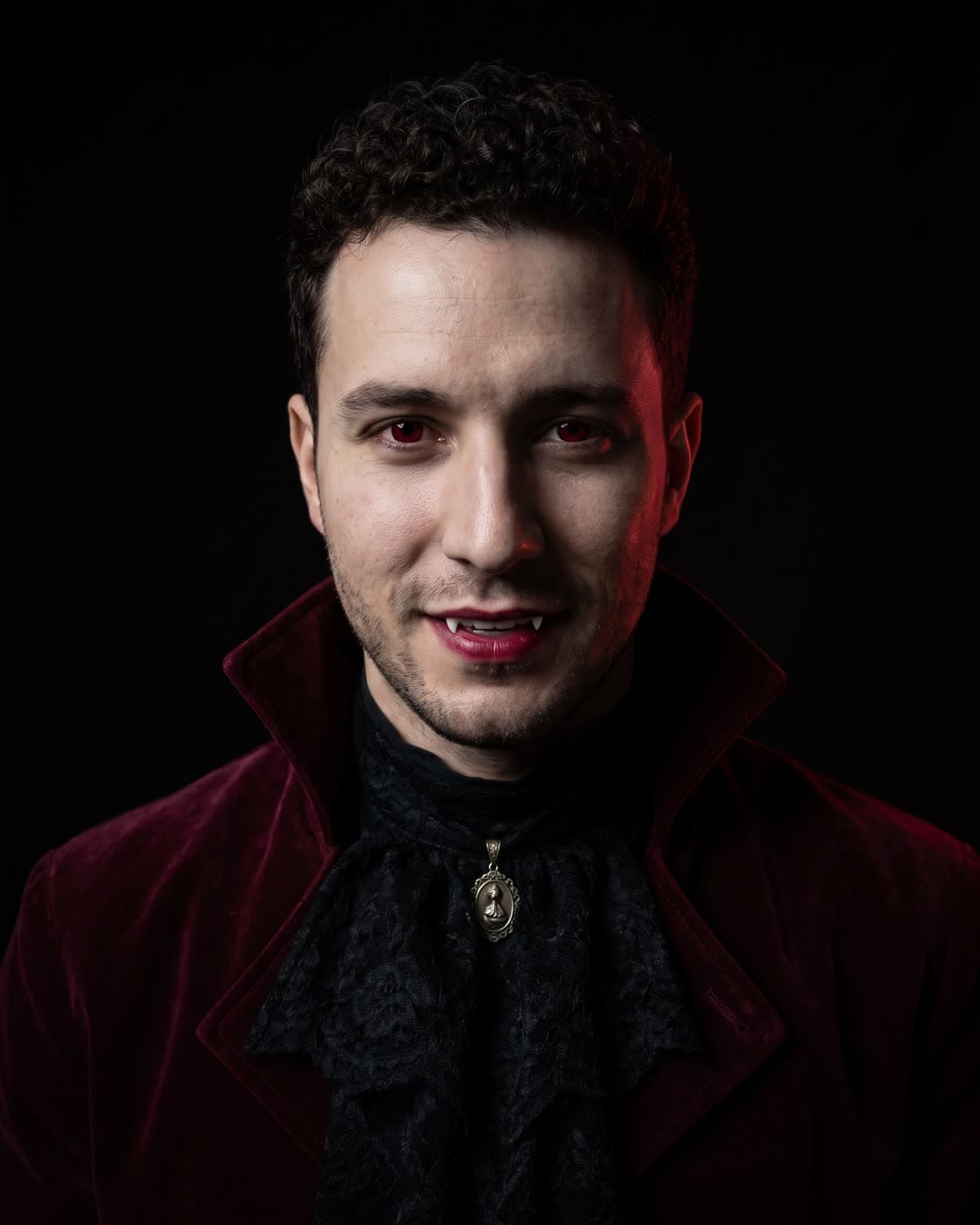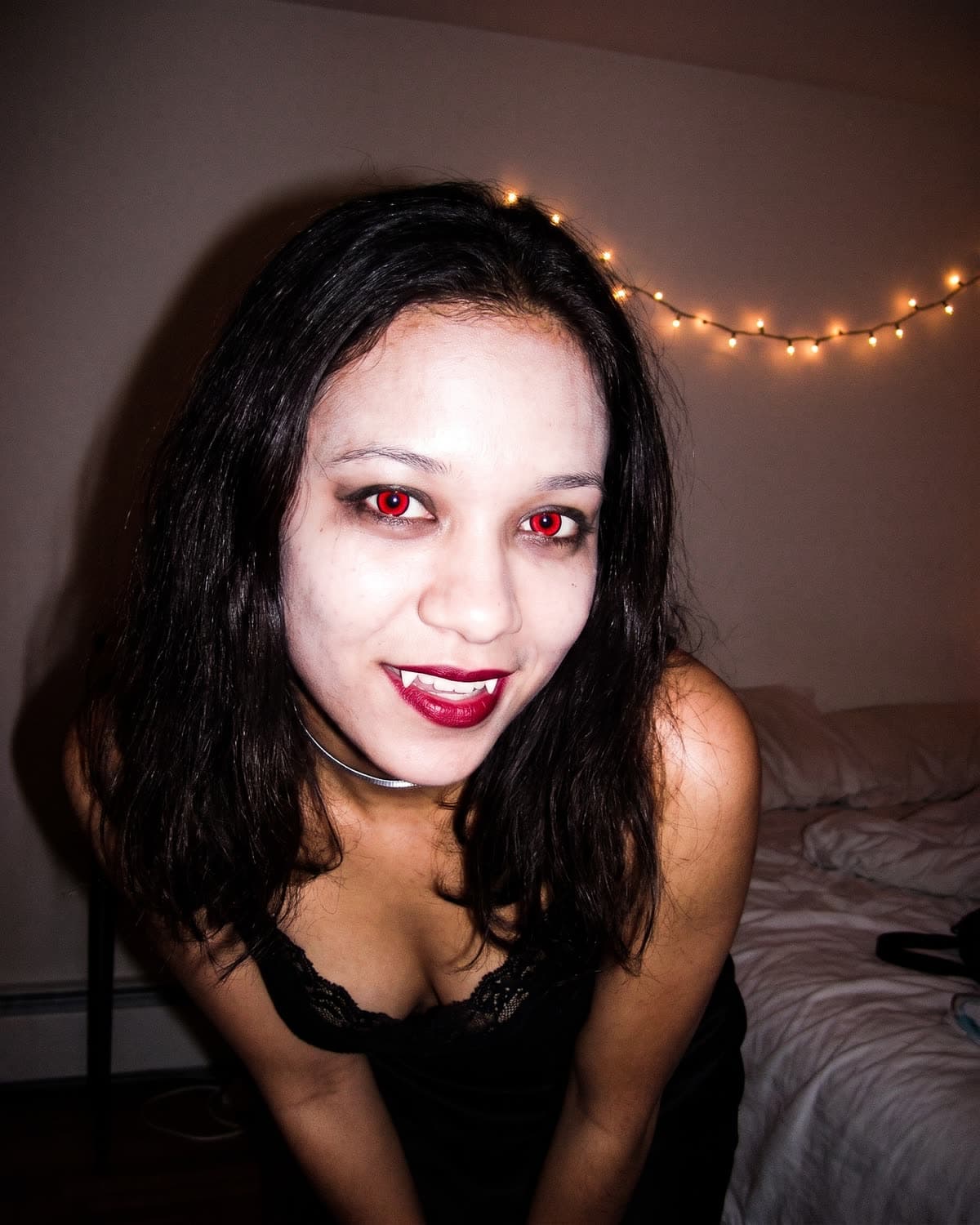
Most vampire photo edits put a cape on you and stop there. The Y2K version is more about the camera than the costume: it looks like a friend took your picture at 1 a.m. with a 2000s point-and-shoot, flash blasting straight into your face, and caught you mid-smirk with red eyes and fangs. Y2K Vampire Flash makes that picture from one photo of you.
The recipe is fixed, so there is nothing to tune. The planning that is left is which photo you give it, what kind of post you are making and how you caption it. This guide covers those three. If you want to know why the flash look reads as "2000s" and how this template compares with the other vampire trends, read the 2000s flash photo look, explained.
Make your Y2K vampire flash photo
Upload one clear photo of you. Get a flash-lit vampire snapshot with red eyes and fangs in about a minute.
What the template adds and what it keeps
Every result follows the same recipe. It helps to know it before you choose a photo, because it tells you which parts of your upload matter.
| Kept from your photo | Added or replaced by the template |
|---|---|
| Face shape, eyes, nose and lips | Glowing red eyes like coloured contact lenses |
| Your hairstyle and hair colour | Smudged dark eyeliner and deep red lipstick |
| Your skin tone, made a shade paler | Two small white fangs in a playful smirk |
| A black lace-trim top and a thin silver choker (your clothes are replaced) | |
| Harsh on-camera flash, a hard shadow on the wall, red-tinted highlights | |
| A plain, dim bedroom wall with warm fairy lights and the edge of an unmade bed | |
| Grainy, slightly blown-out 2000s digital-camera colour, tilted framing |
The output is one 4:5 still image, framed from the chest up. There is no blood, no gore and no text on the image. There is no costume choice and no option for two people.
Choose the selfie the flash will be built on
Because the template changes your eyes, mouth and lighting, those are the parts of your photo that carry the most weight. A good upload is:
- Front-on or close to it. Looking roughly at the camera gives the model both eyes to recolour and a mouth to turn into a smirk.
- Evenly lit. Window light or open shade is ideal. You do not need to use flash yourself; the template adds it.
- Uncovered. No sunglasses, masks, hand over the mouth or hair across an eye.
- Close. A selfie or head-and-shoulders photo, so your face fills a good part of the frame.
- Just you. One face, or a group photo cropped tightly around one person.
Your outfit does not matter, since it is replaced. Your hair does, because it carries over, so pick a photo where it looks the way you want. The selfie guide for the red-eye vampire photo goes through the photos that tend to cause trouble.
Post ideas for Halloween week
The costume you did not have time for
Post the flash photo on its own with a caption that admits the whole night is generated. It is the most direct use of the trend, and the snapshot style makes the joke land: it looks like proof of a night out that never happened.
The before-and-after reveal
Slide one is your everyday photo, slide two the vampire flash version, or the other way round if you want the reveal at the end. Both images sit well in a 4:5 carousel. People tend to compare eyes and smile first, so put the original second if you want them to look back and spot the change.
Three vampires, one face
If you also make the Gothic Vampire Portrait and the Halloween Costume caped party shot from the same photo, you have a carousel of three very different vampires: the 2000s flash snapshot, the calm velvet studio portrait and the full-length party costume. Ask people to vote for one in the caption.
The group chat invite
Hosting something? Send the flash photo as the invite image and put the date and time in your message. The template adds no text, so the picture stays clean and nothing on it goes out of date.
Pair it with a friend's version
Each person makes their own flash photo from their own selfie, and you post them side by side. If you want both of you in one picture instead, use the Vampire Couple Portrait, which takes two photos and places you together in a candlelit room.
Post ideas for after October 31
The look is closer to late-night party makeup than a full costume, so it does not expire with the pumpkins.
- A "camera roll" dump. Mix the flash photo with real, ordinary photos from your week and label the AI one in the caption or on the slide.
- A nostalgia post. It suits any post about 2000s cameras, sleepovers or old phone photos. Say that this one is AI-made and the others are real, if they are.
- A winter profile picture. Check the round crop first: the framing is tilted and off-centre, so a circle can cut off an ear or the choker.
Captions that say it is AI
A harsh-flash snapshot is built to look like a real photo, so the AI label matters more here than on a painted or cartoon trend. These lines keep it clear:
- "Found my 2004 digicam. It found the vampire in me. (AI)"
- "Flash on, fangs out. AI image."
- "No contacts were harmed in this photo. Made with AI."
- "Camera roll from a night that never happened. AI."
- "Still in my vampire era. (AI)"
Do not tag a real bar, party or friend's room as the location, and do not tag friends as if they were there. The bedroom, lights and bed are generated. The captions guide has more lines and notes on profile pictures.
Check it before you post
Harsh flash hides mistakes at thumbnail size. Zoom in and look at:
- Likeness. Eye shape, nose, jaw and hairline against your original.
- Both eyes. Red in both, still shaped like eyes, not bleeding into the whites.
- Fangs. Two small ones, no extra pointed teeth, no blood.
- One shadow. A single hard shadow behind you, from flash at the front.
- A plain wall. Only fairy lights and the bed edge; no pictures, band names, logos or faces.
If one of these fails, run the same photo again or try a sharper, more front-on upload. The vampire flash photo check explains each point. For an overview of every image trend this season, see Halloween AI photo trends 2026.
No generated results or performance figures are claimed in this guide; it describes the fixed recipe.
Frequently asked questions
What does the Y2K vampire flash photo include?
A chest-up, tilted snapshot of you at night in a dark bedroom, lit by harsh on-camera flash. Your skin is a shade paler, your eyes glow red like coloured contacts, with smudged dark liner, deep red lipstick and two small fangs in a smirk. You wear a black lace-trim top and a thin silver choker, with a plain wall, warm fairy lights and the edge of an unmade bed behind you.
Can I keep my own outfit or turn off the fangs?
No. The template has no settings. Your face, hair and skin tone are kept, but your clothes are always replaced by the black lace top and choker, and the red eyes and fangs are always added.
Is there blood in the Y2K vampire photo?
No. The recipe asks for no blood or gore. The vampire details are the eyes, the makeup and two small white fangs.
Can I post it after Halloween?
Yes. Because it looks like late-night party makeup rather than a full costume, it also works as a nostalgia or night-out style post in November. Label it as AI-made either way.
Continue your project
Y2K Vampire Flash · The 2000s flash photo look, explained · What the Y2K vampire AI photo is · How to make it · More Halloween image trends