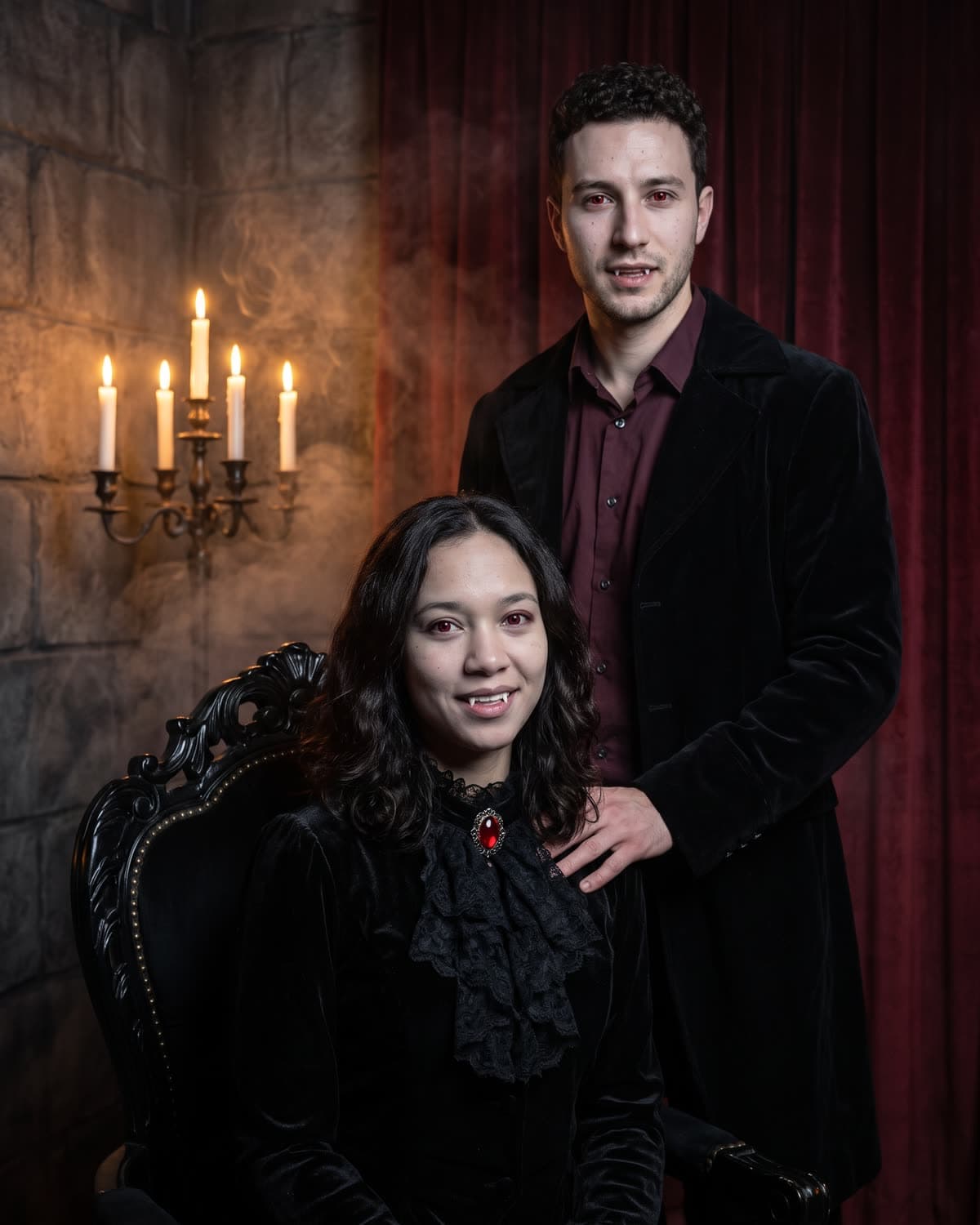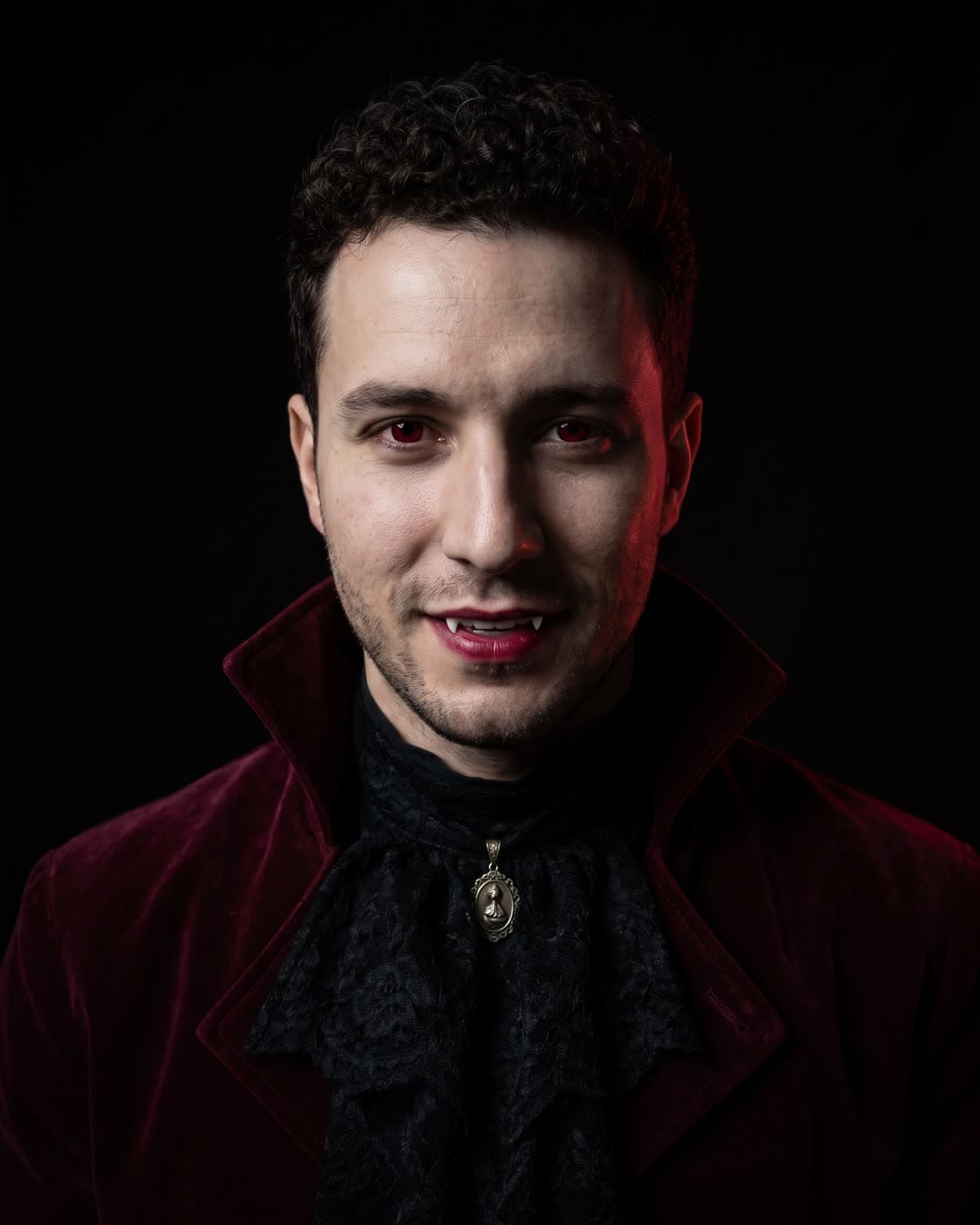
Most vampire photos online are loud: capes, fake blood, a castle, a full moon. The Gothic Vampire Portrait goes the other way. It is a close, quiet studio portrait of you in burgundy velvet and black lace, lit by a single candle on a black background, with vampire details that you notice on the second look rather than the first. This guide covers the decisions around it: what the fixed look already decides for you, how to prepare the one photo you upload, and where a portrait like this earns its place.
Make your gothic vampire portrait
Upload one clear photo of you. Velvet, lace and candlelight are added in about a minute.
What the look already decides
The template has no settings, so it helps to know what is locked in before you plan anything else.
| Part of the image | What the recipe asks for |
|---|---|
| Framing | Chest up, looking straight into the camera, calm and still |
| Outfit | Deep burgundy velvet jacket with a high collar, black lace jabot, small antique silver pendant |
| Vampire details | Slightly paler skin, deep crimson eyes, dark red lips, tips of two small fangs in a closed smile |
| Light | One candle out of frame on one side; the other side in shadow |
| Background | Pure black, with a faint deep-red rim light behind the shoulders |
| Finish | Rich low-key colour, fine grain, sharp skin, velvet and lace texture |
| Not included | Blood, gore, text, props, a room or a second person |
That table is the recipe, not a promise about every result. Each image is generated fresh, so small details shift from run to run. For a closer look at each element, see Gothic Vampire Portrait AI photo: what you get.
The upload is where you have control
Because the outfit and scene are fixed, everything personal comes from your photo: face, hair and expression. Three choices matter most.
Expression. The finished portrait has a closed, confident smile with only the fang tips showing. A photo where your mouth is relaxed or closed fits that best. A big open grin asks the template to rebuild your teeth around the fangs.
Light in the original. Pick a photo in soft, even light, such as daylight from a window. The template relights your face with one candle and pushes half of it into shadow, so it needs real detail from your photo to work with. A photo that is already dark or tinted by party lights gives it less.
Angle. Face the camera. The candle-lit side of the face carries most of the likeness, and a profile shot leaves that side to guesswork.
The full list, including glasses, hats and group photos, is in which photo to upload for a gothic vampire portrait.
Style your hair before the photo, not after
Your own hairstyle is kept and neatened, not swapped for a costume wig. So the hair in your upload is effectively your styling choice for the portrait. A few directions that suit the velvet-and-lace look:
- Slicked back or swept off the face. Shows the whole face to the candle and leaves the high collar clear. Suits a sharp, aristocratic mood.
- Loose waves or curls. Softens the black background and catches the rim light behind the shoulders. Suits a romantic mood.
- A low bun or tied-back hair. Keeps the neck and jabot visible and reads as formal.
- Short and natural. Needs nothing. The collar and jabot already add enough period detail.
Avoid hair falling over the eyes. The crimson eyes are one of the main vampire signals in the portrait, and hair across them hides it. For why the candle, the red rim light and the velvet read as vampire in the first place, see why one candle reads as vampire.
Where a portrait like this works
The Gothic Vampire Portrait was built as a single, centred face on black, which makes it useful outside one October post.
As a profile picture. A chest-up face on a plain background survives a small circle crop far better than a full-body party scene. Crop to a square with your eyes just above the middle and check it at comment-avatar size. Vampire profile picture: a moody AI portrait of you walks through the crop and header ideas.
As the first slide of a carousel. Pair it with your original photo on slide two and let people swipe for the before. Label which one is AI.
For a themed profile. Gaming, music, book or roleplay profiles with a darker mood can use it all year. Trend coverage of Pinterest's 2026 predictions describes a "Vamp Romantic" beauty mood with dark romantic makeup and gothic nails (PPC Land, December 2025). That is a broader aesthetic, not an AI photo trend, but it is a sign the look is not tied only to Halloween.
For Halloween itself. If you want one gothic portrait to post on the night without planning a costume, it works for that too. If you want the party in the picture, another template fits better; see the comparison below.
Caption ideas that stay honest
The portrait shows clothes you did not wear and light you did not stand in, so the caption should make clear it is AI-made. Some lines that do that without killing the mood:
- "Candlelight, velvet and a little bit of bite. AI portrait."
- "Made myself immortal for one photo. (AI)"
- "New profile picture. Same face, slightly sharper teeth. Made with AI."
- "My gothic era, generated."
- "Not a costume. An AI portrait."
Use only your own photo, or one of someone who has agreed to it. A vampire portrait of a friend is a fun gift; one of a stranger or a public figure is not what this template is for.
Check it before you post
Dark, low-key images hide problems until someone zooms in. Before posting, compare the result with your original photo, side by side:
- Does the lit half of the face look like you?
- Do both eyes match in colour and catchlight?
- Are there exactly two small fang tips, evenly placed?
- Does the jabot sit at the centre of the throat, and is there one pendant?
- Is the background black edge to edge, with no stray text or objects?
If any of these fail, running it again usually helps more than editing. The Victorian vampire portrait checklist goes through each check in detail.
Is this the right vampire look for you?
The Gothic Vampire Portrait is one of several vampire templates on Oakgen. If you want a harsh 2000s flash snapshot with glowing red eyes, Y2K Vampire Flash is the playful option. If you want a candlelit portrait of two people, Vampire Couple Portrait takes two photos. If you want a full-body costume at a party, there is Halloween Costume. And if you are after a dark storybook group scene rather than a vampire, Tim Burton-Style Girls surrounds you with a gothic cast.
The companion guide, which AI vampire photo look is for you, compares all four vampire looks side by side, and is the Gothic Vampire Portrait right for your photo? helps you decide whether this one suits you.
When you have your photo ready, open Gothic Vampire Portrait and make yours. This guide describes the fixed recipe; it does not claim any particular result or reach.
Frequently asked questions
What does the Gothic Vampire Portrait include?
A chest-up studio portrait of you on a pure black background, wearing a deep burgundy velvet high-collared jacket, a black lace jabot and a small antique silver pendant. Your skin is a shade paler, your eyes deep crimson, your lips dark red, and the tips of two small fangs show in a closed smile. One candle out of frame lights one side of your face.
Can I change the outfit or the background?
No. The look is fixed so the portrait stays consistent: the same jacket, jabot, pendant, black background and candle light every time. What you control is the photo you upload, which decides your face, hair and expression.
Is it only for Halloween?
No. There is no pumpkin, party or costume cape in the frame, so the portrait also works as a moody profile picture or a gothic portrait for the rest of the year.
Does it show blood?
No. The recipe asks for no blood and no gore. The vampire details are paler skin, crimson eyes, dark lips and small fang tips.