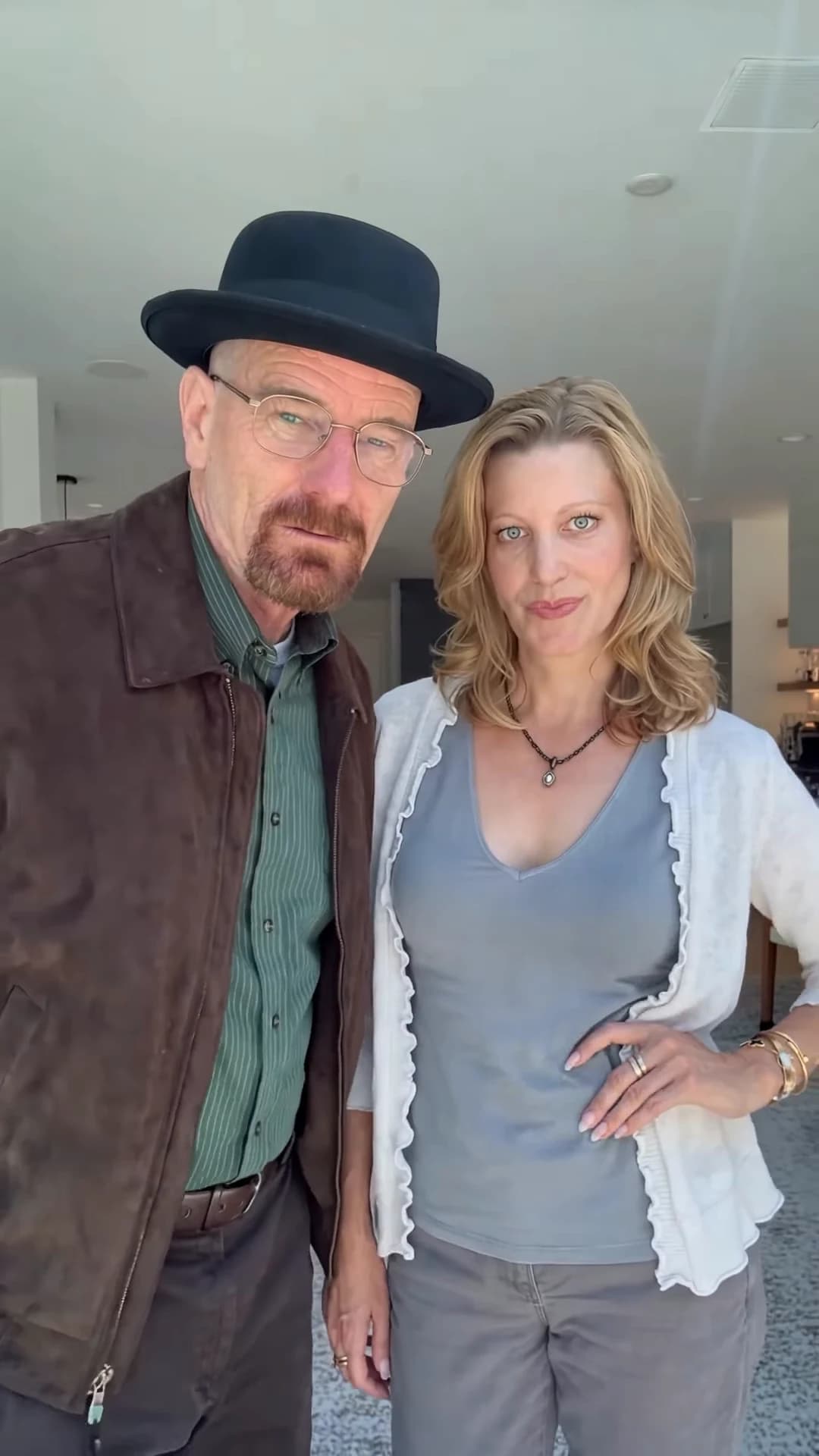
Your Finger Swipe Reveal video is back. This guide is for checking it, not making it: what to look at in each stretch of the clip, which photo choice can sit behind a flaw, and the one change to try next. The whole joke lives in half a second at about nine seconds, so most of the checking happens there. How to make it in the first place is in the how-to guide.
Make another take
Try sharper front-facing photos or swap who gets the hat and make the Finger Swipe Reveal again.
Watch it three times first
Once with sound at normal speed, as a viewer would. Once muted, following only the two faces. Then scrub frame by frame from about 9 to 10 seconds: the swipe is fast enough that an early hat, a sixth finger or a face that changes person can slip past at full speed.
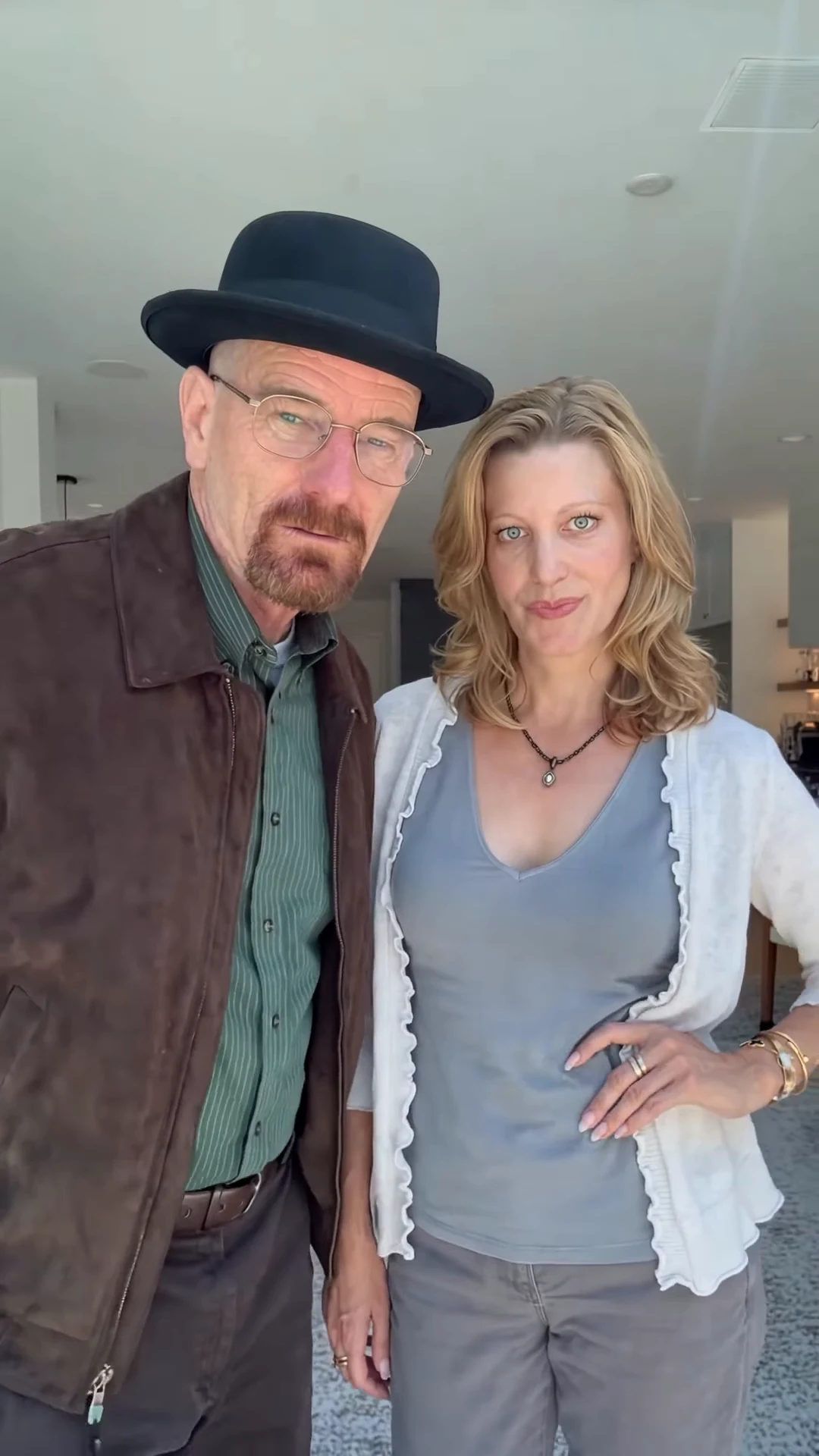
A moment from the original reference clip, not an Oakgen output. In your video the Hat wearer stands on the left in the hat and the Partner on the right, as here.
Second by second
| Time (about) | What happens | What to check |
|---|---|---|
| 0 to 9.3 s | The cover | Two blurred fingers across the top of the frame hide both pairs of eyes. Below them, each person's nose, mouth and outfit come from their own photo, on the side you chose. No hat visible anywhere. Exactly two people. |
| 9.3 to 9.8 s | The swipe | The fingers lift slightly and sweep down out of the bottom right in one move with no cut. The hand has five fingers and does not smear across a face. The hat is there as soon as the fingers clear. |
| 9.8 to 12 s | The stare | Both faces fully visible and clearly the people from the photos. The hat sits level on the Hat wearer's own hair; the Partner has no hat. |
| 12 to 13.5 s | The head turn | The Hat wearer turns toward the Partner, who laughs. The hat keeps its shape and does not slip. |
| 13.5 to 15 s | The lean-in | The Hat wearer turns back and leans toward the lens. Same face, same hat, no added ending. |
Common flaws and what to try
We have not reviewed generated results from this template yet, so the flaws below are ones we expect from the way it works, and the suggestions are untested. Every re-run is a full new generation at the quoted price and can repeat the same flaw, so try a cheaper quality first and change only one thing at a time.
The hat shows before the swipe. The template asks for no hat while the fingers cover the lens. If a brim peeks over the fingers, it is a generation error; a re-run is the only fix.
A face changes at the reveal. For nine seconds the AI only shows the lower half of each face, so the eyes it shows after the swipe come mostly from the photo. A sharp, front-facing photo with the eyes and forehead clearly visible, no sunglasses and no fringe, gives it the most to work with.
The two swap sides. Most likely when the two photos look alike. Two people with clearly different hair and clothes are easier to keep apart.
The hat floats or cuts through the hair. Very big or high hairstyles are the hardest case. Swap the two people so the one with flatter hair gets the hat, or use a photo with the hair down or tied back.
The hand has the wrong number of fingers. Close, blurred hands are hard for video models. A re-run may fix it; the photos do not affect the hand much.
Glasses appear or disappear. The Hat wearer only wears glasses if their photo shows them. If glasses come and go, use a photo where the choice is obvious: clearly on or clearly off.
Before you post
Say that the video is AI-made and use photos only of people who agreed to appear. Pick a cover frame from the first nine seconds so the hat stays a surprise. For more on the hat itself, see the black hat reveal; for why the reference looks like a famous TV couple, see where the Finger Swipe Reveal comes from.
Checking another two-person skit? Checking a What's the Move result covers the funeral clip.
Frequently asked questions
How do I know my Finger Swipe Reveal video is ready to post?
Check four stretches: the cover, the swipe, the stare and the head turn. If no hat shows before the swipe, the hand leaves cleanly, the faces after the reveal match the people under the fingers and nobody swaps sides, it is ready.
Why are we wearing different clothes from the preview?
That is intended. Each person wears the outfit from their photo; the only template item is the black hat on the Hat wearer after the swipe.
Can I regenerate just the reveal?
No. The template makes the whole clip in one pass, so any fix is a new run of the full video at the quote the studio shows, and a re-run can repeat the same flaw. Change one thing at a time.
Is the preview video made by Oakgen?
No. It is the original reference clip. We have not published an Oakgen result for this template, so compare your video with the reference rather than assuming they will match.