You saw the flat cap, the flowered hat and the "you tweaking" exchange, and you want your own version. This guide goes from photos to a post, in order. To check a finished result shot by shot, see how to check your Flat Cap Tweaking result. For the script and the cut list, see the dialogue page.
Cast the flat cap and the flowered hat
Add one or two photos, review your credit quote, and make the 15-second 1920s reaction skit.
What the template gives you
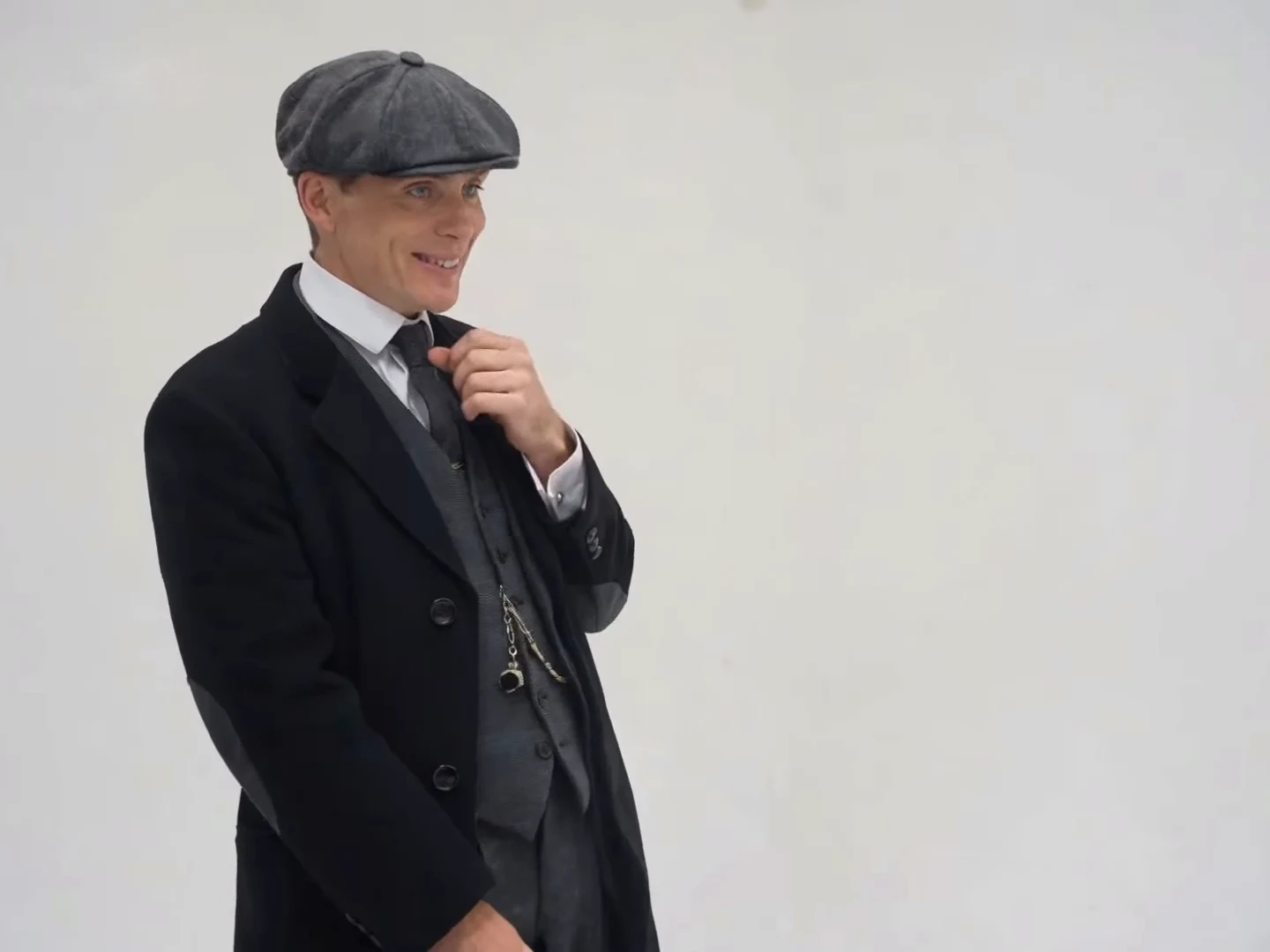
Flat Cap Tweaking recreates a 15-second, 4:3 landscape skit: a plain light-grey backdrop, eleven shots separated by ten cuts, one person on screen at a time. The man in the grey flat cap, long black overcoat and three-piece suit gets six shots, about 9.6 seconds. The woman in the flowered wide-brim hat, pink 1920s dress and fur-collared coat gets five, about 5.4 seconds. The reference is a post from @ausar.ai dated October 22, 2026. It is the same Ausar template and soundtrack as You Tweaking, with a period cast; the 1920s version page compares the two.
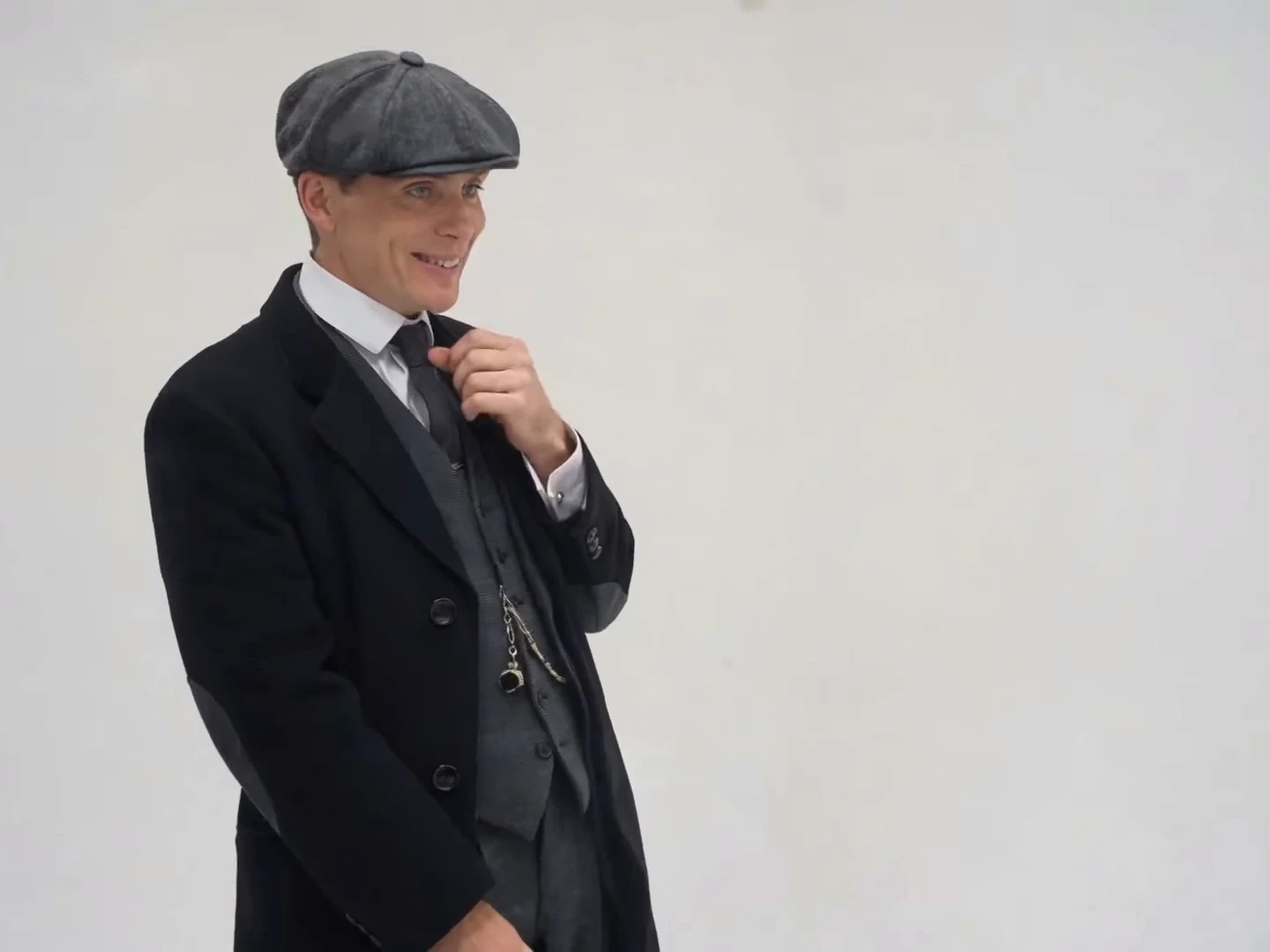
The flat cap character as seen in the credited @ausar.ai source post, not an Oakgen output.
Step 1: choose your two people
The studio calls the roles Flat cap character and Handbag character. Fill both to cast the whole skit, or fill one and the other keeps the reference character. Use photos of yourself or of people who have agreed to appear, one person per photo.
Decide who is who before you upload. The flat cap character opens the clip, fidgets with the device, laughs into his hand and asks the comeback question. The handbag character makes the call-out, answers back and has the last word, a short "Huh?".
Step 2: decide how much costume you want
This is the choice that makes this version different. The roles keep the source costume only where your photo shows it, so:
- Full period look: use a photo where you already wear something close, such as a flat cap or newsboy cap with a dark coat, or a hat with a dressy coat or dress.
- Modern twist: use an everyday photo. The face, hair and outfit come from you, and the joke becomes a modern person on a 1920s set.
- Mixed: one role in costume, one casual. It reads as a deliberate contrast as long as both faces are clear.
The costume guide covers which details carry over and which tend to drift.
Step 3: pick photos that hold up in close shots
The flat cap character's ninth shot, from about 12.2 to 13.8 seconds, is slightly closer than the rest, so his photo gets the hardest test.
- Use a sharp, front-facing photo with the whole face visible and enough resolution.
- If you wear a hat or cap in the photo, make sure the brim does not shade the eyes.
- Avoid sunglasses, heavy filters and faces turned away.
- Even, soft light suits the grey studio backdrop.
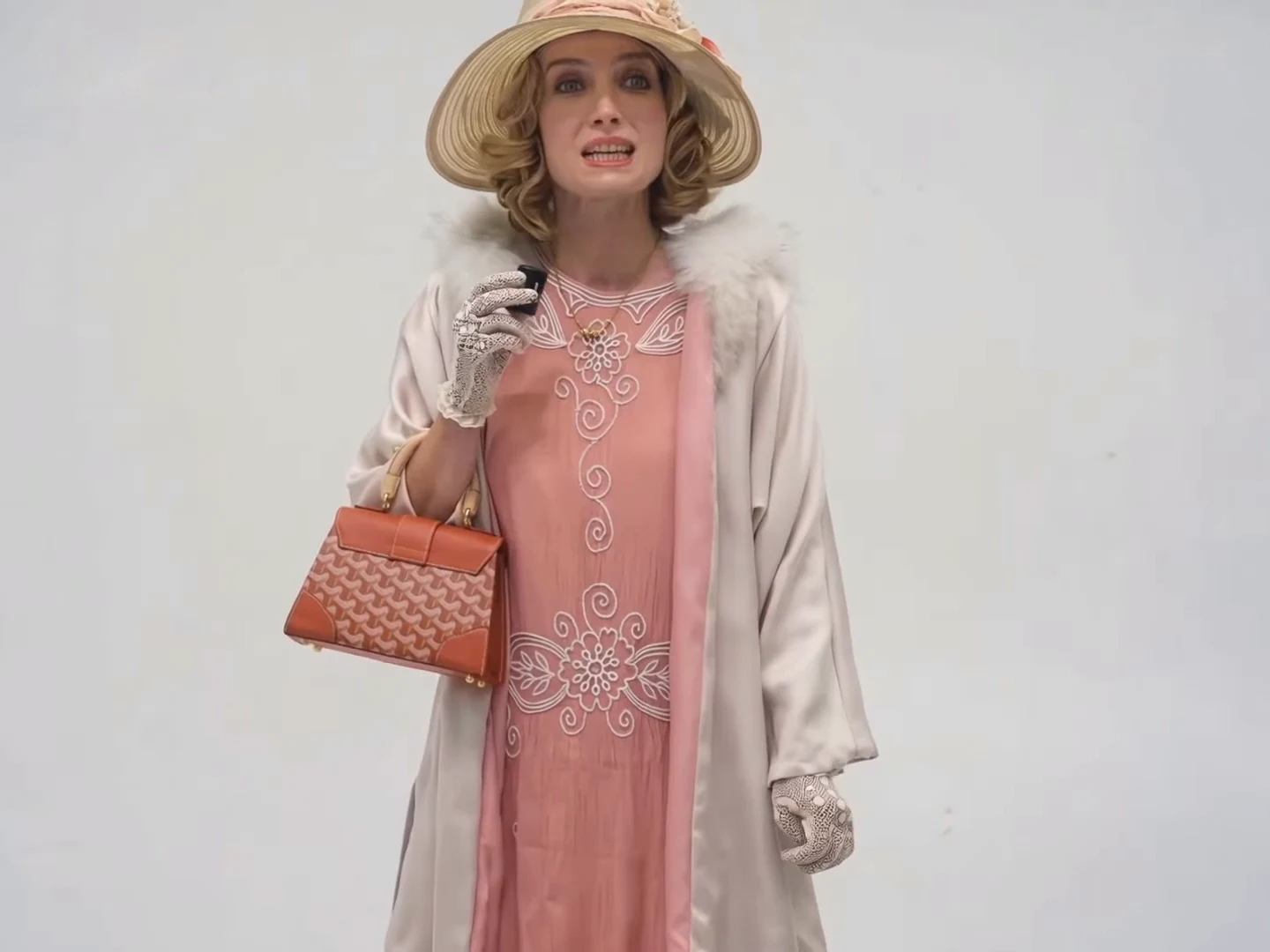
The handbag character as seen in the credited @ausar.ai source post, not an Oakgen output.
Step 4: check the quote
Pick 480p, 720p or 1080p. The studio shows the credit quote for your choice before you generate. It covers the whole 15-second edit plus preparing only the photos you add, so one photo quotes differently from two.
Step 5: know what is fixed
The dialogue is the source soundtrack, the shot order is the template's, and the backdrop and framing are fixed. Your characters' lips follow the audio already in the clip. You cannot rewrite the lines or put the two people in one frame.
Step 6: caption it
The exchange the skit is built on is a callback: the woman says "Oh, he tweaking!", the man asks "I'm tweaking? How?", and she says "You tweaking!" back. These lines come from speech-to-text and a video model and may differ slightly from the audio. The reference post's caption was "Thomas is trippin"; the caption page explains it. Ideas that suit your own version:
- A name and "is trippin" for the person in the flat cap, if they agreed to be in it.
- "Me in 1925 vs me now" over the opening if you used an everyday photo.
- A short on-screen quote for the call-out at about 8.6 seconds, cleared before 10 seconds so it does not cover her face.
Step 7: post it honestly
Say that your video is AI-made. If you show or mention the reference, credit @ausar.ai and label your version separately. Do not present the sound as yours or as having a known creator; none was found. Do not present your clip as a scene from any TV series. On a vertical platform, place the whole 4:3 clip on a taller canvas rather than cropping it, since a tight crop can cut through the hat brim and the handbag.
There is no generated example on this page and no measured success rate for any photo pair. Demand for these names is unmeasured.