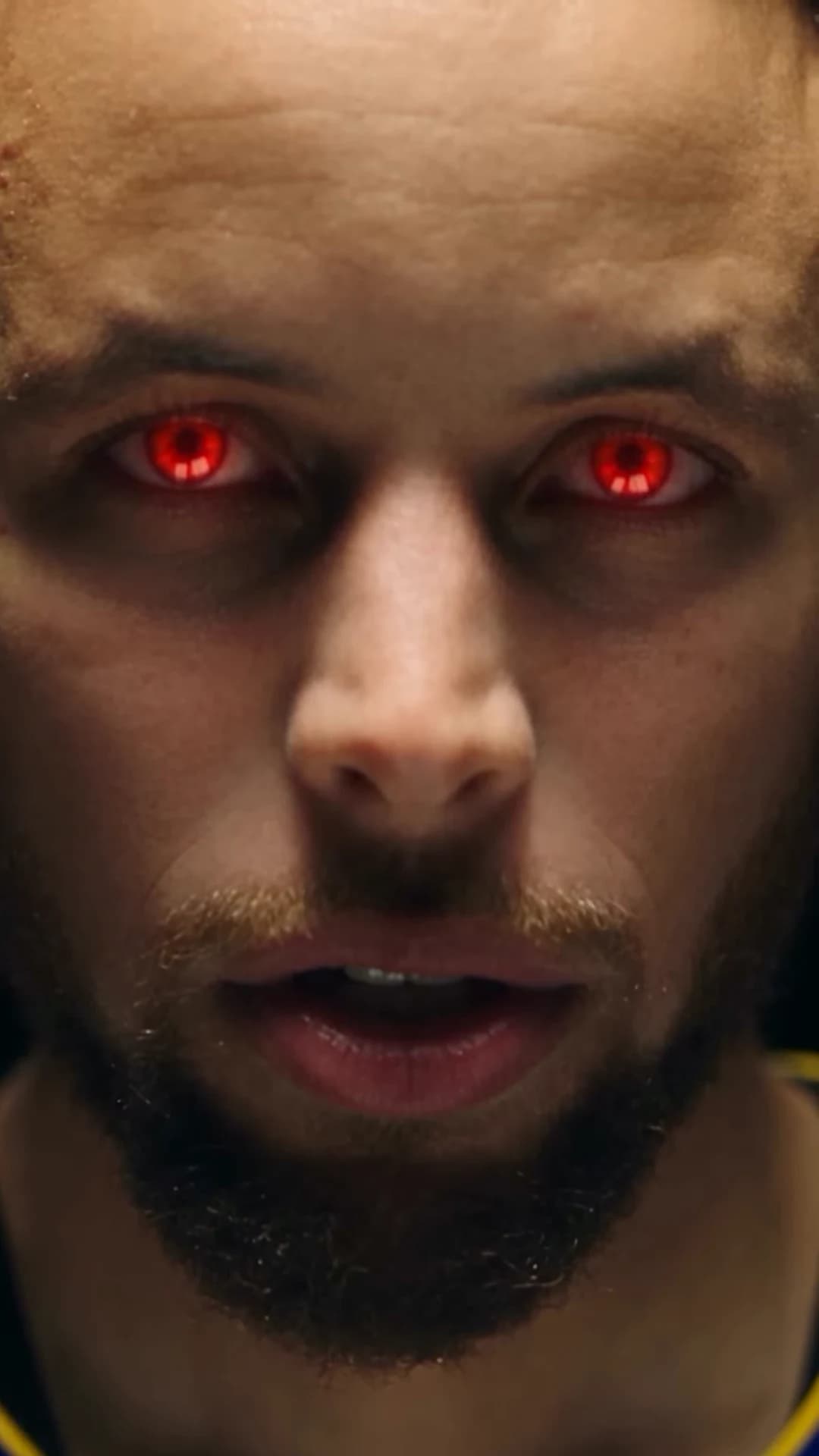
Red Eye Verse has one photo slot and five locations. The photo you choose has to play a rapper in a vocal booth, stand under a stage spotlight, look back in a grocery aisle, pose at a shop gate and lean into a blue-lit room. This guide is about that one choice: the photo, the outfit, and whose face belongs in the video. For the cut-by-cut timing, see Red Eye Verse shot by shot.
One photo, one verse
Upload the rapper, pick a resolution and review the quote before generating.
What your photo controls
Red Eye Verse follows a credited reel from @silkdamage (display name klim), posted on October 19, 2026. That reel is a source reference, not an Oakgen result. The template keeps its locations, cuts, red-eye moments and sound.
Your photo supplies three things in every shot with a person in it:
- Face, including the three red-eye close-ups, where it fills the frame.
- Hair, which is visible in profile in the booth and from above under the stage spotlight.
- The complete outfit, from the booth verse to the final blue-lit room.
The red eyes apply to your own eyes, and only in the close-ups where the reference has them. Everything else in the frame, such as the mic, the gate and the aisle, comes from the template.
Choose the photo
A good Red Eye Verse photo has:
- One person. A group shot or a crop with another face at the edge makes it unclear who the rapper is.
- A clear face with both eyes open. The close-ups are the largest view of your face in the video, and the red-eye effect is applied to your eyes. Sunglasses and tinted lenses hide what the effect needs.
- A slight turn of the head. The booth opens on a side profile and then moves to a more frontal view behind the mic. A face turned a little from the camera shows more of the profile than a straight-on shot.
- Your top and sleeves. The booth gestures put your arms on screen, and the stage opens on a full-body wide shot. A face-only crop leaves the outfit to guesswork.
- Even light. Strong coloured light in your photo can fight with the warm booth, green aisle and blue room. Daylight or plain indoor light is easiest.
The booth guide goes deeper on how the mic and the long frontal take affect the face.
Choose the outfit
Since the outfit appears in every location, think of it as costume for a short music video. A few things that help:
- A clear silhouette. A plain hoodie, tee, jacket or tracksuit reads well in the full-body stage and gate shots.
- Colour that survives three lighting setups. The montage moves from warm wood to black stage to green aisle to blue room. Mid-tone and bold solid colours stay readable; very dark clothes can disappear on the black stage.
- Accessories you want to keep. Chains, rings, earrings and caps in your photo become part of the rapper. Late in the blue room the reference frames a large pendant chain at the mouth and wears a cap, so check how your own accessories and hair look in those two shots.
- Nothing you would not want in all five places. There is no outfit change between locations.
Why plain clothes and no team logos
The reference performer is an AI-generated figure in a white basketball jersey who resembles a real professional basketball player. It is easy to assume the trend wants a jersey too. It does not. The template asks for plain clothes without team names, numbers or sponsor logos, for three reasons:
- Nobody's brand is in your video by accident. A real team kit or sponsor mark would put someone else's trademark into a rap video they did not approve.
- It avoids implying a link to a real athlete. A jersey with a recognisable number, next to a face, can read as an impersonation even when the face is yours.
- It keeps attention on you. Bold branding draws the eye away from the face in the close-ups.
Oakgen is not affiliated with any player, team or league. If you want a sporty look, a plain jersey-style top in a colour you like works without those problems.
Whose face can appear
Use a photo of yourself or of someone who has clearly agreed to appear. That matters more than usual here, for two reasons. The result shows the person rapping a verse they never performed, and the verse is explicit. Ask your friend before you put them in it, and show them the result before you post.
Do not use a photo of a celebrity, athlete or public figure. Do not make a version that suggests a real person performed or endorsed the track. We could not match the rap to a released song, and it may be an original or AI-generated track, so do not caption it with an artist or song name either.
When you post, say the video is AI-made. If you show the source reel next to yours, credit @silkdamage and label the clips separately. The reel's caption credits Higgsfield Genjutsu; the Higgsfield Genjutsu page explains that credit and why you should not reuse it for a video made with Oakgen.
A quick check before generating
- One person, face clear, both eyes visible
- Outfit visible, no team names, numbers or sponsor logos
- The person in the photo has agreed to appear
- Resolution chosen and the quote reviewed
Then open the Red Eye Verse studio. After it finishes, use the red-eye guide to inspect the three close-ups and the shot-by-shot storyboard to review and caption the rest. This guide gives selection advice; it does not report generated results or a measured success rate.