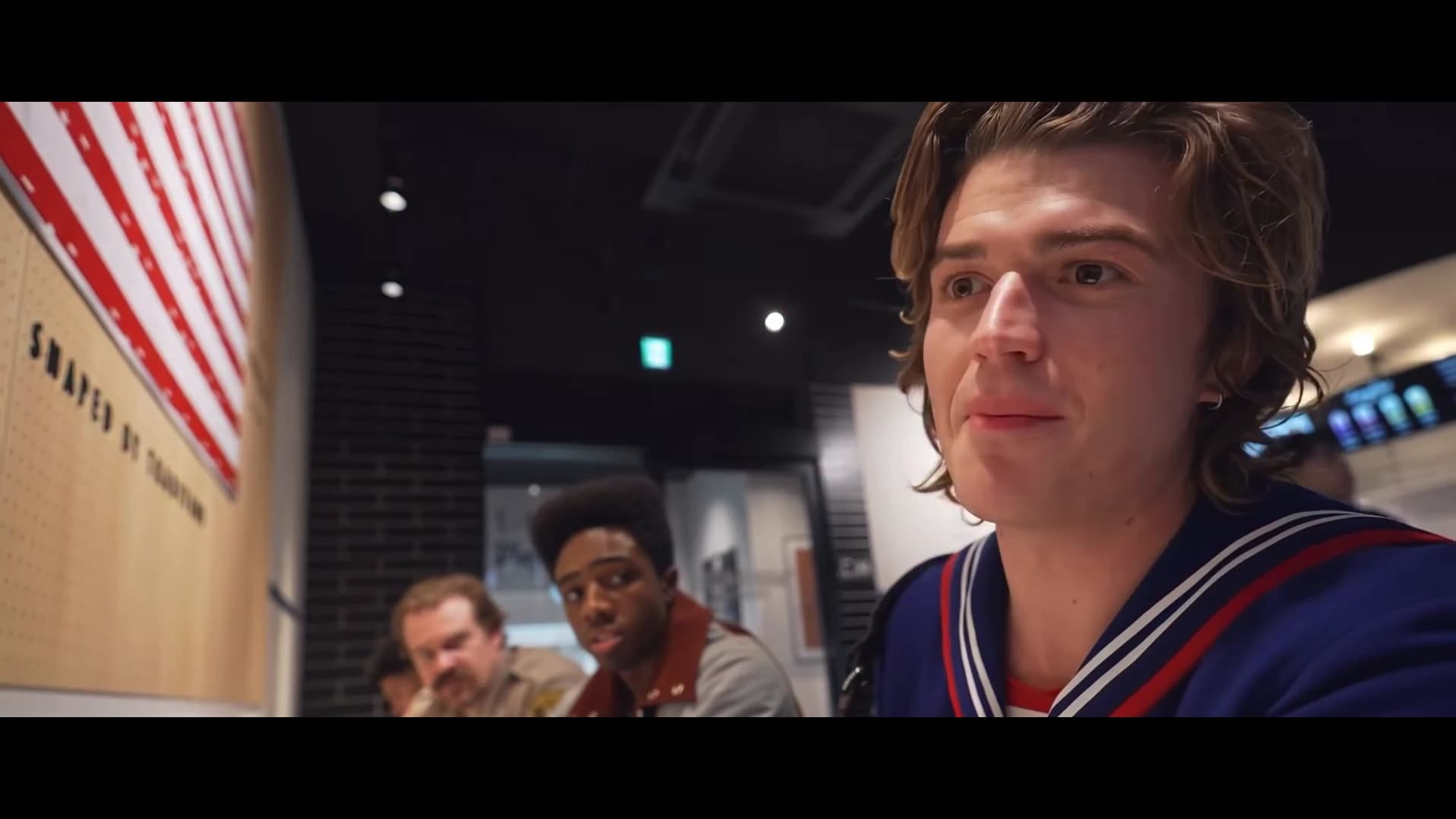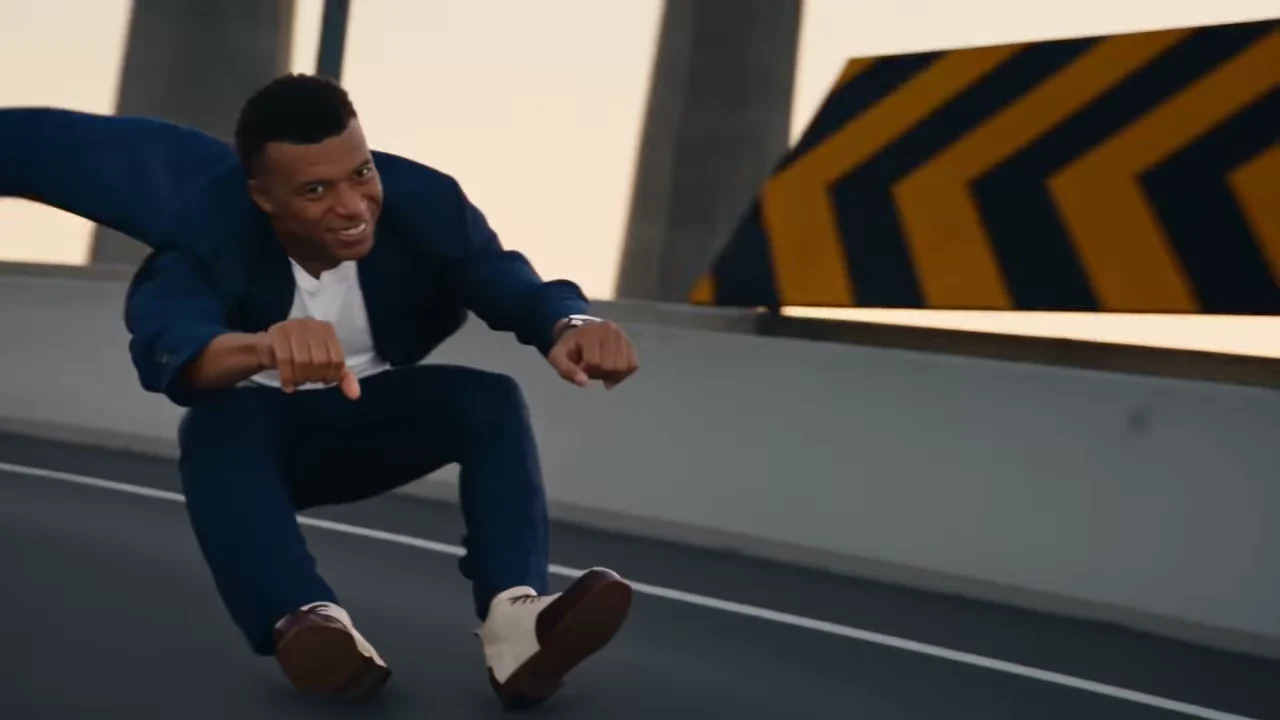
The two Crazy Frog AI trend references end differently: Landscape returns to a smiling lead close-up, while Portrait finishes with wider roadway and hovercraft action. Those final shots change where your punchline can land. Open the Hover Chase tool to inspect both endings while planning your scene.
This guide compares the actual reference clips and current selector, not two generated test outputs. Oakgen is our product. The cover is the credited Zeyan AI Landscape reference, not a verified Oakgen generation.
For a broader framing worksheet, use the Hover Chase composition guide. The scene readings and worked briefs below focus on the specific action and closing shots in these references.
Last reviewed: October 18, 2026.
Make the story choice before the shape choice
Both references follow a crouching lead and a pilot on a futuristic pursuing craft. Their shared premise does not make them interchangeable edits. Ask what viewers should understand from the last shot, then consider where they will watch.
| Your main requirement | Starting choice | What to confirm in the preview |
|---|---|---|
| A wide chase followed by a recognizable closing face reaction | Landscape | The final frontal lead shot supports your punchline |
| The supplied Hagrid and Voldemort vertical sequence | Portrait | Its pilot close-up, stunt and wider ending are the sequence you wanted |
| A tall composition with an ongoing-pursuit finish | Portrait | Your caption still makes sense when the ending stays with the chase |
| A strict 15-second brief plus Landscape's exact closing shot | Resolve the conflict first | Neither unchanged reference supplies that combination |
You can inspect both on the public Hover Chase page. Comparing the previews does not require inventing a generated example or treating a social remake as a performance guarantee.
What the frames actually show differently
Landscape's opening has a broad horizontal roadway, with the low rider moving through its width and the pursuing vehicle behind. Concrete structures and road edges establish the route around the action. Its pilot close-up temporarily makes the second character the main subject; later wide shots restore the road before the lead returns in a smiling frontal closing view.
Portrait stacks more of the composition vertically: road below, lead in front, and tall columns and overpasses above. The supplied reference puts Hagrid in the lead role and Voldemort at the controls. The pilot gets a distinct close-up, followed by the lead's recovery and wider roadway pursuit. Its last view stays with the pursuing craft rather than returning to Landscape's final smiling face.
The ending changes the editorial meaning. A closing face shot gives you a character reaction to pair with a punchline. A wider pursuing-craft view leaves the action feeling ongoing. Those are interpretations of the inspected references, not claims about an escape, a collision or an extra event outside the clips.
| Contract | Landscape | Portrait |
|---|---|---|
| Configured reference length | 433 frames at 24 fps, about 18.04 seconds | 360 frames at 24 fps, 15 seconds |
| Frame shape | 16:9 | 9:16 |
| Reference credit | Zeyan AI | @ausar.ai |
| Default selection | Yes | Select Portrait |
| Final emphasis | Frontal lead reaction | Roadway and pursuing craft |
| Required photos | Lead rider and chasing pilot | Lead rider and chasing pilot |
A crop can narrow a picture, but it cannot supply a different source ending. Choosing Portrait is therefore a reference decision, not an instruction to cut the sides off Landscape.
Scenario 1: a wide-screen group joke needs a final reaction
Imagine a friend-group video played on a wide screen. The setup caption is “Me leaving after saying I'd stay for one song.” One friend is the lead; another is the determined pursuer. You want the audience to end on the lead's expression rather than a distant vehicle.
I would choose Landscape. Its broad roadway gives the chase room in that viewing shape, and the return to the lead supports the reaction-based joke. The decisive evidence is the closing shot, not an assumption that a longer video is always funnier.
Plan the caption as a short opening setup. Then replay the pilot close-up and final lead shot to see whether text competes with either face. Do not reserve one permanent “empty” corner based on a still: characters and structures move between cuts.
This is an editorial plan based on the reference. It is not a claim that Oakgen has already generated these friends successfully. Once you receive a result, inspect its actual ending before timing a final caption to an expression.
Scenario 2: a phone-first post should end with the chase still on
Now consider a tall video for friends watching on phones. The caption reads “Me avoiding the group chat admin.” Your intended finish is that the pursuer is still coming; you do not need a final victory grin.
Portrait is the closer match. Its vertical lead-and-road composition suits the planned frame, and its wider ending supports that unfinished pursuit. The pilot's close-up also gives the second role a clear moment before the action opens out again.
The caption should explain the relationship between the roles, without requiring a particular fictional costume. “Me” and “group chat admin” are proposed labels, not text the template promises to generate. If you add them in an editor, check the complete export so that a label intended for the pilot does not linger over the lead after a cut.
Choose the Portrait reference directly, or select Portrait inside the tool. You still need both photos. For input selection, use the existing Hover Chase two-character photo guide; this decision guide concerns which sequence to make.
Scenario 3: a 15-second brief asks for the wrong ending
Suppose a collaborator requests a tall clip capped at 15 seconds, ending on the lead's smiling face. Their caption draft says “Made it out,” and their example image comes from Landscape's final close-up.
Those requirements combine two different references. Portrait fits the configured length and shape, but its ending does not provide that face reaction. Landscape contains the desired closing shot, but it is longer and wide. Selecting a higher quality will not resolve the story conflict.
I would settle the brief before generating. If the tall 15-second requirement is firm, choose Portrait and change the caption toward ongoing pursuit, such as “Still trying to leave.” If the lead's reaction is essential, choose Landscape and revise the placement or duration requirement. If neither can change, neither unchanged template is an exact fit.
Making both versions would be separate creative work with separate quotes, not an automatic two-format export. The useful saving here is avoiding a generation based on contradictory expectations; this guide does not attach a fabricated cost figure to that decision.
What the selector changes, and what stays required
Oakgen's Hover Chase generator opens the shared product. Landscape is the default; the Portrait selection loads its own source preview, frame shape, reference length and current quote. The public preview also provides a link to make the selected version.
Both versions retain the same two jobs: lead rider and chasing pilot. Portrait's shorter timeline does not make the second person optional. Available qualities are 480p, 720p and 1080p, with 720p selected by default. Read the quote again after changing version or quality; no fixed credit estimate is needed to make this choice.
The supplied Portrait recording was identified as Axel F by Crazy Frog. The official Crazy Frog Axel F video supplies context for that naming; the human-character references linked here are AI remakes. Each configured version retains its own reference soundtrack. A matching song name alone does not establish that two videos have the same cut or ending.
For creation steps after the decision, use how to make the Crazy Frog Hover Chase trend. For a similar source-versus-remake distinction in a dialogue scene, read the What Stop Sign original-video explainer, which links its own fixed trend.
A before-choice checklist you can hand to an editor
Write down these five answers before making the video:
- Destination: Is the actual playback area wide or tall? Check the intended layout rather than relying on an app's name.
- Ending: Does the joke need a final face reaction or a continuing pursuit? Watch the selected reference through its last shot.
- Length: Is about 18.04 seconds acceptable, or does the brief require the 15-second reference?
- Caption: Does the setup still work with the chosen ending, and can it avoid both faces during their important shots?
- Selection: Does the tool now show the intended version, both required roles and the quote you reviewed?
Keep that note with the project. It gives a collaborator a concrete reason for the format choice and a reference against which to judge the finished video. Review the result itself before sharing: following a configured timeline does not guarantee every face, motion or generated detail.
Frequently asked questions
Which Crazy Frog AI trend version should I choose?
Choose Landscape for the longer wide scene and its closing lead reaction. Choose Portrait for the supplied vertical Hagrid and Voldemort reference and its wider pursuing-craft ending. Decide by the story and destination together.
Is Portrait a crop of Landscape?
No. They are different configured references on the same Hover Chase product. Landscape is 18.04 seconds at 16:9; Portrait is 15 seconds at 9:16, with different source footage and a different ending.
Does selecting Portrait give me both versions?
No. Select the version you want to make and review its current quote. The selector changes the chosen reference; it does not promise a bundle containing both Landscape and Portrait outputs.
How many photos do the two versions require?
Both versions require two photos: one for the lead rider and one for the chasing pilot. Choosing the shorter or narrower reference does not remove the second role.
Which version uses the supplied Crazy Frog Axel F recording?
The supplied @ausar.ai Portrait reference was identified as using Axel F by Crazy Frog. Each version retains its own reference soundtrack; the previews are credited AI remakes, not verified Oakgen-generated examples.
Sources and further reading
- Zeyan AI's Landscape reference: the existing longer wide sequence and closing lead reaction.
- @ausar.ai's Portrait reference: the supplied Hagrid and Voldemort sequence with the wider pursuing-craft ending.
- Crazy Frog's official Axel F video: context for the music-video name associated with the chase format.
- Axel F recording identification: catalog context for the supplied Portrait audio identification.
Choose your Hover Chase version in Oakgen after deciding what the last shot should communicate.