Black Friday ad creatives with AI should begin with an approved product and a checked offer. Explore textless product scenes or short clips, then add the exact sale wording during layout and editing. Keep launch, reminder, and evergreen exports separate so a promotion change doesn't require recreating the whole visual.
Oakgen's product creative studio helps plan the brief and open individual image, video, UGC, and audio workflows. Your team reviews each asset, assembles the ad, and publishes it.
Build a small Black Friday asset kit around one product before producing every format in the campaign plan.
BFCM creative examples: choose a direction with a job
These are illustrative creative directions for a fictional shop, not tested ads or examples of measured conversion results.
| Direction | Proposed visual | Message it should communicate | Reason to reject a candidate |
|---|---|---|---|
| Product-first static | Charcoal pouch and one removable divider on a plain warm-gray surface; offer beside them | What the shopper receives and the current deal | The divider disappears, the package changes, or props imply extra contents |
| Demonstration clip | Open pouch and divider already visible; restrained camera move across both | What is included, without requiring a long explanation | Motion adds objects or implies capacity the merchant hasn't established |
| UGC explainer | Presenter describes the supplied product facts, with a separate accurate product shot | Why a shopper might consider this type of organizer | Script invents personal use, a review, or unsupported durability |
I would start with the static direction because it makes offer review straightforward. Motion earns a place when it adds information; the presenter earns a place when the product needs explanation. That is a production recommendation, not a prediction of which ad will perform best.
Plan the corresponding product-video asset only after the still and the commercial wording have passed review.
Who this kit serves, and what the examples mean
This guide is for a small ecommerce team or agency preparing a promotion with several approval owners. It focuses on usable briefs and the handoff between merchandising, creative, and media.
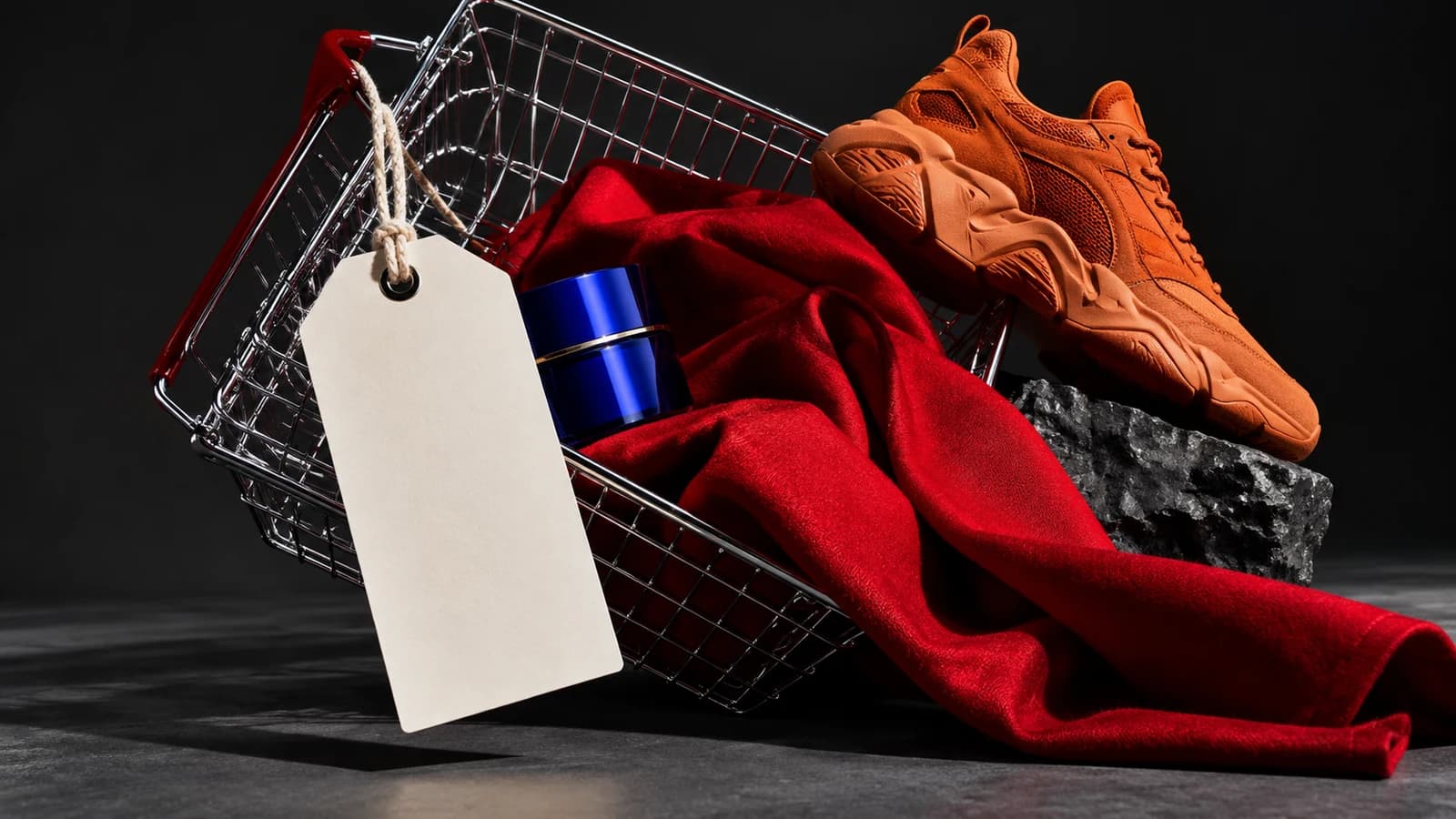
Updated September 30, 2026: we checked Shopify's current seasonal-preparation guidance and TikTok's creative guidance. The example shop, promotion, copy, shot directions, and tables below are editorial illustrations. We haven't generated or run these treatments as ads, and their performance remains unknown. The article cover is an illustration, not proof of an Oakgen workflow result.
Oakgen is our product. Its role here is planning and creating separate creative assets; the process doesn't verify checkout terms, read inventory, or schedule a promotion.
Shopify treats seasonal preparation as a store operation, with promotion planning and fulfillment concerns alongside marketing. Someone who knows the actual store setup therefore needs to approve the offer-bearing creative. Shopify seasonal-preparation guidance.
One fictional shop, one explicit example offer
Suppose a fictional accessories shop called Fieldnote sells a charcoal travel pouch with one removable divider. For this example only, imagine the merchant has approved 20% off that pouch using code FIELD20. The example promotion runs November 27–30, 2026, ending at 23:59 UTC; it excludes other products and doesn't combine with other discount codes.
These are made-up planning inputs. They don't describe an Oakgen promotion or a real merchant's offer, and the shop has supplied no evidence for waterproofing, airline suitability, or capacity. Every mockup should carry an internal “illustrative example” label until a real campaign replaces those inputs with its approved terms.
A copyable offer record keeps production grounded:
| Field | Illustrative Fieldnote entry | Owner's check for a real campaign |
|---|---|---|
| Product and variant | Charcoal travel pouch, one divider included | Photography matches the sellable item |
| Offer wording | 20% off this pouch with FIELD20 | Discount works on the eligible item |
| Conditions | Other products excluded; no code stacking | Wording matches checkout behavior |
| Active window | Nov 27–30, 2026; ends 23:59 UTC | Campaign schedule uses the same timezone |
| Destination | Merchant's reviewed pouch page | Ad, landing page, and checkout agree |
| Offer revision | FIELDNOTE-EXAMPLE-A | Latest approval reaches every export |
| Replacement | Evergreen pouch creative | No expired code or urgency remains |
Keep missing real-world fields marked pending. A mockup with an invented percentage often travels farther than intended because it looks finished.
Direction one: product-first static ad
For the fictional pouch, place the sold contents on one side and editable copy on the other. Warm-gray space can carry a simple seasonal accent without making the product harder to count. A gift-oriented background should not imply included gift packaging.
Proposed image brief:
Use the approved front-view photograph of the charcoal travel pouch and its one removable divider as the product authority. Plan a quiet tabletop scene on a warm-gray surface, with both included items clearly separated and visible. Retain the photographed angle, proportions, closure, material, and color. Leave an uncluttered area beside the product for later offer text. Add no price, lettering, discount badge, hands, accessories, gift box, or performance claim.
This is an instruction to adapt to a selected model, not a promise that the output will obey every detail. If the packaging carries a logo or quantity, use the logo and label preservation guide before approving the scene.
The layout brief is separate: show a recognizable product, state the eligible item, add the approved discount and code, and retain readable conditions. If the conditions won't fit at a useful size, change the layout or shorten the approved wording with the merchant's agreement. Shrinking everything until it fits only hides the problem.
Prepare a source-led photo prompt, then open the image workflow and add the actual product source there. The planner drafts instructions; it doesn't generate or certify the photograph.
Direction two: a Black Friday demonstration clip
For this pouch, a clip can show the included divider without inventing a packing test. Start with the pouch open and the divider already beside it, using an approved source that documents that view. A front photograph of a closed pouch doesn't provide that information.
The proposed sequence uses two visual beats: a restrained move across the contents, followed by a stable hold where the editor adds the offer. No hand has to open a zipper, and no hidden compartment has to appear.
Opening: the open charcoal pouch and its one divider are immediately identifiable. Main shot: modest camera push across the supplied composition; both objects remain fixed. Ending: steady hold with room for an editable offer layer. Preserve the source angle and sold contents. No pouring, stuffing, waterproofing demonstration, airport scene, extra compartment, or added accessory.
If the campaign needs to demonstrate a real closure or prove capacity, use footage of that action. A generated demonstration can't substitute for product evidence simply because it looks plausible.
The first-frame hook worksheet helps give the opening a purpose. Showing what buyers receive is already a useful hook; a flash or logo animation can delay that answer.
For multi-shot identity work, review the Kling Elements reference setup. Keep reference identity and opening composition distinct, and check the whole clip for drift.
Create one short product-video candidate once the starting image passes review. Add current offer text during assembly, then watch the export with and without audio.
Direction three: a Black Friday UGC explainer
A presenter suits the question “What is this for?” It should describe the product using merchant-approved facts, without pretending to be a customer.
Illustrative script:
Need a place to keep small travel items together? This pouch comes with one removable divider. Here's the charcoal version and exactly what's included. During the example promotion, the pouch is 20% off with FIELD20; check the current terms on the product page.
The phrase “example promotion” belongs in this editorial illustration. A real campaign should replace the complete offer sentence with approved commercial wording, then review the voice and captions together.
Avoid “I used this all summer,” “it never leaks,” or “thousands of travelers love it” unless a real authorized speaker or documented evidence supports the statement. An AI presenter doesn't create customer history.
Oakgen's UGC workflow organizes angles and an editable script before separately opened asset work. Use the actual product photo for the product shot; don't ask a presenter model to establish new facts about unseen contents.
When one presenter or repeated shot needs to keep a consistent appearance, write down the source and route used. If an image edit ignores a requested change, consult the instruction-repair guide instead of generating more presenter clips around the faulty still.
Convert each direction into phase versions
Launch, reminder, and evergreen versions can share a reviewed product visual. The message changes, so give each export its own identity and approval.
| Direction | Launch version: illustrative copy | Reminder version: illustrative copy | Evergreen version: illustrative copy |
|---|---|---|---|
| Static product | 20% off the charcoal pouch with FIELD20; approved conditions alongside | The same offer, with its exact Nov 30 end time | Charcoal travel pouch; one divider included |
| Demonstration clip | Contents first, then the approved code and terms | Same accurate contents shot; current end information in the closing layer | Contents shot with a product-page CTA and no sale wording |
| UGC explainer | Explain included items, then state the example offer | Retain factual explanation; replace the complete offer sentence | Explain the product and direct viewers to its current page |
This matrix describes editable production treatments, not finished layouts. Don't publish the fictional copy as if it were a live sale.
Copy edits must travel through every place the offer appears. A static end card can say the new date while an unchanged narrator announces the old one. Update the script and captions when needed, or remove that offer-bearing audio from the reusable master.
Keep an evergreen export ready before the launch export goes live. An evergreen visual still needs current stock and product facts; it isn't a substitute for pausing an unavailable item.
Bundles need their own source check
A bundle example has a different failure mode: the image can look convincing while showing the wrong number of objects. If Fieldnote later sells two pouches together, the single-pouch source can't establish a two-item bundle or its actual price.
Create an approved source for the sold bundle, document its contents, and label the eligible offer separately. Use the product-bundle photography guide for that review. Check each moment of a bundle video because objects can appear or disappear during motion.
For several real variants, follow the catalog video production workflow to map each SKU to its source and output. This is production tracking, not a claim that Oakgen imports a CSV, syncs the store, or publishes every variant automatically.
Work backward from your approval deadline
Book source approval first, then review one representative layout and video treatment. Use the longest conditions and smallest intended crop for that review; the roomy master canvas makes text problems easy to miss.
Next, schedule phase versions and exports. Reserve time for the media operator to inspect placement previews and the merchant to test the actual promotion. A fast generation doesn't shorten a delayed discount approval.
TikTok recommends introducing the proposition early and keeping important content inside placement safe zones. Apply that guidance to your actual preview rather than copying a universal margin. Captions and interface elements compete for space, and recommendations don't promise conversion results. TikTok creative guidance.
A release sheet that follows the exported file
| Release field | Record to retain | Failure it catches |
|---|---|---|
| Asset and version | FIELDNOTE-LAUNCH-STATIC-A | An older file uploaded under a familiar name |
| Source and variant | Approved charcoal pouch photo | Wrong color or package |
| Offer revision | Merchant-approved revision identifier | Superseded discount or code |
| Copy locations | Image, voice, caption, end card | A stale promise hidden in another layer |
| Window and destination | Dates, timezone, landing page | Offer runs outside its approved period |
| Replacement and operator | Reviewed fallback; named person | Nobody can change the campaign when facts change |
For the final export, confirm the sold contents, readable conditions, working destination, and schedule. Watch with sound for spoken terms, then without sound for visual meaning. A file that passes inside an editor can fail after a crop or caption change.
Run a cancellation drill: if stock changes or the promotion ends early, which asset replaces this one and who makes the decision? Depending on merchant approval, the answer might be an in-stock item, a truthful waitlist, or a pause. Decorative urgency isn't a contingency plan.
Keep creative learning separate from the sale's effect
A new visual released with a new discount and audience tells you about that combined campaign. It doesn't isolate the effect of a seasonal background.
Record what changed and use the outcome appropriate to the business question. Reminder audiences may already know the product, so their results don't establish that reminder copy would beat launch copy with new shoppers. These illustrative briefs have no performance record.
If a visitor needs product reassurance, build objection-led retargeting creative around evidence. Another countdown won't answer a question about the included contents.
Frequently asked questions
How early should I prepare Black Friday creative?
Work backward from the approval and upload deadlines your team needs. Approve source photography and one representative layout first, then produce phase versions and reserve time to check the actual store offer.
Which Black Friday ad formats should I start with?
Start with an approved product image when the offer and object carry the message. Add a demonstration clip when motion explains something and a presenter only when the shopper needs an explanation.
Should AI generate the price inside the image?
Keep exact prices, conditions, dates, and CTA wording in editable layers where possible. Review them against merchant-approved facts, then inspect the exported file.
How do I update an offer without rebuilding every asset?
Keep the product scene separate from the offer, record the offer revision used by each export, and check captions, end cards, and spoken tracks whenever commercial terms change.
Can I reuse Black Friday video afterward?
Yes, if the product remains current and you remove expired promotional wording from the entire asset, including audio. An evergreen replacement should have its own reviewed export.
Does Oakgen schedule the sale or check stock?
The workflow described here plans creative and opens separate asset-generation workflows. Your team handles stock checks, commercial approval, final assembly, scheduling, and publishing.
Produce one reviewed kit
Build your Black Friday asset kit in Oakgen using your real product authority, approved offer record, and one useful direction. If tool choice is still open, the product-ad generator comparison compares documented workflows before you commit production time.
Use the fictional briefs as planning templates, then replace every commercial input with your own approved facts.