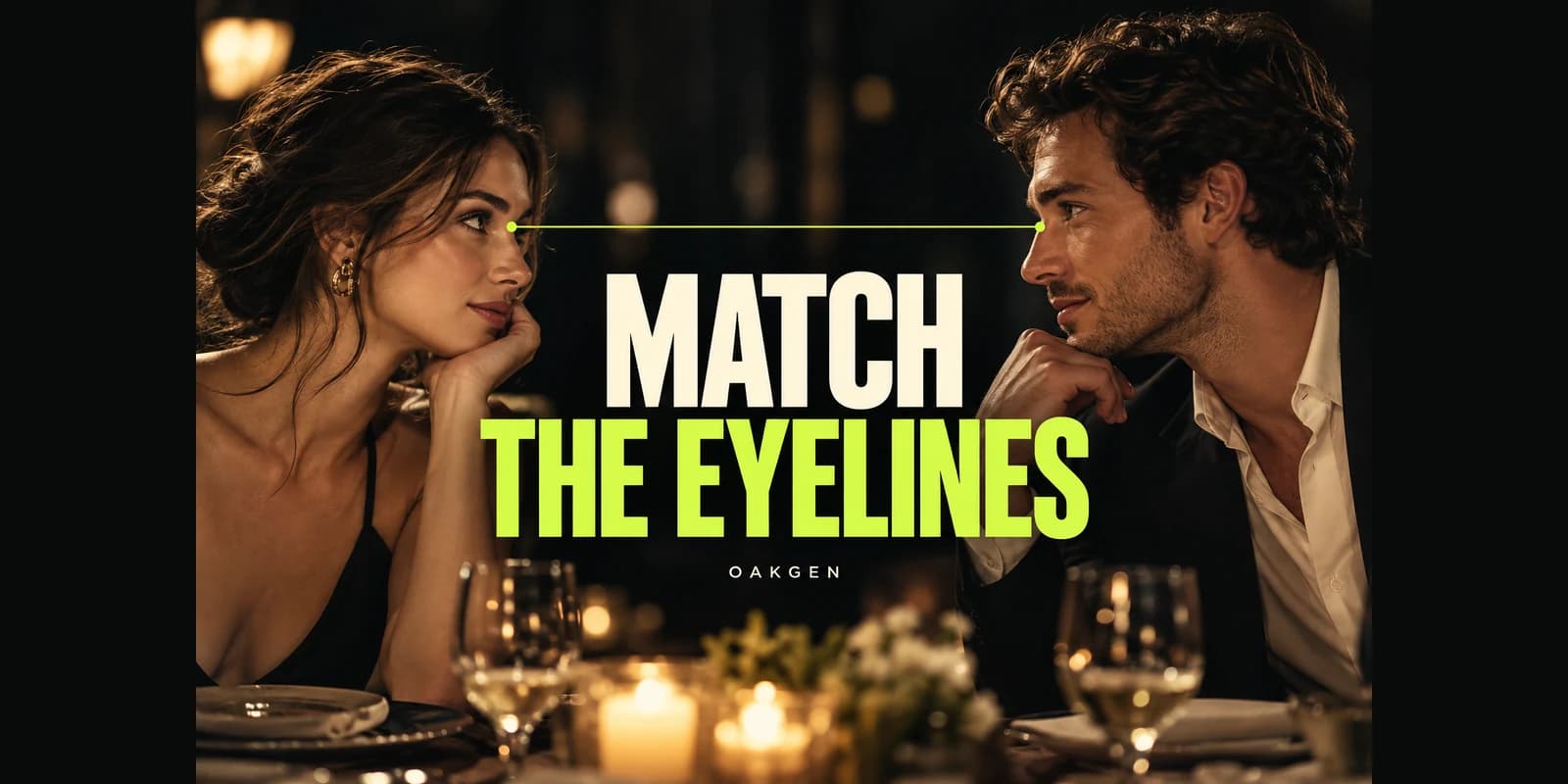
Start an AI shot–reverse shot in Oakgen’s image generator by approving two matching reference frames before you animate them. Put both camera positions on the same side of the line between your characters. In the example below, one character looks toward screen-right and the other toward screen-left, with compatible eye heights and room details. Then animate the approved views in Oakgen’s AI Video Generator.
The important unit is the pair of shots. Two convincing portraits can look like unrelated people addressing different rooms. A small scene map prevents more confusion than adding “cinematic reverse angle” repeatedly to a prompt.
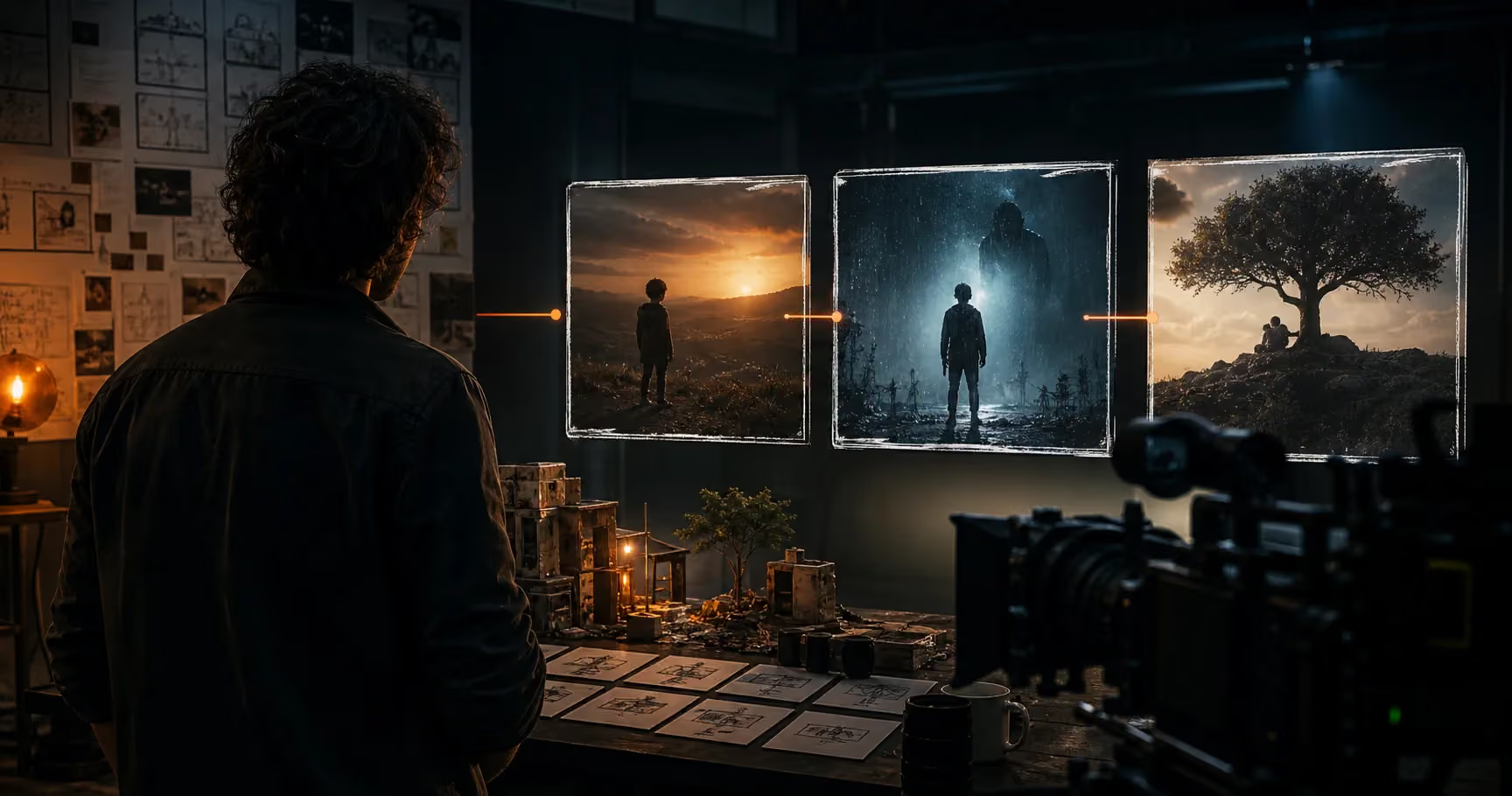
Build the two views before the motion
Create matching character frames in Oakgen, check their gaze and room geography together, then animate the approved pair.
Start with the mistake you can actually see
| Symptom after the cut | Likely planning problem | First correction |
|---|---|---|
| Both characters look toward screen-right | Gaze directions do not form the intended exchange | Recheck camera side and offscreen target |
| One looks upward; the other also looks upward | Eye heights or targets disagree | Define who is taller or seated |
| A window appears behind both characters | Room geography was copied without perspective | Place the window on the scene map |
| A character turns toward the viewer | Animation changes the intended gaze | Simplify motion and inspect the moving take |
| The foreground shoulder belongs to the wrong person | Ambiguous over-the-shoulder brief | Identify subject and foreground person separately |
| The room works but faces change | Reference or identity continuity problem | Repair the character references before proceeding |
This guide is for fictional scenes, product conversations and short narrative clips. It covers spatial continuity. Dialogue assignment and lip sync are separate checks; use the wrong-character-speaking guide if the visual relationship works but the wrong person delivers the line.
Method: researched October 19, 2026 using cinematography guidance, current creator questions and Oakgen’s available image/video workflow. Oakgen is our product. The café scene, diagrams, prompts and rejection examples below are instructional constructions, not claims about generated tests or guaranteed model behavior.
What the 180-degree rule means here
Draw an imaginary line between the two characters. For a straightforward conversational exchange, keep the camera positions on one chosen side of that line. Adobe’s 180-degree rule guide describes this approach for maintaining understandable spatial relationships.
A reverse shot changes which character the camera faces. It does not require moving the camera across the line. “Reverse” is a description of the coverage, not an instruction to rotate the entire set or mirror the picture.
Crossing the line can be an intentional storytelling choice, but it is a poor default remedy for a confusing generated exchange. Establish a clear conventional pair first. Change the geography only when the scene gives the viewer a reason and enough information to follow it.
A scene map that produces opposite screen gaze
Use this original planning example. Two seated characters face each other across a small table. Mira sits west; Jules sits east. Both cameras remain south of the line between them.
                         NORTH

               North wall: narrow window

       Mira  ----------------------  Jules
       WEST       dialogue axis       EAST

          Camera B              Camera A
          aims at Jules         aims at Mira

                         SOUTH
              Both cameras stay on this side
Camera A sits near Jules, slightly south of the axis, and points toward Mira. Camera B sits near Mira, also south of the axis, and points toward Jules. These are two distinct viewpoints, both below the same line on the map.
With these placements, Mira’s gaze toward Jules reads toward screen-right in her close-up. Jules’s gaze toward Mira reads toward screen-left in his close-up. Give each some room in the direction of the gaze. This is a specific geometric arrangement, not a universal claim that every character named Mira must face right.
Use physical anchors for the set. The window is on the north wall, not permanently “camera-left” in every view. A lamp on the east wall may appear behind Jules but should not magically relocate behind Mira. Describe what the selected camera can actually see.
Define eye height before writing prompts
For the simplest practice scene, place both characters in chairs of the same height and keep their eyes at roughly the same level. Use comparable camera height, distance and portrait scale in both views. This reduces the number of variables you need to judge.
If one person stands and the other sits, their gaze should reflect that relationship. The standing person may look downward toward the seated person; the seated person may look upward. Do not force both faces into the same horizontal gaze just because the basic example uses level eyelines.
Also distinguish gaze from head orientation. A face can be turned correctly while the eyes look into the lens. Conversely, eyes can glance toward the correct person while the head remains mostly still. Record both when the expression matters.
Research on cinematic point of view discusses how even small mismatches can change the apparent target of a gaze. The practical implication is to review the two views together, not to assume that an approximate left/right instruction is sufficient. See Cumming and colleagues on point of view.
Build a compact continuity brief
Before generating the stills, write one shared description and one view-specific description per shot. Keep fixed facts separate from what changes with the camera.
| Shared fact | Example | Why it stays fixed |
|---|---|---|
| Character identity | Mira: short dark hair, cream sweater | Prevents wardrobe and face drift |
| Second identity | Jules: curly hair, dark green shirt | Distinguishes the other participant |
| Seating | Mira west, Jules east | Defines the direction of the exchange |
| Light source | Soft daylight from north-wall window | Preserves a physical lighting setup |
| Prop placement | Blue cup near Mira, notebook near Jules | Gives each side an identifiable anchor |
| Scene action | Both seated; no position changes | Keeps the axis stable for this exercise |
The shot-specific rows then define camera position, visible background, foreground shoulder, gaze target and framing. A useful brief says who the picture shows and who remains offscreen. “The same scene, reverse angle” leaves those relationships underspecified.
Download the shot-pair worksheet and fill it before spending on motion. If you cannot describe where the second camera stands, the model has to invent that missing decision.
Create the first reference frame in Oakgen
Use available reference-image inputs where supported by the selected image model. Keep the identity references and location brief available for both views. Check the current form rather than assuming every model supports the same number or kind of reference inputs.
For Camera A, try this illustrative brief:
Medium close-up of Mira seated at the west end of a small café table. Camera is near Jules on the south side of their conversation axis, facing Mira. Mira occupies the left part of the composition and looks toward Jules just offscreen right, not into the lens. Her eyes are level with his seated eye position. Cream sweater, short dark hair. Soft daylight enters from the north-wall window. Quiet, attentive expression. Keep the camera level and the room physically plausible.
Check the result before accepting it. Is Mira actually looking right? Is there enough room in that direction? Is the gaze near the intended partner’s eye position, rather than far above or beyond him? Does the image introduce an extra person that changes the relationship?
Save an approved version rather than promoting the most beautiful candidate automatically. The reference’s job is to connect with the next shot.
Create the reverse reference without copying the background
For Camera B, describe Jules directly. Keep the world facts; change the viewpoint facts.
Medium close-up of Jules seated at the east end of the same café table. Camera is near Mira on the south side of their conversation axis, facing Jules. Jules occupies the right part of the composition and looks toward Mira just offscreen left, not into the lens. Match the seated eye level and portrait scale of Mira’s approved view. Dark green shirt, curly hair. The north-wall window remains the light source. The notebook stays near Jules. Quiet listening expression.
This is a proposed prompt for your own trial, not a tested output recipe. When the model returns a contradictory view, correct the visible error rather than adding more stylistic adjectives.
Place the two stills side by side, then alternate between them. A side-by-side comparison reveals identity and lighting differences; alternating reveals whether the cut feels like a shared conversation. Both views must pass before motion.
Create your paired references in Oakgen and keep the rejected candidates long enough to record why they failed. “Wrong eye height” is useful feedback; “not cinematic enough” is not.
Over-the-shoulder shots add another identity check
For an over-the-shoulder version of Camera A, Jules is the foreground shoulder and Mira is the visible subject. For Camera B, Mira becomes the foreground shoulder and Jules becomes the visible subject. Name those roles explicitly.
In this map, an over-the-shoulder Mira view can place Jules’s shoulder near the right edge; the Jules view can place Mira’s shoulder near the left edge. Verify the generated composition rather than treating that wording as a lock.
The foreground person should not grow a second face, turn into a third character or dominate the frame unintentionally. Wardrobe, hair silhouette and shoulder height should be compatible with the reverse view.
Check the shoulder at the beginning, middle and end of the used clip. A plausible foreground silhouette in the reference can become distracting once it moves. Keep enough of it to establish the relationship, but avoid letting it cover the expression the audience needs to read.
If the foreground anatomy repeatedly fails, use clean singles without shoulders. Spatial clarity matters more than collecting every familiar cinema shot. Two well-matched singles can tell the exchange with fewer generated elements to validate.
Animate each approved view with a small action
Move the approved stills into a suitable image-to-video workflow in Oakgen’s AI Video Generator. Begin with restrained actions: a breath, a slight expression change or a small nod. Avoid adding a large camera move and a major head turn while you are still testing whether the pair holds together.
For Mira, specify that her attention remains on Jules just offscreen right. For Jules, preserve attention on Mira just offscreen left. Request the fixed framing you designed rather than asking for a dramatic orbit that invalidates the scene map.
The first-frame and reference guide explains how those inputs differ. Choose the mode that accepts your approved still in the intended role; a general reference and a specified starting frame are not interchangeable instructions.
Inspect the whole used interval. An opening frame can have a correct eyeline while the character later looks into the camera. Mark the last acceptable frame and decide whether trimming preserves the performance or whether you need another take.
For a longer sequence, use the multi-shot filmmaking overview. Keep this article’s pair as a small continuity unit within that wider shot list.
Animate the pair you already approved
Take your matching stills into Oakgen’s video workflow. Keep the action simple, then review the cut and the gaze throughout each clip.
Reject the right failures
Use these hypothetical comparisons to make approval concrete:
Pass: Mira looks screen-right; Jules looks screen-left; their apparent eye heights match the seating; the room details support the same map. The pair reads as mutual attention.
Fail: Both faces look screen-right. Even if the portraits are attractive, the intended exchange is unclear. Recheck the second camera and target rather than accepting the pair for style alone.
Fail: Gaze directions oppose each other, but Mira looks high above Jules’s implied eye level. Correct the target height. Opposite directions are necessary for this setup but insufficient by themselves.
Fail: The stills match, but Jules turns toward the lens halfway through. Trim only if the remaining action works; otherwise regenerate that view with a simpler performance.
Fail: The reverse view repeats a distinctive wall arrangement that belongs behind the other person. Repair the set description. Shared colors do not prove shared geography.
Why mirroring is a last resort
Horizontal flipping changes more than gaze. It reverses readable text, asymmetric clothes, which hand holds a prop, lighting cues and room layout. It can fix one symptom while creating several continuity errors.
Before considering it, compare the whole flipped image against the scene map and character references. For a deliberately abstract scene with no asymmetry, the trade-off may be acceptable. For a branded product, readable signage or a recurring location, correcting the view is usually the clearer choice.
Never describe mirroring as the standard method for creating a reverse shot. The reverse view reveals a different perspective on the world; a mirror reflects the same picture.
Frequently asked questions
Why do my AI characters look past each other?
Their horizontal gaze, eye height or apparent target distance may disagree. Compare the stills as a pair and check the map. Then inspect the moving clips, because a character can drift away from an initially correct gaze.
Does reverse shot mean crossing the 180-degree line?
No. In the conventional exchange used here, both cameras stay on the same side of the axis between the people. Each camera faces a different participant without jumping to the opposite side of that axis.
Can I mirror a generated shot to fix an eyeline?
Only after reviewing all the resulting changes. Text, clothing, hands, lighting and set details also reverse. If those matter, correct or regenerate the view instead of trading an eye-direction problem for a different continuity problem.
Must both shots use exactly the same framing?
No. Matching framing makes a simple exercise easier to evaluate, but deliberate variation can support the story. Establish understandable geography first, then decide whether a closer or lower view adds something useful.
How should I make an AI shot–reverse shot in Oakgen?
Plan the map, create and approve both stills, then animate each with an appropriate image-to-video model. Review the final pair together. Start with matching reference frames in Oakgen, and make mutual attention the approval criterion before adding elaborate motion or dialogue.