Blog
Guides, comparisons and trend walkthroughs for making images, video and audio with AI.
Hover Chase guides
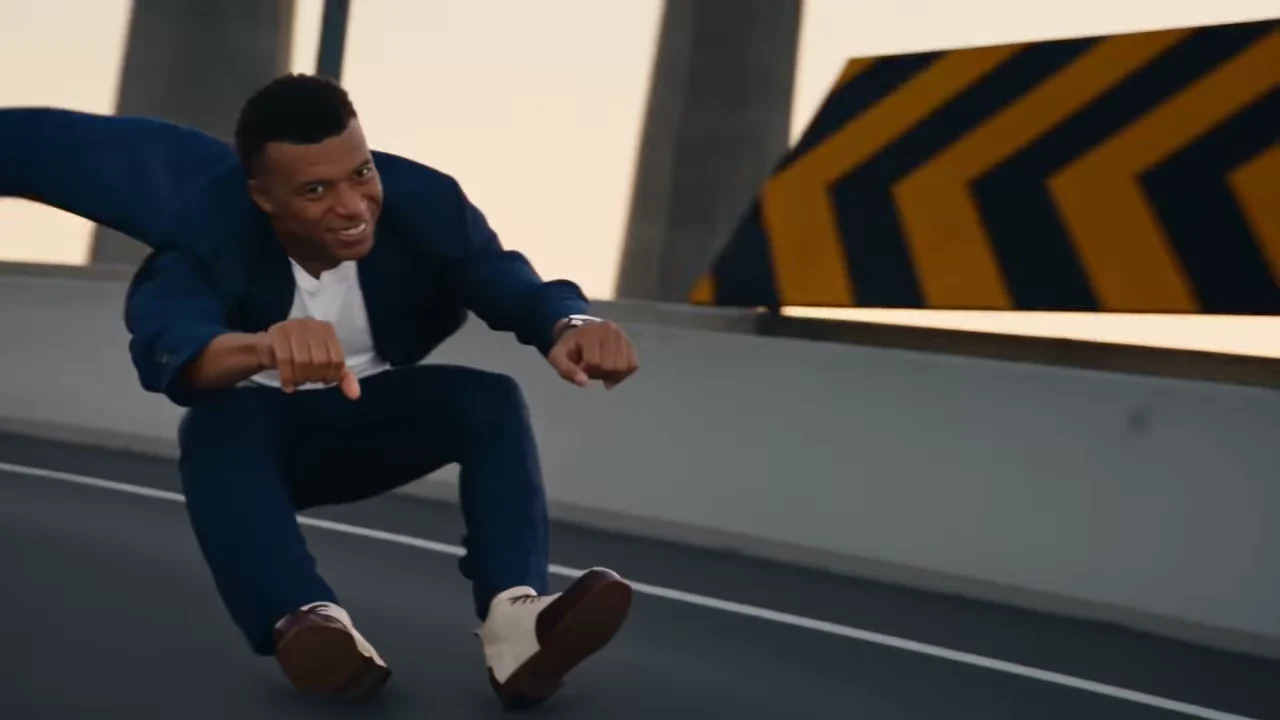
Crazy Frog AI Trend: Chase Endings and Shot Timing
Compare Crazy Frog AI trend endings, shot timing and chase roles in Oakgen’s Landscape and Portrait references, with scene maps for planning your own video.
Hover Chase AI Photos: Keep Two Characters Consistent
Choose two Hover Chase AI photos and review the rider, pilot, close-ups, and stunt continuity. Diagnose casting and crop problems before another Oakgen attempt.
Frame a Hover Chase Without Losing the Pursuer
Map the lead, pursuer reveal and roadway payoff before adding captions or reframing a Hover Chase AI video for a phone screen.
Hover Chase AI: Choose the Portrait or Landscape Cut
Compare the two Hover Chase source cuts by framing, action coverage and the rider-pursuer relationship before choosing a version.
How to Make the Crazy Frog Hover Chase AI Trend
Make a Crazy Frog style Hover Chase in Oakgen with two photos. Cast the lead and pursuing pilot, check the full scene, and keep both characters recognizable.
Hover Chase AI Trend: Turn an Action Clip into a Chase Comedy
Turn a two-person Hover Chase video into an action-comedy joke with clear casting, readable captions and an edit that preserves both riders.