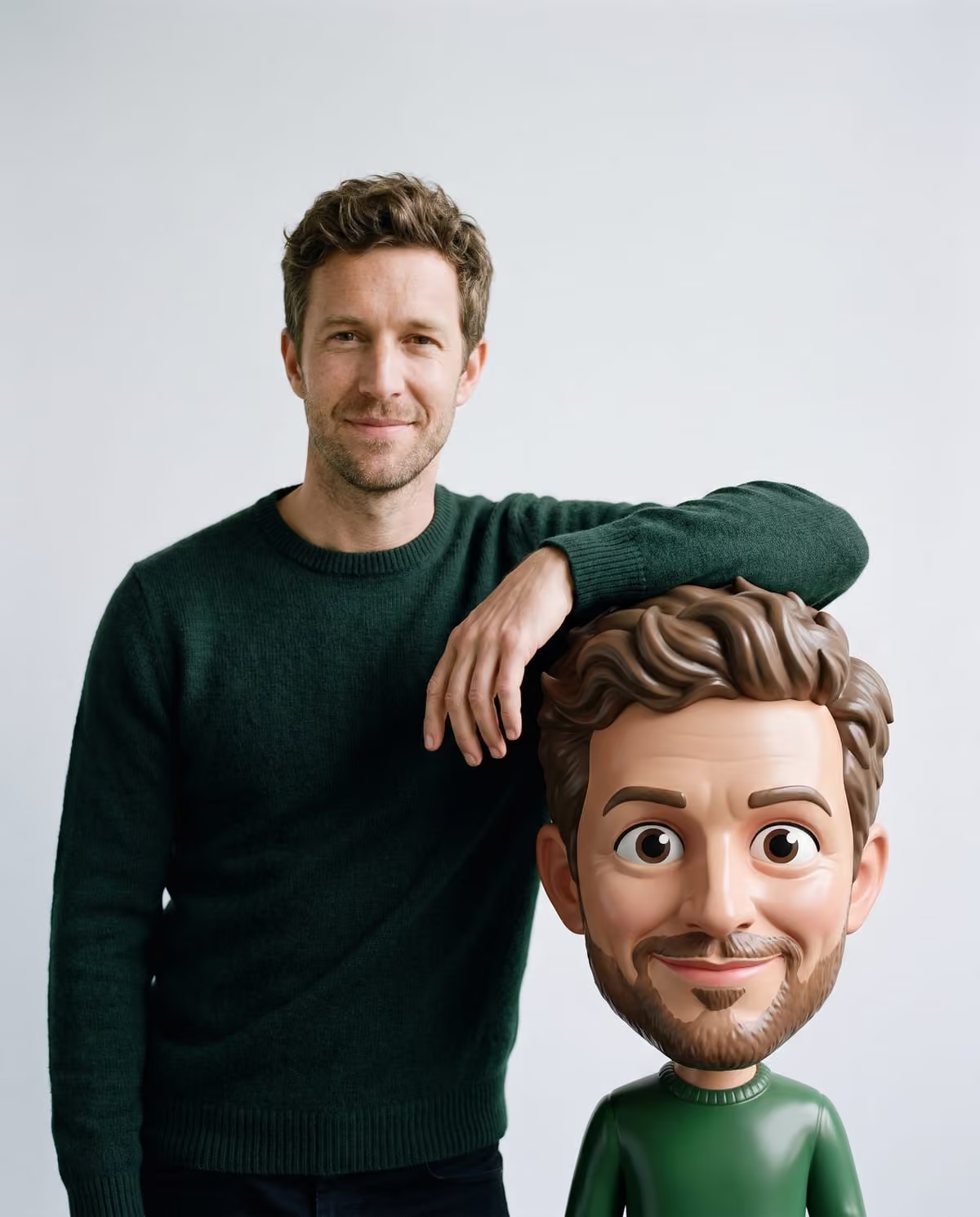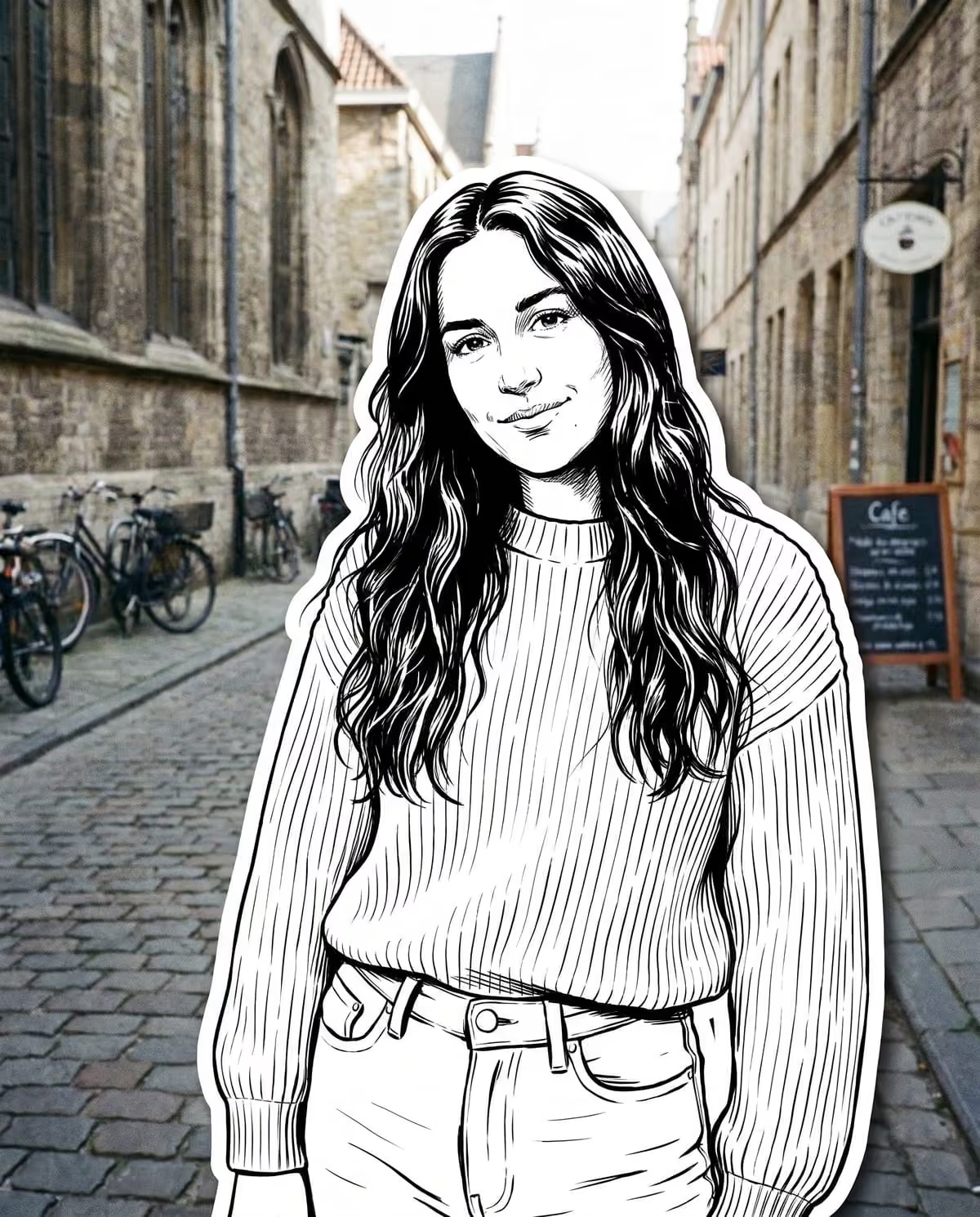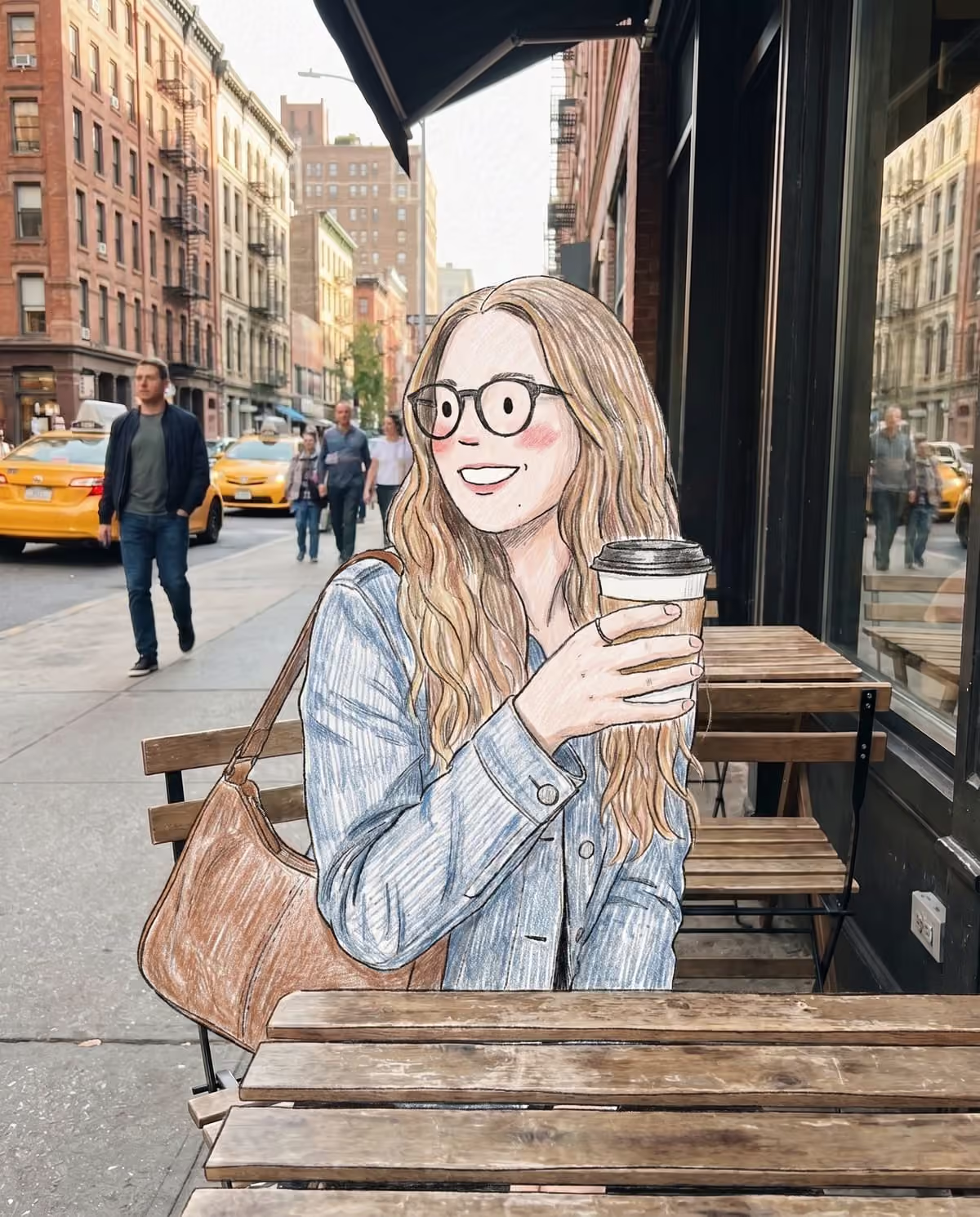
"Doodle" covers at least three different photo edits right now. One adds scribbles around you, one turns the whole picture into a rough drawing, and one redraws only you while the street stays a real photograph. They look nothing alike once you see them side by side, but they share a search term. This guide separates them and shows which one Oakgen's Doodle Street Portrait makes.
Draw yourself into your street photo
Upload one street or café portrait and become a coloured-pencil doodle on the real street.
The AI doodle trend: scribbles on top of your photo
The best-documented use of the name is an overlay. Picsart's May 15, 2026 trend roundup describes the AI doodle trend as a photo that stays exactly as it was, with white hand-drawn hearts, stars, arrows and handwritten notes layered on top. It credits an Instagram example to @nihalanajeeb_ and says the format spread across TikTok and Reels. Pixazo's photo doodle trend page describes the same idea with marker scribbles, and an OOMOL gallery prompt from May 2026, Photo Doodle Overlay, adds small doodle creatures reacting to an unaltered subject.
In all of these, you are never redrawn. The drawing decorates the photo.
Ugly doodle edits: the whole picture redrawn
A second use goes the other way. WeShop's May 29, 2026 guide to ugly doodles turns the entire scene into a deliberately rough, wobbly drawing. The people and the background are both drawn, so nothing photographic is left.
Doodle character in a real photo: only you are drawn
The third version sits between those two, and it is the one this template follows. Prompt sites list it under names such as Doodle character in a real photo, tagged mixed media, and Photo to Doodle Character Transformation, which YouMind credits to @Emmma__0 on X on August 23, 2026. The person becomes a loose doodle character with crayon or coloured-pencil fills, while the background stays a real photograph and the pose and scale are kept.
We found this version only on prompt sites. There is no news coverage, no attached song and no reach figure we could check, so we do not call it viral.
Side by side
| AI doodle overlay | Ugly doodle | Doodle character in a real photo | Oakgen's Doodle Street Portrait | |
|---|---|---|---|---|
| Are you redrawn? | No | Yes | Yes | Yes, as a coloured-pencil character |
| Is the background real? | Yes | No | Yes | Yes, untouched |
| What is added | Hearts, stars, arrows, notes | A rough drawing of everything | Nothing besides the drawn figure | Only you and small things you hold are drawn |
| Typical photo | Any, ideally with empty space | Any | People in a scene | You on a street, at a café or by a shopfront |
What Doodle Street Portrait draws
The template redraws you, and small things in your hands such as a coffee cup, as a charming hand-drawn character: dot eyes, a tiny line nose and mouth, rosy blush, wobbly hatched outlines and soft coloured shading on a light paper texture. Your hair colour and style, glasses, skin tone and outfit colours carry over. Your pose, size and position in the frame stay where they were.
Everything else stays photographic: the pavement, buildings, café tables, windows and bags keep their original light and colour. There are no hearts, arrows or handwritten notes, and no text on the image. The doodle trend source page has the short version of this comparison.
Which one fits your photo?
You love the photo and want to decorate it
That is the overlay trend. Your photo stays exactly as it is, so this template is the wrong tool.
You want a funny, messy drawing of the moment
That is an ugly doodle edit, where nothing stays real.
You want to look drawn into a real place
That is this template. It rewards a photo with a characterful street or café behind you, because that half of the picture is kept. The street photo guide covers what makes a good upload, and the how-to page has the steps.
After you make one
Because your pose is kept, the doodle and your original line up almost exactly, which makes a strong swipe pair. The mixed media doodle caption page has captions that say the drawing is AI-made, and the coloured-pencil result review explains how to check the boundary between pencil and photo. For location and prop ideas, read doodle street portrait ideas.
Frequently asked questions
Is Doodle Street Portrait the same as the AI doodle trend?
No. The widely covered AI doodle trend adds white hand-drawn hearts, stars and notes on top of an unchanged photo. Doodle Street Portrait redraws you as a coloured-pencil character and leaves the rest of the photo real.
Who started the doodle character in a real photo trend?
We found it only on prompt sites. One version is credited to @Emmma__0 on X in August 2026, but we found no news coverage, reach figures or single viral post for it.
Can I add hearts and arrows around my doodle?
Not in this template. It draws only you and small things you hold. You could add stickers in your own editor afterwards and label the post as AI-made.
Continue your project
Doodle street portrait ideas · AI photo trend playbook · All trends