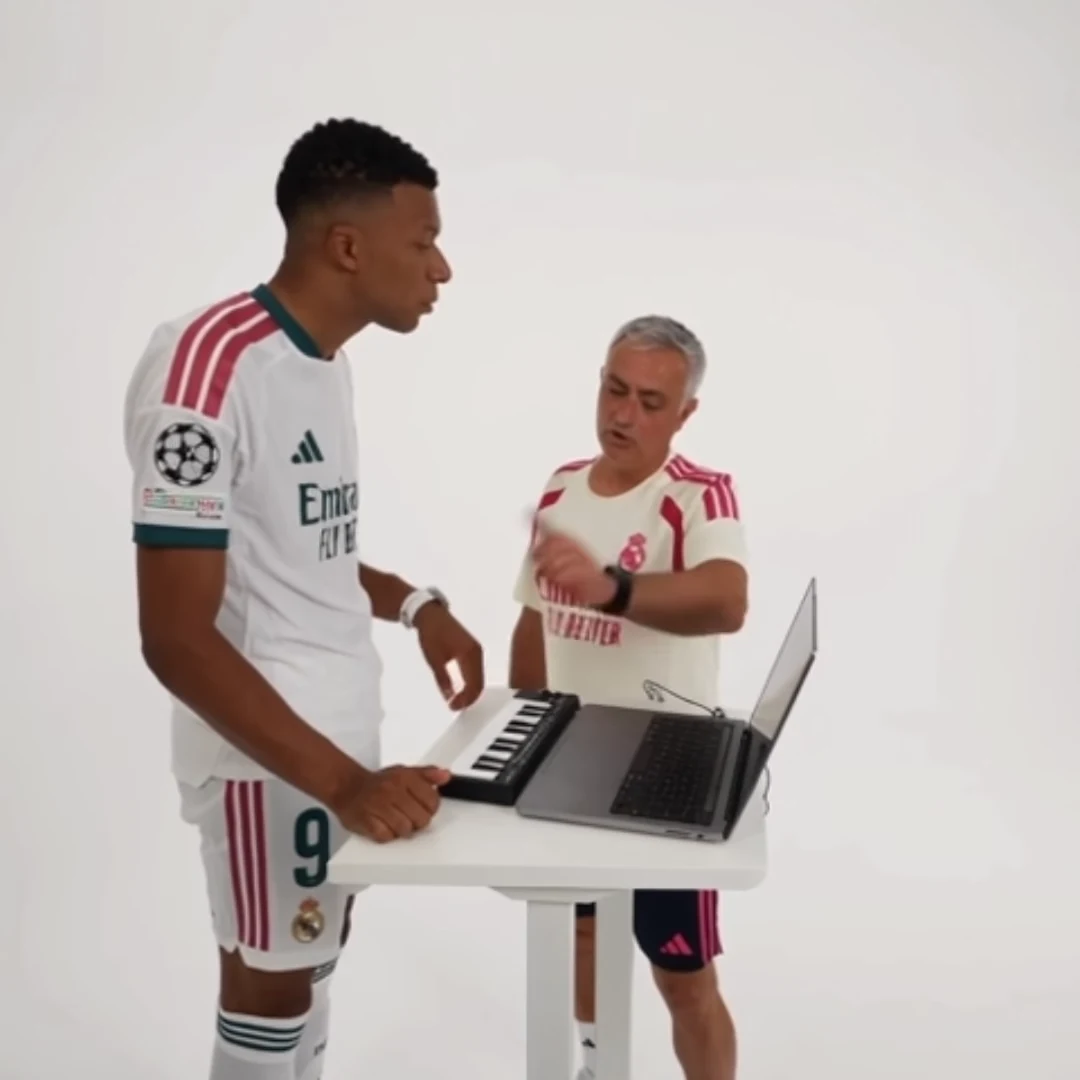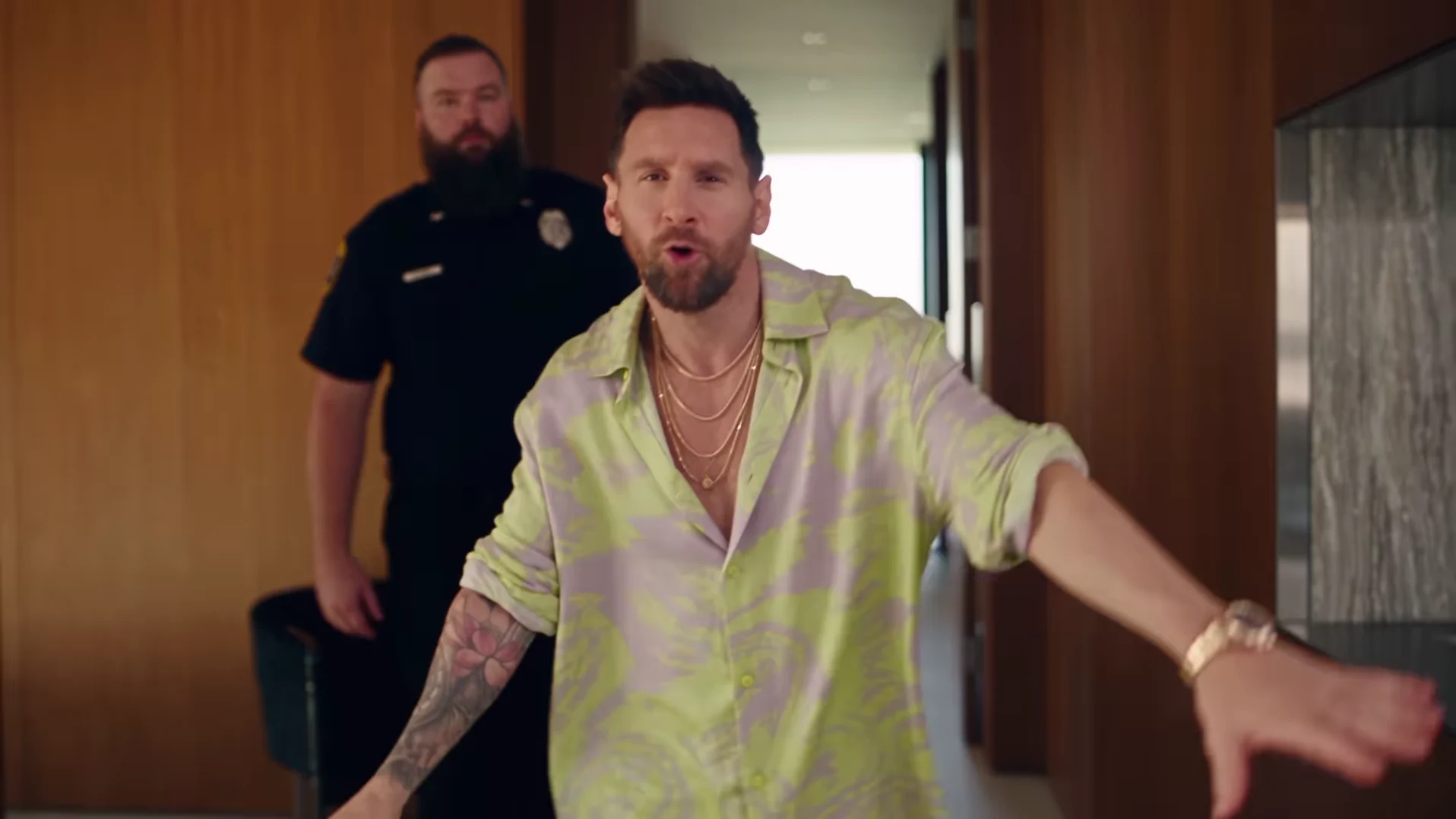
The POPSTAR AI trend turns a mansion walkthrough into a personalized star moment: a chosen person becomes the lead of an extravagant house tour. Oakgen's POPSTAR template, previously called Mansion Tour, takes one presenter photo. Choose the default 30s full walkthrough with its guard, glass-railed staircase, wall portraits and poolside finish, or a 15s opening cut from the same scene.
The name connects the idea to POPSTAR by DJ Khaled featuring Drake. Before making your version, separate the recording, its official music video and the AI scene reference. They explain different parts of what you are seeing. New POPSTAR generations include the reference's soundtrack automatically.
Which song is POPSTAR, and why is Justin Bieber in the video?
The recording is POPSTAR by DJ Khaled featuring Drake. The official music video stars Justin Bieber. Drake is the featured recording artist; Bieber is the video's lead. Use the official audio to identify the track separately from the video's visuals.
That distinction helps when describing your post. “My POPSTAR AI mansion tour” identifies the idea. If you credit the recording, use DJ Khaled featuring Drake. Calling it a Bieber song would confuse the person on screen with the song's artist credit.
Oakgen credits @nicolesgrid's Instagram reel, posted on October 3, 2026, as its scene reference. The creator's caption credits Higgsfield Genjutsu. That reel is separate from the official music video. The preview illustrates the walkthrough; it does not establish the likeness quality you will get from generating your own version.
What happens in the mansion reference?
The full reference is more specific than a person standing in an expensive room. The presenter enters holding a green bottle, approaches the camera and gestures broadly while a guard follows. The movement continues along a glass-railed landing and down the staircase, passing four large wall portraits before reaching the ground floor and the poolside doors. A bottle handoff, party guests and orange pool umbrellas complete the scene near the finish.
Those details give the clip its structure. The opening introduces the confident lead. The guard adds a sense of importance. The portraits make the house feel organized around the presenter, and the final doors extend the fantasy beyond the interior.
The 15s cut follows the opening at its original speed: bottle entrance, following guard, landing and start of the stairs. It ends before the four wall portraits, bottle handoff and poolside finish. The default 30s option keeps the entire reference, which runs just over 30 seconds, including all those later moments.
In the 30s AI recreation, the four portraits are intended to match the uploaded presenter. Inspect them individually: an appealing face in the opening does not establish that the later portraits will be consistent. The staircase and portraits guide gives you a focused review order.
What does one photo control?
The required upload is for the lead presenter in either duration. It guides the intended likeness of the moving person and, in the 30s version, their wall portraits. The guards and party guests remain background characters; you do not upload another photo to cast them. See the presenter and bodyguard guide if the second person in the preview made the casting unclear.
Choose a clear photo showing one unobstructed face and the full head. Think about how recognizable that face will be while turning or appearing smaller in the frame. A sharp, evenly lit image gives you a more useful starting point than one where a hand, sunglasses or a heavy filter hides important features.
The template follows its existing mansion scene for your selected duration. Changing duration or quality updates the displayed credit total, including preparation of your one photo; review that total before generating. It does not offer a custom prompt for changing rooms or directing a new action. Your photo choice and later edit are where you make the project personal.
What audio comes with a new POPSTAR download?
Both POPSTAR durations include this reference's soundtrack automatically. The 15s cut uses the matching first 15 seconds of sound at the original speed, while 30s retains the full reference audio. You do not need to add sound just to hear the walkthrough. Unmute the preview and check the player and device volume when listening; a muted player does not show whether the downloaded file contains audio.
Instagram labels the reel's sound Original audio. That label does not establish that it is the commercial master or that you have permission to reuse it. The POPSTAR song and sound guide explains what comes with the download and what to check if you hear nothing.
Older files downloaded from the silent version do not gain audio automatically. Keep that distinction in mind when comparing a saved file with the updated preview. For any new result, listen through the opening, staircase and finish as well as checking the picture; included sound does not guarantee perfect lip sync.
Personal narration, a different permitted soundtrack, captions or a new crop are optional edits after download. You can also mute the audio for a caption-led joke. Plan the text so viewers understand it with sound off, even if you keep the included soundtrack in the final post.
What kind of post can you make?
The mansion's scale suits a deliberately exaggerated reaction. “Me after finally clearing my inbox” gives the confidence an ordinary cause. Either duration can use the entrance and guard as comic evidence of how seriously the presenter takes a small achievement. Choose 30s if the portraits become an imaginary hall of fame or the poolside finish supplies your payoff.
For a personal celebration, use a milestone that matters to the person in the photo: finishing a project, moving into a first apartment or getting through a difficult week. Frame the mansion as a fantasy so viewers understand the intended story.
Keep one premise throughout the walkthrough. The POPSTAR caption ideas develop complete sequences rather than isolated opening lines. If you are planning several posts, the video trend creative playbook helps give each project its own purpose.
What should you check before sharing?
Watch the complete generation at normal speed, then pause at turns and bottle gestures. For 30s, also inspect the staircase portraits, bottle handoff and final doorway; those moments are outside the 15s cut. Check whether the presenter remains recognizable and whether distracting changes interrupt the story. Reference footage shows the intended scene; it cannot guarantee your generated likeness or motion.
When you are ready to create, follow How to Make the POPSTAR AI Trend from One Photo for the upload, review and separate editing workflow.
Put your photo at the center of the POPSTAR scene
Choose one presenter photo and review the available quality and cost. New generations include the reference soundtrack; check the full result before sharing.
Frequently asked questions
Who made the POPSTAR song, and why is Justin Bieber in the video?
POPSTAR is by DJ Khaled featuring Drake. Justin Bieber stars in the official music video; his appearance does not make it a Justin Bieber recording.
What audio is included in the POPSTAR download?
Both durations include the reference's soundtrack automatically. The 15s opening cut uses the matching first 15 seconds; the default 30s version keeps the full reference audio. The reel's Original audio label does not verify it as the commercial master. Older silent downloads stay unchanged.
Is the POPSTAR preview a verified Oakgen generation?
No. The preview is the scene reference credited to @nicolesgrid. It shows the intended walkthrough, not verified likeness quality from an Oakgen generation.