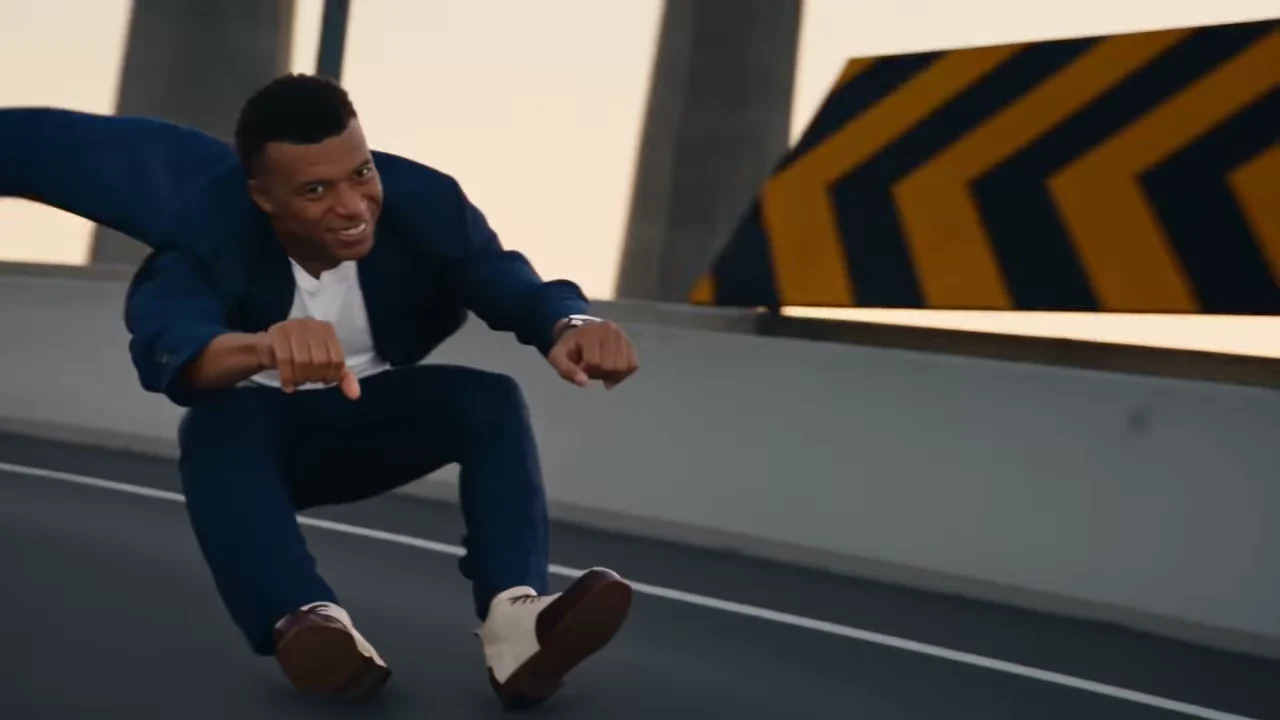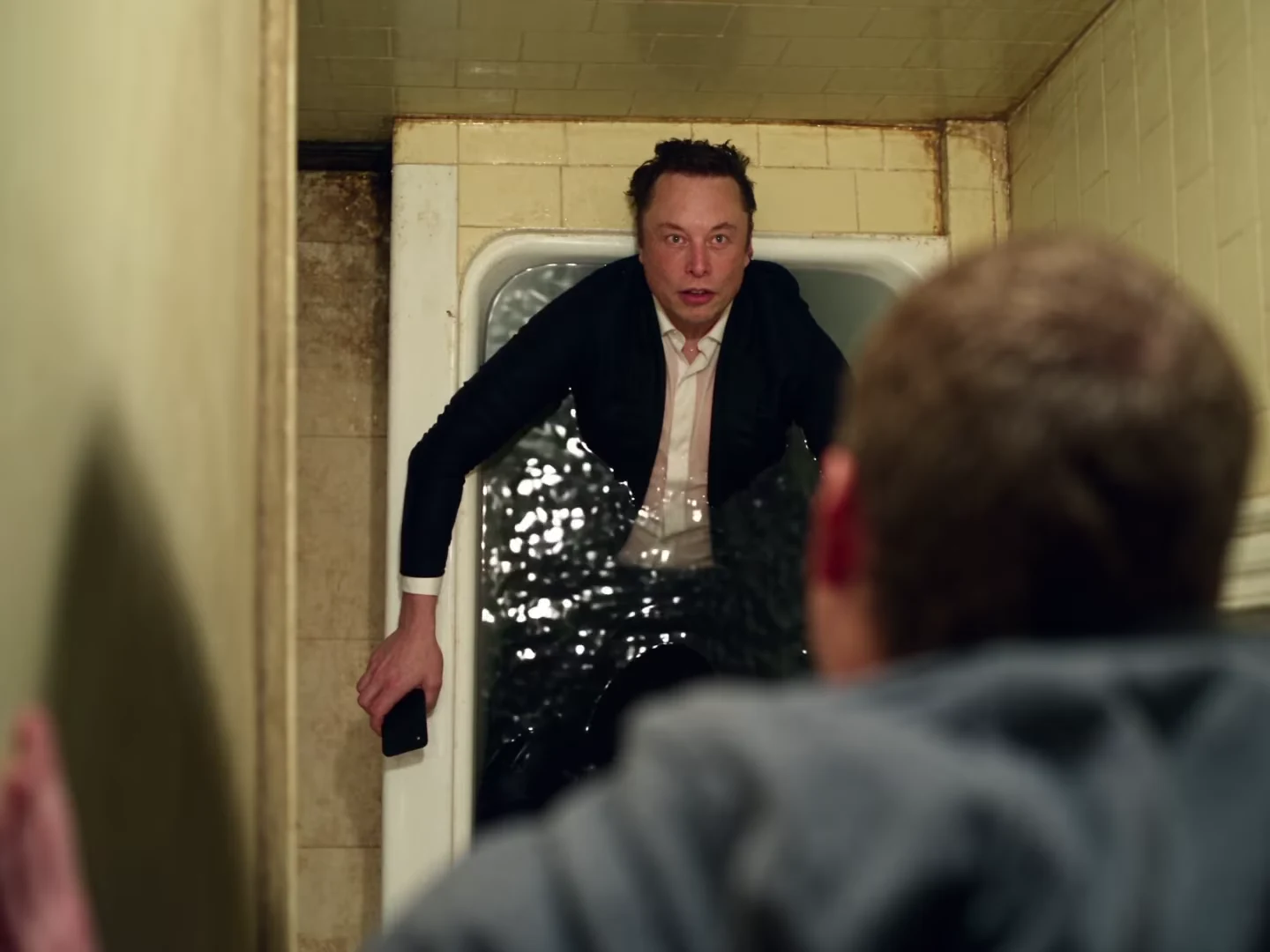
Review a Bathroom Fight output in the order the action unfolds: establish the room, follow the change in gravity, identify each returning opponent and inspect the final contact. A convincing close-up does not compensate for a body that passes through a wall in the next shot.
The Bathroom Fight template follows a fixed source sequence. You can evaluate the result and edit its presentation after download; there is no camera-direction control for repairing an individual cut inside this workflow.
First establish what is supposed to move
Watch the supplied reference recreation before judging the output. The changing orientation is part of the action. A person appearing sideways is not automatically an error when the reference deliberately changes the room's apparent gravity.
Look for the bathtub edge, wall tiles and doorway. These landmarks help you understand whether a movement is intentional. Then compare the generated action with that sequence rather than with a still image of an ordinary bathroom.
The reference is an inspected recreation, not a tested Oakgen result. Its successful moments establish the intended scene; they do not prove what a personalized generation will deliver.
Use three passes with different jobs
Pass one: the room. Watch without pausing. Can you follow where the bathtub is, where the opponent enters and why the bodies change orientation? Note the point where the room stops making sense. A confusing edit and a broken spatial transition need different fixes.
Pass two: the people. Pause on clear faces after each angle change. Match each person to the role ledger from your casting plan. Do not infer identity from the jacket alone.
Pass three: contact. Inspect hands against arms, bodies against the tub and the final water action. Look for fused hands, missing limbs, a body crossing a solid edge or contact that changes before the camera cuts. Review a second on either side of the suspect moment; a single blurred frame can exaggerate the problem.
Record the problem before choosing a remedy
| Observation | What to record | Practical next decision |
|---|---|---|
| Face changes on return | Time and intended role | Review photo clarity and output usability |
| Hand appears through the tub | Time and contact point | Decide whether the action is usable at all |
| Cut feels abrupt but both shots are sound | Adjacent frames and audio | Test a shorter external edit |
| Sound shifts after an edit | First point of mismatch | Restore linked audio/video timing |
An overlay cannot repair a missing arm. A shorter edit may omit an unwanted passage, but it also changes the story and may remove the opponent's response. Treat that as a deliberate new cut, not proof that the full generation passed.
Preserve a recognizable sequence
If you shorten the downloaded result, keep enough context to explain the gravity change and the final struggle. Jumping straight from the opening face to the bathtub ending can make the roles harder to follow even when both images look good.
Export a review copy and watch at normal phone size with sound. Check the first and last frames and replay every join. Keep the untouched download alongside your edited version so a later timing problem can be traced.
For a light fictional premise, use the action-comedy edit. For problems repeated across other templates, consult the hands and props guide and audio diagnosis.
Explore the video trend creative playbook for related casting, editing and sharing guides.