Oakgen.ai
The One Who Knocks AI trend puts you in a dim bedroom delivering one of the most quoted speeches on television: "I am not in danger, Skyler. I am the danger." You supply one photo, and the video gives you the room, the cuts and the voice. This guide goes from that photo to posting, in order. If you want to know what the clip is and why it works first, read the One Who Knocks trend explained.
Be the one who knocks
Add one photo, review the quote and make the 15-second One Who Knocks video with the original speech.
What the template gives you
One landscape 16:9 video, 15 seconds long at 24 fps, with the clip's original audio. You replace one person, the speaker. The room and the cuts are fixed, and the listener is an invented woman the template generates for you.
| Time (about) | What is said | Your face on screen |
|---|---|---|
| 0 to 3.9 s | "You clearly don't know who you're talking to, so let me clue you in." | Yes, medium shot |
| 3.9 to 6.6 s | "I am not in danger, Skyler." | No, the camera is on the listener |
| 6.6 to 8 s | "I am the danger." | Large close-up |
| 8.3 to 11 s | "A guy opens his door and gets shot, and you think that of me?" | Large close-up |
| 11.5 to 15 s | "No. I am the one who knocks." Then a held stare. | Large close-up |
The timings are rounded from the reference clip. The line-by-line breakdown describes each part in more detail.
Step 1: Pick who to cast
The joke is the distance between the speech and the person saying it. The gentler the person, the funnier it gets, so your quietest friend will beat your scariest one. Use yourself, or someone who agreed to appear. Never use a celebrity, an actor from the show or anyone who has not consented.
Step 2: Pick the photo
More than half of this video is a close-up of the speaker's face, so the photo matters more here than in a dance or sports trend. What matters, in order:
- A sharp face at full size. A distant or blurry face has nothing to give to a shot this tight.
- Looking near the camera. The close-up is close to frontal, so a profile leaves the model guessing.
- The whole head and hair. Your hair stays your own and sits in the frame the entire time.
Avoid group photos, sunglasses, caps and heavy filters. Your outfit stays, so wear whatever makes the speech funnier. The photo guide goes further into what the photo controls.
Step 3: Pick a quality and read the quote
Open the One Who Knocks template, add your photo to the Speaker slot and pick 480p, 720p or 1080p. 720p is preselected. The studio shows the price before you generate, and the quote covers your photo preparation and the full video. To test a new photo, the lowest quality is the cheapest way to see how your face comes out.
Step 4: Know what to expect
We have not timed a run, so we will not promise a wait. Three things to know before it lands:
- The voice does not change. You will be heard in the deep voice of the speech, and it says "Skyler" no matter who the listener looks like.
- The listener varies. She is generated for each video, so she will look a little different from run to run.
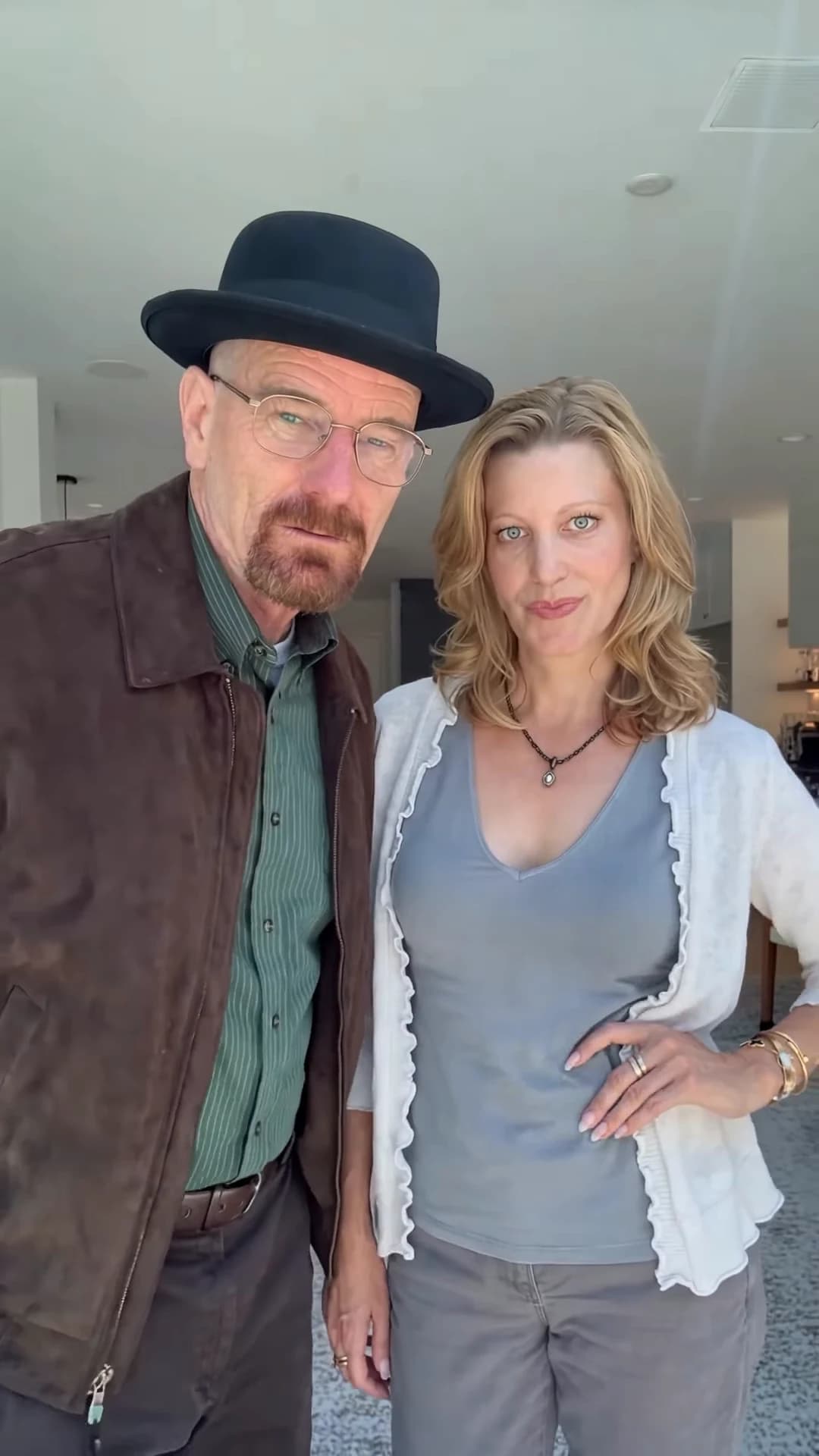
- The preview is the reference. The trend page shows the clip the trend comes from. We have not reviewed a generated result yet, so use the preview for the timing and framing only.
Step 5: Check it, then post it
Watch it once at full speed with the sound on, then slowly through the close-up. Check your face at 7 seconds, your mouth on "I am the danger" and on "knocks", and the closed lips during the stare at the end. The result checklist covers each check and when to re-run.
Then give it a small, specific stake with a deadpan caption, like "HR asked if I felt safe at work". Use a frame from the close-up as your cover, and do not trim the silent last second. There is more in captions, covers and who to cast.
Say that the video is AI-made, use photos only of people who agreed to appear and keep it obviously a joke.
Related reading
- Breaking Bad AI video from one photo: which format fits your idea and the mistakes to avoid.
- The One Who Knocks trend explained: where the line comes from, why it works and how the template rebuilds it.
- The speech, line by line: every part of the 15 seconds.
- How to check your result: the face, the mouth, the hands and any leftovers.
Frequently asked questions
How many photos do I need for the One Who Knocks video?
One, for the speaker. It is required. The listener is invented by the template, so you do not need a second photo.
Will it use my voice?
No. The video keeps the clip's original audio. You do not record anything, and your photo does not change the voice.
Do I keep my own clothes?
Yes. Your face, hair, build and outfit all come from your photo. There is no costume.
What shape and length is the video?
15 seconds, landscape 16:9, from "You clearly don't know who you're talking to" to the held stare after "I am the one who knocks".
Is the preview video made by Oakgen?
No. It is the reference clip the trend comes from. It is not an Oakgen result.