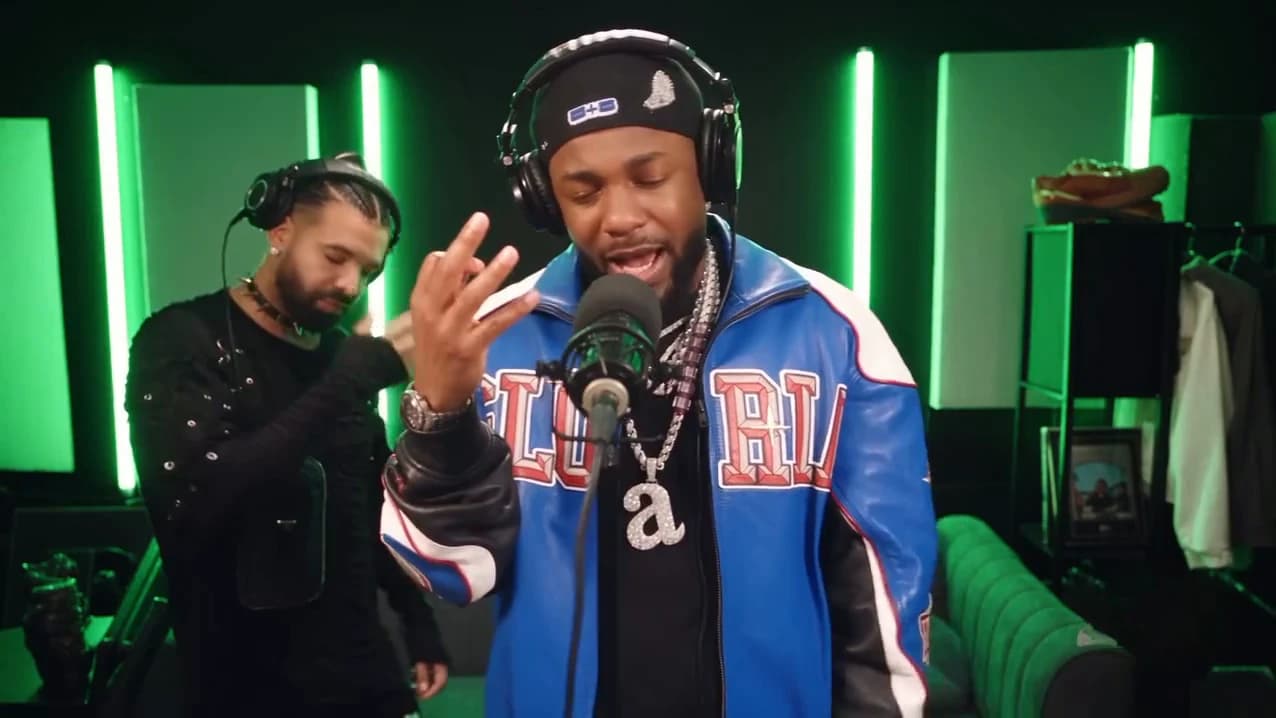
Studio Neutral Zone is a short AI clip: a green freestyle booth, one person rapping into the microphone, and right behind them the last person you would expect, nodding along. The creator's caption was "The studio is a neutral zone". This guide takes you from picking your pair to posting, in order. When your video is back, the companion article, checking your Studio Neutral Zone result, walks through it shot by shot.
Put your rivalry in the booth
Add a photo for the rapper and one for the partner, review your credit quote and make the 20-second booth clip with the original track.
What the template gives you
The template is the whole reel: about 20 seconds in landscape, four shots, one track. It opens on a close-up of the rapper at the microphone with the partner soft-focus behind on the left. At about 6 seconds it cuts to a wide shot of the whole booth, green light strips, a green sofa and a clothes rail, with the partner clearly visible behind. At about 13.9 seconds it cuts back to the close-up, and a last wide beat at about 19.75 seconds ends it. The rapper raps the entire time. The partner never does.
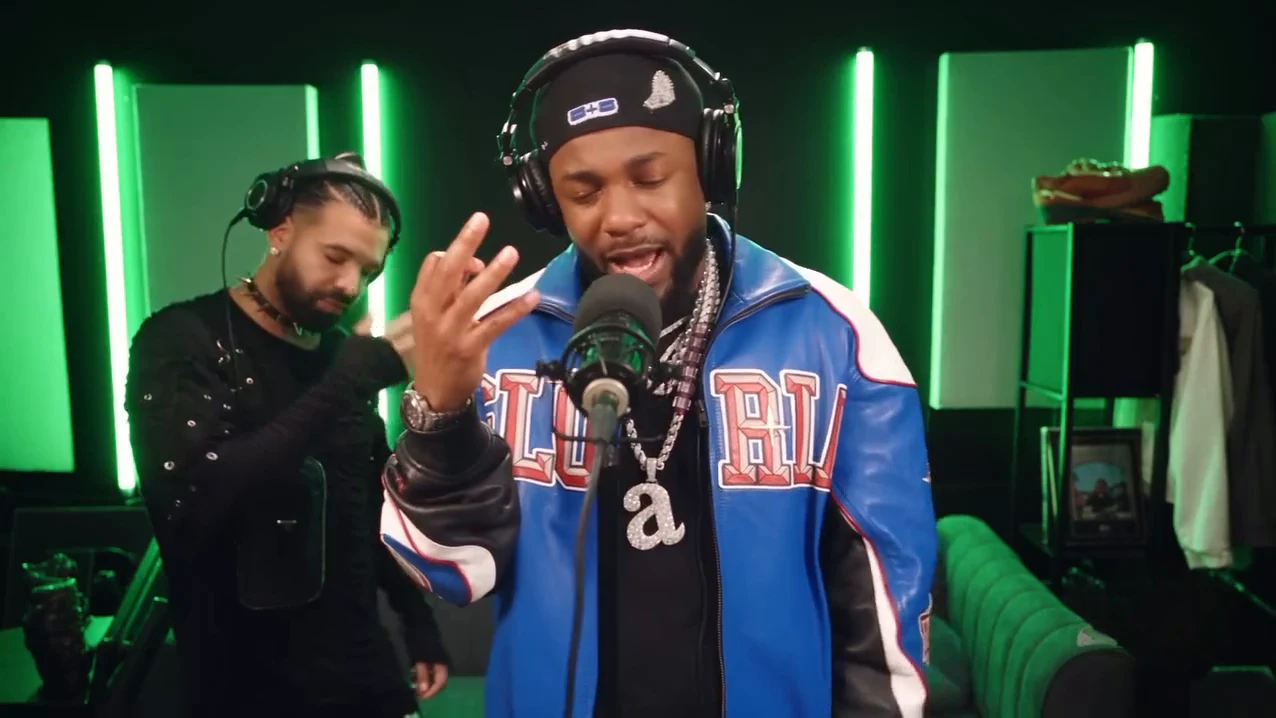
The wide booth shot. This is the reference AI reel by @downey.ai, not an Oakgen output.
The track is labelled on Instagram as "On The Radar Freestyle" by Drake and Central Cee, and it stays in your video. If you came for the song, the On The Radar Freestyle page explains how it lines up with the cuts.
Step 1: Pick the pair
The joke is the rivalry, so start there, not with the photos. The two people in the reference are AI likenesses of two famous rappers known for a public feud. Your version needs a rivalry your audience already knows: two friends who always argue about teams, two departments, two siblings. Rivals in the same booth has more on choosing the pair and keeping it friendly.
Step 2: Decide who raps
| Rapper | Partner | |
|---|---|---|
| What they do | Raps the whole verse | Grins, nods, covers a smile, moves to the beat |
| How the camera sees them | Large in two close-ups (about 12 seconds), head to thigh in the wide shot | Soft-focus behind in the close-ups, clearly visible in the wide shot |
| Best photo | Sharp, front-facing, the whole head visible | Clear face plus the top half of the outfit |
The funnier version is usually the one where the person who complains most about the other is the one standing behind, enjoying the verse. For a role-by-role breakdown, see casting the rapper and the partner.
Step 3: Pick the photos
- One person per photo, nobody else in the frame.
- Use photos of yourself or of people who agreed to be in the video. Do not use photos of celebrities or public figures; this template is not for recreating a real feud.
- Faces sharp and front-facing, no sunglasses, no hand in front of the mouth. The microphone already covers part of the rapper's mouth.
- Pick two people who look clearly different, so the roles stay readable through the cuts.
- The outfit in the photo is the outfit in the video. The durag, jacket and chains in the reference are not added; both of you get studio headphones.
Step 4: Check the quote and generate
Choose 480p, 720p or 1080p. The quote covers the full video, the preparation of both photos and three scene references, and the studio shows it before anything starts. Both slots must have a photo before the button works.
Step 5: Check the result
Watch once with sound and once without. With sound: only the rapper's mouth follows the verse, and the partner's mouth stays closed or grinning. Without sound: the two faces stay the same people through the cut at about 6 seconds and the cut back at about 13.9 seconds, and neither face turns into the other. The result check has the full list with timestamps.
Step 6: Caption it and post it
The video has no text on it, so the caption carries the joke: name the two sides, then let the clip do the rest. Caption ideas and placement has formats and the safe places for text in a landscape frame.
Then:
- Say the video is AI-made and credit @downey.ai for the original clip.
- Do not tag or name the real rappers as if they were in your video.
- The track is commercial music. Some platforms may mute or block it in some regions, and Oakgen does not license it for your account.
Where the clip comes from
The reel was posted on 23 October 2026 and had about 1,100 plays when we looked, so it is new. The source page covers the post, its caption and what we could not confirm. Oakgen also has a different booth trend made from another On The Radar performance, Fetty Wap On The Radar, where both people perform; pick that one for a duo performing together.
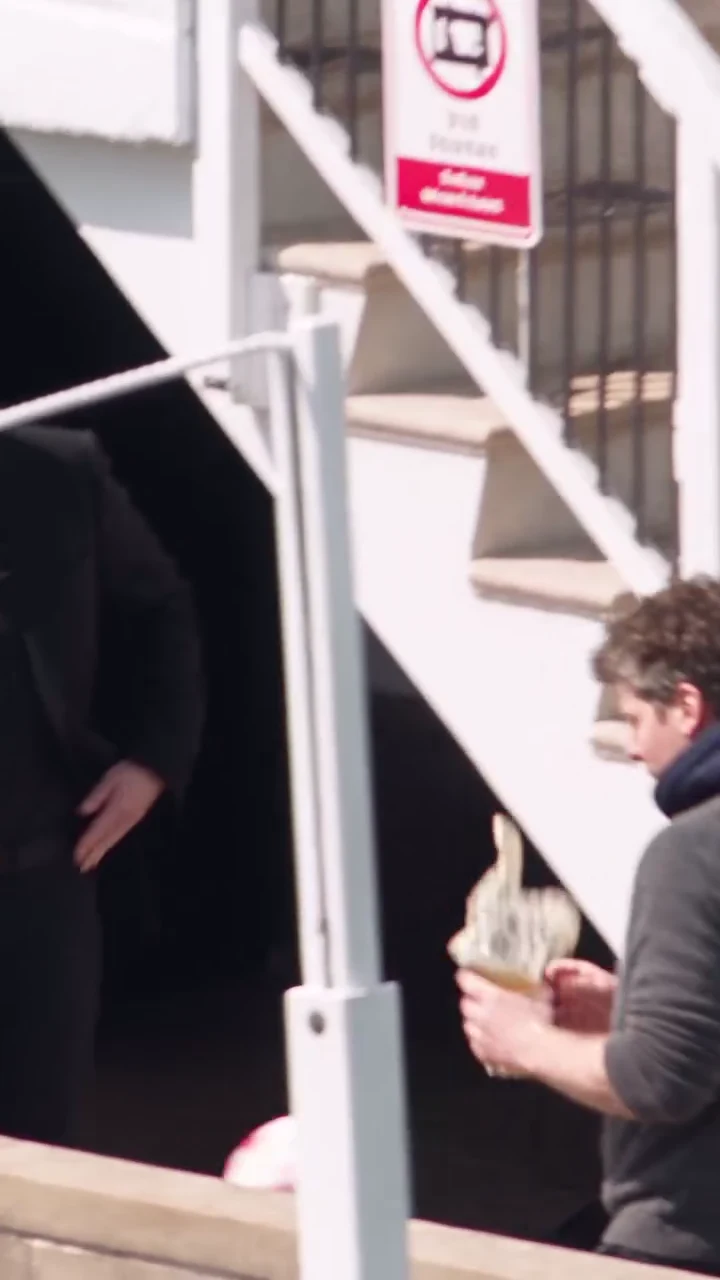
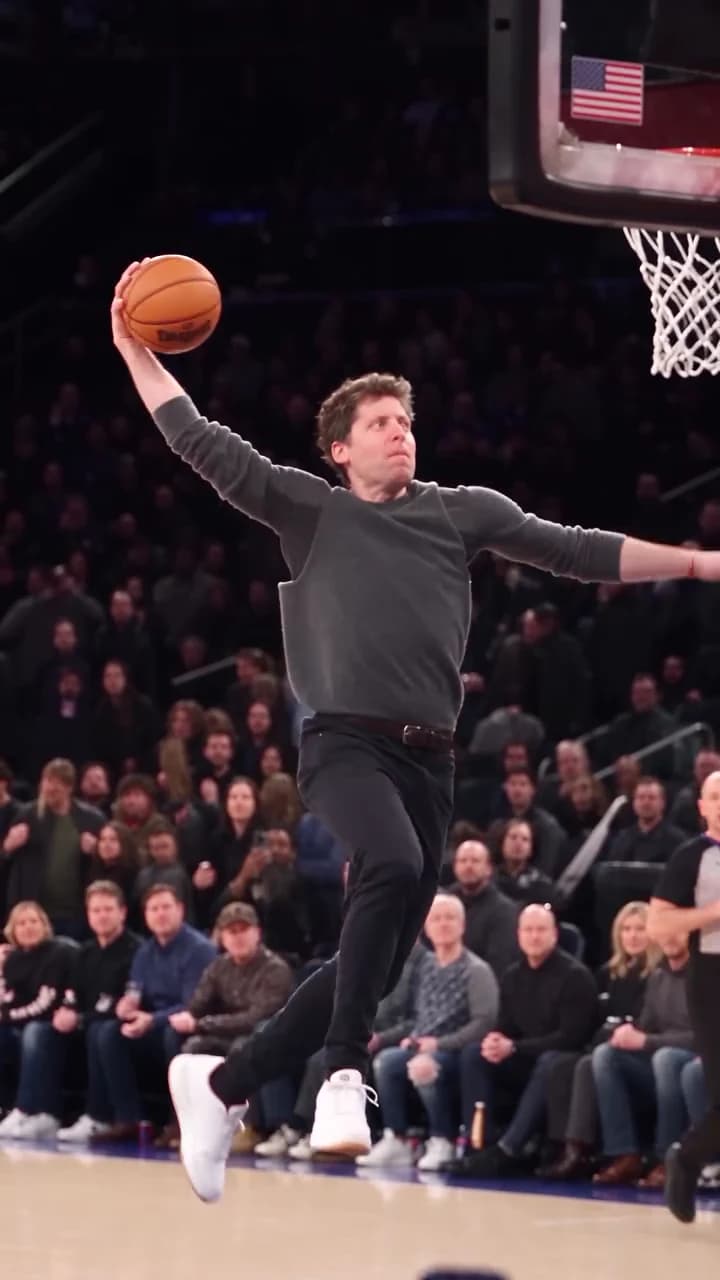
Two other trends from the same AI creator were added at the same time: How to make the Forever Dunk AI trend puts one photo into a packed arena dunk, and how to make the Beer Spill Kick AI trend sends a missed shot into a stand full of beer.